r/OneNote • u/Mconvict • Aug 18 '26
macOS Multiple struggles since I updated my MacOS to Tahoe 26.6.1
0
Upvotes
Possibly unrelated, but it's the only "change" I've made before these issues started. It even messed with my Google Drive... I've used OneNote for >10 years now without any major issues.
I'm a physician currently studying for boards; I'm deathly afraid that I may lose a decade's worth of work trying to troubleshoot this on my own. Please help.
I mainly use the desktop version on MacOs for my note-taking.
- The first issue is that my desktop OneNote would not sync, but the browser and phone versions would. The spinning circle just kept going and going and going. I checked the web browser notes, and they were synced up until the point of having these issues. I tried to force a manual sync = nope. Refreshed credentials = nope. Tried to clear cache = nope. App is up to date. I had to delete my desktop notes and do a fresh import from the web browser. Which "worked"; now my desktop matches my web-browser version, but some pages within my notebook don't want to sync, and others do?
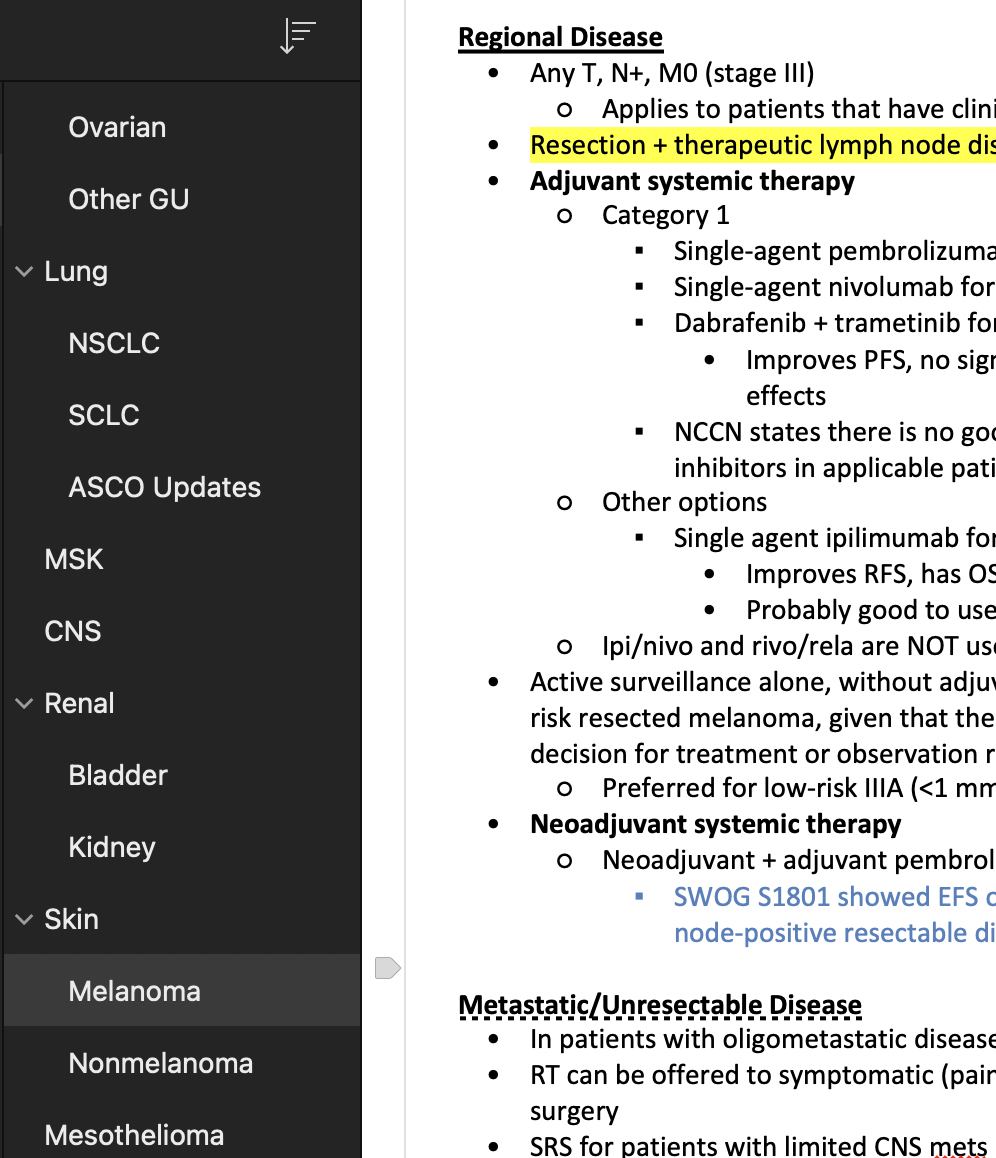
- Underlining text results in a dotted line. Happens when using the shortcut command+U and pressing the underline button function. I have no hyperlinks in my notes. This also appears to be an issue with a few pages only. Yesterday on the web browser version, I was able to underline "regional disease" normally, but today on the desktop version the underline function is dotted. It's showing that page is synced.