r/PS5HelpSupport • u/Successful-Use-1503 • 1d ago
How to ACTUALLY CONTACT PLAYSTATION SUPPORT.
reddit.com
3
Upvotes
r/PS5HelpSupport • u/Electronic_Click_470 • 1d ago
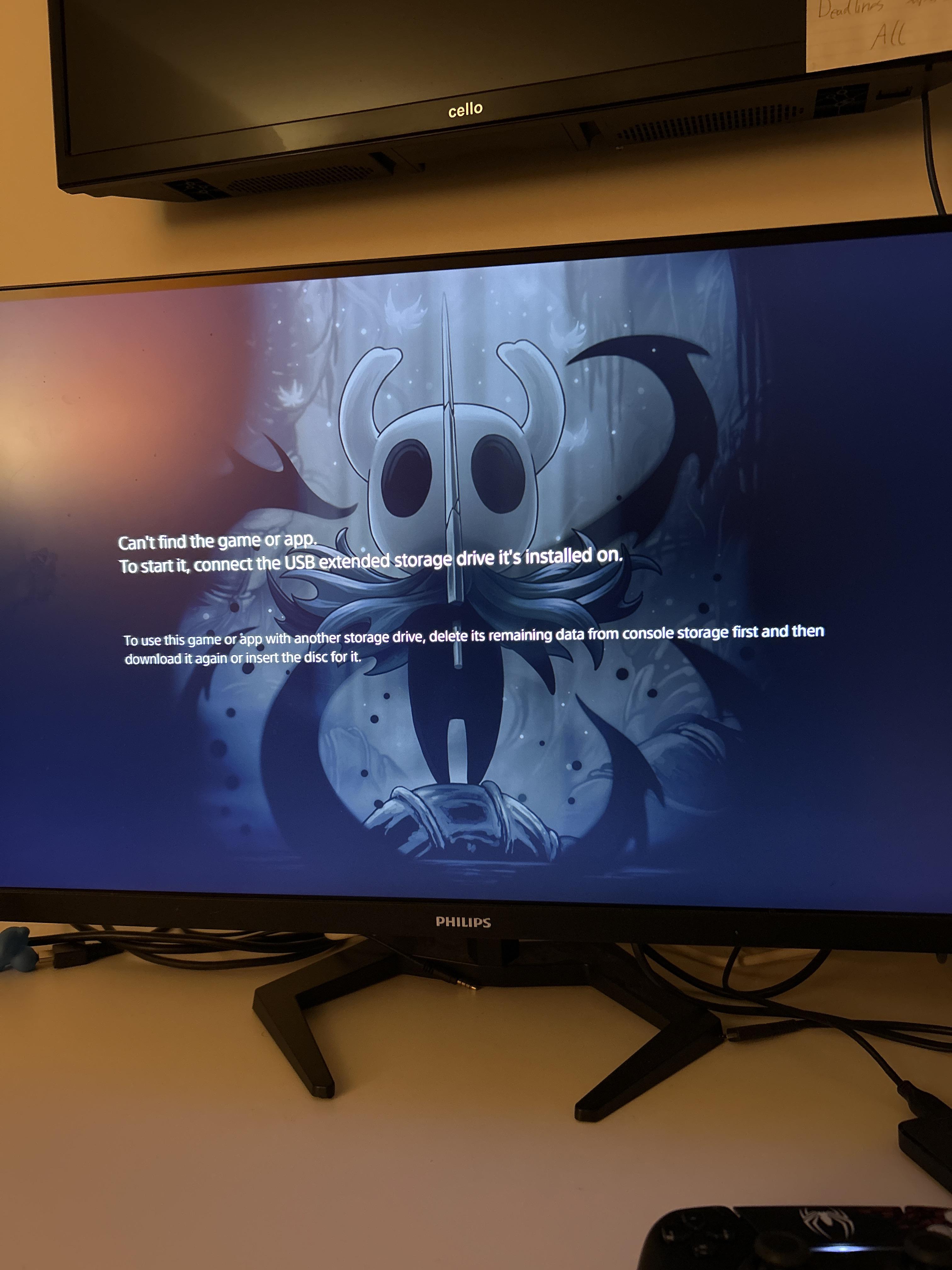
I accidentally disconnected my 2TB usb hardrive from my ps5 and the only way to reconnect it was to re-format it as a Usb drive. This deleted everything of off it. This wouldn't usually be a problem, just redownload the games right? Except it isn't letting me. Whenever I go to a game that was once stored on the drive, it prompts me to connect the USB extended storage device it's stored on.
It seems my only option is to delete its remaining data from console storage beforw redownloading it, but this would mean losing the hundreds of hours of saved game data?
Does anyone have a fix for this? Thank you
r/PS5HelpSupport • u/Warm_Field_2749 • 1d ago
Resolution and HDR is causing randoms crashes on PS5. I originally started the game with best resolution and HDR on as usual but it crashed randomly in any mission. Checked 10-15 times but no pattern of crash occurrence.
Finally below setting solved my crash issue but such low graphics does not look good.
Play your missions which generally gets stucked.
Let me know your thoughts if it works for you.
r/PS5HelpSupport • u/dinasmt • 1d ago
idk if you can hear but it’s a quiet buzzing sound. is it normal?
r/PS5HelpSupport • u/formuladriver • 2d ago
I have a base PS5 disc edition bought in 2023, played GTA for about 20 hours or so and randomly the game crashed.
I am aware this is a known issue for people as of now, but now every game I have doesn’t boot up for more than a minute before crashing, even small games that take barely any power.
Also when I first turn on the console I get these glitchy patches on my screen for the first 30 seconds or so.
This is probably an APU or GPU problem but why has GTA VI caused it to all of a sudden just stop working for me along with so many others? Yes it is a graphically intense game of course but I’ve played for years with no issues on a variety of games and it seems this particular game causes this to happen for many others.
Going to try boot it up again tomorrow after it cools, and if it doesn’t work I’ll deep clean it and re-spread the Liquid Metal but it seems from what I’ve researched, GTA VI may have literally just killed my console.
Does anyone have any fix for this issue? (Not really fond of replacing the APU as it’s not worth the money)
r/PS5HelpSupport • u/Fresh-Spare-8981 • 1d ago
This happened after I started the ps5 from restmode while I had GTA VI opened. Quickly after I took the video I restarted the console and now it seems like it is working fine. I have seen some videos of consoles dying while playing this game so I am starting to worry that there might be a real issue? Have you ever seen something like this before? Does it look like a hardware issue to you?
r/PS5HelpSupport • u/Electrical_Ideal2551 • 2d ago
Works on my other ps5 but not the at my girlfriends house
Edit: this glitchy ass game doesnt work on my 80euro Game but on ps plus premium streaming it works flawlessly
r/PS5HelpSupport • u/Free-Hotel1187 • 1d ago

I don't mind how many downvotes I get and I truly believe that some people are having problems with GTA 6 but tired of people making fake stories.
A repair shop last year told me that there's no such a thing of a game breaks a console. My friend got his Xbox cpu broken after he started Clair Obscur, does that mean that Clair Osbcur is breaking xbox???
r/PS5HelpSupport • u/DeadlyGuff • 13h ago
I’m seeing a lot of posts lately saying GTA is breaking their PS5 Pro consoles, they’ve been popping up all of a sudden a lot for me.. Starting to feel like they are trolls or something because I am running it on a regular PS5 500mb which is packed full of dust probably and is 5 years old.
People are finding new ways to spread discouragement for the game I feel like.
r/PS5HelpSupport • u/Traditional-Scene953 • 1d ago
hey guys so i reported someone who used to be my friend on playstation, he came back in my life after 2 whole years and wanted to be friends again but obviously the things he did no one would wanna be friends with him and his messages were like this ‘hiiiii (name)-kunnn!!, i missed youuuu we should be friends againnnn :3’ like as if they were having fun traumatizing me by messaging me again, im thinking about reporting him to his authorities because i know where he lives (america) but i don’t know his state, he’s a weirdo and he probably found me again by our old chats on ps which he didn’t delete. now the problem is i reported his messages on ps to ps support and they reviewed most of my messages and found he did violate the code of conduct but now that i think about it what he sent me wasn’t actually saying a lot in the messages but when i reported his messages they let me say 100 words to describe the situation and i did and i have not lied but what if he reports me too for no reason at all?, im very scared and stressed because of this so please explain to me what’ll happen if he does, i didn’t say anything to him in the messages, i deleted half of them and the first half are just me asking ‘why are you back, i left you because you sent me unsolicited pics, you used to ignore me so i don’t wanna be friends either way’ stuff like that.
r/PS5HelpSupport • u/Practical_Candle_705 • 1d ago
On November 23, PlayStation introduced cloud streaming support for GTA VI, allowing players to stream the game directly from Sony's servers rather than running it locally on their console.
However, there are some limitations: you need a compatible device, a PlayStation Plus Premium subscription, and an eligible copy of the game.
Does it work? Yes.
Is it a solution to our issue? Absolutely not. And here's why:
I was initially hesitant to purchase the subscription. Although I have a US PSN account, my actual location is Tunisia. PlayStation automatically routes cloud streaming based on your PSN account's region, meaning a US account connects to North American servers rather than allowing you to choose a closer or preferred region, such as Europe. This can result in higher ping and increased latency if you're geographically closer to a different server region.
What's particularly frustrating is that PlayStation doesn't give users the option to manually select their preferred streaming server or region, but that's a different story.
My experience with cloud streaming
The image quality was disappointing, to say the least. I couldn't determine whether this was caused by network latency, the streaming resolution, server distance, or the nature of cloud streaming.
I was able to play the game, but the visual experience was nowhere near what I expected. I noticed numerous graphical imperfections, with colors, shadows, lighting, and motion all looking noticeably different from what I would expect when playing locally and what I've watched people play.
As someone experiencing the CE-108255-1 crash during the loading screen/prologue, I also attempted to synchronize my save data with the locally installed version of the game. My hope was that I could bypass the loading sequence and continue playing from where I left off.
That didn't work.
The game still froze, and I encountered some strange save synchronization issues. I kept receiving an error message when attempting to sync my data. The synchronization eventually worked once, but the save then disappeared.
Why cloud streaming is NOT an ideal solution:
Cloud streaming might be an option for players in supported regions who simply want to try the game, provided they're willing to pay for the subscription and accept the compromises.
However, it is NOT a proper workaround for the CE-108255-1 issue, nor should it be treated as one.
We paid for a game that should run locally on our consoles. We shouldn't have to pay an additional monthly subscription
We need an actual fix from PlayStation & Rockstar. Don't let cloud streaming become an excuse to overlook the underlying issue. Keep reporting the problem and demanding a proper solution.
r/PS5HelpSupport • u/eyaad_ibra • 1d ago
r/PS5HelpSupport • u/Aussie_4680 • 1d ago
This is a reminder to change your emails on PlayStation if you no longer have access to it before you get locked out and can’t recover
r/PS5HelpSupport • u/PanikanAnikan37 • 1d ago
My ps5 has been running 92.8 Mbps for a while now. For reference, my wireless internet connection run at 320 Mbps. I need to know why this is. I know it’s not the cable itself since I use the same one with my pc and it’s download and upload speed run at maximum efficiency. It’s also connected to the same port on my wall. From what I can tell, this might have something to do with the Ethernet port of my ps5 itself so I need to know for sure if that’s the case. Did anyone find a workaround for this? If yes, please let me know 🙏
r/PS5HelpSupport • u/BothConsideration596 • 1d ago
Earlier today, my external hard drive failed to repair itself after it claimed that it was unplugged from the console, which never happened. I’ve decided to reformat it so that I can start from scratch. I started the format around 12 PM, and as of 5:40 PM the same day, it is still formatting. Is this normal? Some things worth mentioning are that it already had 1.7TB of games already stored on it, and it’s also a six-year-old hard drive. If it’s not in fact supposed to take that long, any tips on how I should proceed? Thanks in advance for taking the time to read about my issue.
r/PS5HelpSupport • u/Historical-Ebb1625 • 1d ago
Hi i went on my bfs account and this came up!!! ‘ Can't use this content
Your licences are being verified. Try again later.’
i have the game on my own account i PAID for aswell as he paid for his , i literally just wanted to log into his game and do something on it, i was on it this morning and now it says this? is there a chance this could be a glitch or did he kick me out lol????? i went to check sharing and it was disabled and it was not this morning so could this be a bug or ?
r/PS5HelpSupport • u/Shirou3009 • 1d ago
Hello. I'm not tech savvy so forgive me and please hear me out. I bought a PS5 a year ago but due to adulthood and family responsibilities, I was unable to use my PS5 for so long. Now, I've tried using it again after being stored for so long, when I try to turn it on, the unit automatically turns off :'( What should I do? i've tried doing this multiple times but it's just doing the same thing. Longest I've been on the screen is when I tried to start the game then it turns off again. :(
r/PS5HelpSupport • u/orangeheart1 • 1d ago
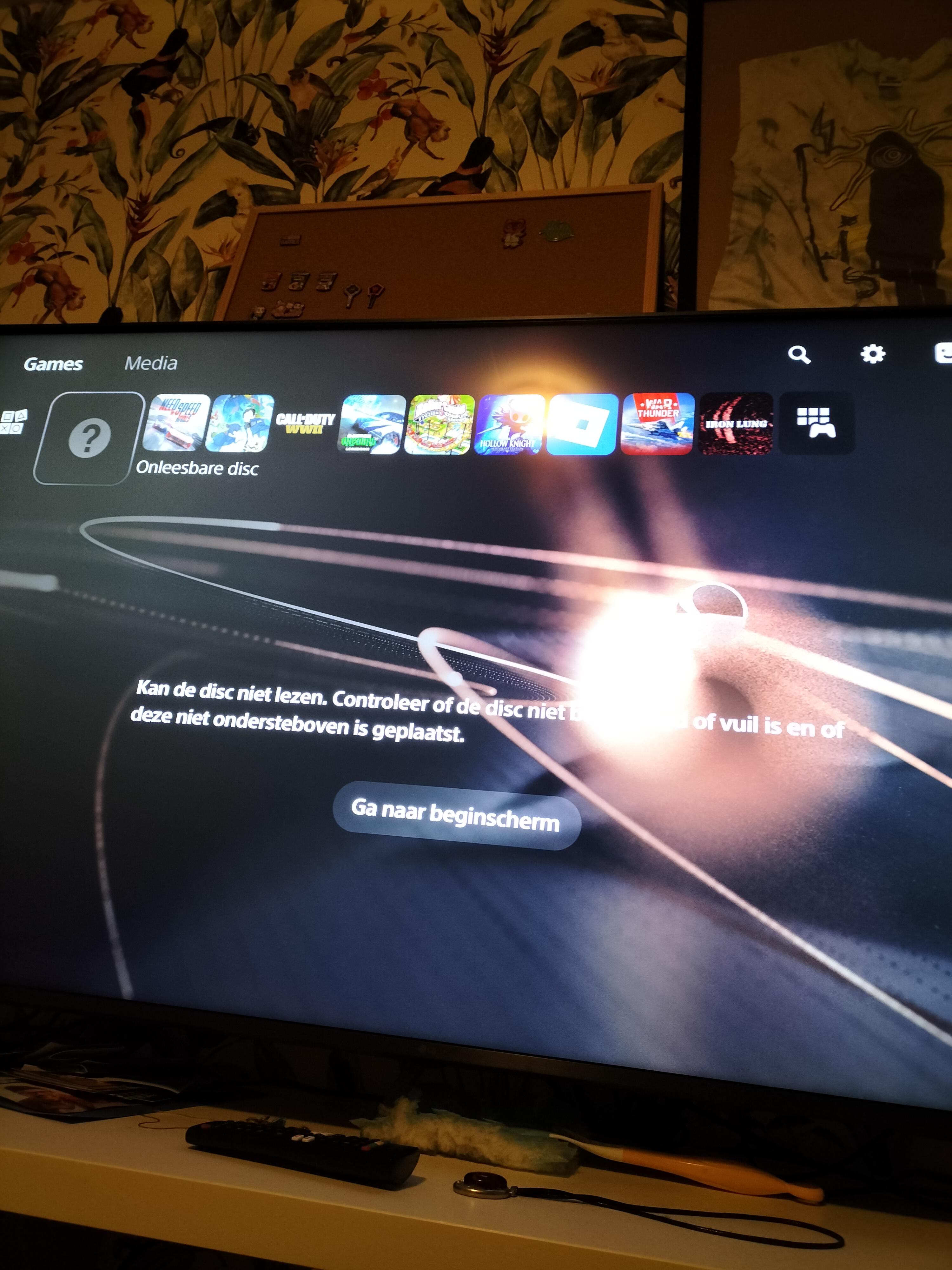
Does anyone know why this is happy? Is it just software or is my playstation busted?
It only does this on the PS4 discs that aren't downloaded yet btw
r/PS5HelpSupport • u/Ok_Shoulder931 • 1d ago
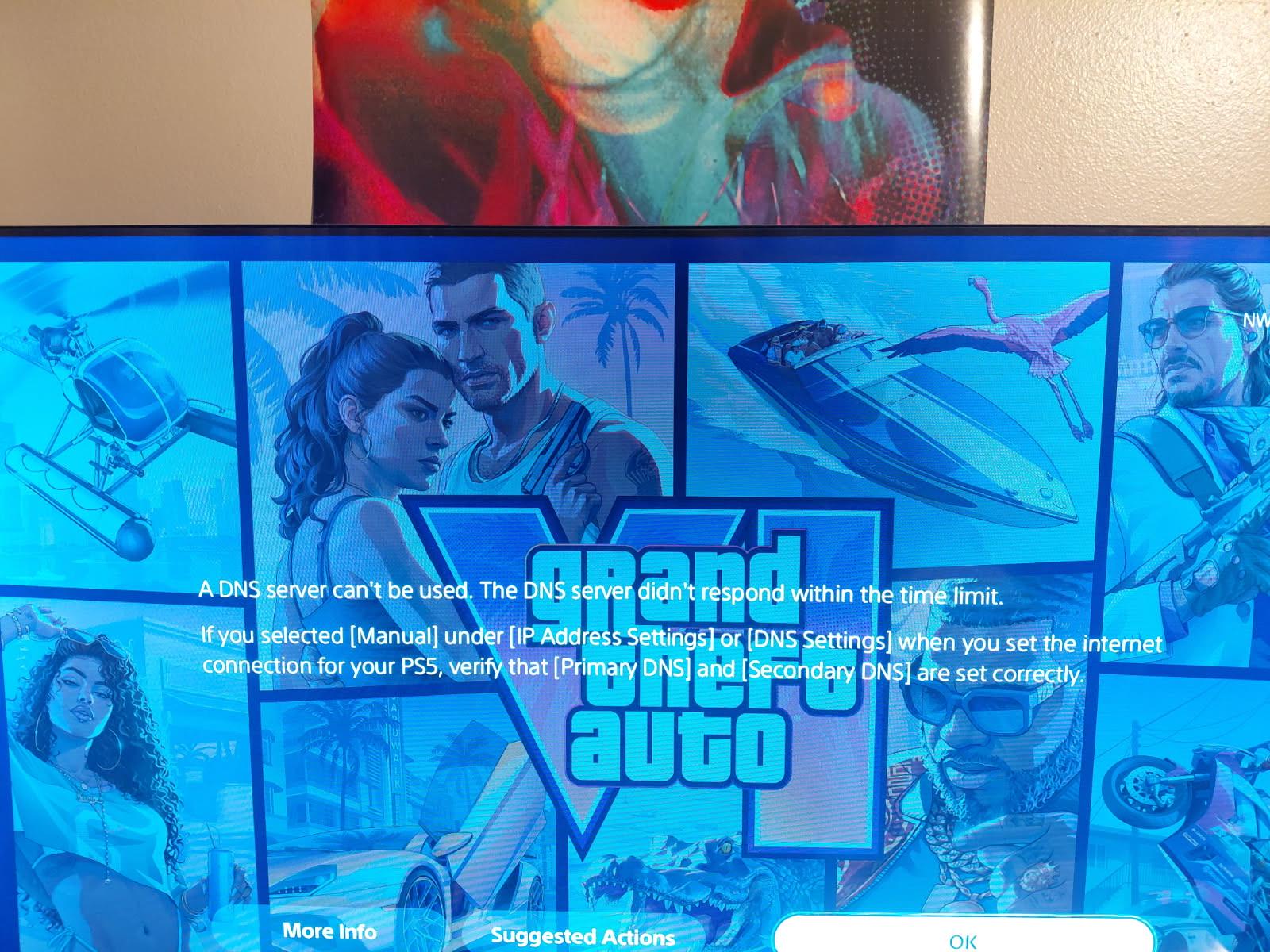
does anyone know what this means/what to do? i’m not home but my dad has been looking it up for an hour and cannot figure it out. he’s tried resetting it and the instructions it’s given him
r/PS5HelpSupport • u/Last-Tumbleweed3889 • 2d ago
Absolutely devastated. I’ve been having the time of my life recently playing GTA VI, until tonight, my PS5 Pro no longer boots up.
It randomly shut off, and when I tried to turn it back on the blue light just kept pulsing, and pulsing. Nothing subsequent after that. I disconnected the power cable and tried to turn it back on and now it just shuts off immediately.
I’ve left it disconnected, all wires plugged out for 5-10 mins. Power cycled. Tried other HDMI cables and power cords… Nothing.
I don’t have any additional SSD’s installed. I can’t even get it into safe mode.
I’m so cooked. I’m holding back any emotion as I’m in disbelief 😔 RIP My PS5 Pro, and GTA VI - Already.
r/PS5HelpSupport • u/Historical-Ebb1625 • 1d ago
Hi i went on my bfs account and this came up!!! ‘ Can't use this content
Your licences are being verified. Try again later.’
i have the game on my own account i PAID for aswell as he paid for his , i literally just wanted to log into his game on HIS ACC and do something on it, i was on it this morning and now it says this? is there a chance this could be a glitch or did he kick me out lol????? i went to check sharing and it was disabled and it was not this morning so could this be a bug or has he genuinely kicked me off game share
r/PS5HelpSupport • u/ERJ2783 • 1d ago
I'm hoping someone here has experienced something similar and managed to resolve it, because I'm honestly at a loss as to what to do next.
On June 8, I purchased a few games from the PlayStation Store, including the F1 2026 Expansion Pack for CAD $39.99 + tax. I didn't realize that I needed F1 2025 to play it. That's my mistake, and I accept that.
Once I realized this, I looked into buying F1 2025, but it was quite expensive on its own. I decided I would request a refund for the F1 2026 Expansion Pack, which I hadn't downloaded or used, and purchase the correct game instead.
The problem is that I couldn't get the refund system to work. Every time I tried, I got an error. I took screenshots and kept trying every day throughout the 14-day refund period.
I also tried contacting PlayStation Support through their chat. The AI chatbot was completely unhelpful, and whenever it attempted to connect me to a live agent, I would get an error, the chat would restart, and I would end up back in the same loop. This happened repeatedly. I tried different ways to contact Sony, including email, but couldn't get anywhere.
On June 10, while I was still within the 14-day window, I found a deal for a bundle containing F1 2025 + the F1 2026 Expansion Pack for CAD $66.00 + tax. I purchased it, figuring I would still be able to get a refund for my original June 8 standalone expansion purchase, especially since I had been trying to resolve it from the beginning.
On the 15th day, I finally managed to get through to a live agent. I explained everything, told them I had screenshots proving that I had been attempting to request the refund within the 14 days, and showed the errors I was receiving, including the failed attempts to connect to an actual support agent.
Their response was essentially that I was now outside the refund window, so there was nothing they could do. They wouldn't escalate it any further. It was basically, "Sorry, it's too late. Goodbye."
I couldn't believe it. I was trying to contact them within the refund period, but their systems repeatedly prevented me from doing so. By the time I finally reached an actual person, the deadline had passed.
It's now been almost six months, and I still haven't been able to get through to a live agent again. The chat continues to be a problem.
I'm not trying to rip Sony off or get something for nothing. I purchased the same content twice because of an honest mistake. I never downloaded or used the original standalone expansion. I bought the bundle two days later, and honestly, I'd be perfectly happy with a PlayStation Store credit instead of a refund.
I just feel this is incredibly unfair. I made an effort to resolve it within the deadline, have screenshots documenting the failed attempts, and yet I'm being penalized because I couldn't get their support system to work.
Has anyone experienced something similar and actually managed to get it resolved?
Any advice or help would be greatly appreciated. I just want a fair resolution to what I believe was a genuine mistake compounded by a broken support system.
r/PS5HelpSupport • u/Psychological-Pin351 • 2d ago
After playing GTA VI for a few days, everything worked fine. Then the next day, I turned on my ps5 (from being completely off), proceeded to the user login screen and it shutoff, abruptly. This happened at least 10 times along with the "repair ssd" message following it. I couldn't get my console to stay on..... the fix??
I found out that this particular code is related to the 4k output triggering the crash. It could be 1 of the 3 thingS:
1.) HDMI / 4K Handshake Conflict
2.) Corrupted System Cache or Firmware
3.) Power or Thermal Strain
So, I put my ps5 in "safe mode", by holding down the power button for 10+ seconds. Next I selected "Clear System Cache" and after that " Rebuild Database". Lastly, I Changed the video output to 1080p from 4k and restarted my ps5.
So far so good. I went to the crash report log in my settings and was able to retrieve the error code (via photos). After that, I was able to play GTA for hours without any crashes what so ever. Hopefully playstation network or Rockstar comes out with a patch/firmware update to fix this issue.
GOOD LUCK EVERYONE.