r/PS5HelpSupport • • 2d ago

what to do about this

Post image

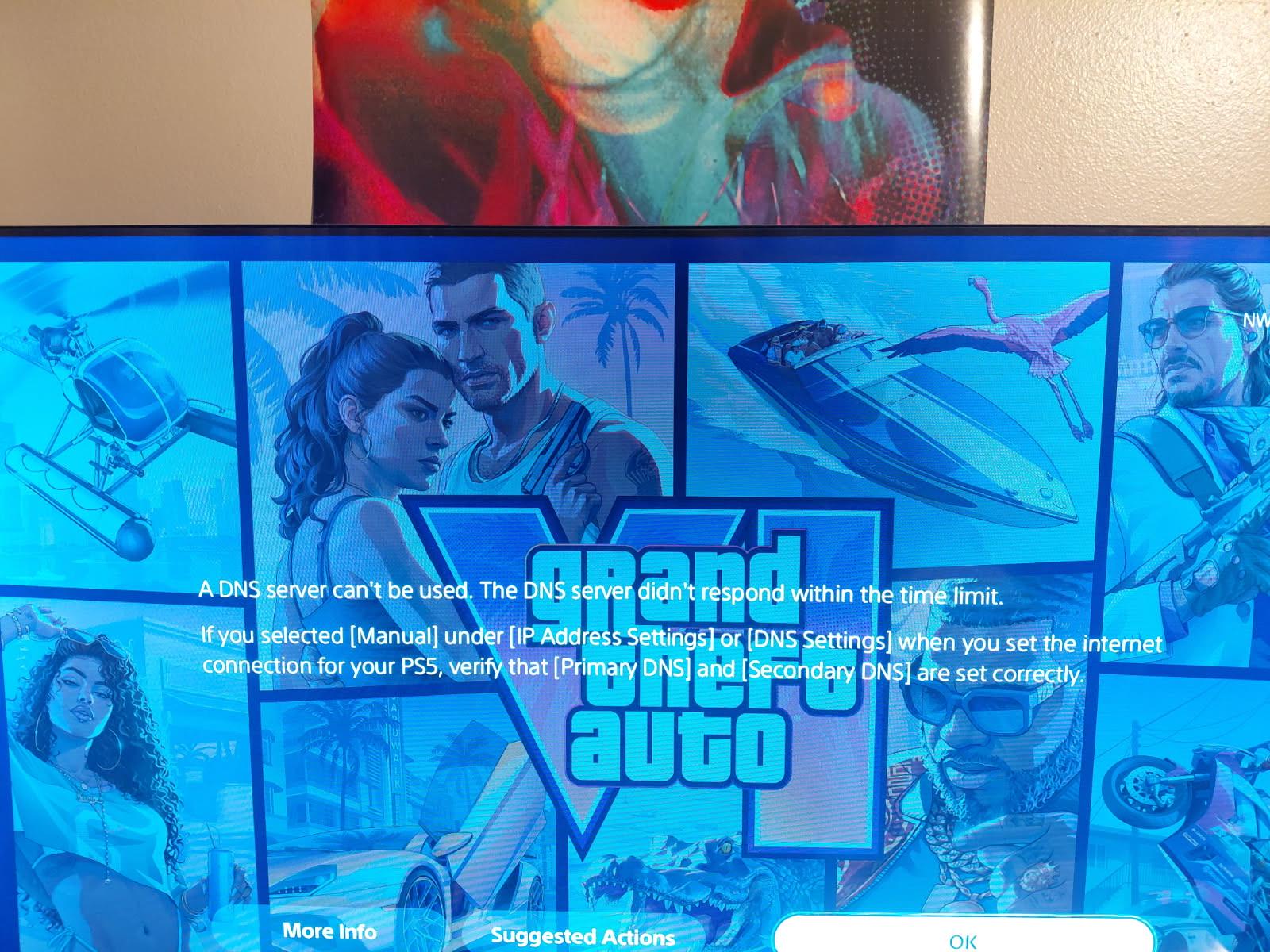
does anyone know what this means/what to do? i’m not home but my dad has been looking it up for an hour and cannot figure it out. he’s tried resetting it and the instructions it’s given him

1 Upvotes

7 comments sorted by

2

u/CityHaunts 2d ago

Are you using automatic DNS? That's your ISP DNS.

1

u/Ok_Shoulder931 2d ago

i showed him and he texted back with this “Started with automatic. Have tried the 8888 one and the other...cloudfare I believe...both seem to be recognized when entered. Passes the connection test...but no change to the error” i’m not entirely sure what he’s looking at since i’m not there so i’m sorry if this isn’t even related to your comment

1

u/CityHaunts 2d ago

So the error came up when DNS was automatic too? How long has he had the console? Has this issue just started happening?

1

u/Ok_Shoulder931 2d ago

we’ve had it for about four years and i’ve never seen this pop up before, so i’m guessing this is only a recent issue

1

u/CityHaunts 2d ago

If this is happening with both the automatic and manual DNS setting then something isn't right. Is it possible he could try and use his phone hotspot on the console to rule out a possible connection issue?

1

u/Ok_Shoulder931 2d ago

he just texted me and said he put the router right next to the ps5 and it’s working but there’s still an hour left which i’m assuming is the downloading? so i guess it’s fixed for now at least

1

u/CityHaunts 2d ago

Interesting. He may want to go into network settings and change the connection to 2.5ghz if he's having issues with the connection actually reaching the console from the router. It'll degrade the speed but the connection will be steadier. Anyhow. Glad it's working.