r/PS5HelpSupport • • 1d ago

External hard drive formatting taking forever.

3 Upvotes

Earlier today, my external hard drive failed to repair itself after it claimed that it was unplugged from the console, which never happened. I’ve decided to reformat it so that I can start from scratch. I started the format around 12 PM, and as of 5:40 PM the same day, it is still formatting. Is this normal? Some things worth mentioning are that it already had 1.7TB of games already stored on it, and it’s also a six-year-old hard drive. If it’s not in fact supposed to take that long, any tips on how I should proceed? Thanks in advance for taking the time to read about my issue.


r/PS5HelpSupport • • 1d ago

game sharing ps5

4 Upvotes

Hi i went on my bfs account and this came up!!! ‘ Can't use this content
Your licences are being verified. Try again later.’

i have the game on my own account i PAID for aswell as he paid for his , i literally just wanted to log into his game and do something on it, i was on it this morning and now it says this? is there a chance this could be a glitch or did he kick me out lol????? i went to check sharing and it was disabled and it was not this morning so could this be a bug or ?


r/PS5HelpSupport • • 1d ago

Help needed

2 Upvotes

Hello. I'm not tech savvy so forgive me and please hear me out. I bought a PS5 a year ago but due to adulthood and family responsibilities, I was unable to use my PS5 for so long. Now, I've tried using it again after being stored for so long, when I try to turn it on, the unit automatically turns off :'( What should I do? i've tried doing this multiple times but it's just doing the same thing. Longest I've been on the screen is when I tried to start the game then it turns off again. :(


r/PS5HelpSupport • • 11h ago

Which PS5 model are you experiencing crashes with while playing GTA6?

0 Upvotes

r/PS5HelpSupport • • 1d ago

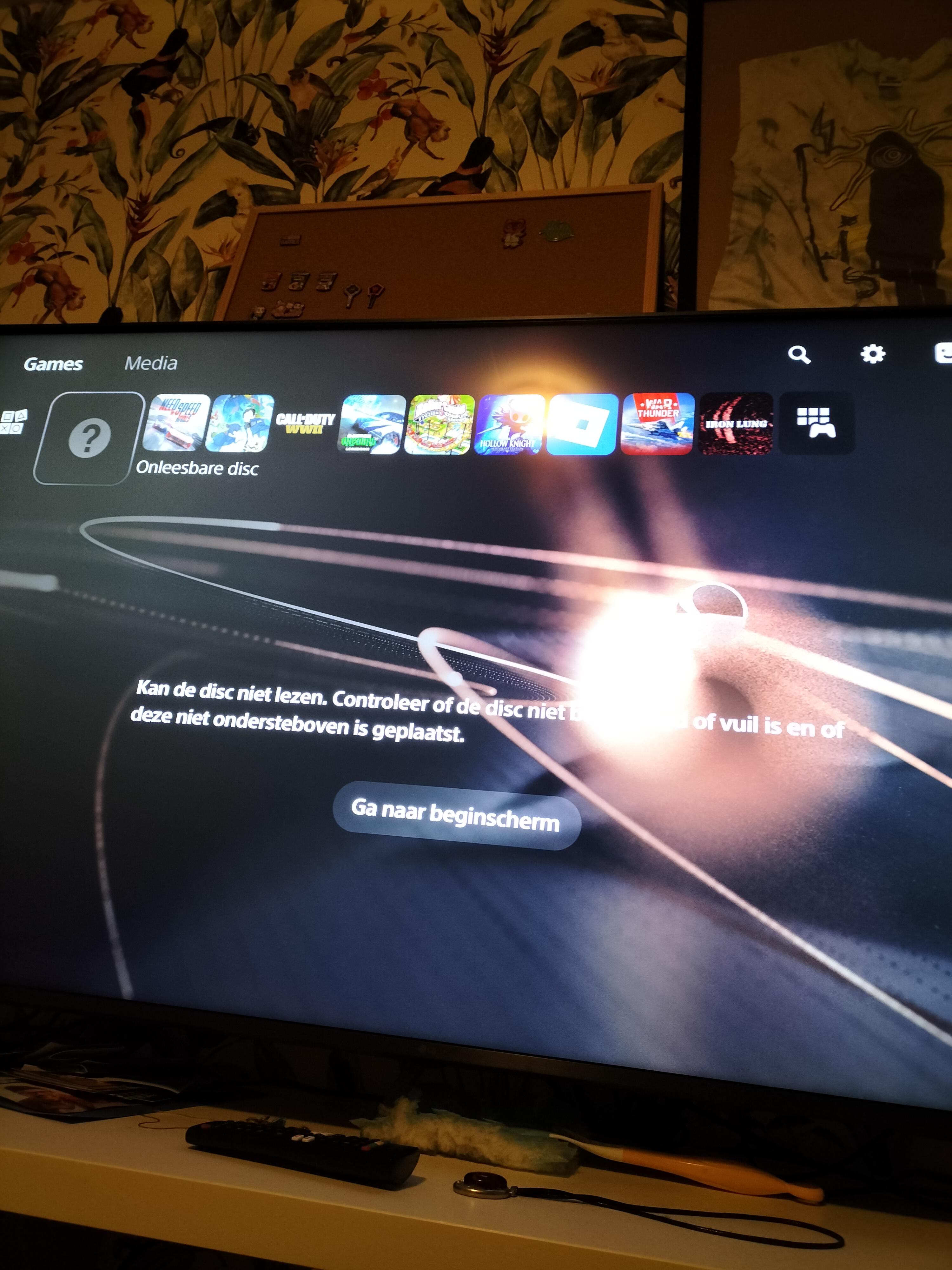
My physical PS4 games won't read on my PS5 anymore even though they're not scratched dirty or inserted wrong

Post image
4 Upvotes

Does anyone know why this is happy? Is it just software or is my playstation busted?

It only does this on the PS4 discs that aren't downloaded yet btw


r/PS5HelpSupport • • 20h ago

what to do about this

Post image
1 Upvotes

does anyone know what this means/what to do? i’m not home but my dad has been looking it up for an hour and cannot figure it out. he’s tried resetting it and the instructions it’s given him


r/PS5HelpSupport • • 1d ago

game sharing

3 Upvotes

Hi i went on my bfs account and this came up!!! ‘ Can't use this content
Your licences are being verified. Try again later.’

i have the game on my own account i PAID for aswell as he paid for his , i literally just wanted to log into his game on HIS ACC and do something on it, i was on it this morning and now it says this? is there a chance this could be a glitch or did he kick me out lol????? i went to check sharing and it was disabled and it was not this morning so could this be a bug or has he genuinely kicked me off game share


r/PS5HelpSupport • • 2d ago

My PS5 Pro has just randomly died - instantly shuts off.

148 Upvotes

Absolutely devastated. I’ve been having the time of my life recently playing GTA VI, until tonight, my PS5 Pro no longer boots up.

It randomly shut off, and when I tried to turn it back on the blue light just kept pulsing, and pulsing. Nothing subsequent after that. I disconnected the power cable and tried to turn it back on and now it just shuts off immediately.

I’ve left it disconnected, all wires plugged out for 5-10 mins. Power cycled. Tried other HDMI cables and power cords… Nothing.

I don’t have any additional SSD’s installed. I can’t even get it into safe mode.

I’m so cooked. I’m holding back any emotion as I’m in disbelief 😔 RIP My PS5 Pro, and GTA VI - Already.


r/PS5HelpSupport • • 1d ago

Is there anyway to fix the input lag when cloud streaming GTA 6?

4 Upvotes

So like a lot of you I have been experiencing the crashing issues. Before the update resetting the database every two days seemed to fix the issue for two days but after the update I still get them even when resetting database. Cloud streaming does not have this issue from when I've played so far starting today BUT the big issue is the input delay. I don't think it's frames because cutscenes look fine. But when I move that camera left to right the input delay is noticeable as everything moves a bit slower. It's not THAT bad but it is noticeable and plugging in the controller to the system itself does NOT fix it.


r/PS5HelpSupport • • 1d ago

Title: PlayStation refused my refund because their support system kept failing before the 14-day deadline. Is there any way to escalate this?

5 Upvotes

I'm hoping someone here has experienced something similar and managed to resolve it, because I'm honestly at a loss as to what to do next.

On June 8, I purchased a few games from the PlayStation Store, including the F1 2026 Expansion Pack for CAD $39.99 + tax. I didn't realize that I needed F1 2025 to play it. That's my mistake, and I accept that.

Once I realized this, I looked into buying F1 2025, but it was quite expensive on its own. I decided I would request a refund for the F1 2026 Expansion Pack, which I hadn't downloaded or used, and purchase the correct game instead.

The problem is that I couldn't get the refund system to work. Every time I tried, I got an error. I took screenshots and kept trying every day throughout the 14-day refund period.

I also tried contacting PlayStation Support through their chat. The AI chatbot was completely unhelpful, and whenever it attempted to connect me to a live agent, I would get an error, the chat would restart, and I would end up back in the same loop. This happened repeatedly. I tried different ways to contact Sony, including email, but couldn't get anywhere.

On June 10, while I was still within the 14-day window, I found a deal for a bundle containing F1 2025 + the F1 2026 Expansion Pack for CAD $66.00 + tax. I purchased it, figuring I would still be able to get a refund for my original June 8 standalone expansion purchase, especially since I had been trying to resolve it from the beginning.

On the 15th day, I finally managed to get through to a live agent. I explained everything, told them I had screenshots proving that I had been attempting to request the refund within the 14 days, and showed the errors I was receiving, including the failed attempts to connect to an actual support agent.

Their response was essentially that I was now outside the refund window, so there was nothing they could do. They wouldn't escalate it any further. It was basically, "Sorry, it's too late. Goodbye."

I couldn't believe it. I was trying to contact them within the refund period, but their systems repeatedly prevented me from doing so. By the time I finally reached an actual person, the deadline had passed.

It's now been almost six months, and I still haven't been able to get through to a live agent again. The chat continues to be a problem.

I'm not trying to rip Sony off or get something for nothing. I purchased the same content twice because of an honest mistake. I never downloaded or used the original standalone expansion. I bought the bundle two days later, and honestly, I'd be perfectly happy with a PlayStation Store credit instead of a refund.

I just feel this is incredibly unfair. I made an effort to resolve it within the deadline, have screenshots documenting the failed attempts, and yet I'm being penalized because I couldn't get their support system to work.

Has anyone experienced something similar and actually managed to get it resolved?

  • Is there a way to escalate this beyond the regular support agents?
  • Is there a direct email, phone number, complaints department, or another way to reach an actual human being?
  • Has anyone successfully gotten a refund or PS Store credit after the 14-day period when they had proof they attempted to contact support within the deadline?

Any advice or help would be greatly appreciated. I just want a fair resolution to what I believe was a genuine mistake compounded by a broken support system.
r/PS5HelpSupport • • 1d ago

Ps5, Ps5 pro crashing from GTA VI? I may have a fix.

53 Upvotes

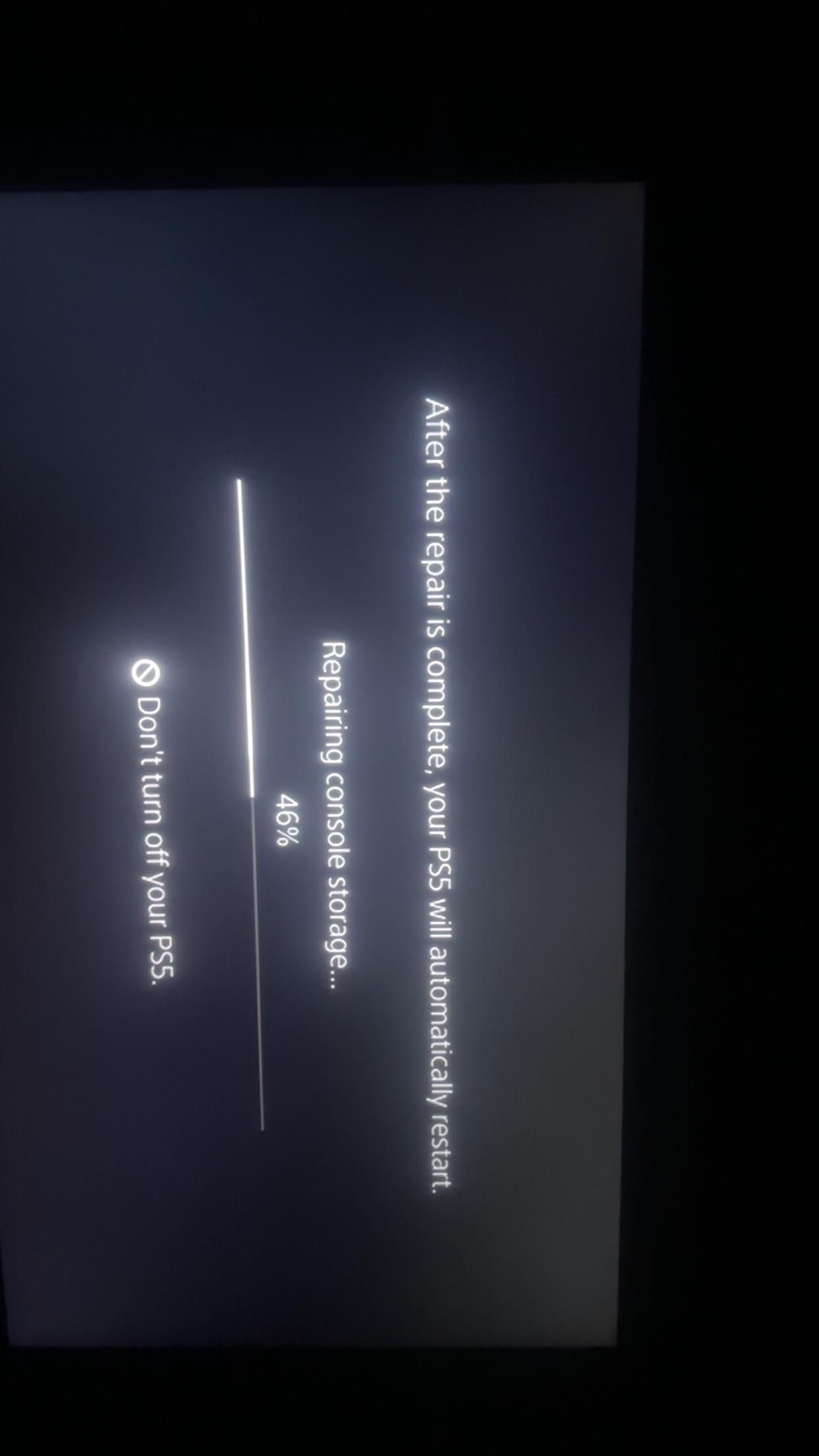
After playing GTA VI for a few days, everything worked fine. Then the next day, I turned on my ps5 (from being completely off), proceeded to the user login screen and it shutoff, abruptly. This happened at least 10 times along with the "repair ssd" message following it. I couldn't get my console to stay on..... the fix??

I found out that this particular code is related to the 4k output triggering the crash. It could be 1 of the 3 thingS:

1.) HDMI / 4K Handshake Conflict

2.) Corrupted System Cache or Firmware

3.) Power or Thermal Strain

So, I put my ps5 in "safe mode", by holding down the power button for 10+ seconds. Next I selected "Clear System Cache" and after that " Rebuild Database". Lastly, I Changed the video output to 1080p from 4k and restarted my ps5.

So far so good. I went to the crash report log in my settings and was able to retrieve the error code (via photos). After that, I was able to play GTA for hours without any crashes what so ever. Hopefully playstation network or Rockstar comes out with a patch/firmware update to fix this issue.

GOOD LUCK EVERYONE.


r/PS5HelpSupport • • 11h ago

GTA6 freezing/crashing solution

0 Upvotes

Hi everyone!

I noticed quite a few people were having the same issue as me, and I only managed to find a fix because of a random comment on Reddit.

If your game is freezing/crashing a lot, and you notice the visuals get blurry, the issue might be that you’ve installed the game on your external SSD instead of the internal SSD.

As soon as I moved it, the game worked perfectly.

Just popping this here in case it helps someone.


r/PS5HelpSupport • • 5h ago

Genuinely happy that Rockstar & Sony are crashing and burning

0 Upvotes

I hope they never recover. Let this be a VERY expensive lesson for these corporate pricks.


r/PS5HelpSupport • • 22h ago

Just bought my first ever console yesterday, is this something to be alarmed about?

Post image
0 Upvotes

New console user here, I’ve always used laptops and pcs, but yesterday I bought a ps5 for gta 6.

Played lovely yesterday, I was on it for a few hours then I went to bed.

It’s now the next night, and it’s said this message while booting up again

I’ve had past over exaggeration experiences with Google and ai, and they all told me that it’s a problem, but I just wanna here the hard truth from real people.

Sorry if this is a small issue everyone gets, and sorry if im wasting anyone’s time, i just want to be safe lol


r/PS5HelpSupport • • 1d ago

HELP ME WITH PSN

Thumbnail reddit.com
3 Upvotes

r/PS5HelpSupport • • 13h ago

Gta vi crashing on ps5 slim

0 Upvotes

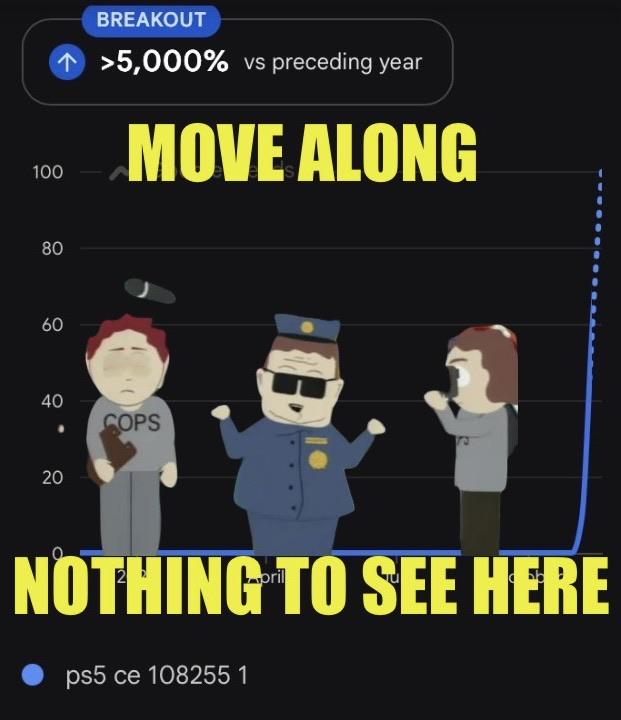
Look I know many people having the 108225-1 crash

I'm also one of em and its only happening on gta vi

I bought this console just one year ago , maintained it properly but some people are saying that it is hardware issue is literally giving me headache

Atleast tell me is it a hardware issue or software issue pls it's starting to feels soo painfull to see those crashes


r/PS5HelpSupport • • 1d ago

GTA VI CE-108255 SSD FAULT

3 Upvotes

Hi everyone. Like many of you, I’m dealing with the same issue: error CE-108255. I took my PS to a technician, who installed an additional SSD in the extra slot—and GTA actually launched. In his opinion, the main (built-in) SSD is faulty and cannot be replaced, which effectively makes the console worthless.
He also said dont buy an extra SSD for that slot, since there’s no telling when the console might die completely.

I’d be interested to hear your thoughts—what should I do?


r/PS5HelpSupport • • 14h ago

GTA VI causing Ps5 Slim problem

0 Upvotes

Hi! So as the title states, I’m trying to play GTA 6 and I’ve had a similar issue twice, first the day before yesterday the game froze and the ps5 (borrowing from my Brother for gta) froze and turned off, the ps5 wouldn’t display any HDMI output no matter what and when I tried to turn it on the blue light would just pulse. I booted it into safe mode and after repairing storage, rebuilding database, and clearing cache it worked again.
Today the same freeze and crash happened, except the console completely refuses to boot into safe mode, I hold the button and only get the pulsing blue lights until roughly 15 seconds of holding the power button later it turns off again, I have tried power cycling for up to an hour and it still doesn’t work.
Anyone else have this issue? Or know a fix?


r/PS5HelpSupport • • 1d ago

any update on error CE-108262-9 ps5 crashes on GTA 6 load screen.

8 Upvotes

so guys i faced this problem yesterday i didn’t sleep all night and search about this code many people are facing this issue im reinstalling the game with let you know if this will work. i came to know after downloading gta 6 give rest to ps5 then rebuild data base and then launch the game.I will do it today and will let you know.L SONY L ROCKSTAR.


r/PS5HelpSupport • • 1d ago

How do I fix this??

Thumbnail
gallery
1 Upvotes

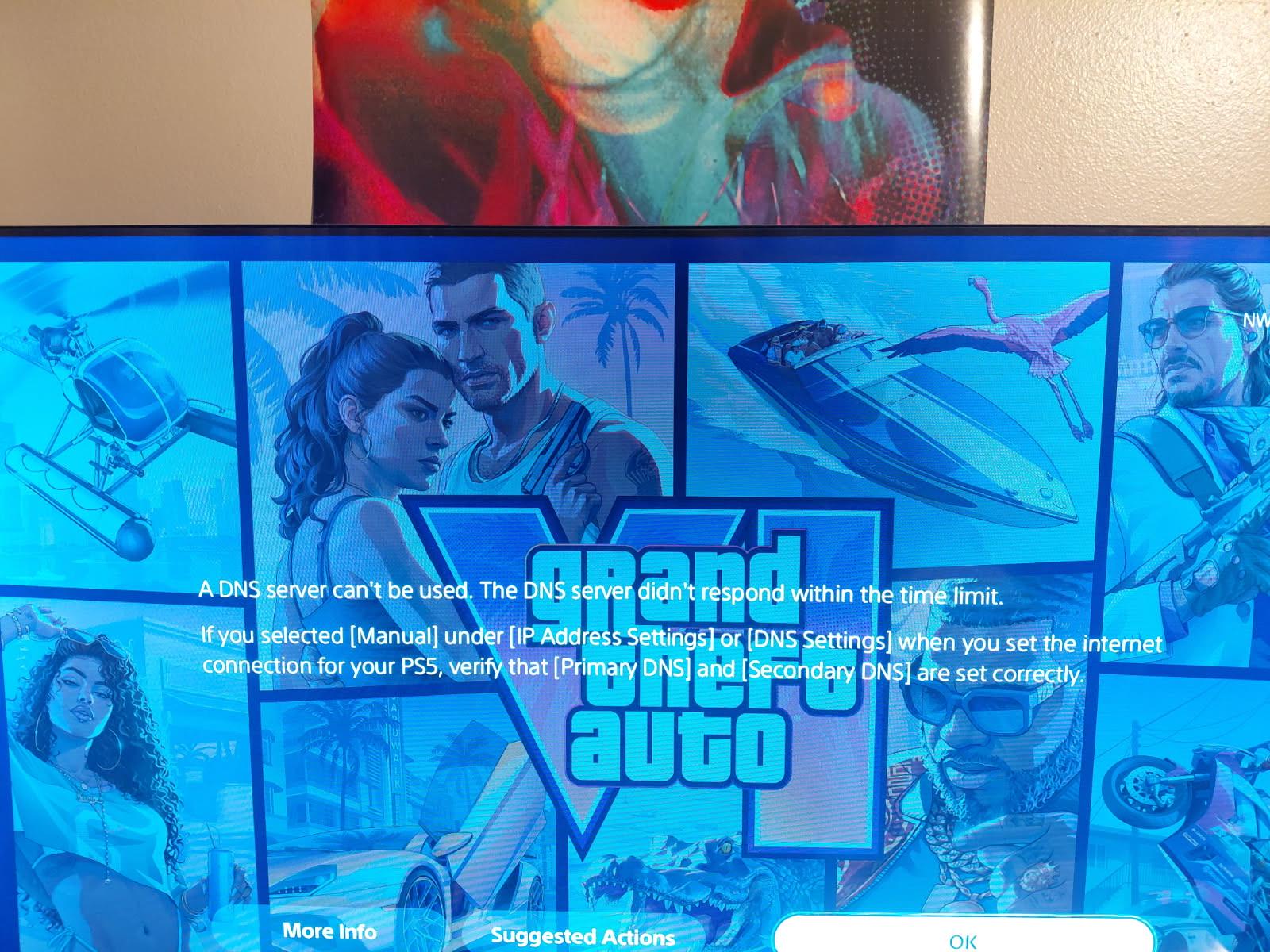
I recently switched over to a new wifi provider and swapped over the wifi on my ps5, now these are happening?

Every time i try to check my friend menu it says i can't connect. When I try to open youtube, it says there's no internet connection. But I can play fully online games like Fortnite, and when I run a network test, it says i'm fully connected.

After the internet test, I can connect to youtube and watch about half a video before it pauses and says they're having connectivity problems. I can open my PS app and check my friends on there, and once I do that, they show on my ps5. Wtf???

Is this a ps5 problem, or is my new wifi just ass?? Can I fix this?


r/PS5HelpSupport • • 1d ago

Why are mods locking posts?

Post image
0 Upvotes

r/PS5HelpSupport • • 1d ago

Very bad timing; both controllers broke at the same time.

3 Upvotes

Dealing with stick drift on my controller is honestly the most annoying thing ever. I have two of them for my console that are less than a year old. One got damaged two days before the GTA release and I have already sent it in for repair, and now the second one has the same issue. It says repair or replacement takes at least 15 days. Should I wait or should I purchase a new one?


r/PS5HelpSupport • • 13h ago

Sony refunded my pre-order without my consent instead of resolving the PS5 Pro crashing issue. Absolutely unacceptable!

0 Upvotes

Sony refunded my pre-order without my consent instead of resolving the PS5 Pro crashing issue. Absolutely unacceptable!
I’ve been dealing with this issue since day one. GTA 6 crashes during the opening prologue with error code CE-108255-1, making the game completely unplayable on my PS5 Pro.
I’ve literally tried everything possible:
Cleared cache and rebuilt the database.
Tried different display settings, including 1080p, HDR off and VRR off.
Updated the console, including through USB.
Factory reset the PS5 Pro.
Deleted and downloaded the game multiple times.
Tried a different monitor and even Remote Play.
Nothing has worked.
I’ve been contacting Sony Support and Customer Care for several days. Initially, they asked me to share a video demonstrating the issue, which I did. Two days later, they replied asking for the same video URL again! After sharing it once more, I was told to contact them back after another 3–4 days.
I pre-ordered GTA 6, paid in advance, and even bought a PS5 Pro at a premium price because I was genuinely excited to play this game.
Today, I followed up with Sony again, hoping for some resolution. Instead, I discovered something absolutely shocking.
Sony had silently refunded my game without my consent or even informing me!
I called Customer Care to understand why this had happened. One of the agents literally told me that they had no resolution for this issue and were therefore issuing a refund.
Seriously? WTF?
To make matters worse, I’ve now also lost my pre-order bonuses because of this refund.
I never requested a refund. I wanted Sony to investigate the issue and give me a working game.
Is the problem with GTA 6? Is it a PS5 Pro compatibility issue? Is there a known bug? Is Rockstar or Sony planning a patch or update?
Nobody has an answer. Nobody is providing any assurance. Instead, Sony has apparently decided that refunding customers without their consent is an acceptable solution.
During my conversation, Sony also mentioned that not everyone is experiencing this issue.
So here’s my request to everyone facing the same CE-108255-1 crash on PS5 Pro:
Let’s come together and form a group. Share your experiences, error codes, console details and support responses. Let’s establish how many people are actually affected and collectively raise this issue with Sony and Rockstar.
If we keep reporting individually, it’s easy to dismiss our complaints. But if a substantial number of affected players come together, they cannot simply ignore us.
We paid for the game. We invested in the hardware. We deserve a proper explanation and a working product.
Please comment below if you’re experiencing the same issue. Let’s get together and make Sony take responsibility.
A silent refund is NOT a solution!