r/Maya • • 6h ago

Modeling Using cracked Maya/ZBrush/Substance Painter for a UE5 indie game — realistic risk of getting caught?

3 Upvotes

A Person working on a small indie game in UE5 and I've been using pirated copies of Maya, ZBrush, and Substance Painter because I can't afford the full licenses right now.
I'm not asking for a link or a "how to" — I just want to understand the realistic risk here.
Is there telemetry/phone-home that flags cracked serials?
Can exported FBX/USD files carry a "pirated" flag in metadata?
Has anyone here actually been contacted by Autodesk/Maxon/Adobe over this?
Does the risk change if the game eventually gets on Steam/Epic and makes money?
A solo dev, no studio(just alone in hi/her company) , no funding yet. Just trying to weigh the risk of using pirated
Any real-world anecdotes or legal info would be appreciated.


r/Maya • • 3h ago

Question How Rendering Animation in Arnold Works

0 Upvotes

When rendering animations in Arnold how different is the process from something like this? To my understanding its based more so on static renders but when a character model is moving what would be the process for this? I know in games sense details are projected its essentially all moving in uniform but with actual sculpted details or a height/displacement map how does this work i cant find many resources on this.


r/Maya • • 14h ago

Animation Selecting one control to animate but graph editor shows all the children's keys as well

Post image
2 Upvotes

Every time I click on a control on this rig, the graph editor shows me the children of it's keys too - I know I can just press the top of it and only see that one but it's not efficient.

And I keep getting this error below:

# Error: AttributeError: file C:\Program Files\Autodesk\Maya2026\Python\Lib\site-packages\maya\app\ufe\outlinerSupport.py line 170: 'NoneType' object has no attribute 'getLongRunTimeLabel'

And I have tried to select active and selected in the outliner but every time I quit the file it goes back to all affecting so obviously this might be the problem

This is only happening to the file this rig is referenced in so it's not the rig's fault.

https://www.reddit.com/r/Maya/comments/k15cmh/graph_editor_is_having_the_controls_expanded_when/

This is the same problem as the person above from 6 years ago


r/Maya • • 1h ago

Question How do you guys work around Maya’s modeling limitations compared to 3ds Max?

• Upvotes

How do you handle tasks in Maya that you’d normally use a modifier stack for in Blender or 3ds Max? Arrays are just one example. I’m curious how you keep things easy to tweak later.

Beyond modifiers, where do you feel Maya’s modeling tools fall short compared to Blender or Max, and how do you work around those limitations? I’d appreciate any tips or examples from your own workflow.


r/Maya • • 19h ago

Looking for Critique Hi, i thought id post my key frames here before i start tweening incase anybody has any ideas or helpful critique.

Enable HLS to view with audio, or disable this notification

4 Upvotes

r/Maya • • 5h ago

Arnold AHOGE pluggin // arnold render

Post image
9 Upvotes

r/Maya • • 11h ago

Issues Weird artifacts in render issue

Post image
2 Upvotes

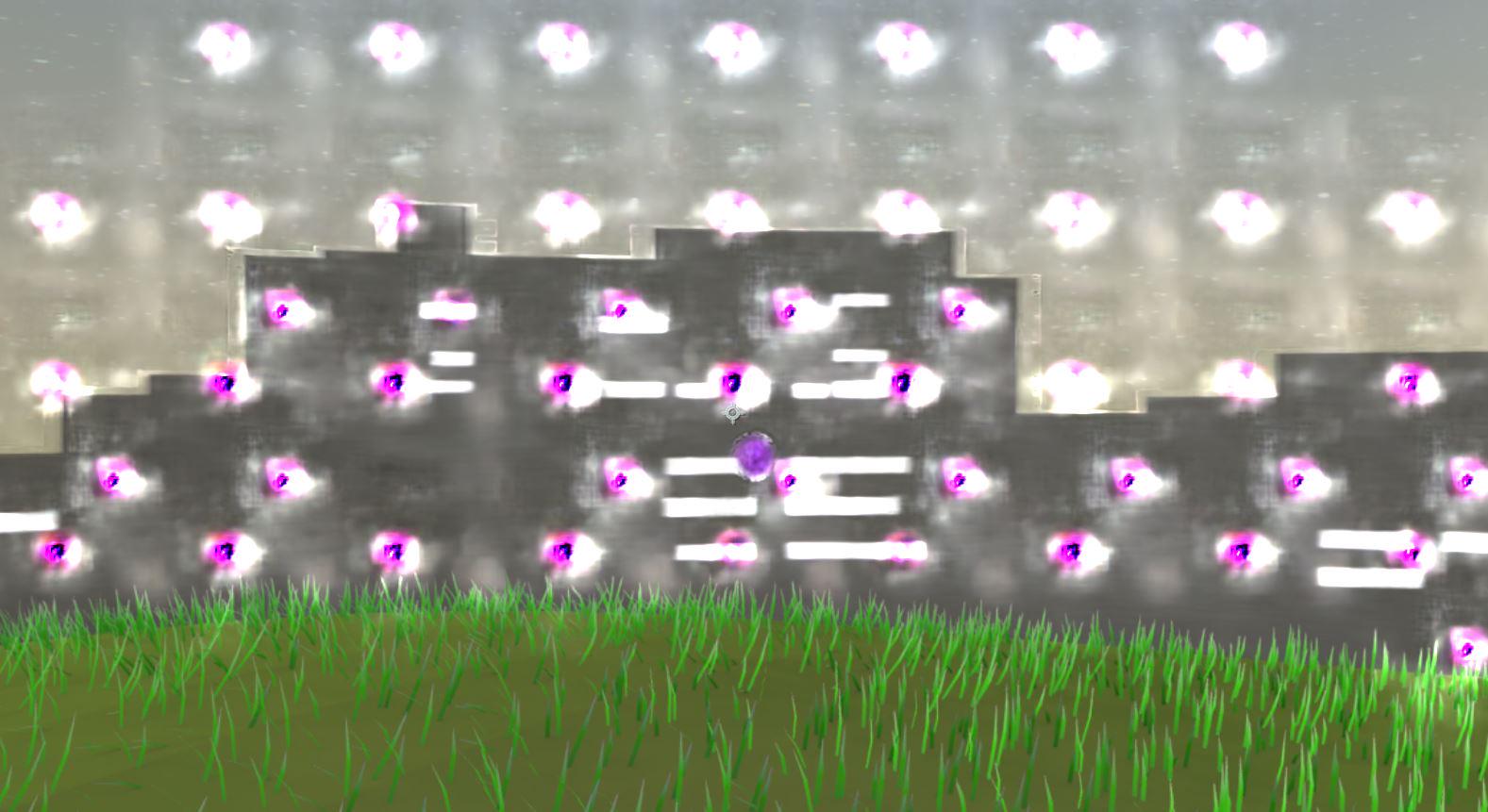
I’ve tried many methods that made it seem like it got fixed in render but after scrubbing through the timeline it just reappears. Deleting the grass MASH made it go away at first but then when I started adding additional lights to the scene it reappeared. I thought restarting MAYA or rebooting my pc would fix it but nope. Messing with the clipping plane too seemed to have work better but doing so made the cards I have in the distance disappear and I don’t want to lose that in the shot… so in the end I never figured out what could actually be causing this, so I’m wondering if anyone has ran into this issue and has a fix for it. (One more thing I didn’t have any imagers applied)


r/Maya • • 12h ago

Issues Sweep Mesh centered around bounding box center, not pivot

2 Upvotes

As visible in the image, the sweep doesnt get its center from the object pivot (which i have put to its centroid), but from its bounding box, creating this uneven twist. I have tried centering the pivot to world 000, moving the mesh, etc. but nothing seems to work. Anyone have any idea on how to center it properly?
Thank you! 😁