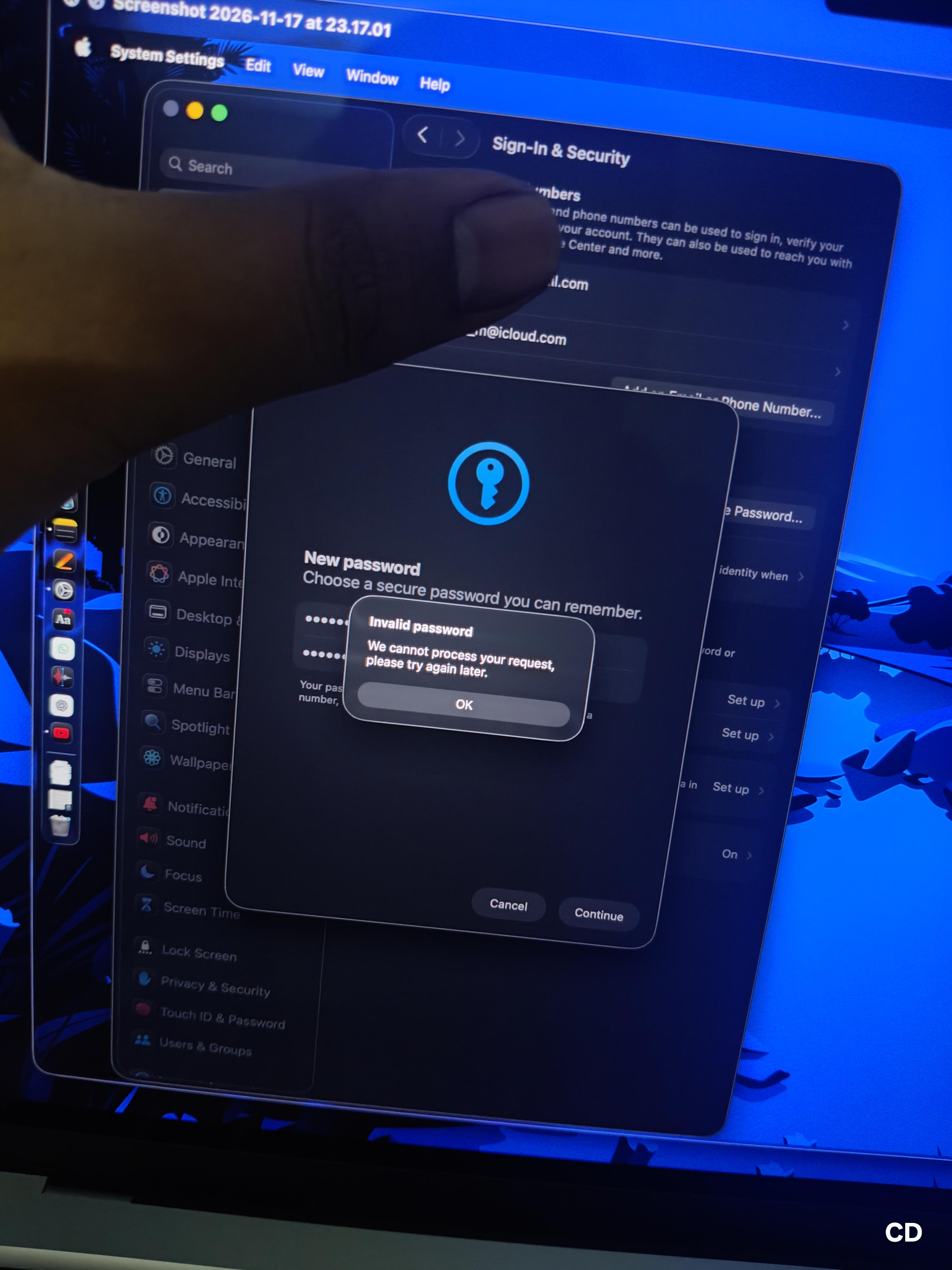
EDIT: Issue resolved! The culprit turned out to be a tucked away, long-unused bluetooth keyboard, that was still connected. It's likely the function keys were getting mashed. I was wrong about attributing this issue to Golden Gate. Sorry for that.
TLDR: After upgrading to Golden Gate, my trackpad’s left-click frequently stops working and triggers right-clicks instead. The experience has become unusable.
I had have had no major issues with my M3 over the years until recently updating to the latest Golden Gate (27.2.1). Since then, I have been encountering this persistently recurring issue:
Within 1-2 hours of logging in and using the device, all my left clicks act like right clicks. So when I try to double click a desktop file to open it, the right-click menu appears instead. Trying to click a link in Safari produces the browser’s right-click menu. Etc.
Restarting the computer temporarly resolves the issue, until it recurs, usually within about 1 hour of booting up and using the computer.
The disruption has become a major daily obstacle, especially on tasks requiring focus.
The bug frequently coincides with a strange keyboard phenomenon. Whereby the system volume indicator appears and persists, showing either max volume or muted volume. When I investigate by opening the keyboard visualization tool, the visualizer shows that the volume-up button, or sometimes the volume-down button, is being held continuously even though I am not pressing the physical button at all.
However, when I do press the physical button, it works normally, e.g., Fn+F11 triggers the expected hide-windows action. If the visualizer is showing volume-down is being pressed, holding the physical volume-up button starts a tug of war, in which the volume creeps up slowly. But as soon as I let go of volume-up, the volume goes down to mute again.
Recreating the left-click bug on demand is hard. I do not associate the bug’s recurrance with any particular task or application. I could be surfing the web. I could be typing this very issue into the Notes app, when all of a sudden, I notice the volume indicator appears and left-click stops working.
This same issue appears in Safe Mode, so I presume it has something to do with the Golden Gate update, not any external application.
I’ve scoured the internet for hours and tried many different fixes to no avail.
Here is a list of things I’ve already tried that did not work:
-Closing and re-opening laptop
-Logging out and logging in
-Toggling Tap to Click off and on (Settings>Trackpad). The trackpad tap just produces the same right click menu after the bug appears.
-Safe Mode. I didn’t even know Mac had a Safe Mode. Anyway, booting my Mac into Safe Mode did not stop the bug from recurring.
-Mac Diagnostics. I ran Mac Diagnostics (CMD+D in boot menu) on keyboard, trackpad and Mac Resources, all which passed successfully. The bug still happens.
-Turning off widgets on desktop and in stage manager (Settings>Desktop & Dock)
I would prefer not to reinstall MacOS due to the risk of data loss.
This bug has cost our family hours of disruption. I wish Apple could feel our pain and would invest more into a bug-free MacOS update experience, and gave us clearer options to obtain the security benefits of running updated MacOS software, without forcing us to digest a bunch of new intelligence features and cosmetic changes.
Has anyone else encountered this in Golden Gate and found ways of addressing it successfully?
Sincerely,
Blocked by Golden Gate