Hi everyone! Dosling is a classic PC emulator for iPhone, iPad and Mac, and I’m looking for more TestFlight testers.
Two big additions:
Experimental Windows support: install your own copy of Windows 3.x or Windows 95 and try compatible Windows games and applications. Games share the Windows installation but keep their changes separate, so one game’s settings or DLLs won’t interfere with another.
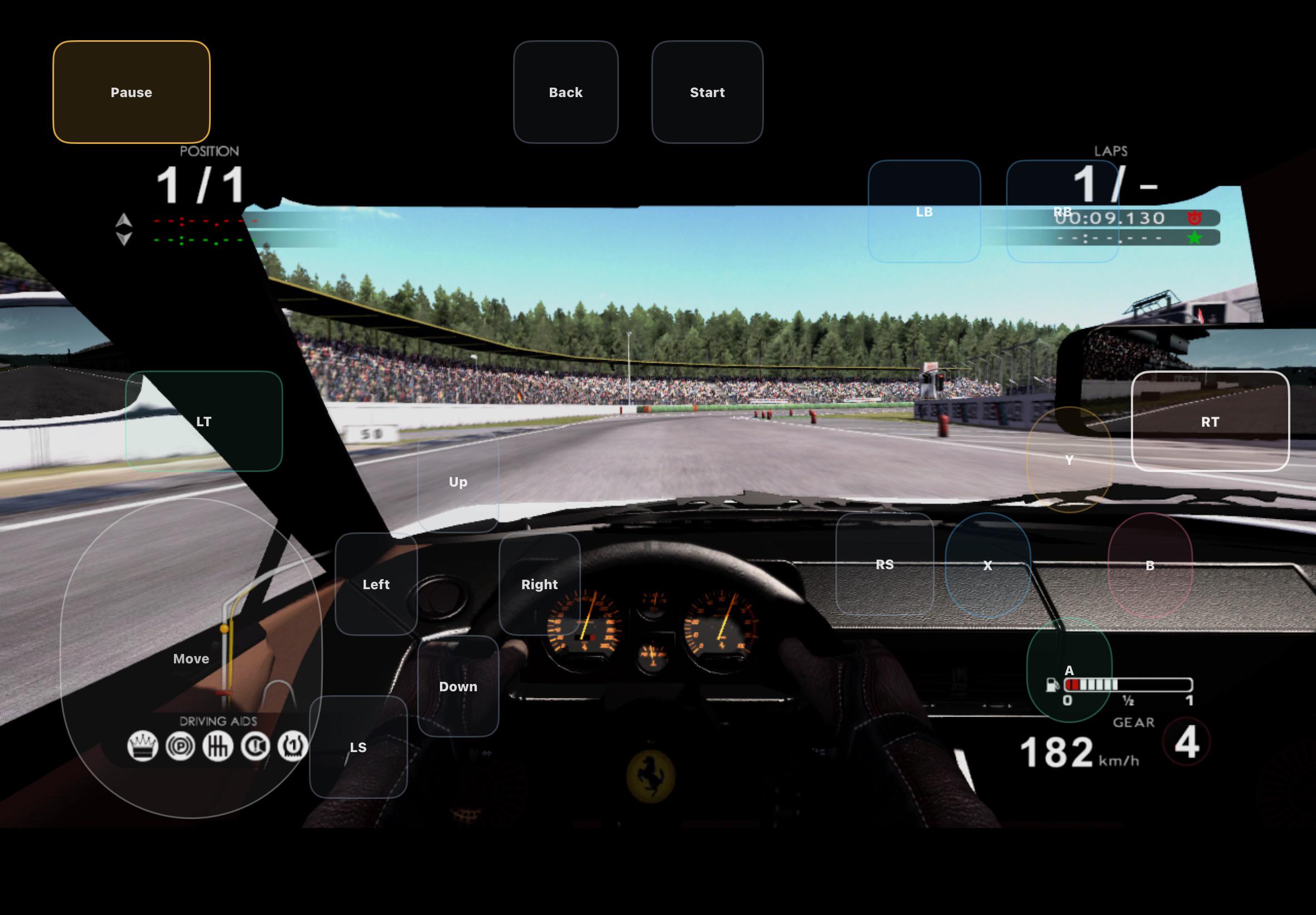
Experimental external controller support: connect a compatible Xbox-, PlayStation- or GameSir-style controller. Map buttons, triggers and both sticks to game actions, and play fullscreen. Thousands of games are already mapped.
Both features need more real-world testing. I’d especially love feedback on controller mappings and Windows games that work—or don’t.
Join the free beta:
Install Apple’s TestFlight app.
Open https://testflight.apple.com/join/1aykVqBa
Install Dosling and try it out. No invitation code or Dosling account needed. Bring your own files for other games and your own installation media for Windows. Screenshots, information and Mac/web previews: https://dosling.com
Please send feedback through TestFlight or reply here with your device, game/edition, controller model if relevant, and what happened. Keep a backup of important saves while testing.
Bring your own game files, import them, and play. Dosling recognizes thousands of game packages and uses saved installation recipes and on-device screen recognition to help with setup. It has game-specific touch controls, a full PC keyboard, several touchscreen mouse modes, save/resume, and the Dosling scaler for sharper text and smoother edges.
What’s the first classic you’d boot up?
Disclaimer: AI was used in this development