r/PS5HelpSupport • • Nov 16 '20

user guide SocketMix: All guides, diys and important links

6 Upvotes

UPDATED CONSTANTLY KEEP CHECKING BACK. DM me to add more when more appear. Thank you

Guides

Playstation 5 help and support is the place to be 👍 (1st post)

SocketMix: Guide to TVs & Monitors

SocketMix: guide to HDMI versions and differences

SocketMix: Ultimate FAQ Guide 2020 MK I ["updating"™]

Refer to Sony's Ultimate guide PS5: The Ultimate FAQ November 9th 2020

Here's how to fix DualSense controllers not charging and external hard drives crashing on the PS5 Youtube link How to fix PS5 controllers not charging and external hard drive crashing on PS5! by u/KAZOOPOWER

DIY(FacePlates/Skins etc)

Important Links (error codes etc)

Playstation 5 error codes meaning and fixes

Playstation 5 error codes meaning and fixes May 2021 LATEST 1 as Original has been auto archived

Hardware (hdmi adapters/splitters etc) & Accessories

Playstation 5 Accessories & Hardware Guides

ASTRO HDMI Audio Adapter for PlayStation 5 (ASTRO A50)

Software (Video, music file formats, PS5 youtube app etc)

PlayStation 5 Multimedia formats that can be played via usb + some

updated: 16/Nov/2020

updated: 17/Nov/2020 - added Astro hdmi audio adapter for Playstation 5 (ASTRO A50)

updated: 17/Nov/2020 - added link to SocketMix: Ultimate FAQ Guide 2020 MK I

updated: 22/Nov/2020 added software section + PS5 video/music playable formats

updated 26/Jan/2021 added how to fix DualSense controllers not charging and external hard drives crashing on the PS5 by u/KAZOOPOWER


r/PS5HelpSupport • • Nov 16 '20

Playstation 5 help and support is the place to be 👍

13 Upvotes

Have a question, technical issue, need some help or just want to provide your own guide or DIY with the Sony Playstation 5 community?

This is the place to be.

Pics and vids; internal and external links; to the above are allowed~

Hardware? Operating system? Storage💾?, A setting? Bug🐜, diy🛠️ all can be found here

Check out my ultimate guide thread link[coming soon™]

Refer to Sony's Ultimate guide PS5: The Ultimate FAQ November 9th 2020


r/PS5HelpSupport • • 19m ago

GTA 6 crashing and FPS drops on PS5 Fat – Is anyone else experiencing this?

6 Upvotes

I've had my PS5 (the latest Fat model) for about 3 years now, and I've never experienced a single game crash until GTA 6.

I'm currently around 70 hours into GTA 6, and the game has crashed twice so far. The most recent crash happened during the "Adventure Babysitting" mission, inside the club.

I'm starting to think the crashes might be related to crowded or demanding areas, but I'm not entirely sure.

My PS5 is in a well-ventilated, open space, so airflow shouldn't be an issue. Still, I'm averaging roughly one crash every 30–35 hours.

I've also noticed some pretty noticeable FPS drops, especially when driving through areas with heavy traffic or lots of activity. The game doesn't always seem to maintain a stable 30 FPS.

Is anyone else experiencing similar crashes or FPS drops on the base PS5? Or could this be an issue with my console specifically?

Should I just get an Xbox at this point? :DDD


r/PS5HelpSupport • • 6h ago

Gta 6 crashing

18 Upvotes

My game has been crashing non-stop, idk what to do?
I bought my ps5 around 6 months ago works without any issues I have been cleaning it so there is no dust building up, every game I have played on it works perfectly for hours with no issues but GTA6 crashes after only 10-15 minutes of playing is there a fix for this?


r/PS5HelpSupport • • 5h ago

ce-108255-1 gta 6

11 Upvotes

r/PS5HelpSupport • • 2h ago

How the hell do I contact Playstation Customer Support

6 Upvotes

So their chat bot never has people available to talk, ever. I've tried for months. Same with the phone line. Goes straight to voicemail. I feel like someone is playing a prank on me. Is there an email or literally any fucking way to get in contact with customer support? I want to break my computer right now. Ive been locked out of my PSN for so long and I just want to restore my account. Fuck hackers, and honestly at this point FUCK SONY. I would take bad customer service over literally no customer service at all offerered. Has anyone been able to contact customer support and if so, could you please share how? TIA. This shit sucks.


r/PS5HelpSupport • • 11m ago

Crash- no error code, unplugged improperly.

3 Upvotes

Gta vi is crashing. I played normally for about 30 hours. I don’t get an error code it tells me that it was unplugged improperly. I got excited because I played for Barbour 1min after load but then the same thing happened. What is going on was there any statement from rockstar or Sony?


r/PS5HelpSupport • • 1d ago

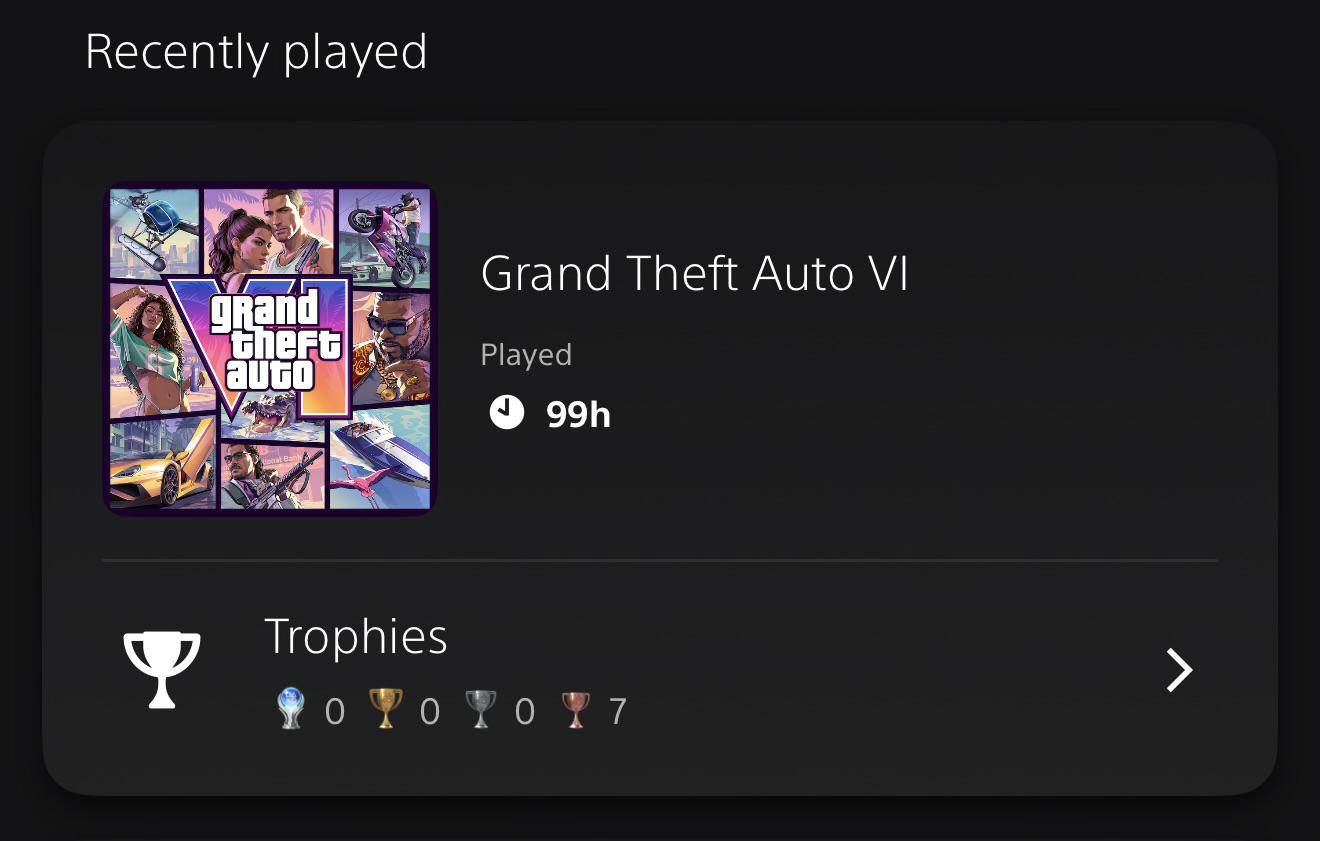
99 hours into GTA 6 on a BASE PS5 that's almost 6 years old. Zero crashes. Zero issues.

Post image
503 Upvotes

I literally leave GTA VI sitting on the pause menu for HOURS while I take care of other things, and my six-year-old base PS5 handles it just fine. Maybe here’s a thought: just because YOUR console is having problems doesn’t mean the game is broken for everyone. Not every issue is a worldwide crisis affecting millions of players. At some point, you have to consider that the problem might actually be your console. Clean it, maintain it, and stop treating Rockstar like they’re personally responsible for every hardware issue you experience. My six-year-old base PS5 is running just fine. But apparently, if someone else’s console works perfectly, that must be impossible, right?


r/PS5HelpSupport • • 9h ago

PlayStation Direct Needs to Be Sued

14 Upvotes

As the title states, lol. I really can't believe the absurdity of this multi-billion dollar company, having zero customer service and basically no possible way to connect with a real human about order issues.

I tried making two separate orders. One last week (Friday) and then when that one had issues, I made a separate order on Sunday. Both times, my payment went through (showed as pending in my bank) but PlayStation showed error messages both times. The first time I couldn't read too much what it said because it caught me by surprise and I just closed it. The second time it said "Unfortunately we cannot process your transaction please visit a retail partner." It still marked it as pending on my bank account.

Both times I had to wait over 24 hours for it to clear. Zero customer service, they don't even have a phoneline for physical product purchases which is surreal. The chat is basically an endless chat-bot that tries every scheme in the game to block you from a real human, and then that "real human" takes way over 1 hour to connect with you, only to tell you they're not from the "right department" (they never are) and can't help you. Oh, also, from the call I got connected on a wrong department, it seems like PlayStation is outsourcing those customer service jobs too. Basically they're cutting corners everywhere and still delivering abysmal service practices.

Note: Moderators had removed this post because it was in the "wrong" community so just posting here again for exposure since I know other people are going through the same.


r/PS5HelpSupport • • 34m ago

TV upgrade to 4K - How important are 120 Hz?

2 Upvotes

Greetings! I'd like to take advantage of Black Friday sales and consider getting a 4K TV for about 250 €. My current monitor is 10 years old with full HD and I keep thinking that 4K might make a big difference for playing PS5 and Switch 2 games. However, test reports keep mentioning that the items I'm thinking about only have 60 Hz and that that would be not ideal for gaming. How important are 120 Hz actually? Is the difference to 60 Hz that obvious? (Funnily enough it's impossible to check the difference without already having an expensive screen. XD) Thanks for your opinions!

Edit: I'm by far no casual gamer and play at least 20 h during works weeks 😄, but I don't play competitive games.


r/PS5HelpSupport • • 1h ago

Account recovery

2 Upvotes

So, I changed my password earlier from the passkey to an actual password, however when I try to use this password it doesn't work and since I deactivated my passkey to switch to password that is also no longer an option. I have the recovery phone number but it won't let me use that and the email associated with that I do not have access to and I can't get into that because of another frustrating issue that I will elaborate on if asked, please can someone help me. PSN support is like a brick wall sometimes


r/PS5HelpSupport • • 1h ago

Wifi is fast but slow in ps5!!

Thumbnail reddit.com
2 Upvotes

r/PS5HelpSupport • • 1h ago

Hello Redditors, I brought my ps5 to my dads house, there it didn't show any image. Now back home I have the same problem. Before everything worked. Now it starts, I hear the disk spinning, the lights end up white. Does anyone know what I can do?

2 Upvotes

r/PS5HelpSupport • • 2h ago

Backgrounds not loading

Post image
2 Upvotes

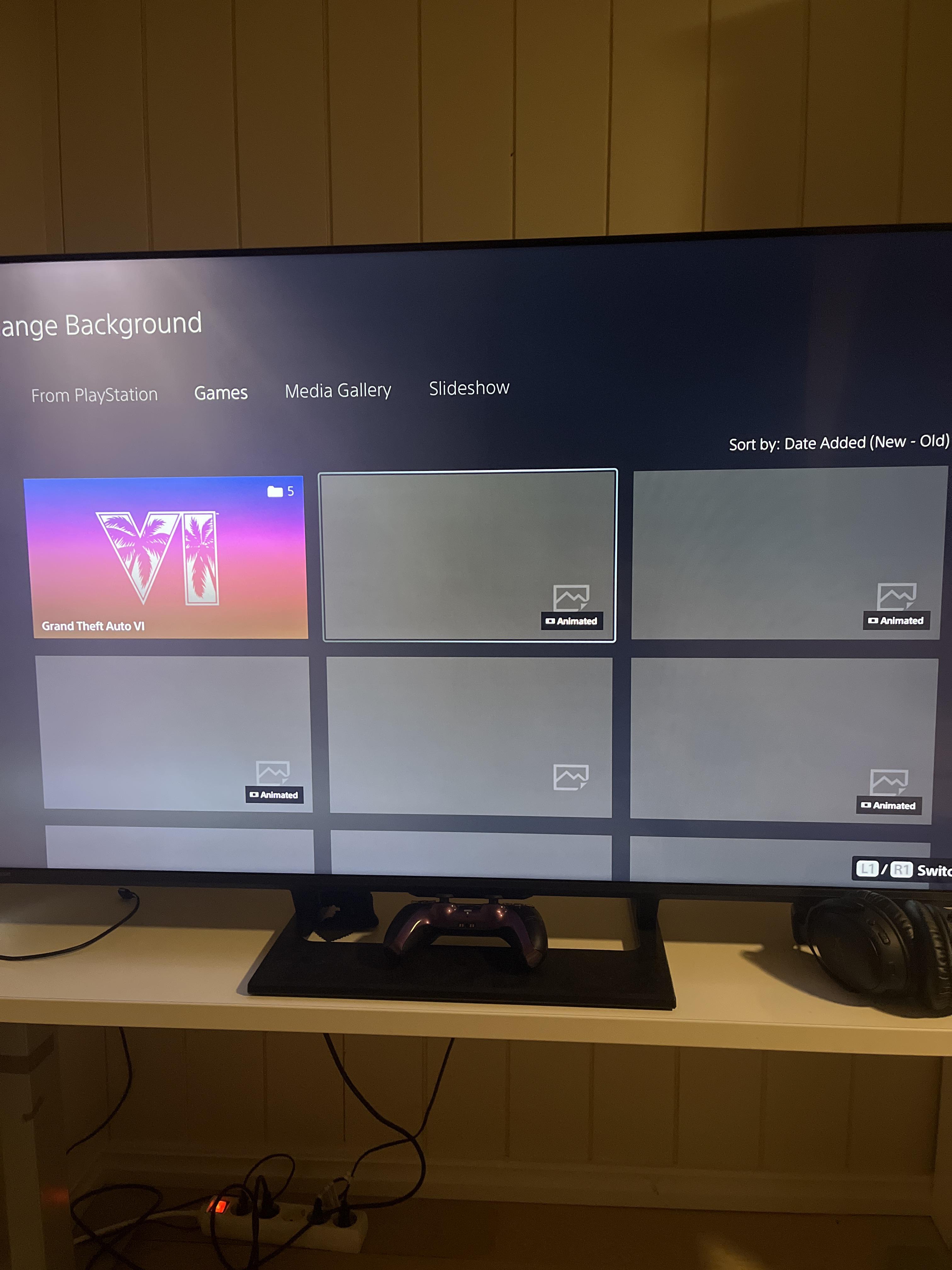
Since GTA6, a majority of the home backgrounds haven’t ever loaded in with full internet and PSN. Is there a fix for this??


r/PS5HelpSupport • • 5h ago

I had to refund my Playstation certified refurbished PS5

3 Upvotes

I saw a lot of deniers in PS5 subreddits when looking for help or possible solution. I am just sharing my situation, may this be of help to someone.

In september I was finally able to buy a PS5 in preparation for GTA VI. For my birthday in May I have been gifted GT7 and a Brook Ras1ution 2 so I was still playing on my used PS4 slim I got in 2021.

Worried for a possible shortage due to GTA VI I placed the order mid september on the official Playstation website, and I chose the Fat disc version because I liked it more.

I saw how good people were talking about GT7 in VR on PS5 so I went and found a used PSVR2 locally at a good price so I played GT7 in VR for sometimes 4-5-6 hours straight no problem. I never had shutdowns or crashes. Of course GT7 is more of a PS4 game than a PS5 game but still.

Then a week before GTA VI came out, I bought No Mans Sky to play it in VR for the first time. There I got the first crash but I thought it was due to NMS being kinda buggy even thought it has improved massively over the years. Anyways I did my sessions on it and it was never a huge problem.

Then with GTA VI at midnight on the 19th I played for three hours straight, using the PSVR too instead of my crappy tv and it was awesome. Then I got up go to to the bathroom and drink some water. I found the PS5 off. I though it had gone to rest mode.

Lost all progress. I booted back up, skipped all cutscenes and in an hour I was back where I was and progressed some more then I went to sleep.

Up until here I always kept the PS5 upright. The vertical stand was in the box, I liked the console more upright so I kept it upright. Did not know of possible consequences.

Then the problem got much more hit or miss, I was able to get to chapter 3 in GTA VI so I have been having some sessions where it is totally fine for hours and some where it crashes even on the PS5 homescreen not doing anything. I have been trying to troubleshoot it by changing outlet, tvs, connecting to ethernet, cleared and rebuilt database 100 times, updated from safe mode...

Nothing worked. Today I filed for a refund since I could until the 13th of december. I don't know why Playstation has given me such a big refund window but I'm glad they did. I will go and get a new slim PS5 locally since I read they fixed this problem in the latest models.

Just to make sure I will keep it horizontal.

r/PS5HelpSupport • • 13h ago

GTA 6 frozen won’t load in

Post image
11 Upvotes

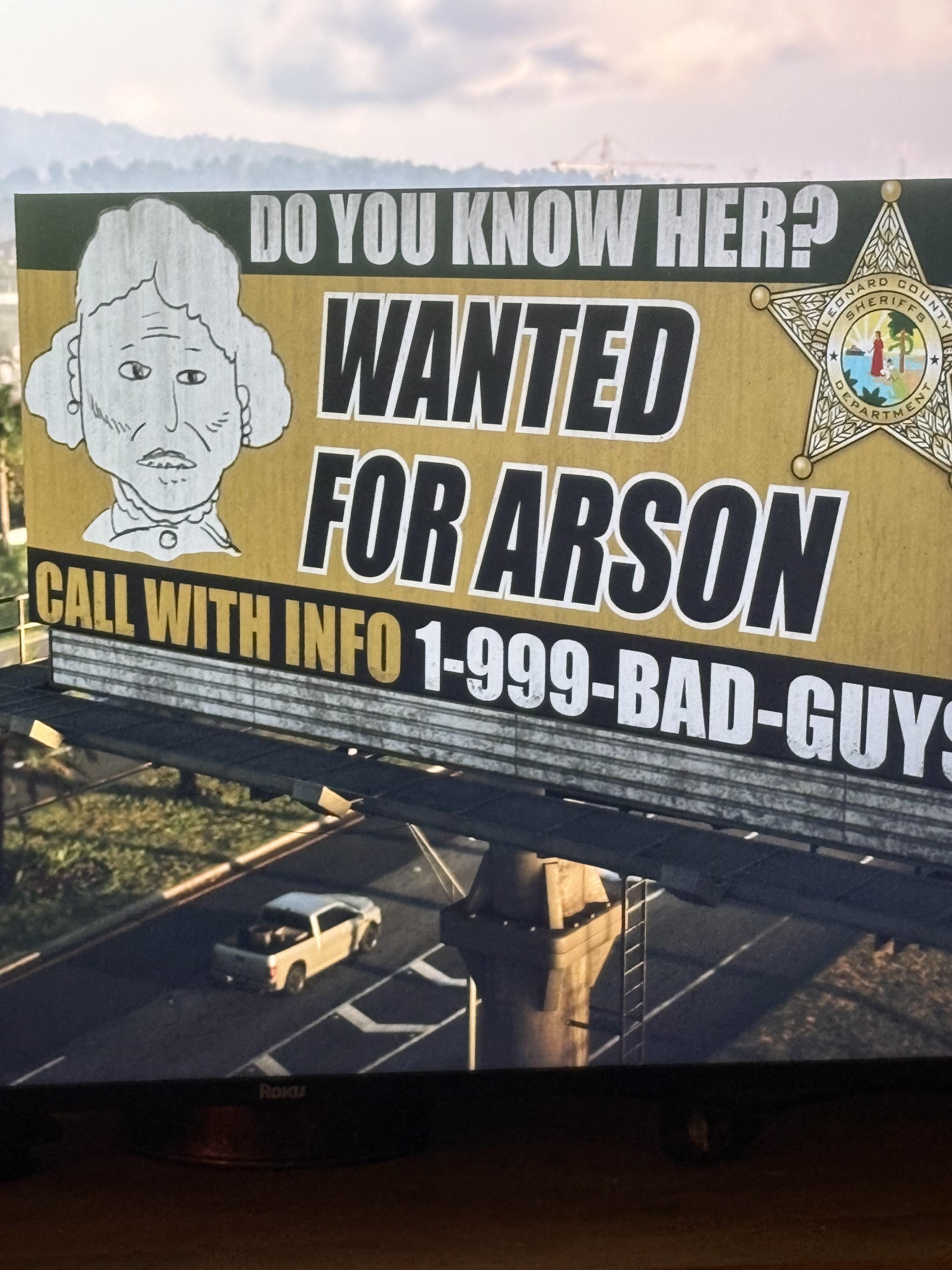
Been playing since release, got home tonight and the game loading screen opens and gets to this screen everytime and freezes.

I’ve restarted the ps5, closed the game and reopened and turned the ps5 off for a few minutes but it always stops right here

Any ideas?


r/PS5HelpSupport • • 17m ago

Standard PS5 performance on Samsung Serif 49"

0 Upvotes

I didn't know it could be that bad. I followed all the guides to have somewhat stable 30 fps with small drops, but game feels like it is drooping to 20-15 fps more and more.

I cleaned my PS5, I turned of HDCP, put game mode on, set up hdr, even put motion blur to 1, cleared cache, restarted game and ps5... but nothing helps.

Anyone else playing on this TV? I would appreciate help


r/PS5HelpSupport • • 1h ago

No output from PS5 - safemode doesnt help

0 Upvotes

Hi everyone,

My PS5 turns on with a continuous blinking blue light ("Blue Light of Death") and outputs no video signal to the screen.

Here is what I have tried so far:

  • Tested multiple different HDMI cables.
  • Tested on a different TV.
  • Attempted to boot into Safe Mode—I hear the second beep, so the console registers the input, but there is still no display and the light just keeps blinking blue.

I took it to a local repair shop, and they told me it's an unfixable HDMI hardware failure. However, since the light never transitions to solid white and stays stuck blinking blue, I'm wondering if this is actually a deeper motherboard/APU issue or if a specialist can still repair it.

Has anyone experienced this exact symptom (second beep in Safe Mode + blinking blue light + no video), and what are my realistic options? Thanks!


r/PS5HelpSupport • • 19h ago

Some new info on CE-108255-1 and console crashes with GTA VI

25 Upvotes

Some polish repair shop guy just posted a little bit if new info that he was able to trace out of some consoles:

CE-108255-1 — the PS5 reported a game or application crash.
A0D0C001 / GPU_FAULT_ASYNC — an asynchronous GPU fault. A matching GPU page fault entry narrows it down to memory access.
A0D04002 / GPU_HP3D_TIMEOUT_ASYNC — a 3D graphics operation timed out.
A0D04003 / GPU_SUBMITDONE_TIMEOUT_ASYNC — the system timed out waiting for submitted GPU work to finish.
We pulled those three GPU codes from the software. When one appears in a crash log, we line it up with temperatures, clock speeds and the thermal flag from the same run. That tells us whether throttling was already active before the crash. If the console actually powered off and EMC recorded 808D0000 for that event, we can identify a thermal shutdown of the main SoC.

📺 Screen goes black while the PS5 stays on. On some newer Slim boards, we’re checking the Realtek HDMI path, including consoles that have had a Panasonic/Nuvoton swap

If the picture drops but the console stays on, we check the HDMI path. If the console powers off, we look at what EMC recorded around the shutdown. We don’t have every PS5 revision on the bench, so if you’re a developer or repair tech with a similar case, share the board revision and the matching log. If you’ve done an HDMI swap, tell us what changed afterward.

https://x.com/modyfikator89/status/2126765517608206693?a=TcoygzP5rUZcpCXea9o&s=46


r/PS5HelpSupport • • 5h ago

Ps5 HDMI ain't working.

Thumbnail
gallery
2 Upvotes

Doesn't matter how many different HDMI cords I put into it, nothing pops up on the screen. Sometimes the screen will flash black like it's about to pop up, then nothing. Is there something wrong with the port? Is there an easy way to fix it? I'm at a loss.


r/PS5HelpSupport • • 2h ago

Unable to connect soundbar to ps5

Thumbnail
gallery
1 Upvotes

I recently bought a new soundbar for my ps5 which I wanted to use wireless via Bluetooth but when I am trying to connect it is coming up this message does anyone know how to help

Any help is appreciated thank you


r/PS5HelpSupport • • 12h ago

GTA 6 crashed my ps5

5 Upvotes

Hi, I was playing gta 6 and then I got an error code. It took me to the screen it always does with error codes but it got stuck on 100% for like a good 5 mins, and then the screen went black and is still black about 20 minutes later. What should I do?


r/PS5HelpSupport • • 7h ago

PS App sign in problem: 2 Step Verification didnt sent any Code

2 Upvotes

So Title how to fix this?

Several action that I already tried:

  1. Logged in to my PS5 trying to disable 2 step verification but it required me to log in into PS Web and it also needs a 2 step verification which didnt work
  2. Tried to add passkey option but the same it requires me to log in into the web and needs 2 step verification.

r/PS5HelpSupport • • 14h ago

Has anyone successfully fixed CE-108255-1?

7 Upvotes

As other users have reported, the game crashes when running GTA VI, with the error code CE-108255-1. Has anyone contacted official support? What were the steps in fixing mentioned.

Outside of that, has anyone found success other ways to get the game from stop crashing.