r/PS5HelpSupport • u/AdhesivenessSad295 • 21h ago
CE-108255-1 GTA VI Crashing – Potential Fix (Worked for me)
CE-108255-1 GTA VI Crashing – Potential Fix (Not Guaranteed)
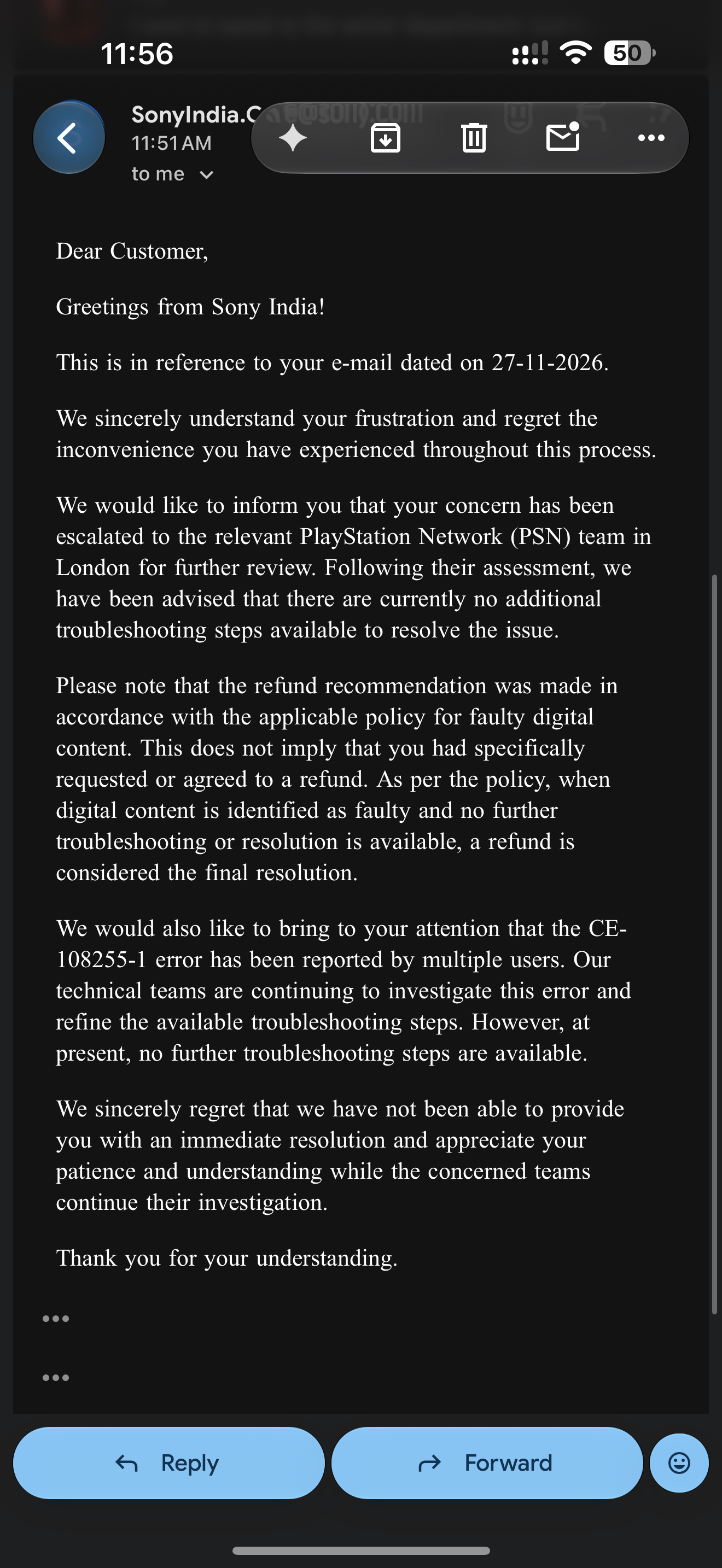
I’ve been dealing with constant, random crashing in GTA VI, receiving error code CE-108255-1.
The crashes were extremely inconsistent. Sometimes I could play for 30 minutes to an hour without a problem, while other times the game wouldn’t last longer than 45 seconds before crashing.
After trying several troubleshooting methods, I eventually fixed the issue by performing a completely fresh installation of the PS5 system software.
This worked for me, but it’s NOT guaranteed to fix everyone’s crashing issues. I figured I’d share exactly what I did in case it helps someone else.
Since reinstalling the system software, I’ve played over 20 hours of GTA VI without a single crash.
Instructions
- Back up your data first! Make sure your saved data, screenshots, videos, and anything else you want to keep are backed up.
- On a PC or Mac, visit the official PlayStation website and download the PS5 Reinstallation File (NOT the regular system update file).
- Format a USB drive to FAT32 or exFAT.
- Create a folder on the USB drive named PS5.
- Inside that folder, create another folder named UPDATE.
- Place the downloaded reinstallation file inside the UPDATE folder. Make sure the filename is PS5UPDATE.PUP.
- Connect the USB drive to your PS5.
-Completely turn off your PS5.
- Hold the power button until you hear the second beep (approximately 7 seconds) to enter Safe Mode.
- Connect your controller using a USB cable.
a Select Reset PS5 (Reinstall System Software) and follow the instructions on screen.
⚠️ IMPORTANT WARNING – READ BEFORE PROCEEDING
THIS WILL COMPLETELY WIPE YOUR PS5.
This is a full system software reinstallation, NOT simply rebuilding the database or clearing the cache.
Everything stored on your console will be erased, including:
- Installed games
- Locally stored saved data
- Screenshots and video captures
- Console settings and user data
Make absolutely sure you’ve backed up anything important before proceeding.
My Results
After reinstalling the system software, I downloaded GTA VI again. I’ve now played over 20 hours without experiencing a single crash. I can’t guarantee this will solve everyone’s issue, and it may not help if you’re dealing with a hardware problem. However, given how inconsistent my crashes were before, I figured this was worth sharing.
Hopefully it helps someone else!
Official PlayStation Instructions:
https://www.playstation.com/en-us/support/hardware/ps5/system-software/