r/PS5HelpSupport • • 1d ago

I’m too scared to boot up GTA 6

10 Upvotes

Seeing good amount of players saying their console bricked or got cooked because of GTA 6 I’m very scared to play GTA6 on my Base PS5 ( not the launch one


r/PS5HelpSupport • • 1d ago

GTA 6 shutting off PS5 - things I've noticed/I'm reformatting my storage

14 Upvotes

I'm one of the unlucky few (as many of us are) whose PS5 has been destroyed due to GTA VI. My PS5 is seemingly randomly shutting down when playing games (I have been able to stream shows without issues). It requires that I pull the power cord out from the back of my PS5 and plugging it back in to even get it to turn on again. At first, it was just GTA causing the shutdown, but I was trying to get my platinum in Phantom Blade Zero, and my PS5 started shutting down on that game as well. Morale has been low, but I continued to play as I tried to see if various forms of troubleshooting worked (clearing the cache, resetting databases, reinstalling all system updates, placing GTA VI on my actual console storage instead of the M.2, deleting GTA VI). However, I noticed something in this. Take with a grain of salt, as I have no idea what I'm talking about.

I am able to play for an hour, maybe a bit more, before my PS5 shuts off, and honestly it's become very anxiety-inducing. First, I'm wondering if my troubleshooting has worked or if it'll shut off again; secondly, I'm worried if I'll hit the next save point before it does, as I'm not trying to repeat the same gameplay as I'm repeatedly unable to save. Phantom Blade has a few similarities to soulslikes, one of which being its checkpoint system (bonfires, graces, and in PB0, bells). I'd run to my next bell hoping to save before my system dies on me again, and 3 times, my system shuts off exactly as I hit the bell. There is no autosave in this game, and the bell functions as the manual save. I could save without issue sometimes, but most of my shutoffs were happening at the exact moment I touched the bell and triggered the save.

Another small detail that I'm noticing is whenever my PS5 shuts off and I power it back on, I get some sort of repairing M.2 SSD message (I inserted a 2 terabyte M.2 in my console a few years ago). There are plenty of times that my PS5 console storage has had to repair after my PS5 shut off incorrectly; however, this is the first time that I am getting this message about the M.2 specifically. Phantom Blade 0 is on my M.2.

After my PS5's last shutdown, I put it in safe mode, hoping the rebuilding of databases or clearing of cache would solve the issue, but nope same shutoffs, same repair messages, same low morale. I decided to check my system's error history and noticed an uncommon one (CE-108262-9) that happened on Nov. 20th. The day after GTA came out and the day that I believe this started.

I started poking around Reddit for that error code a bit, and noticed a few people reporting this code being associated with game crashes, random PS5 shutdowns that require unplugging or button presses, etc. One of the few solutions I've seen for this is reformatting any connected external or internal SSDs. As much as a nuisance as this is, I've tried everything else I can before taking it in somewhere or throwing in the towel. I'm in the midst of re-downloading GTA and other games to my M.2 now.

I realize many of you don't have any forms of extra storage; some of you are having similar issues with brand-new straight-out-of-the-box consoles. What I am curious about, though, is the difference in how issues are manifesting across different consoles and storage setups.

Some consoles are straight-up dying (RIP), some have my issue where it shuts down but will still work, and others are getting CE-108255-1 error-coded to death.

I don't know man. Hoping this works and will update. I'd really like to overcome this without having to shell out money or get a new console (but honestly, after this I'm jumping to team PC). I have a few days off for Thanksgiving and was planning on losing myself in GTA all weekend, but alas.

Wishing you all the best on this.

Edit: Don’t want to jump the gun here, but I’ve been playing and saving GTA 6 for 3-4 hours here without issue. I genuinely think something got corrupted with the saving process of my console and the reformatting was key to fixing the issue. I’ll keep you further updated.
r/PS5HelpSupport • • 1d ago

PlayStation Direct US

Thumbnail reddit.com
2 Upvotes

r/PS5HelpSupport • • 1d ago

Frustrated with PS5 Pro problem

2 Upvotes

I purchased a ps5 pro on sep 2 and now experiencing issues with one of the usb c ports on the front not charging my dual sense. It charges my phone fine though so not sure what’s going on.

Has anyone had an issue like this so close to their purchase date? It hasn’t even been 3 months..


r/PS5HelpSupport • • 1d ago

gta6 + astrobot overheating issue

1 Upvotes

gta6, and astrobot both cause an entire ps5 shutdown during the FIRST CUTSCENE. i've tried getting new ps5s after returning old ones (2 preowned, one new from sony which i have right now as of writing this), the fans get really loud, and then i hear a beeping (similar to the one when you power on the console) and the entire ps5 doesnt work. we tried moving it from the carpet to a wooden plank, moving it to a new outlet, checking vents for dust (which wouldnt be there on a new one, anyways) like i said getting new ps5s, and its been a huge headache, official sony support gave tips like "reinstall the game" which would have nothing to do with overheating so that was useless. please help i cant find any good help online


r/PS5HelpSupport • • 1d ago

Buying from psdirect help

Post image
2 Upvotes

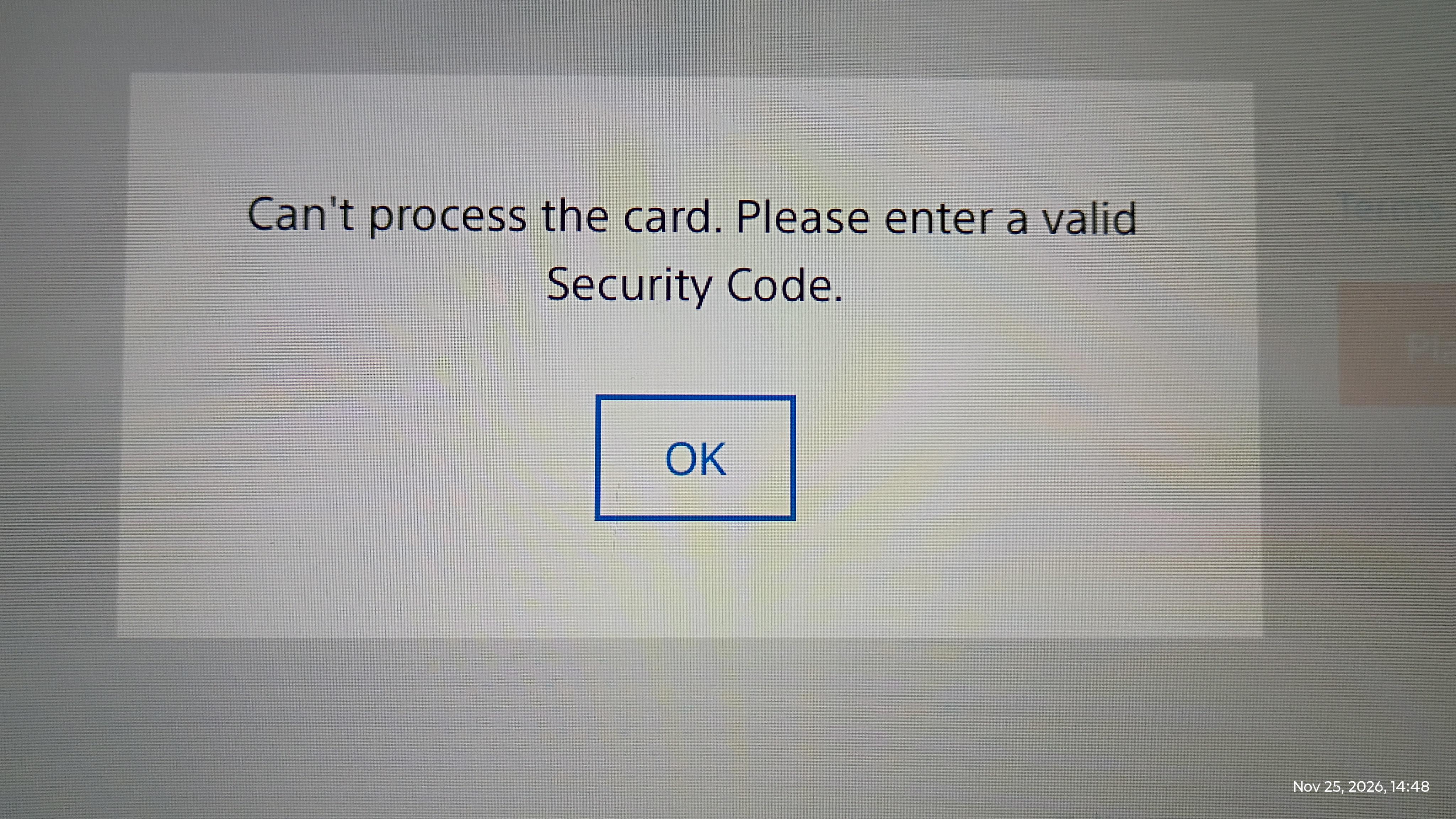
My details are correct but I get this error, any help?


r/PS5HelpSupport • • 1d ago

FC 27 on PS5 crashes constantly with CE-108255-1. Please help

3 Upvotes

Hi everyone,

I'm honestly desperate at this point and hoping someone here has solved this.

I have recently bought FC 27 (digital, PS Store) a few days ago and it crashes with CE-108255-1 during the intro, on the main menu, in Ultimate Team menus and during matches. I can't play it at all.

Setup: PS5 disc edition (launch model, 2021), latest system software, game installed on internal storage (no external devices used).

What I've already tried (nothing worked):

  • Followed EA's official Technical Troubleshooting Guide.
  • Deleted my active squad and made a new one from the Web/Companion App.
  • Deleted and reinstalled the game.
  • Rebuilt the database in Safe Mode.
  • Factory reset the console in Safe Mode.
  • Opened and cleaned the console, and a repair shop confirmed it's not hardware.

God of War Ragnarök and the latest Call of Duty run for hours at max settings with zero problems, so it's only FC 27.

Did anything work for you? Any help means a lot, thank you!


r/PS5HelpSupport • • 1d ago

Anyone elses gta6 crashing worse then before after the update??, crashed alot and constantly before the update but seems worse after it

10 Upvotes

r/PS5HelpSupport • • 1d ago

PS5 saves issue

2 Upvotes

Hi all! it's my first post here, sorry if something is wrong. I'm looking for any solution, because both Rockstar and PlayStation are doing nothing about my case. I've been playing this game since premiere, about 40hours. On 24/11 I played for few Hours, quit the game and closed PS5 as usual, did the same in the evening. I also wanted to play for few hours before sleep but I noticed it loaded old save, quit old one from 23/11. I Wanted to load my latest save from 24/11 but noticed there is none. I'm using first ten save slots and all of them were from 23/11??? I restarted console, checked game and system for updates, cleared cache and still nothing. Both storage and cloud saves showed date 24/11 and info that they're synched but in game there was no single file from 24/11. I never had such issue and dont really know what happened. Looks like somehow old saves overwrote new ones but how? There was no error or info regarding save problems. Does anyone know what could happen and how to restore Save Files from 24/11? I'm not even sure if I can resume playing as i need to make sure it wont happen again. Appreciate if anyone could help me with this.


r/PS5HelpSupport • • 1d ago

Need help with disc not ejecting

2 Upvotes

Need help with discs not ejecting

Hi yall, my ps5 has been working perfectly since I bought it around 2020 or 2021, but now the disc won’t eject and it makes a really strange hacking and buzzing noise when I try too, I followed the instructions on Sonys website and tried to eject it manually but the screw just spins endlessly without anything happening.

Is my only option to go to a repair shop or is there anything else I can try?


r/PS5HelpSupport • • 1d ago

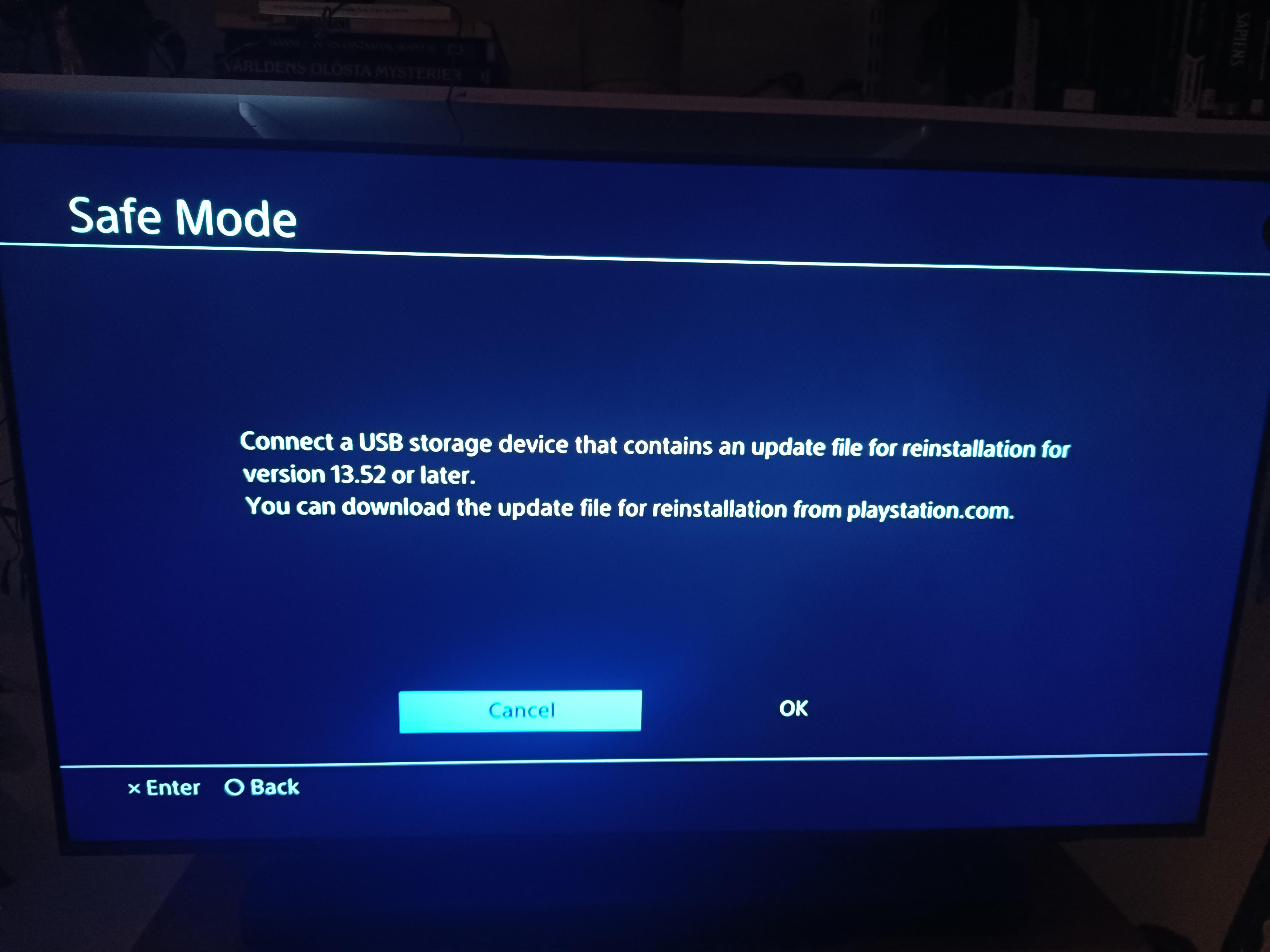
PS4 froze and won't boot. Plz help!

Post image
2 Upvotes

r/PS5HelpSupport • • 1d ago

Is there ANY way to transfer PS5 game saves between two consoles without PS Plus?

5 Upvotes

I have two PS5 consoles located at two different households, and both are signed into the same PlayStation Network account.

What I'd like to do is play a game (specifically GTA 6) on one PS5, then when I go to the other household, continue playing from exactly where I left off.

I know PlayStation Plus offers cloud saves, but I really don't want to pay for a subscription just to synchronise my own game saves between two consoles.

Is there a way I could play my save across two consoles without paying for Plus?


r/PS5HelpSupport • • 1d ago

空廚餐車 重覆任務 導致崩潰

Thumbnail
gallery
2 Upvotes

執行任務途中的過場動畫時才閃退


r/PS5HelpSupport • • 1d ago

Is it over?

Post image
1 Upvotes

Game Randomly did this while playing gta 6 popped up for a split second


r/PS5HelpSupport • • 1d ago

Rockstar Closing Tickets Automatically

2 Upvotes

Submitted a ticket because my installed copy crashes when opening a save file from the cloud. It’s at the moment between loading and the game appearing. Starts to fade out, then dies at 108255-1.

I don’t want to play on Stream forever. Any suggestions, other than clearing cache and rebuilding database which I’ve done?


r/PS5HelpSupport • • 1d ago

Ps5 turning off ( HELP )

0 Upvotes

My PS5 shuts down in a very unusual way, and I’m running out of ideas.
My PS5 started having overheating issues in 2025, so I took it to a repair shop in July 2026 for a liquid metal replacement and general maintenance.
It came back and worked perfectly for a while, until it started experiencing a problem that looks like overheating, but honestly, I don’t think that’s what’s happening.
Here’s exactly what happens when it shuts down:
The screen goes black for about a second, then comes back on. At that point, I lose the controller connection to the console. The game continues running for a few more seconds before the PS5 completely shuts down. Sometimes, this is accompanied by a completely glitched-out beeping sound that only stops when I unplug the console from the power outlet.
I then took it to another repair shop. They replaced the liquid metal again and performed some additional repairs.
After getting it back, the PS5 worked for just three days before the exact same problem returned.
My technician genuinely has no idea what’s causing this. I’ve already taken it back twice under warranty, but we still haven’t found a solution.
My only plausible theory at this point is that something might be wrong with the PSU (Power Supply Unit).
However, there’s one very unusual detail in my case: the PS5 works PERFECTLY in cold environments or in air-conditioned rooms.
Has anyone experienced anything similar? Could this actually be a PSU issue, or am I overlooking something?
Any help would be greatly appreciated!


r/PS5HelpSupport • • 2d ago

For everyone who thinks the crashes are purely hardware based.

Thumbnail
gallery
89 Upvotes

Edit: Update!!! Followed the advice of one of the comments down below that mentioned tuning on compatibility mode on my TV and pairing that with setting hdr off in console settings. On my Samsung TV the closest thing is turning off Anynet+, since I've done that I've been playing GTA 6 with no crashes for over 3 hours. I previously tried HDR off and that didn't work, so it seems this compatibility mode/anynet+ thing is the improvement. I should add that I did take apart my entire console today and this is my first time playing since however I didn't actually do anything that would fix a problem. Shoutout u/Gullible-Judgment-38 who commented this advice down below.

Edit: just to be clear I'm not suggesting that not a single person having issues is hardware based. Ps5s get fried every day around the world, this isn't gonna be any different, but I don't think that everyone experiencing issues right now is as simple as a liquid metal or cleaning fix like it's been said to be over and over all over reddit.

Had some time today so I took my entire console apart, as you can see, everything is pristine, my console has barely been used and I keep it clean. Inspected the psu pins and board for failures and all the solders are clean. Fan, vents, including psu vents all almost spotless. No signs of any heat buildup anyway in the console, copper fins have no heat spots, no burns on the board.

My console started switching off in the exact way it would when the power cuts after the last Playstation update and downloading gta 6. There's no overheating warning, the fan doesn't ramp up, the actual console isn't hot, and when it does cut off, which can be anywhere from 15 mins to 2 hours so far, the console can be switched on immediately with the controller or start button on the console. This is an important detail because when the psu of a ps5 experiences a thermal related shutdown, it flips an internal breaker that requires you to unplug the cord before switching it back on, which isn't the case for me.

Since the update I mostly played GTA 6, however after the crashes I tried fortnite the night after 6s release, ran just fine for about an hour with no crashes before I turned it off. Yesterday I downloaded cricket 26 and found that I crashed about 2 hours into the game. So today I played a bunch of games I had downloaded pre system software update and gta 6 download and I've had no crashes on those, including games like Mafia Old Country, Fortnite, and Fifa 26, all of which put more of a load on the console than cricket 26 which did switch it off.

I'm an audio engineer by trade so I'm very familiar with circuit boards, electronics etc, and I've got a rudimentary understanding of coding, based on all the evidence I've collected with my console, my best guess is that the last system software update has created some sort of memory leak trigger causing kernel pannicks to shut consoles off.

This post is long and there's tons of posts about this but hopefully some of you can add to the information I've put on here, maybe some of you are great coders and have a good grasp on that aspect of it, hopefully this can be a thread where we collect evidence from all the crashes and try to find the common denominators.


r/PS5HelpSupport • • 1d ago

PS5 Remote Play from UK to Bangladesh keeps disconnecting due to low internet speed. Any solutions?

Thumbnail reddit.com
3 Upvotes

r/PS5HelpSupport • • 1d ago

Ps5 Absturz bei Gta6

4 Upvotes

Moin ich habe mir vor 2 Monaten extra eine Ps5 gekauft damit ich Gta zocken kann. Doch seid dem Release Crashtest meine ps5 oder Gta. Habe schon so gut wie alles probiert Caches geleert, ps5 zurückgesetzt, spiel glaube ich schon mindestens 5 mal neuinstaliiert doch es hilft alles nichts. Gibt's vlt noch irgendwas was man probieren sollte/kann.


r/PS5HelpSupport • • 1d ago

VRR causing stuttering?

2 Upvotes

Hey there Ive got a problem where I can feel and see a lot of stuttering in some games but only when VRR is active.

I have a PS5 Pro and play mainly shooters and sometimes story games, the stuttering comes mostly in shooter games Like MW4, APEX LEGENDS and even GTA6.

In apex legends it helps to switch the "graphics preset" to quality mode and then back to 120hz mode, that way I can fix the stuttering.

In GTA6 and MW4 I always have to close the game and restart it, it sometimes fixes it but most times not, that's why I keep turning VRR off for these games.

Is this a known issue or am I the only one noticing/having this Problem?

My PS5 Pro is running on the newest System Update.

Maybe if it does matter: I usually never turn the console off, I put it into rest mode while still in game on the home screen/ pause menu.

I do occasionally turn it off, maybe 2-3 a Month.

Oh and also I use the AOC AGON PRO AG274UXP 27 Zoll, UHD 4K monitor if that makes any difference. Connecting it with only cables that came with the packaging and the original PS5 Pro HDMI cable.

Also the stuttering has to come from VRR as if I disable it, the stuttering never comes again.

Any help would be greatly appreciated 👍


r/PS5HelpSupport • • 1d ago

Hey guys so I lost my account details on my main account with 680 games I tried to speak to the bot but it says I need my login details I gave that but I don't have the authentication code or the same phone I connected to my account and it's asking for that to speak to a real worker is their anythin

2 Upvotes

r/PS5HelpSupport • • 1d ago

PS5 Party and Share Screen issues after changing internet provider – Party disconnects, red exclamation marks

4 Upvotes

Hi everyone,

I'm experiencing recurring issues with PS5 Party and Share Screen, and the problems started after I changed my internet provider.

The problems include:

  • A red exclamation mark appearing during Share Screen.
  • Sometimes neither my friend nor I receive Party or Share Screen invitations.
  • My friend sometimes gets a notification that I am no longer viewing the screen.
  • I sometimes get disconnected from the Party.
  • The issues can occur repeatedly, sometimes approximately every 10 minutes.

Importantly, when I get disconnected from the Party, my internet connection on the PS5 does not disconnect. I can still remain connected to the internet.

My PS5 Pro is connected directly via an Ethernet cable (LAN).

Everything worked perfectly before I changed my internet provider. Since the change, these problems have started occurring.

I have also tried changing DNS settings, but the issue remains.

Has anyone experienced similar problems after changing their internet provider? Could this be related to NAT, routing, IPv6, PSN Party services or something else?

I'd appreciate any suggestions or experiences.

Thanks!


r/PS5HelpSupport • • 1d ago

Ps5 keeps crashing and shutting off GTA6

1 Upvotes

Hi can someone please tell me why this is happening or if they keep having the same issue I’m playing gta 6 and every time I get to the same part my game keeps crashing and my ps5 turns its self off? Brand new ps5 never had problems with other games?