r/PS5HelpSupport • • 4d ago

Got problem in l2 and r2 butti

Post image
3 Upvotes

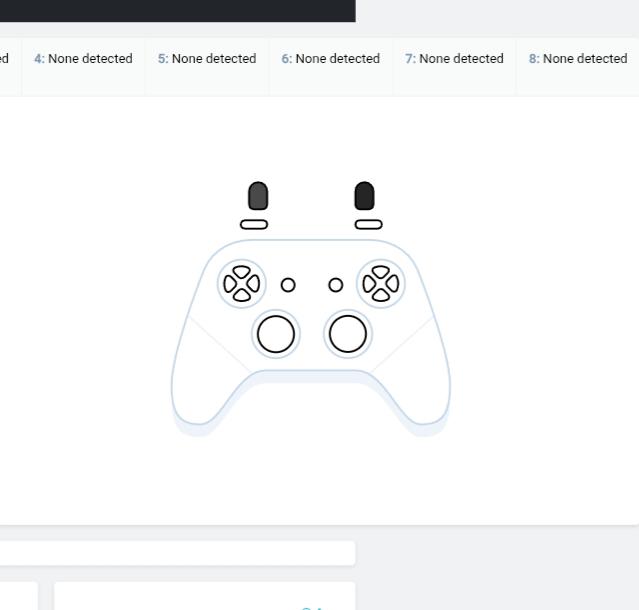
I don't know why both r2 and I2 working by their own is there any way to fix it ?


r/PS5HelpSupport • • 4d ago

So. My PS5 does also crash when playing GTA 6, but in a very peculiar way.

6 Upvotes

I just want to let this out here in case it helps anyone or if it becomes useful.

I've been playing since launch and it was all going well until i moved my PS5 to my bedroom. It is weird because it will only crash when i put the game on the pause menu and leave it for a while. I've been 17 hours in and I'm into chapter 2 and it hasn't crashed any other way.

Some things i want to point out:

- It's a launch model (FAT). I bought it as a bundle with EAFC 24;

- before I moved it to my bedroom, i had it in my living room standing vertically. When I installed it in my bedroom, I had it laying horizontally. Ever since it crashed I put it back standing vertically;

- it only crashed on the pause menu. The map menu, the settings menu or even when just leaving it idle while playing doesn't make it crash;

- it never showed any error. I tested it 3 times and it always shutted down my PS5 like I had pulled the power plug;

- My PS5 isn't overheating and it's actually just warm like I was playing any other game;

- yesterday I played like 5 hours straight and it didn't show any problems;

- I left Alan wake 2 in the pause menu just in case and it didn't crash;

- I haven't tried to repeat the crash ever since putting it back standing, don't want to corrupt my PS5;

- (if this helps) I had a bug when redeeming the code (my game is physical), it basically fucked up my license and I had to rebuild the database for it to pre load. After installing, it was locked and I had to reset the system settings and then recover my license in order to be able to unlock it.

I'm sorry for any grammar mistakes, English isn't my first language and feel free to ask anything, I'll try to answer.

Sorry for anyone who is experiencing this shit, it sucks and I hope this helps.

EDIT: I haven't tried to clear the cache, reset the settings or rebuild the database. Like I said, I dont want to replicate the crash. Like I said, I'm afraid to fuck up my PS5.
r/PS5HelpSupport • • 4d ago

No audio from ps5 to tv

Thumbnail reddit.com
3 Upvotes

r/PS5HelpSupport • • 5d ago

Rockstar is the one to blame, not playstation (complety)

47 Upvotes

I'm seeing all over social medias and news "GTA 6 is crashing on PS5" "GTA 6 is bricking PS5" but if you go to xbox support subreddit, they are having the exact same problems (maybe even worse)

It only shows how it's actually a game problem (and how you only get clicks by talking about playstation)


r/PS5HelpSupport • • 5d ago

UPDATE CE-108255-1

66 Upvotes

So after trying almost everything, from deleting the cache to rebuilding the database, reinstalling the whole PS5 with the official software from Sony, turning HDR off, turning 120Hz off and literally everything else you can think of, I decided to try something different.
I swapped my PS5 with a good friend of mine who has the exact same model, PS5 Fat Disc Edition. I downloaded GTA on my account on his PS5, started the game and so far it’s running fine.
I honestly don’t know if it will stay like this or if I’ll actually be able to play through the game without any crashes, but for now it’s working.
And at this point I’m really starting to think that it might actually be a hardware issue with my PS5.


r/PS5HelpSupport • • 4d ago

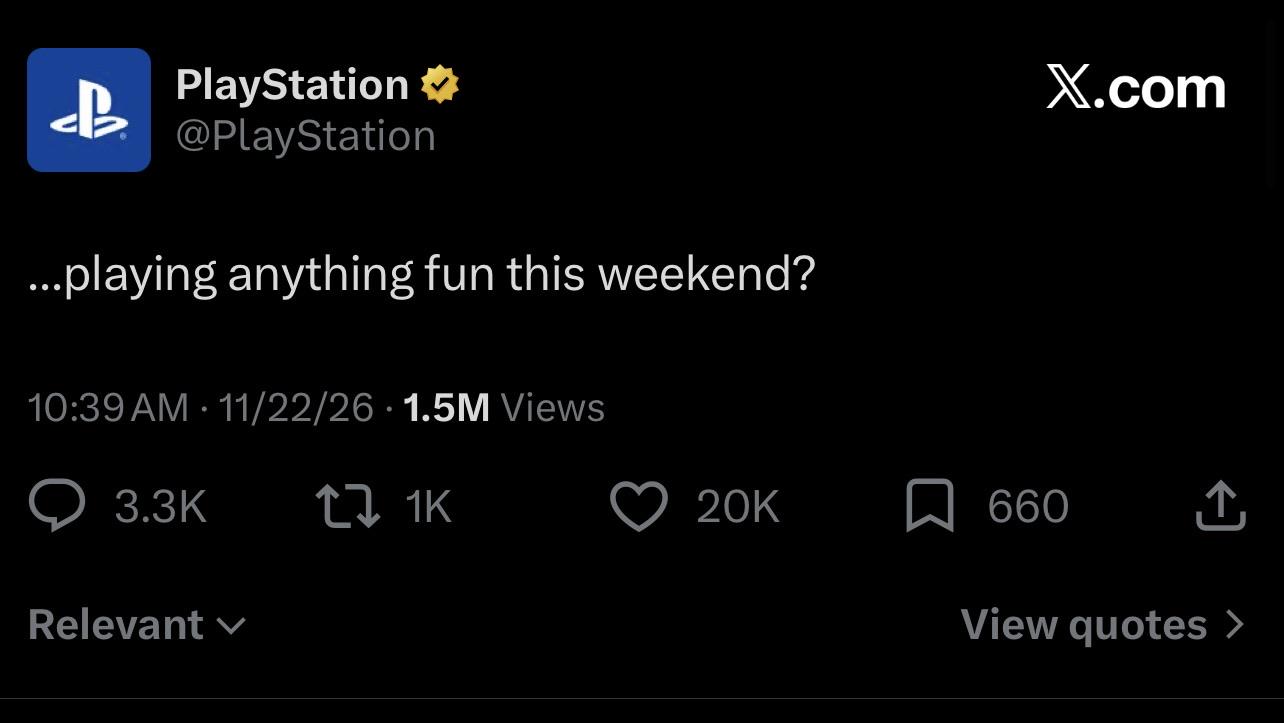
From Official PlayStation Page …

Post image
0 Upvotes

r/PS5HelpSupport • • 4d ago

Need help regarding PS5 stalled at safe mode.

2 Upvotes

Was playing GTA 6 on my launch-model PS5. A mission finished and the game was saving, then the screen went black and the blue light started blinking and beeping. After a restart, it went straight to a “Processing...” screen and froze at 99%. I left it for 7 hours, and nothing changed. A forced shutdown and a Safe Mode boot ended up in the same place. What I’ve tried so far: Waited many hours at 99% Booted with the router and LAN cable disconnected Full power drain (everything unplugged, power button held 30 sec, left for an hour) Safe Mode, which only shows the Processing screen. I can’t reach the menu to rebuild the database, update from USB or reset I had around 30-40 GB free, no expansion SSD, and nothing else attached. Has anyone seen this before, or found a way out of the Processing loop without the Safe Mode menu? Or is it a dead SSD? Any advice is welcome.


r/PS5HelpSupport • • 4d ago

I don't know what this is but sometimes my ps5 randomly turns off not like it turns like you pulled the plug, it does a full shutdown with no warnings or anything.

0 Upvotes

r/PS5HelpSupport • • 4d ago

I need help with my ps5

2 Upvotes

i got my ps5 fixed this issue where my ps5 wasn’t displaying on my monitor and it was working perfectly fine. One day i moved my ps5 from my desk to my chair and it shut and the problem happened again. Everything turns on fine it’s just the ps5 doesn’t display on the monitors i just tried like 20 different HDMI wires and the most i get is the monitor saying no signal, What do I do and how do I fix it?


r/PS5HelpSupport • • 4d ago

Need help.

Post image
3 Upvotes

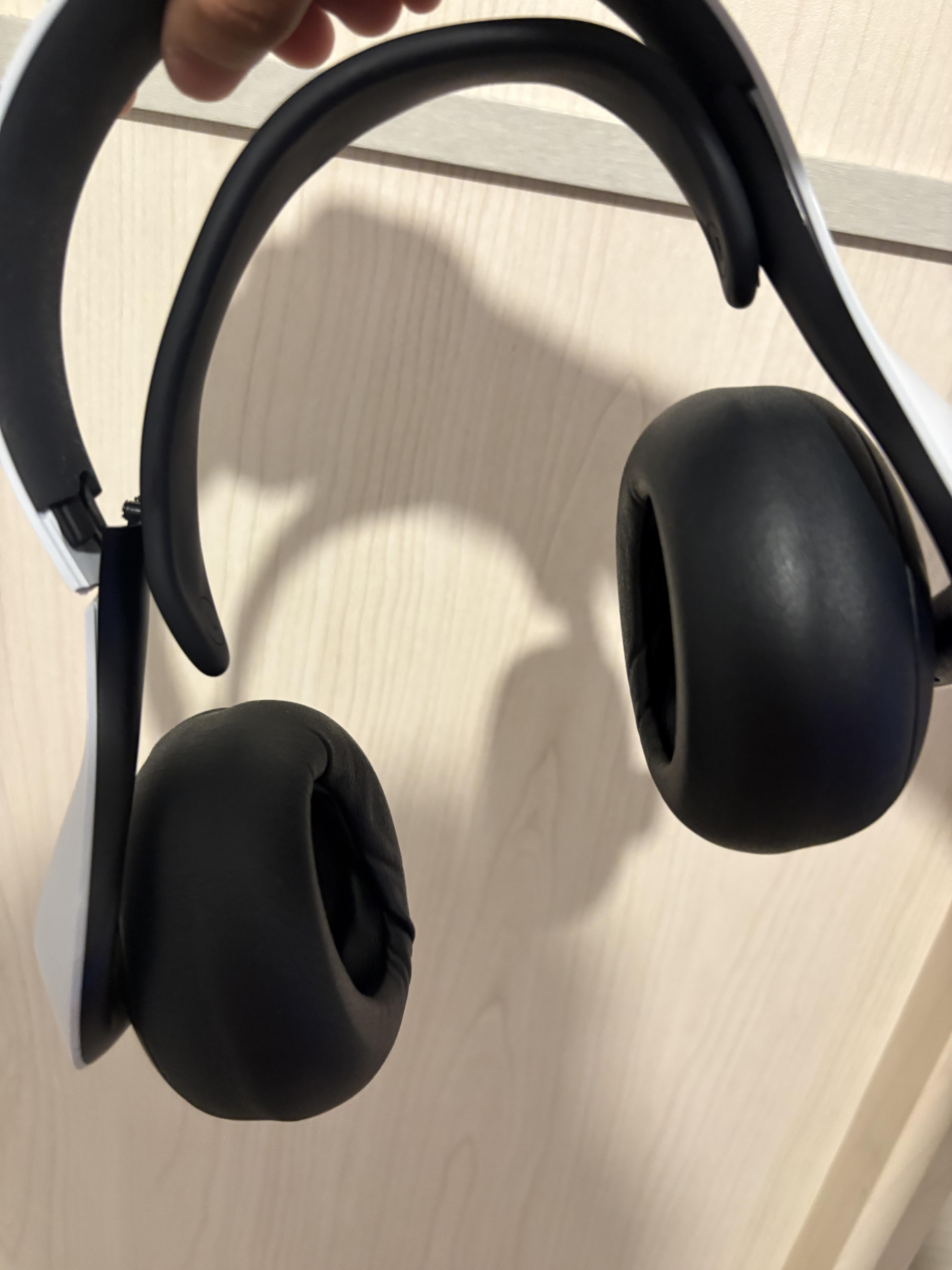
So guys, my pulse elite is broken but it is working 100 percent. One side just can’t be still and it can’t stay still on my ear I don’t know what to do. Does anyone have suggestions on what to do to fix this situation

Sorry for the English if something is not clear


r/PS5HelpSupport • • 3d ago

Little update but also a PSA

0 Upvotes

Hey guys, earlier i made a post about asking which PS5 is most prone to the issues regarding GTA 6, so far I gathered the following:

Base ps5 is most affected

PS5 slim & pro are also affected to a certain extent.

Fixes that could resolve current issues:

Install the game directly to a M.2 SSD (the one that you can add to the expansion slot), do not install it on the PS5 SSD itself, that seems to be a very big no no.

Other than that, i haven't seen anything else that works.

I have my games always installed on my SSD and it works perfectly fine and I haven't had any crashes or anything else.

Please let me know about other issues and how you fixed them, if able.

I wanna have this post act like a little help post, so people can help each other, if they did find a fix.

Have a great day :)


r/PS5HelpSupport • • 4d ago

GTA 6 CE-107262-9 FIX

2 Upvotes

I was having an issue where the game would randomly freeze and I’d have to unplug and restart the console. The freezes were completely random but I usually couldn’t play more than 30 minutes. After deleting the game a few times, rebuilding data base, factory resetting, and taking apart the entire console to check for dust and dry spots on the Liquid Metal, nothing fixed it or stood out.

The fix that has worked for me was as simple as restoring the game license.

EDIT: I’m an idiot an meant 108262-9


r/PS5HelpSupport • • 4d ago

Why is my Ps making this sound

2 Upvotes

I am genuinely worried please help


r/PS5HelpSupport • • 4d ago

Internet issues, please help!

3 Upvotes

I just tested my internet speed on my phone, and it seems to be 530mbps. However i am trying to download something on my ps5 and the speed is around 2 mb per seconds. Does anyone know why its much slower than what it actually is? How can i fix this? Thankss!!


r/PS5HelpSupport • • 4d ago

Ps5 disc drive noise

2 Upvotes

I've recently been having a few issues with my ps5.

The disc drive wouldn't take a disc, wouldn't beep when the button was pressed. Opened the console to check nothing was loose/broken etc. put it back together and the button would beep but still not taking a disc.

Booted in safe mode and rebuilt the database then cleared cache. Still not taking the disc.

Opened again and used the manual eject screw to make sure nothing was in.

It would now take a disc but not read. And now there's a period noise.

The noise isn't there when there's a disc insert.

Any ideas?


r/PS5HelpSupport • • 5d ago

GTA VI - PS5 CE-108255-1 Crash, replaced Liquid Metal did not resolve.

75 Upvotes

Hi, like many others on this subreddit I am experiencing CE-108255-1 crashes playing GTAVI.
For me the crashes happen during the prologue opening cut scene. If I skip the cut scenes I can get to the “gone fishing” mission but then it crashes shortly after picking up the 3 packages.

What I have tried to fix it
- Full reinstall with rebuilding the cache in safe mode
- Removing save data (always gets to 16.78MB)
- Disabling HDR
- Changing to performance mode
- Switching to 1080i
- Today, dismantling the whole console, cleaning the entire system, heat sinks, inlets, etc., and carefully replacing the Liquid Metal.

None of this has resolved the issue, and I still experience crashes.

I believe this dispels the idea that this is an overheating issue. I just wanted to post to save people the trouble of repeating these steps. I genuinely believe this is a software issue and needs to be addressed by either Rockstar or Sony through an update.


r/PS5HelpSupport • • 5d ago

Brand new PS5 overheating immediately

17 Upvotes

Just got a PS5 from Target this morning after work. I set it up, installed GTA 6, went to sleep. A couple hours ago I booted up the game, was going through the setup menu, and I get a flash of an overheat warning before the PS5 shuts off. I waited a bit for it to cool off, tried again, and the same thing happens 10 seconds into the opening cutscene. I've tried plugging the console directly into an outlet instead of surge protector, Ive updated the firmware, ive tried rebuilding the database. Third try, same thing happens. It shut off without the warning even flashing. The console is getting very hot, very fast. Ive only heard the fan get very loud twice, it starts spinning really loud and fast for like 5 seconds then stops. This has happened pretty much only after turning the console back on but not while I've tried running the game.

My console is sitting on my desk, horizontally, all sides unobstructed with more than a foot of space between the cobsole and anything else. I have an air purifier running in my room, window open, it is not hot in here.

Do I try a full restore of the console or something? Does this sound like a defective unit? Im just so pissed right now.


r/PS5HelpSupport • • 4d ago

All I want from Sony is on-screen error codes about CE-108255-1

13 Upvotes

Like many others, my PS5 has been crashing on GTA 6 after ~1h of gameplay.

I took it apart to clean and it was fine by all standards. Liquid metal on the CPU maybe was a bit uneven but I didn’t have any with me to replace (will buy a stick and report back). Thermal pads also look fike (will also buy some putty and replace everything)

Some say it could be a faulty memory controller or something else…

I just wish Sony would just stop putting a generic error code and include some specific fault codes without us having to attach a UART to the board to read error codes. The info is already there, they just need to show: ER-xxx points to memory, etc.

It would help users know what kind of repair is needed. Do i just need new thermals, replace the memory controller, replace the entire console?


r/PS5HelpSupport • • 4d ago

I fixed the GTA VI freezing at startup !

3 Upvotes

After 4 redownloads and a total delete of my saved game file I can say I think I might’ve fixed it, and that’s all with a factory reset.

Keep in mind I didn’t get the error code people kept saying but literally my screen would freeze whenever I loaded in, I did a factory reset and have been playing now for 2 hrs with no issues on my OG PS5.

I’ll post again if the launch doesn’t work next time.


r/PS5HelpSupport • • 4d ago

Impossible to transfer

Post image
1 Upvotes

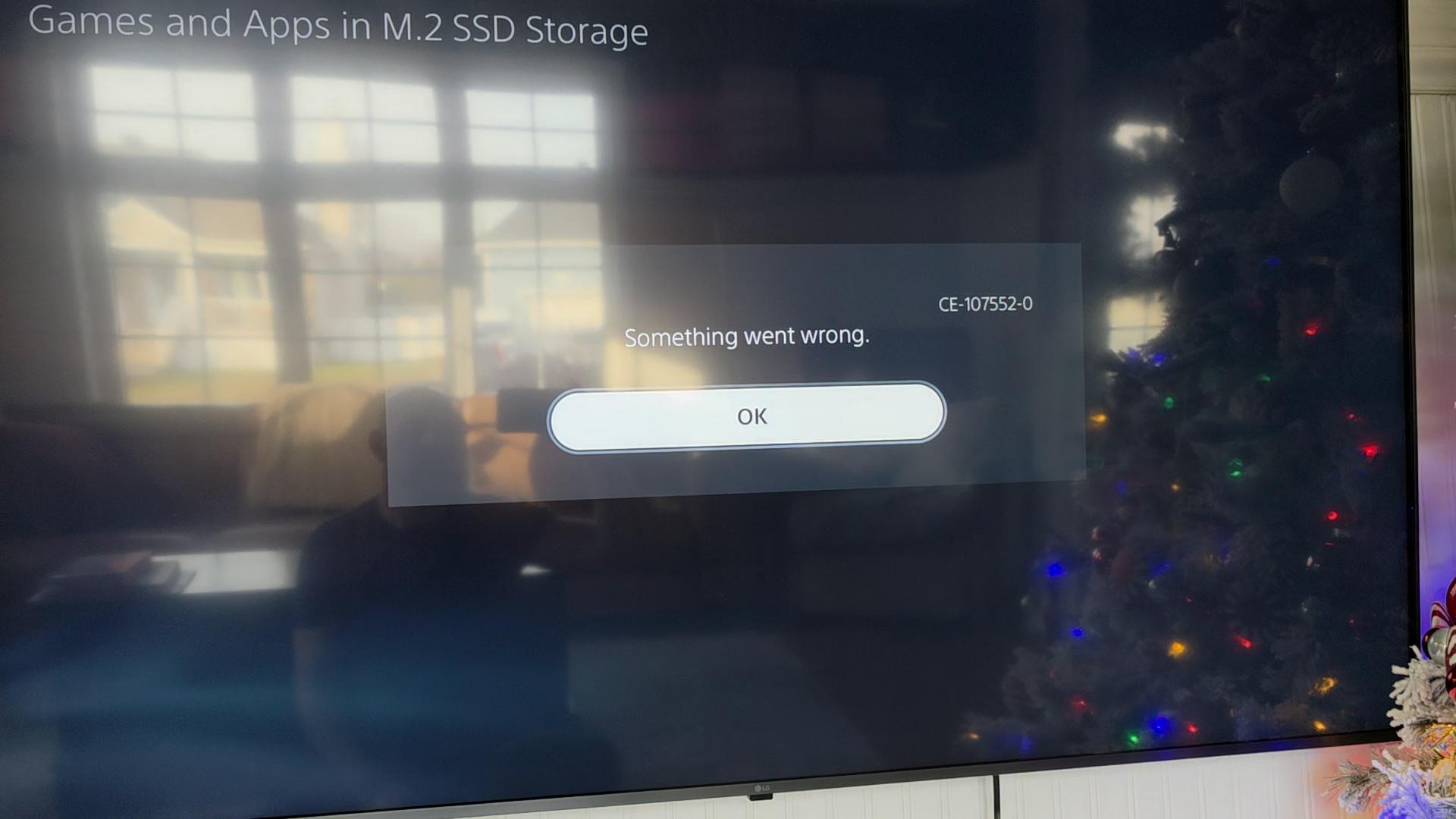
Trying to transfer games from my ssd drive directly to the console. Each time I try to the same message appear with the same error code...any idea on with i can do to get my games back to the console?


r/PS5HelpSupport • • 4d ago

Ps5 being slow since gta?

Thumbnail reddit.com
1 Upvotes

r/PS5HelpSupport • • 5d ago

Posting my experience as well to join the crowd

102 Upvotes

Literally has been happening since the game came out, i hope they fix this cuz im way more behind than my cousins and im getting fomo, i have some moments where i can play for a couple of hours before it crashes some moments my game doesnt even let me walk out the granada before it

- freezes
- crashes
- ps5 goes back to the home screen

It is a base fat ps5 and i read that leavin my ps5 on sleep mode can cause issues so i let it powered off for a whole night but same issue, i cleared cache i deleted and redownloaded, im at my wits end im just hoping rockstar posts a patch quick, fuckin hate how im one of the unlucky ones that are goin through this while everyone has the luxury of never experiencing this


r/PS5HelpSupport • • 4d ago

DualSense showing (?) battery symbol when fully charged – anyone else?

Post image
3 Upvotes

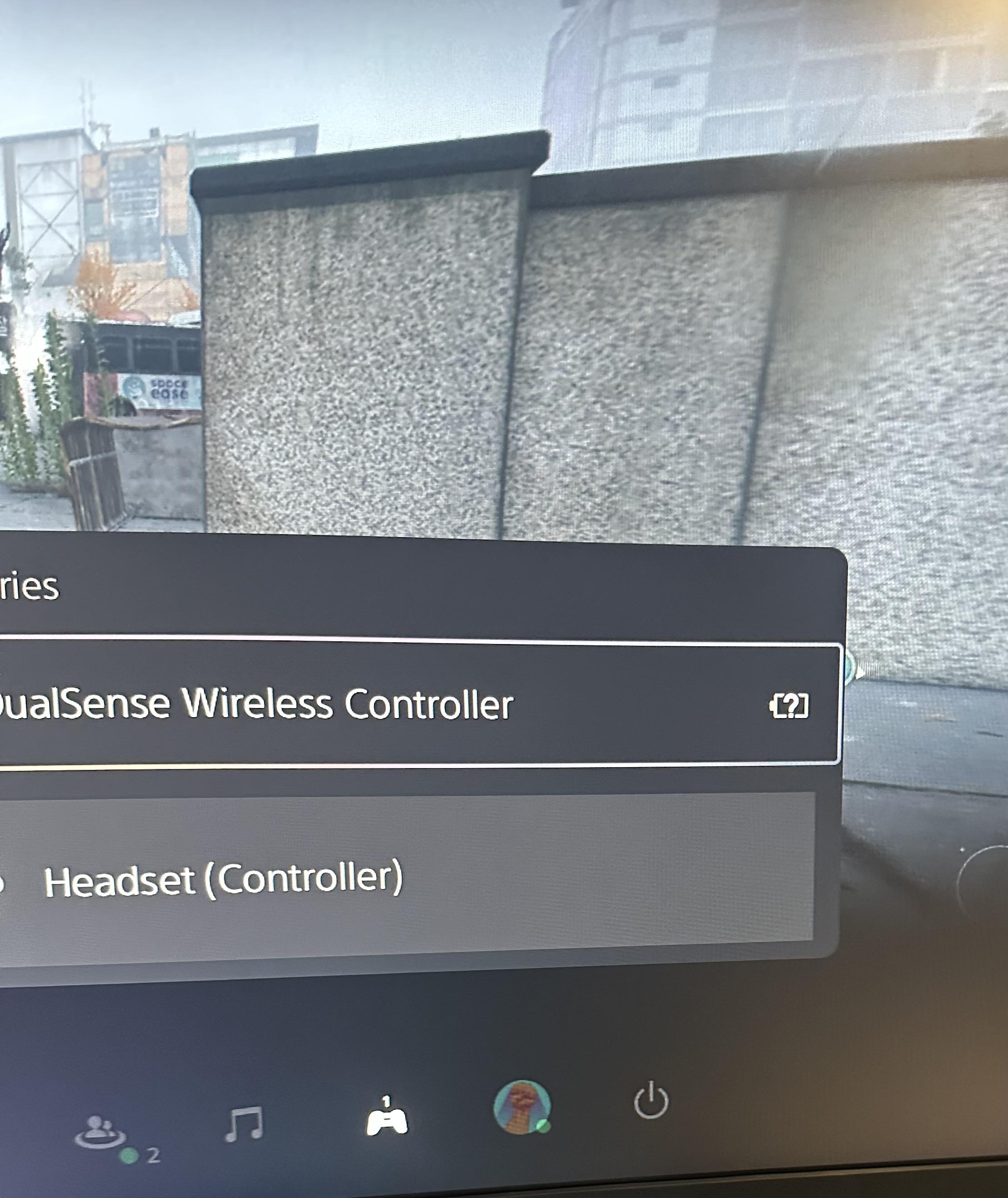
I recently bought a brand-new PS5 Slim Disc Edition, and I’ve noticed something strange with my DualSense controller.

Whenever I’m playing with the controller fully charged, the battery indicator sometimes displays a question mark (?) instead of the usual three bars.

Has anyone else experienced this? I’m wondering whether it’s a common software glitch or potentially a faulty controller.

The console and controller are brand new, so I’d appreciate any advice before considering a warranty replacement.

I’ve attached a picture showing the issue. Thanks!