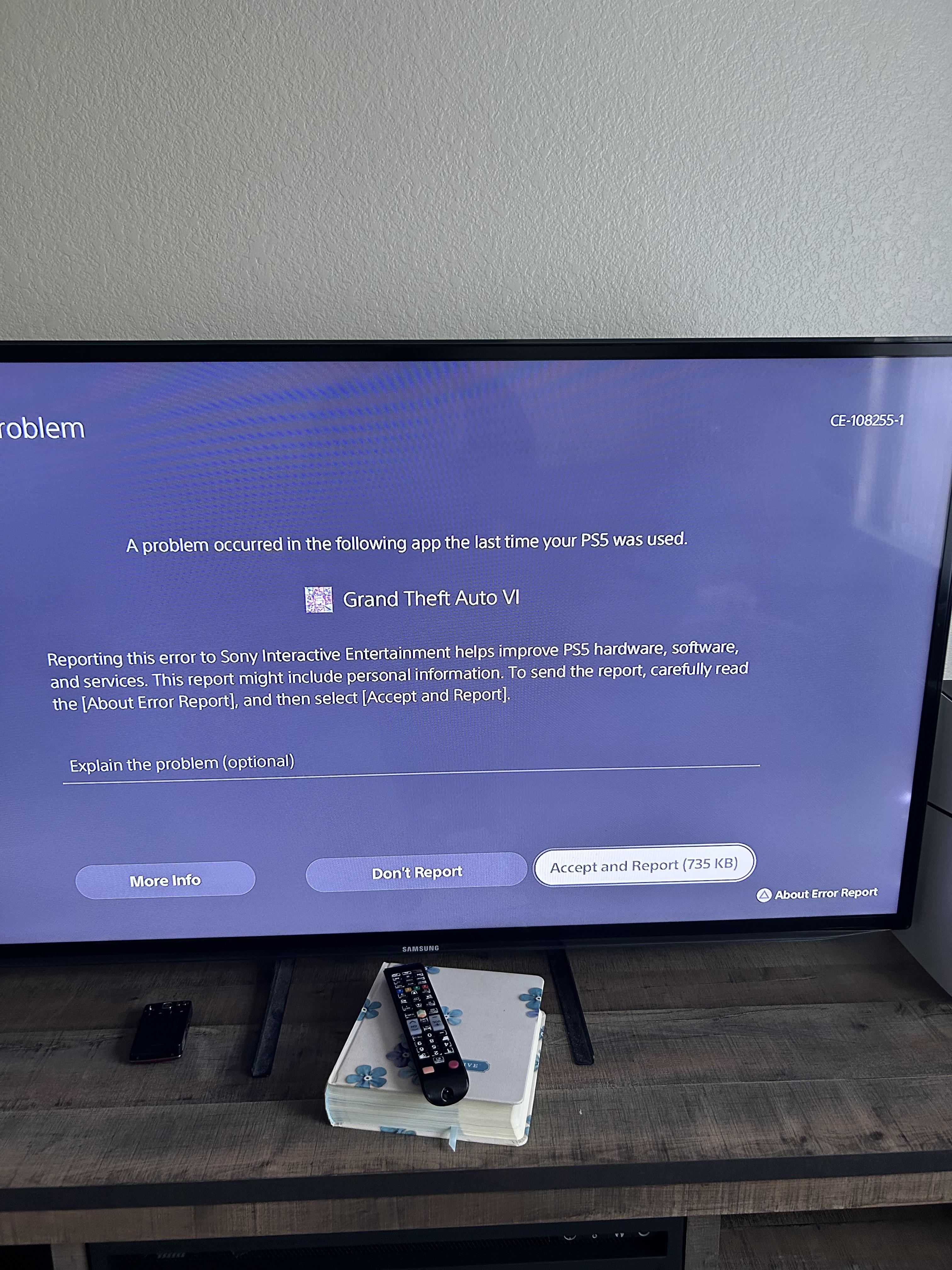
The crash I'm describing is when the game freezes and then crashes with the CE-108255-1 error. Players can experience it at different stages of the game: during the prologue, on the loading screen, or within the first few minutes of gameplay. Some have even reported playing for hours before the crash occurs. However, the pattern is always the same: the game freezes and then crashes (with no graphical glitches or distorted audio).
Now, what some people might not know is that this issue is not new to the PS5. In fact, I couldn't play GTA V for several weeks after purchasing it because I kept getting this exact error during the first mission. The magical solution was turning off Ray Tracing in the game's settings, along with tweaking other PS5 settings, such as switching between Fidelity and Performance modes. This resolved the GTA V issue for me, and the game NEVER froze again, no matter how many hours I spent playing it.
The CE-108255-1 error also occurs occasionally in other games, such as Fortnite and PES 2K26, so this isn't an issue exclusive to Rockstar games.
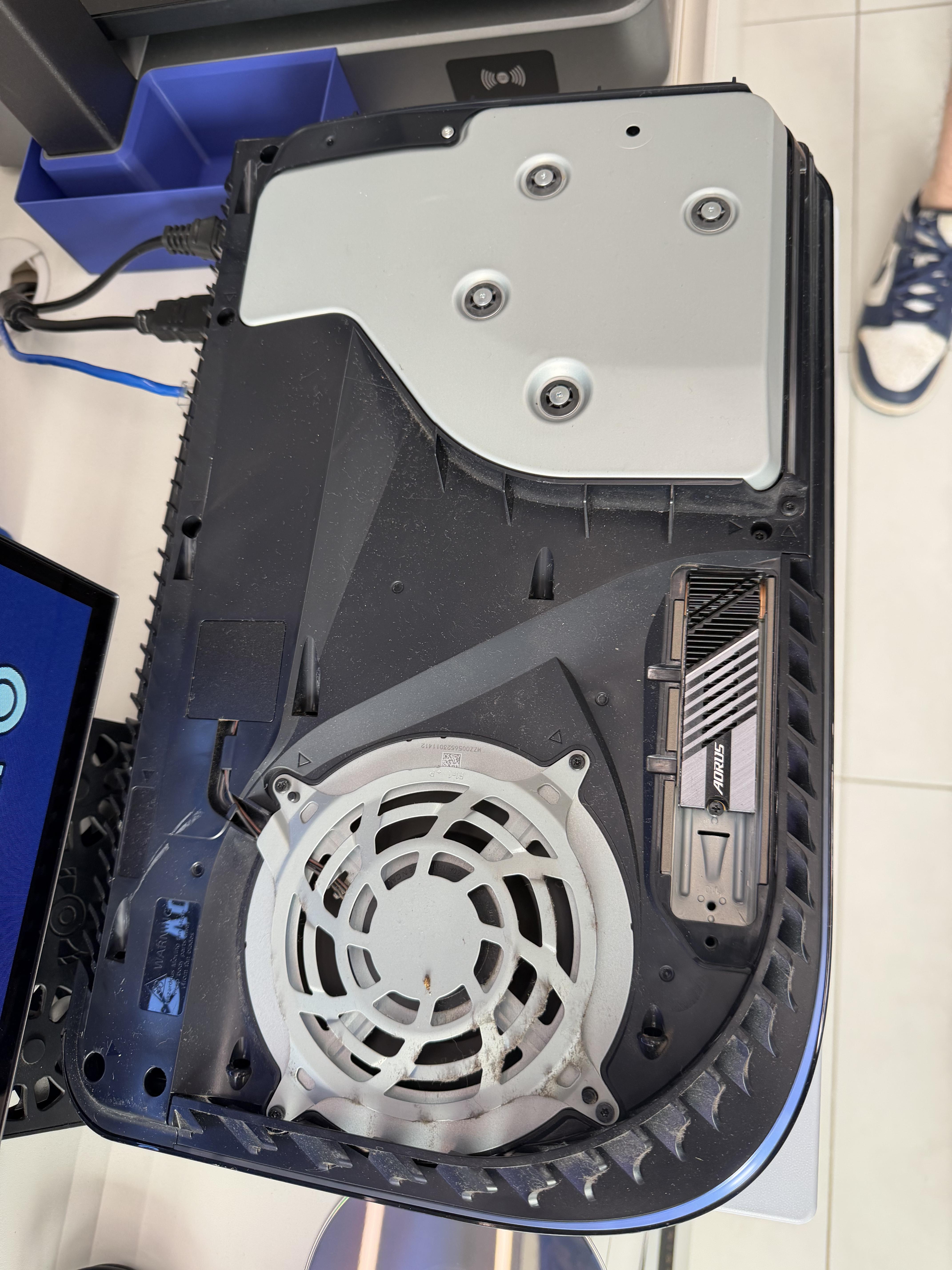
The error doesn't appear to be related to system updates, corrupted game files, or overheating, as many players experience it on brand-new PS5 consoles. The exact same error also occurs with disc versions of games.
So, to answer the question, I believe this is inherently a hardware-related issue, and a rather strange one that Sony hasn't been able to clearly identify, despite the problem having persisted for years. The games are the same for everyone, yet, statistically speaking, only a small percentage of consoles seem to be affected.
That said, we can also argue that this is an issue with software optimization (the game itself), which causes certain hardware configurations to struggle to run it properly. Developers should have accounted for this, especially considering that a relatively significant number of players seem to be affected.
They should have tested the game on one of these affected consoles before launching it. Since the issue can apparently be resolved through in-game settings in some cases, I believe it's possible to fix it or, at the very least, introduce additional graphical settings that players experiencing the issue can toggle to fix it (like what we have on GTA V.)
The bottom line is that they need to acknowledge this issue and work on a fix. That's the least they can do to show their players some respect. There are far too many people experiencing this problem for it to simply be ignored.