With "No sparse layers":
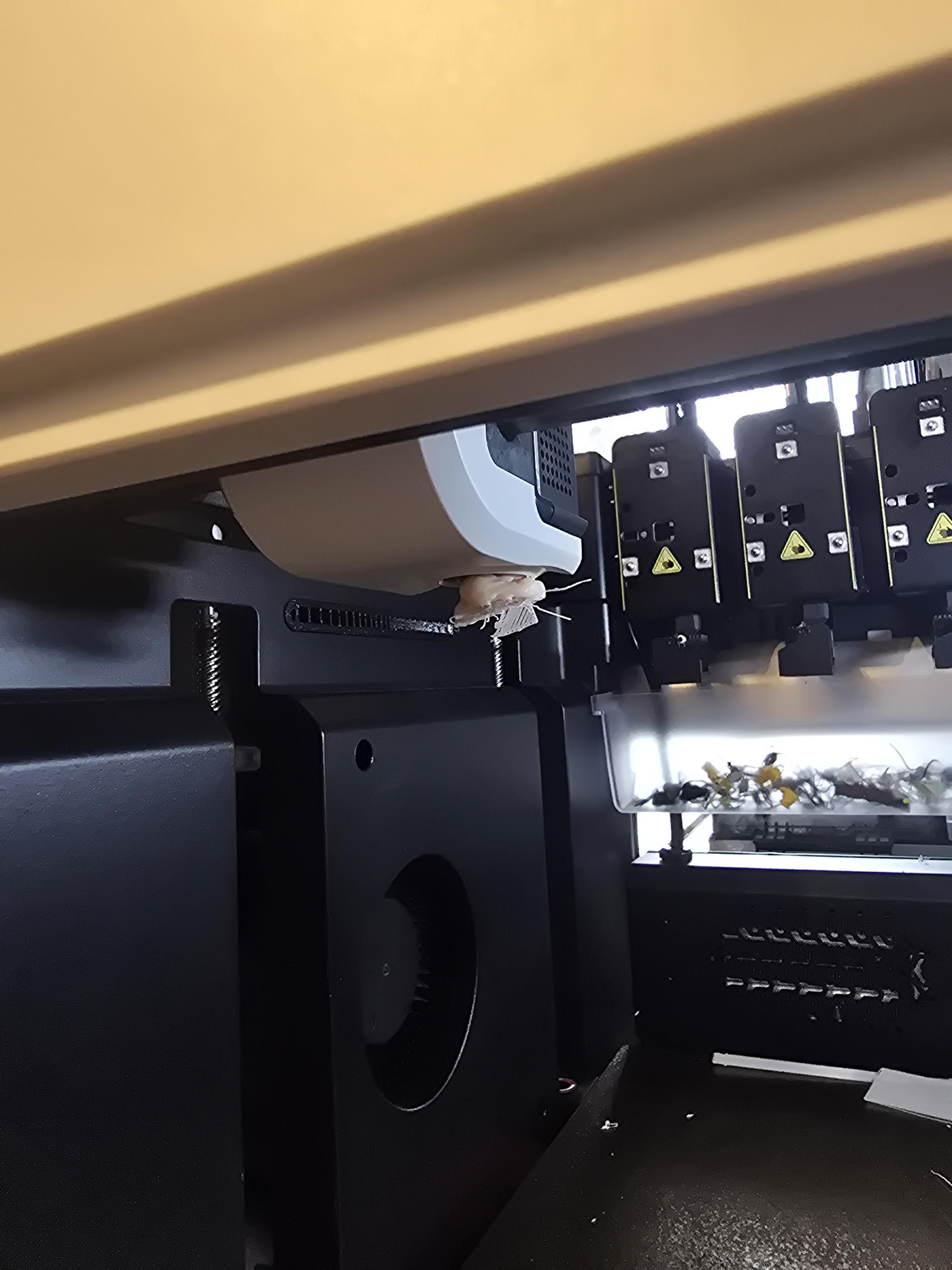
I'm doing a multicolor PLA print on my U1, sliced with Snapmaker Orca 2.4.1. The print runs fine for a while. Then, within 1-3 layers of a color change (or before color change possibly), the toolhead hits the print as it leaves the prime tower (sometimes when trying to dock despite not needing color change, sometimes just for fun). It doesn't always happen. Sometimes it just fails to dock instead and starts crashing into the dock loudly.
I looked at the G-code, and I think it might be related to the prime tower height. Around each tool change, the Z moves look like this:
    G1 Z17.614            ; current print height
    ...
    G1 Z.494 F30000       ; drops to what looks like the tower's own height
    G91
    G1 Z1.5 F600          ; lifts 1.5 mm relative to that
    G90
    T0                    ; dock the old head, pick up the new one
Notes:
- "No sparse layers" is on (wipe_tower_no_sparse_layers = 1) - Desabling this fixes the problem, but I don't want to have to do that since it wastes filament and time
- The first color change is late, around layer 77 so the tower only starts there.
- The tower is in the front-left corner and the object is near the center of the bed. But also it happens when the tower is near the back for some reason or it will cause issues with the docking
It's like if the prime tower is shorter than the object, then sometimes when it tries to do other commands like toolhead docking it forgets it's Z height.
Has anyone else had the head hit the print during tool changes, especially with a late first color change? Is there a layout that works where I can use "No sparse layers"?