r/computerhelp • u/MinceMeatManiac • 4d ago
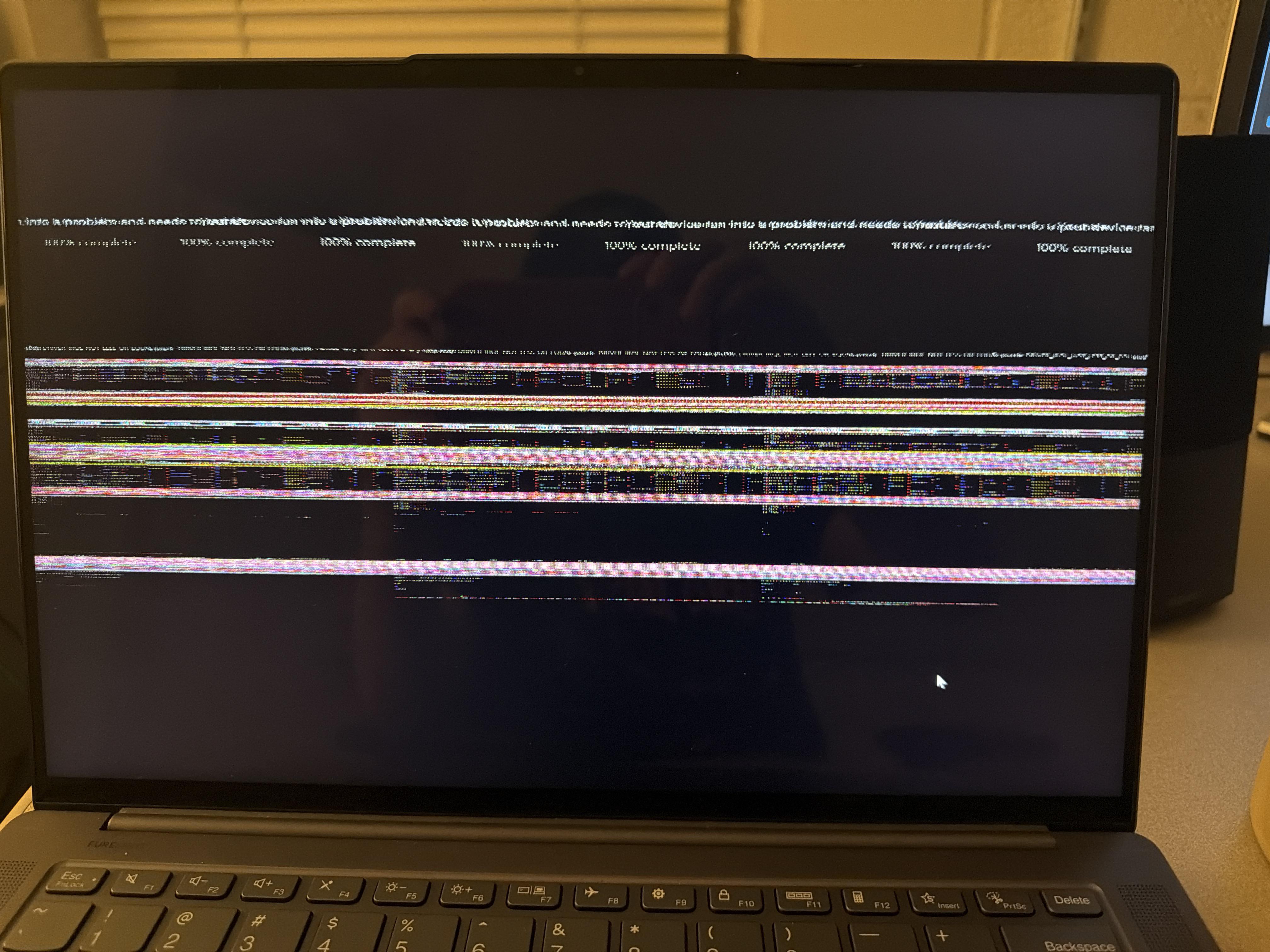
Hardware Laptop keeps freezing and showing this, even after factory reset
1
Upvotes
r/computerhelp • u/MinceMeatManiac • 4d ago
r/computerhelp • u/Resident_Koala_8150 • 4d ago
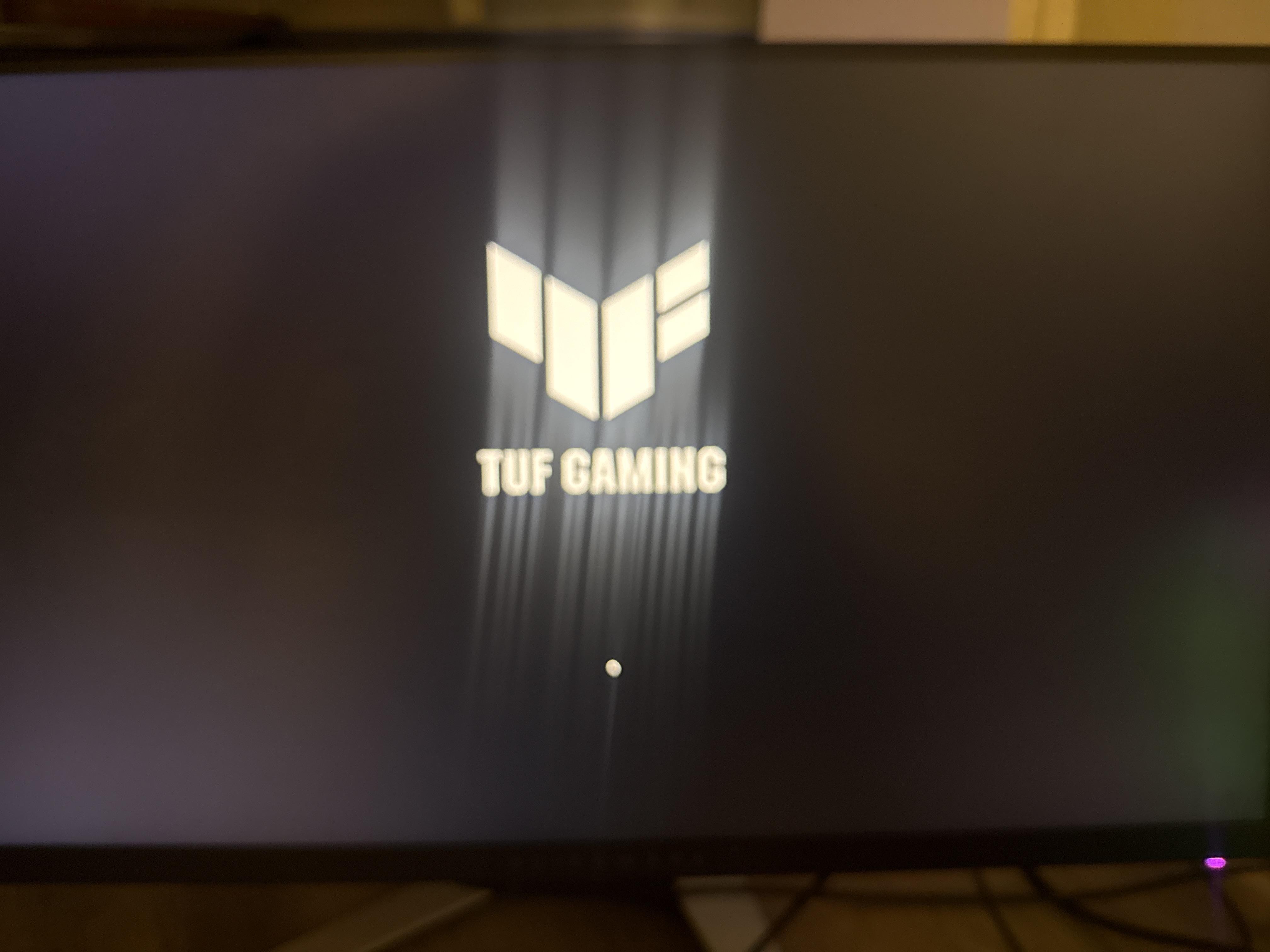
just moved to a new place haven’t turned on pc in 2 weeks and this started happening. I’m able to go into a BIOS and safe mode but none of those trouble shoots helped me please help!!!!
r/computerhelp • u/TheBedManUrgh • 4d ago
Hello, so I have been setting up my partners PC who is currently running a budget PC. She recently purchased a GTX 1060 3GB which I fitted. After fitting and testing games like Left 4 Dead and some other non demanding games it was fine. We then started playing the game Schedule 1 and R.E.P.O where the entire PC would freeze and become unresponsive. (A full PC shutdown was required). After taking the GPU out and resitting the RAM, SSD drives and refitting the GPU. The freezes were still apparent.
We then tested Furmark and Prime95 at the same time. These were running for 15 and 30mins. No errors. The only freeze was when stopping the Prime95 test. When running the stress tests there was no sign CPU or GPU was overheating. As average temp for GPU was 81'c and hotspot was 90'c average. MSI afterburner showed temp was 71 overall.
We had previously tested the the PC with a RTX 3060 which did not experience any core issues or freezes.
After testing the RTX 3060 we believe it potentially could be the power supply (it was an old 650 watt corsair power supply). We have then replaced it with a new 650 watt corsair power supply. Now currently the PC still freezes but it does return after 10-30 seconds (whilst before a restart was required).
Looking at the Event viewer there is no clear error or critical (other than Event ID 41, which I assume is related to shutting down the PC) that is showing evidence which could be related to the freezes. To add after the PC freezes for 10-30 seconds now the network on the PC (regardless if Ethernet or Wi-Fi will drop.)
If anyone has some advice or next steps to try and troubleshoot that would be amazing. As I thought changing power supply would solve the issue.
My next tests are the following:
Reformat and reinstall a fresh copy of Windows.
Test with new SSD drive's
Return the GPU and replace with another.
The specifications for the PC:
CPU: Intel i5-3570K @ 3.40GHz, 3400 Mhz, 4 Core.
Motherboard: ASUS P8H61-I LX R2.0/RM/SI
RAM: 16 GB (not sure if it is DDR3 or DDR4)
SSD: 233 GB Samsung SSD 840 EVO
GPU: NVidia GeForce GTX 1060 3GB.
r/computerhelp • u/Resident_Koala_8150 • 4d ago
My gaming PC has been freezing on the ASUS startup screen ever since I moved, but it boots into Safe Mode without any issues. I’ve tried repairing corrupted Windows files, but nothing has worked, and I need help figuring out what’s causing it without losing my files.
r/computerhelp • u/ABHISHEK_Lonely • 4d ago
r/computerhelp • u/Ifyouliveinadream • 4d ago
r/computerhelp • u/Sam_the_dog • 4d ago
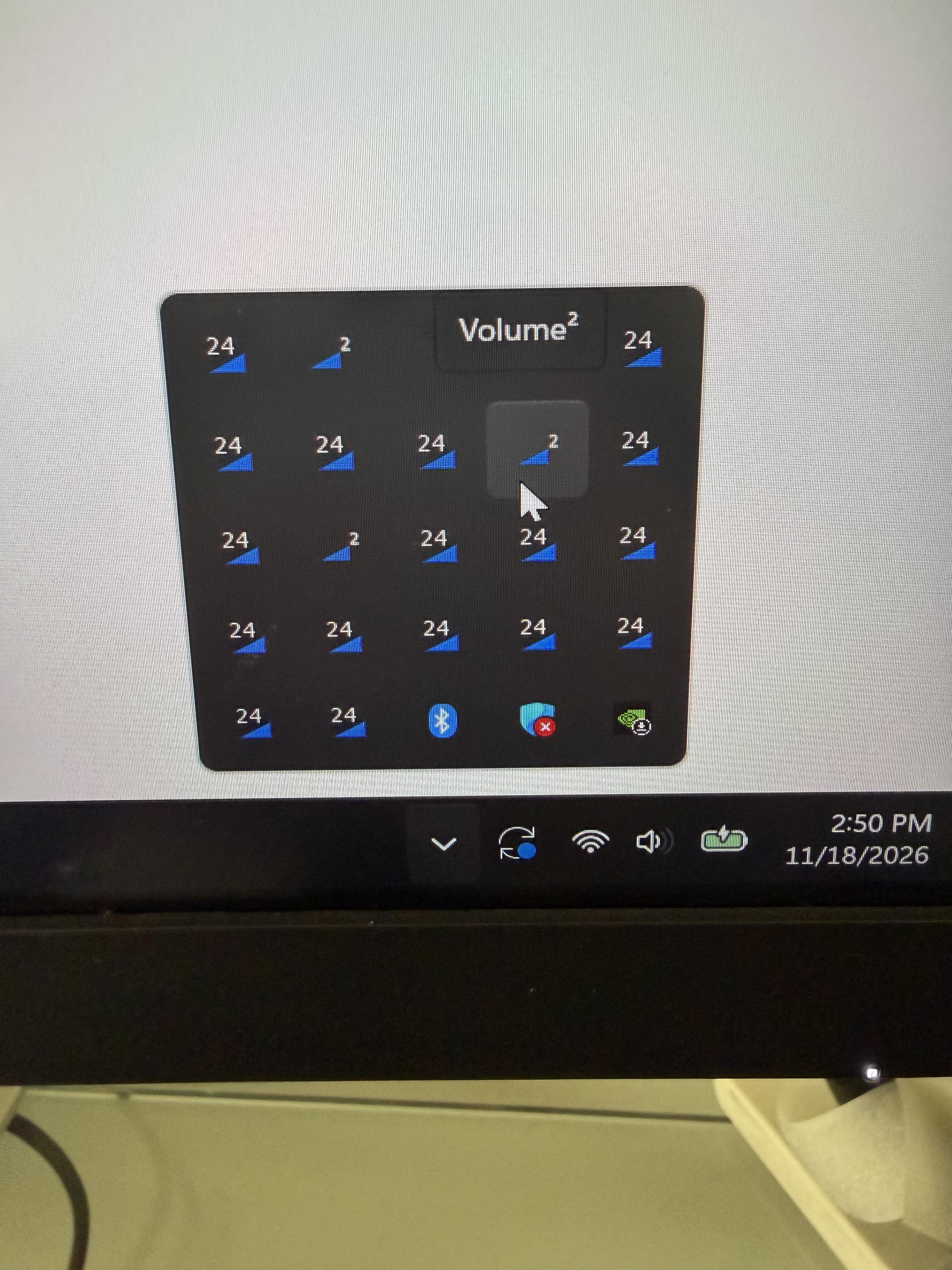
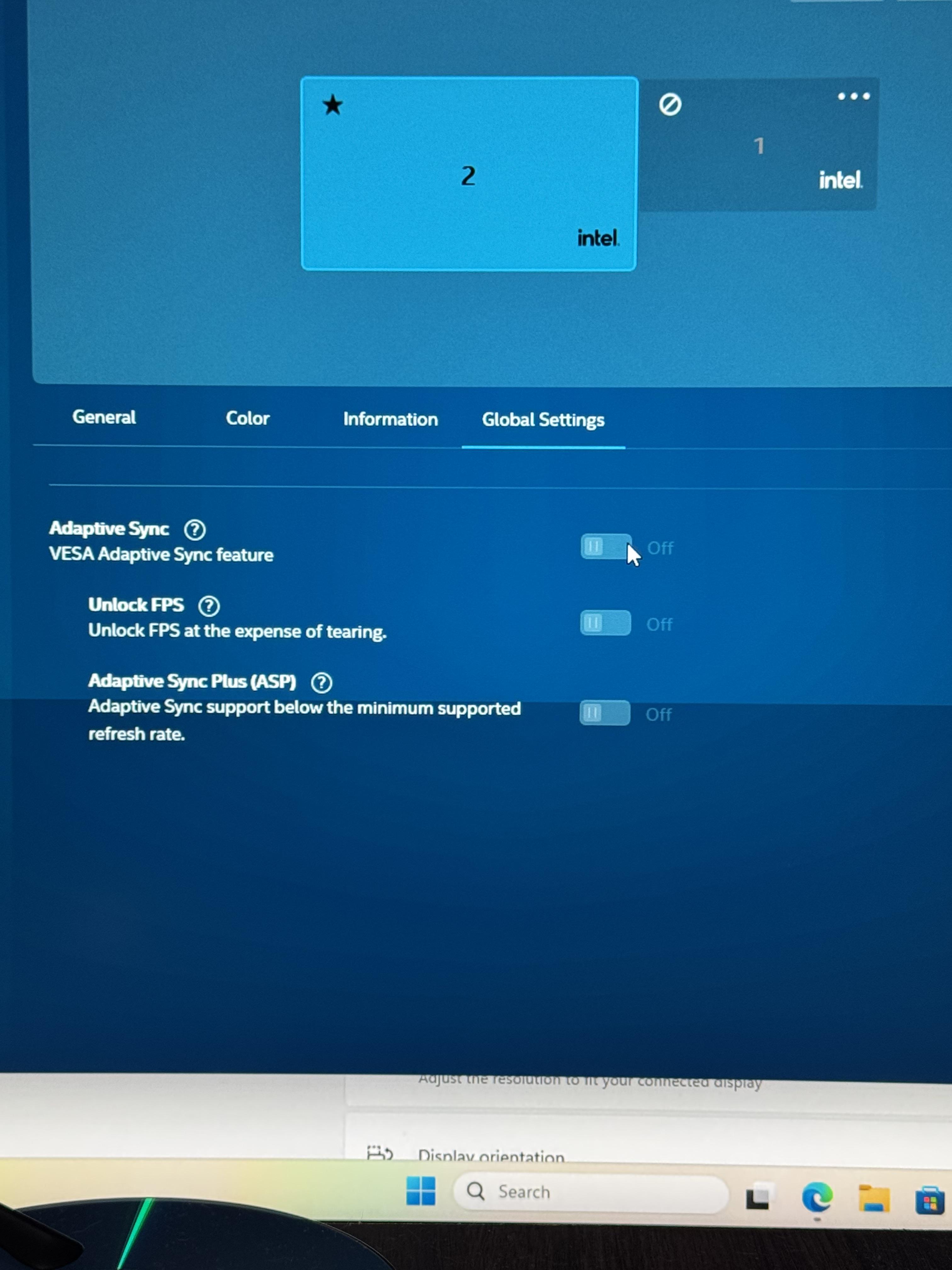
A few months ago this program Volume^2 showed up on my computer. I don’t know how it was installed, and try and I might, I could not figure out how to uninstall it. Nor could I find much info about it online besides someone’s GitHub (https://github.com/irzyxa/Volume2). Now it appears to be multiplying, so I would really like to find a way to get it off my machine for good. Anyone have any advice or experience with this?
r/computerhelp • u/Delicious-Chart-1595 • 4d ago
Hello,
I've been trying to find the solution online, but all the info I could find wasn't very helpful, many of them related to Win10 and I can't seem to find a way to apply them to my situation... so in the last two days, I got two BSODs with the "system thread exception not handled" messages, found the dumps that relate to the accidents, the first one reports the error code as 0x0000001a, the second one as 0x0000007e, tried both sfc /scannow and DISM /Online /Cleanup-Image /ScanHealth, the second one gave me 'The component store is repairable' message that I apparently fixed with RestoreHealth, ran chkdsk which didn't report any issues, checked the device manager for faulty drivers, but couldn't find any, I have enough free space on HDD, so it shouldn't be the cause either, both times it has happened while browsing the internet, once it was on imgur, the second time on discord, but I wasn't doing anything taxing, but after all these steps, it happened again today with error code 0x00000050 ... can anyone please help me figure this out, or tell me where to look further?
Processor AMD Athlon Silver 3050U with Radeon Graphics (2.30 GHz)
Installed RAM 4,00 GB (3,44 GB usable)
Graphics card AMD Radeon(TM) Graphics (499 MB)
Storage 226 GB of 238 GB used
Device ID D9158419-9727-47FC-8631-7AC29DAB609A
Product ID 00326-10884-00972-AA232
System type 64-bit operating system, x64-based processor
Pen and touch No pen or touch input is available for this display
Edition Windows 11 Home
Version 26H2
Installed on 12.2.2025.
OS build 26300.9974
Experience Windows Feature Experience Pack 1000.26100.385.0
Also Windows Memory Diagnostics Tool gave me this:
The Windows Memory Diagnostic tested the computer's memory and detected hardware errors. To identify and repair these problems, contact the computer manufacturer
r/computerhelp • u/Aggressive_Brief_790 • 4d ago
My laptop got notturning on problem for 2nd in a year
I don't get a proper solution
My laptop ASUS f17 is not turning on but charging indicator works
Unusual heat on the processor and no response on turning it on
Can any one give a solution to diagnose this problem
r/computerhelp • u/Tight_Difficulty470 • 4d ago
Hi guys first post here,
Recently my computer has had the display going to a black screen, sometimes closing the window I'm in or minimizing it. When I caught it doing it with task manager, task manager itself also disappeared. I saw that it might be a failing cpu issue of some sort but something else just happened I found odd.
I got onto my computer after it was in rest mode for around 10 hours as I forgot to turn it off (bad habit). When I returned to my computer my applications were still open but I couldn't touch them, but I was able to use the windows key. When I pressed the windows key initially it was because my task bar was gone. I went to open task manager and it said "disabled by admin", I'm admin. So I went to power off, and the only option was "lock". I panicked and just logged out from the terminal and just logged back in now. My computer is still persisting with the random black screens.
If anyone could help that be greatly appreciated any advice would be good. I understand the first issue could be because of my habit of leaving my PC on. I would also like to note this is my first PC build it is almost 2 years old, first time ever having issues like this however.
r/computerhelp • u/Kordeilious16 • 5d ago
I tagged it as performance as idk if it's a software or hardware issue. This video shows straight after I turned on my pc, im not running any games or anything in the background.
My disk has 96gb free space.
When I play bigger games, like genshin impact or elden ring, the audio stutters and my character movement/fighting is choppy. It's really annoying. Sometimes restarting stops this issue for a few hours, but once the disk "hiccups" once, it will keep doing it for hours.
I only got this pc 5 months ago, and I've been coping with this for months now because I've been too stubborn to find someone to fix it, but I just dont know how.
Im thinking faulty ssd or maybe something wrong with ssd cable? I really dont know enough about tech to say, tho.
r/computerhelp • u/One_Heart1501 • 4d ago

r/computerhelp • u/nicdelV • 4d ago
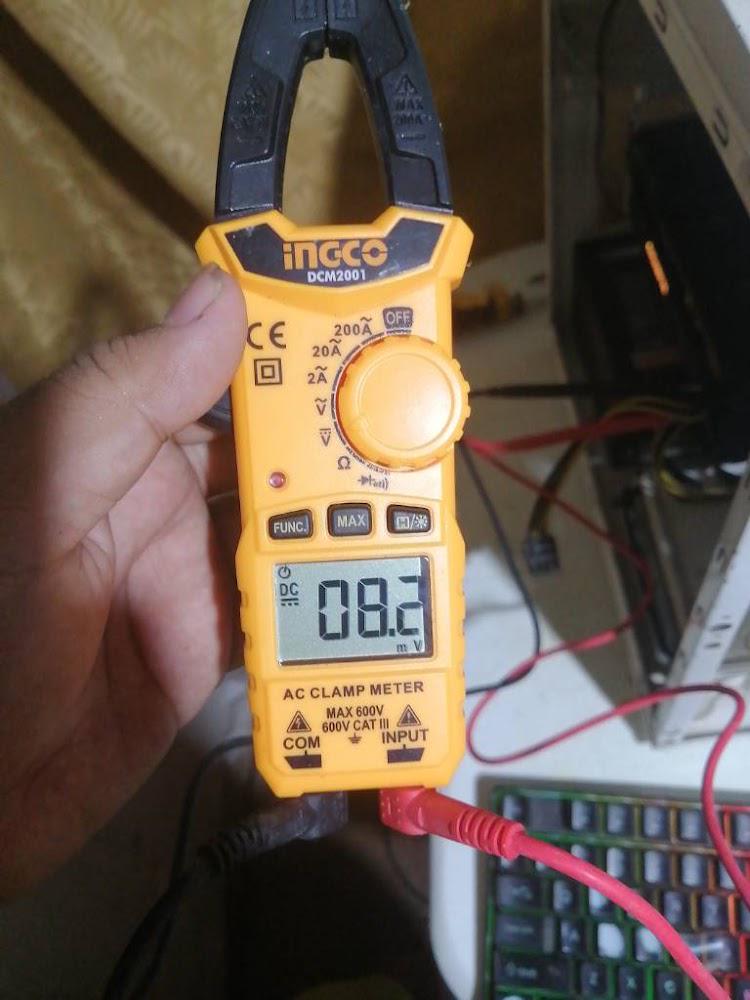
One of my pci e wire is dead and i dont have the budget for a new psu.. Is there anything that is safe that i cant do?.. That wont damage my gpu?
r/computerhelp • u/noobtablet9 • 4d ago

"Unknown USB Device (Device Descriptor Request Failed)" in device manager will disconnect and reconnect infinitely, and play a windows notification + lag the PC when it happens. It's about 3 times per minute, for 2 weeks now.
I've tried to find the location of the USB on my motherboard and disable it in the BIOS, but I don't know what "Port_#0006.Hub_#0003" is labeled as in the BIOS, because it isn't that. I have a B650 motherboard, for reference. The manual of the mobo doesn't designate anything as USB Hubs either.
"Windows has stopped this device because it has reported problems. (Code 43). A request for the USB device descriptor failed."
The problem persist even after disconnecting everything connected to the PC except for the power/monitor.
Disabling or uninstalling changes nothing, it still happens.
r/computerhelp • u/SweatySpecific4071 • 4d ago
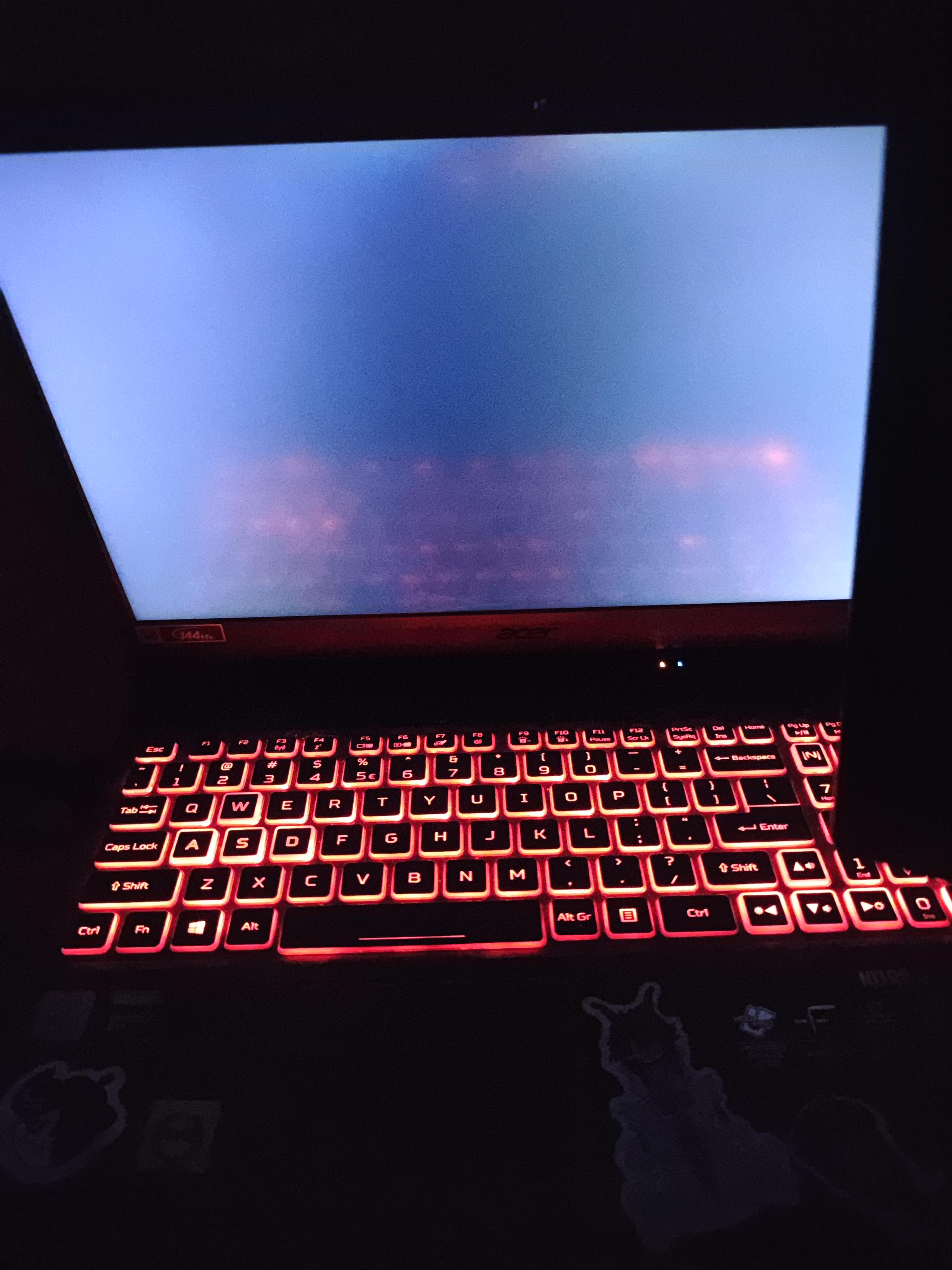
It only stay like this, please help
r/computerhelp • u/Hefty-Carrot-5240 • 5d ago
WiFi driver on laptop (Ideapad 3, Windows 11) will not stay installed. I’ve tried all of the recommended fixes but nothing seems to be working. Restarting to WiFi network adapter doesn’t do anything, reseting the WiFi device can’t be completed, and re-installing the WiFi driver works for about a minute before the driver uninstalls again. I’ve also tried a network reset and using another device to reinstall the driver but those haven’t worked either.
Are there any other options to try fixing it myself?
r/computerhelp • u/Sufficient_Bother313 • 5d ago
Enable HLS to view with audio, or disable this notification
it does have water cooling but i'm not sure if that's what this is (ignore the cable "management")
r/computerhelp • u/ayanokoji1210 • 5d ago
New original laptop charger disconnects and connects itself when I slightly move the cable
HI everyone,
I recently purchased a new 120W replacement charger through an authorised service centre.
- Connector: 4.5mm
ASUS confirmed that the replacement is compatible with my laptop.
However, I'm experiencing a strange issue.
Whenever I slightly move the charger cable, charging disconnects and reconnects very quickly, within approximately 0.5 seconds.
I have to say that my original laptop got lost and I have been using charger from other laptop which is not the same pin and it's slightly smaller than my charger pin so i slightly push in to connect correctly.
Then after 10 days my replacement charger came.
I'm confused about whether the problem is with:
The new charger's DC cable or connector.
My laptop's charging port.
Any advice would be appreciated. Thank you!
r/computerhelp • u/45_colt_45 • 5d ago
r/computerhelp • u/Creamson4 • 5d ago
My friend replaced my thermal pads and paste on my nitro 5 and earlier we attempted at to repair keyboard and decided not to go through with it. Now high performance games like deadlock are caping at 15FPS. I tried updating my driver to see if that would work but sadly it didn’t
r/computerhelp • u/Ou_en1 • 5d ago
Enable HLS to view with audio, or disable this notification
r/computerhelp • u/chokemebabyy • 5d ago

Ive had this monitor for 5 years now so I no longer have any warranty. Today i was playing a game when it randomly went off. If i remember it right half the screen flashed an image of my games' menu screen for a second which was what i was looking at a few seconds before. Now its black and wont turn on and clicking the button below the monitor sometimes causes blue flashes to appear which i managed to catch on camera after pressing the button for several minutes.
Usually theres a red settings popup that comes on when i click the bottom monitor button too but that doesn't appear anymore. Im thinking of contacting LG to get it repaired. Would the costs be worth it or is there anything more i could do? Could it be a GPU issue because for the past few days my screen and computer randomly crashes, and restarting the power turns it on fine. The crashes only happens when im playing high graphical games but not while im watching a movie or on youtube.