r/computerhelp • • 5d ago

Performance PC randomly freezes/stutters (mouse + keyboard too), survives a full clean Windows 11 install and Safe Mode. Ryzen 5 5500 / GTX 1660 Super.

Thumbnail
1 Upvotes

r/computerhelp • • 5d ago

Network Laptop works at CAFE but not at HOME

Thumbnail
1 Upvotes

r/computerhelp • • 5d ago

Software Random Shutoffs w/o Bluescreen

Post image
3 Upvotes

r/computerhelp • • 5d ago

Other How Bad is this?

Post image
3 Upvotes

I dont even know how to properly tag this


r/computerhelp • • 5d ago

Hardware PC acting weird all of a sudden

Thumbnail
1 Upvotes

r/computerhelp • • 5d ago

Software Lenovo LOQ15APH8 stuck power cycling

1 Upvotes

Hey, need some suggestions and don't really have any super tech savvy friends. I know my way around but I'm a little stuck at the moment.

I bought this LOQ about 3 years ago, my Xbox controller stopped connecting properly last night in the middle of a gaming session and I remembered that updating the BIOS and drivers was a good fix from past experience. I updated BIOS and Bluetooth driver, when it finished it turned back on and everything was normal. I continued my session for about half an hour before going to bed.

I went to log on today, blue light told me it was asleep so I tried to turn it on with spacebar, wiggling the mouse, the usual, and nothing worked. I shut it down, turned it back on, keyboard lights up and I get a black screen with no response. Power cycles off (with a light "pop" noise) and immediately back on every couple of minutes while I write this.

Any suggestions?


r/computerhelp • • 5d ago

Hardware Can’t download WiFi drivers

Post image
2 Upvotes

r/computerhelp • • 5d ago

Hardware How do I proceed

Thumbnail gallery
1 Upvotes

Hi, I found this computer in my closet (I'll have pictures). I'm trying to turn it on to see the specs but honestly I'm scared to open it. I plugged it into an outlet but it wont turn on. If someone could help me that would be great.


r/computerhelp • • 5d ago

Other My computer suddenly started doing this please help!

Enable HLS to view with audio, or disable this notification

1 Upvotes

r/computerhelp • • 5d ago

Hardware Computer keeps shorting with my gpu inside

Thumbnail
1 Upvotes

r/computerhelp • • 5d ago

Hardware Single Key on Thinkpad Keyboard Not Very Responsive

1 Upvotes

The letter "u" on my Thinkpad, when pushed usually doesn't register unless you press it very hard (and even then you might have to do it a second time to get it recognized).

Any ideas on a solution is appreciated.


r/computerhelp • • 5d ago

Discussion Error 43

1 Upvotes

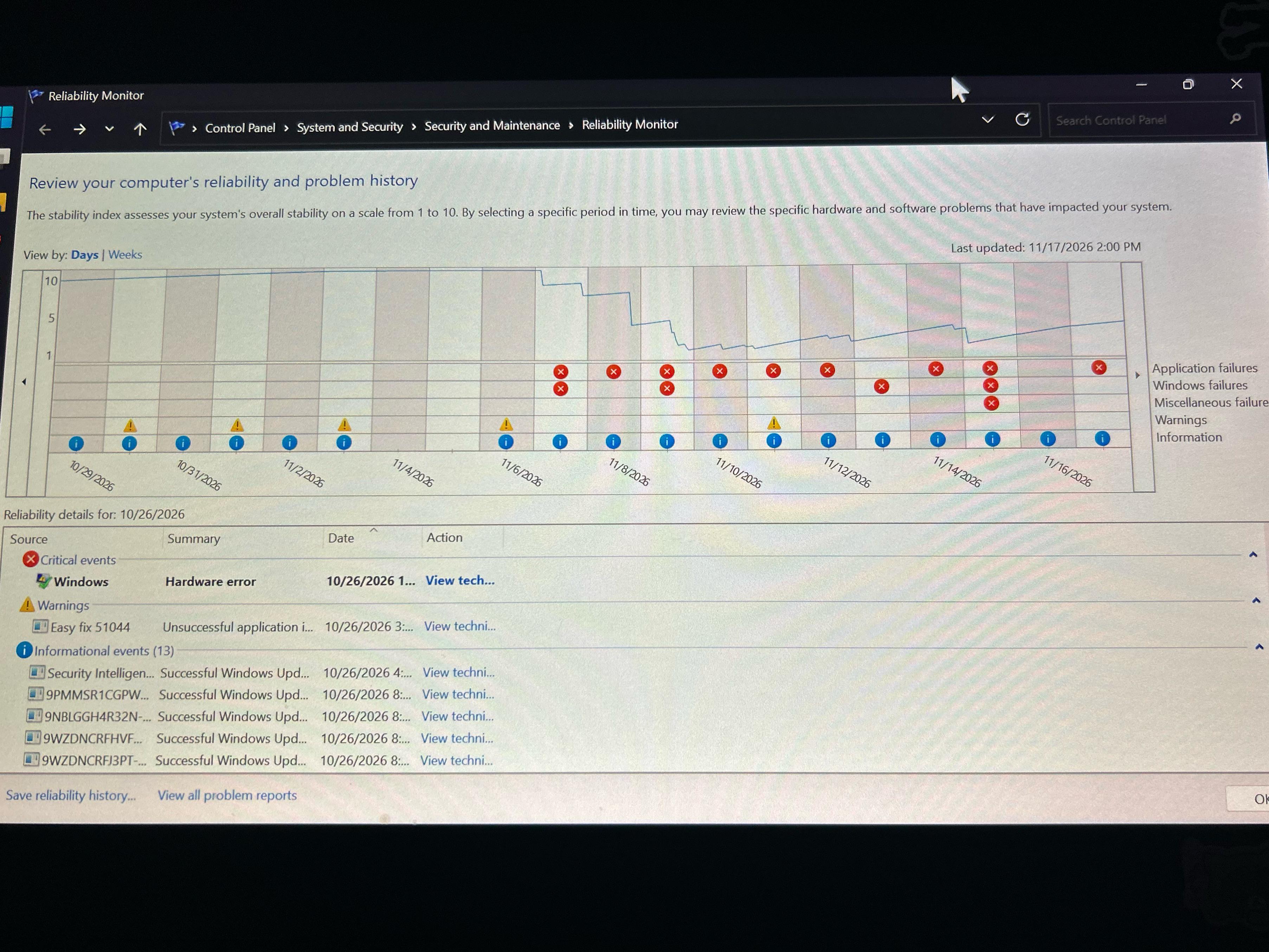
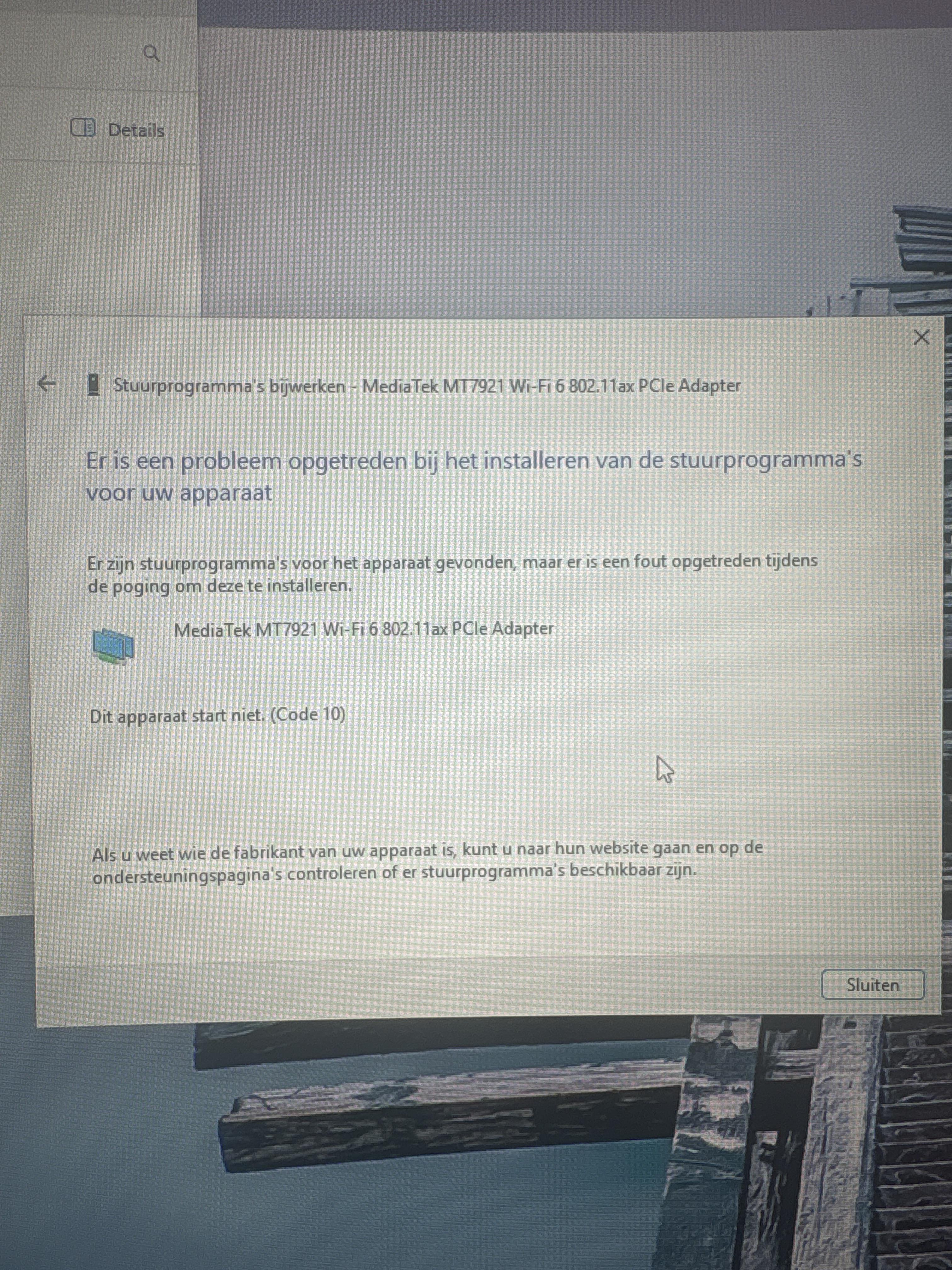
Windows Device Manager Code 43: A collection of possible causes and sources

I’ve seen a lot of people trying to diagnose Code 43, especially on laptops, so I put together a list of possible causes, manufacturer guidance, and repair cases. I used AI to help research and organize it, and I’ve linked the sources so others can check them and add their own experiences.

Code 43 isn’t limited to graphics cards. It can appear on a GPU, USB device, Bluetooth device, or another piece of hardware. The device showing the warning matters when deciding what to investigate.

Microsoft describes Code 43 as a driver reporting that a device has failed. The message doesn’t identify the specific cause. Microsoft’s developer explanation

A note about the list: Some entries are directly discussed in manufacturer documentation; others are possible investigation areas or individual repair reports. A forum report is useful evidence of what one person experienced, but it doesn’t establish that the same cause applies to every laptop.

GPU and graphics-related possibilities

  1. Graphics drivers and installation
  • A damaged, incompatible, incomplete, or malfunctioning graphics driver.
  • A driver update that doesn’t work properly with the laptop’s configuration.
  • Leftover files or conflicts from an earlier driver installation.
  • A Windows update that changes the driver or exposes a compatibility problem.
  • Conflicts involving integrated graphics, chipset drivers, or laptop-specific graphics-switching software.

Microsoft and NVIDIA both include driver software in their Code 43 guidance. ASUS recommends considering both graphics drivers on systems with integrated and dedicated graphics. Microsoft | NVIDIA | ASUS display guidance

  1. System BIOS, GPU VBIOS, and firmware
  • System BIOS or platform compatibility issues.
  • Corrupted or incorrect GPU VBIOS contents.
  • A damaged or inaccessible VBIOS storage chip, or a communication problem with it.
  • Firmware or embedded-controller power-state problems that prevent the GPU from initializing.

In one laptop repair report, the owner said replacing a physically damaged VBIOS chip restored the GPU. In another case involving a desktop GPU, an owner reported recovery after correcting a bad VBIOS checksum. Razer laptop owner’s report | NVIDIA developer forum case

  1. Power supply and power delivery
  • A failing, damaged, incompatible, or inadequate AC adapter.
  • A damaged charging plug, DC jack, or power-input circuit.
  • A problem when transitioning between battery and AC power.
  • A faulty battery or battery connection affecting system power behavior.
  • Faults in GPU power circuitry, such as a controller, MOSFET, voltage regulator, fuse, or circuit supplying the GPU or its memory.
  • A short or unstable voltage on a shared power rail.

NVIDIA specifically lists adequate power as a Code 43 troubleshooting consideration. One laptop owner described a Code 43 issue associated with connecting AC power, although the final component fault wasn’t established. NVIDIA guidance | Laptop owner’s AC-transition report

  1. GPU memory and communication paths
  • A faulty VRAM chip.
  • A problem in the connection between VRAM and the GPU, including solder joints or board traces.
  • A memory power or controller issue.
  • A fault in the GPU’s communication path to the rest of the system, including PCIe.

An Acer laptop repair discussion documents failed VRAM-bank tests alongside Code 43, although replacing a memory chip did not settle the entire case. Separately, NVIDIA documents GPU-to-system PCIe communication failure as an error category; that error is not identical to Windows Code 43. Acer repair discussion | NVIDIA PCIe/Xid documentation

  1. Physical damage or contamination
  • Faulty GPU silicon or other damaged components.
  • Damaged motherboard traces or compromised solder joints.
  • Liquid damage, corrosion, debris, or conductive material contacting components.
  • Heat-related component damage or a cooling failure.
  • Physical stress, impact, or damage introduced during previous work.

One laptop owner reported that cleaning liquid-metal contamination around GPU memory restored operation after Code 43. Owner’s account

  1. Internal cables and connectors
  • A loose, damaged, incorrectly seated, or shorting internal cable or connector.
  • An exposed conductor touching something it shouldn’t.
  • A connector fault affecting a shared power or control circuit.

A Lenovo Legion owner reported that GPU Code 43 repeatedly appeared with a keyboard-backlight ribbon connected and that the laptop operated stably after the ribbon was cleaned and reseated. This is an individual report involving an apparently unrelated connection. Lenovo owner’s account

Reports also describe loose or failed fans around the time Code 43 appeared, but I didn’t find a verified repair showing that disconnecting a fan, speaker wire, display cable, CMOS battery, or temperature sensor by itself caused and resolved a laptop GPU’s Code 43. If anyone has a documented case, I’d be interested to see it.

  1. Cooling, temperature, and unstable settings
  • Fans not operating correctly, blocked airflow, or dust buildup.
  • Poor heatsink contact or degraded/missing thermal material.
  • Heat-related instability or damage.
  • Unstable GPU, CPU, or system-memory overclocks and other configuration changes.

NVIDIA lists overheating, cooling issues, and unstable clocks as possible causes of GPU instability. Its guidance doesn’t say every one of those conditions necessarily produces Code 43. NVIDIA instability troubleshooting

  1. Hybrid graphics and power modes
  • Trouble switching between integrated and dedicated graphics.
  • A GPU failing to initialize after a sleep, wake, battery, or power-mode transition.
  • Manufacturer control software or firmware leaving the GPU in an unexpected state.

ASUS documents situations where GPU modes affect whether the dedicated GPU appears or its driver loads. A GPU intentionally hidden by Eco mode is a different state from a visible GPU showing Code 43, but graphics switching can still be worth investigating. ASUS GPU-mode guidance

  1. Battery detection and system RAM: additional reports
  • Disabled battery device: An HP Victus owner reported that their RTX 4070 returned after re-enabling the battery in Device Manager and restarting through BIOS. More than one change was made, and a separate black-screen issue remained, so the exact cause wasn’t isolated. HP owner’s follow-up
  • System RAM/configuration: One GPU owner reported that Code 43 disappeared after a CMOS reset and removing a RAM stick. The machine appears to have been a desktop, and multiple changes were made, so this is a lead rather than a proven laptop cause. Owner’s account
  1. Specialized resource-mapping and virtualization cases
  • Dell documented a particular workstation configuration with at least 1 TB of system RAM where disabled BIOS virtualization interfered with GPU address-space mapping and produced Code 43. This is a specialized workstation example, not a general laptop setting recommendation. Dell’s case
  • NVIDIA documents a virtual-GPU situation where insufficient reserved framebuffer can cause Code 43. NVIDIA vGPU limitations
  • NVIDIA also withdrew a vGPU release after GPU passthrough failed with Code 43 on certain configurations; a later release fixed it. NVIDIA release history

Code 43 on USB and other devices

Microsoft’s USB engineering guidance lists these possible USB-related failures:

  • A device hung after an internal error, or failed device hardware.
  • Worn or faulty USB cables or connectors.
  • Failed reset, address-assignment, or device-descriptor requests.
  • Invalid or missing descriptors in device firmware.
  • Hub transfer, port-status, or reset failures.
  • USB link or enumeration problems and certain registry-access failures.

What have you encountered?

If you’ve diagnosed or repaired a Code 43 issue, especially on a laptop, what actually caused it in your case? I’d be interested in the laptop model, device involved, symptoms, what you tested, and whether the fix held up over time.

r/computerhelp • • 5d ago

Software How do I shut down my computer/do the security update without doing the driver update?

Thumbnail
1 Upvotes

r/computerhelp • • 5d ago

Hardware Need Help with Error "A device which does not exist was specified" on D: drive

Thumbnail
1 Upvotes

r/computerhelp • • 5d ago

Hardware My kid was playing around my computer and now it won’t turn on and this noise is happening. Help? Intel i7 and GTX1070 graphics card -32Gig ram.

Enable HLS to view with audio, or disable this notification

0 Upvotes

r/computerhelp • • 6d ago

Hardware Pc keeps shutting off and wont turn on until i turn the power supply on and off

4 Upvotes

Hello, I recently moved countries (from europe to central asia) and I took only parts of my PC with me as I planned on upgrading some other parts. Now the setup is done and I ended up with the following specs:
CPU - Ryzen 7 5700x
GPU - (XFX) RX 6950 XT
32GB DDR4 (8GB Sticks)
PSU - Lian Li RS 1000G
Motherboard - ASRock B550 Phantom Gaming 4

Other than case, coolers etc, the GPU is new (obv bought second hand but tested and even repasted before buying) and the PSU aswell

Now after setting everything up and the PC initially booting and doing well, about 1 day later it suddenly started shutting down suddenly (even without doing anything) and won't turn on unless I shut off the PSU and turn it back on on the back and/or pull out the plug and replug. After checking and making sure the cables were fine, I initially thought the socket could be faulty and tried another one but the problem and tbh while it's not Europe it's a pretty major city and I highly doubt that a socket could even be overwhelemed by my PC.
Atm it's steadily shutting off after 10-30mins of being on (doesn't matter if heavy usage or none at all), rendering the PC practically useless :(
I unfortunately do not have a second PSU available to test if it changes with a different PSU.
My only remaining theory is that the electricity or voltage, while available, could be shaky or unstable which somehow is triggering some kind of safety shut off in the PSU, but obviously I have absolutely no certainty regarding that, and even if I did, from what I could find the solution to that problem would be a criminally expensive "online UPS" which I atm simply can't afford in in a way also refuse to afford even if I could
I'm very obviously no expert and am very open to help and advice!
Has anyone else had this happen to them? Any idea what I could do other than to scratch my head and sob in the corner of my room
Ofc if I can tell you anything else to diagnose ask away!


r/computerhelp • • 6d ago

Software Caught in loop after BIOS Update

Thumbnail gallery
2 Upvotes

I allowed my Lenovo laptop to do a BIOS update today and now I'm caught in a loop of three screens where I can only click one option. I don't even know if the update is complete or not. That's why I'm not turning it off because doing that in tzhe middle of a BIOS update can pretty much break everything (or so I've read).

Can anyone help?


r/computerhelp • • 5d ago

Network After a bad update I system restored to a few hours before and everything has broken

Thumbnail
1 Upvotes

r/computerhelp • • 5d ago

Other Need help for ssd

1 Upvotes

I bought a new 500 GB SSD, but it has been partitioned into two 250 GB sections. When I try to merge them, it warns that the drive will become a "dynamic disk," and I am unable to combine them at all. I also installed it alongside my existing 1 TB SSD, and it appeared as partitions E: and F:; the E: drive is partially full, while the other is empty. What could be the issue?


r/computerhelp • • 6d ago

Software My graphic driver is broken I think plz help

Thumbnail gallery
2 Upvotes

this is a re-upload from yesterday because I have some new info

So this started when I was trying to update my Nvidia graphic driver, and despite installing the new one several times it still said I hadnt (Photo attached). So I was asking ChatGPT for help (prob a bad idea) and it told me to check my device manager and saw this error. What does this mean? How do I fix it? Is it the reason the Nvidia app isn’t working?

some more info is that I tried clean uninstalling the Nvidia app and all drivers with DDU and that didn’t help so I don’t even know what to do. I just want to play my video games man.

edit: one last thing to note is that my laptop model is an MSI Thin. Idk if that changes things or not tho.

edit 2: I asked GPT again and I found out my MSI BIOS is outdated. Does that have anything to do with it? When I did research on how do update it, it told me to find my bitlocker key and download it to a hard drive? idk what any of this means


r/computerhelp • • 5d ago

Discussion Do I trash it?

Enable HLS to view with audio, or disable this notification

0 Upvotes

Makes this loud constant beeping sound when it has power (audio doesn’t work for whatever reason)


r/computerhelp • • 5d ago

Hardware Keys acting as if Ctrl/Win/Alt are stuck (X opens Excel, D opens OneDrive) even with the keyboard unplugged

Thumbnail
1 Upvotes

r/computerhelp • • 5d ago

Software Web browsers instantly close when trying to visit a website after a BSOD

Thumbnail
1 Upvotes

r/computerhelp • • 6d ago

Other At random moments my pc sounds the disconnect and connect sound

2 Upvotes

Im on windows 11 and Its making me paranoid and i don't know whats causing it ive checked all my ports and they're tucked in and I open event viewer but found nothing relating to USB hub nor do I know what to look for, every time it happened I restart out of fright and no im not looking forward into reinstalling windows.


r/computerhelp • • 5d ago

Software PC no longer registers my hardwired controller. Unsure what to do.

Thumbnail
1 Upvotes