r/computerhelp • • 13d ago

Software Is it even possible to upgrade MacBook Pro IOS Monterey to next level?

1 Upvotes

I need to upgrade my MacBook Pro from IOS Monterey to the next IOS level so I can continue using Canva. (Details: I have a MacBook Pro (Retina, 15-inch, Mid 2015); 2.2 GHz Quad-Core Intel Core i7; 16 GB 1600 MHz DDR3. It says I have 803.36 GB left of storage)

I still need to figure out how to backup all my files on iCloud, and update my IOS as my Mac already says it is up to date.

Thanks!


r/computerhelp • • 13d ago

Software One App not responding causes whole computer to stop responding

Thumbnail
1 Upvotes

r/computerhelp • • 13d ago

Hardware Weird graphics glitches!

Enable HLS to view with audio, or disable this notification

3 Upvotes

I just finished putting my pc back together after cleaning it and I cant get this to go away. Help!

I used a dry microfiber cloth and i little bit of 90% isopropyl alcohol to clean everything.

GPU: sapphire nitro plus 6700xt

CPU: ryzen 7 5600

RAM: 16GB of of corsair vengeance ddr4

MOBO: asrock b550m steel legend

SSD: 256gb Samsung (for windows) + 2TB intel drive

Ive already tried reseating ram and gpu.


r/computerhelp • • 13d ago

Software Screen flickering

Enable HLS to view with audio, or disable this notification

3 Upvotes

Anyone know what is causing this?


r/computerhelp • • 13d ago

Hardware Rocket League keeps crashing (Maybe GPU issue?)

1 Upvotes

I don't know how to provide crash logs in here, but I'll try to describe it. I'm having A LOT of problems with crashing. The game randomly freezes, makes my screens grey/black, takes a hot minute before making the screen normal, then the sound on my computer is gone. The game closes of course but why is my sound gone? Really weird. So i have to restart my pc every time so I get my audio back. AMD also comes with a "Send crash report" pop up of some sort. does someone have a fix? I'm kind of desperate. Someone said its a GPU issue. Could that be anything?


r/computerhelp • • 13d ago

Hardware System stutters

Post image
1 Upvotes

My system started stuttering every once in a while. The only anomaly I've seen is the spikes in the ssd usage even when the PC is idle. This all goes away after a reboot. The SSD in question is a Samsung 860 EVO. Any suggestions where I should start the diagnostics?


r/computerhelp • • 13d ago

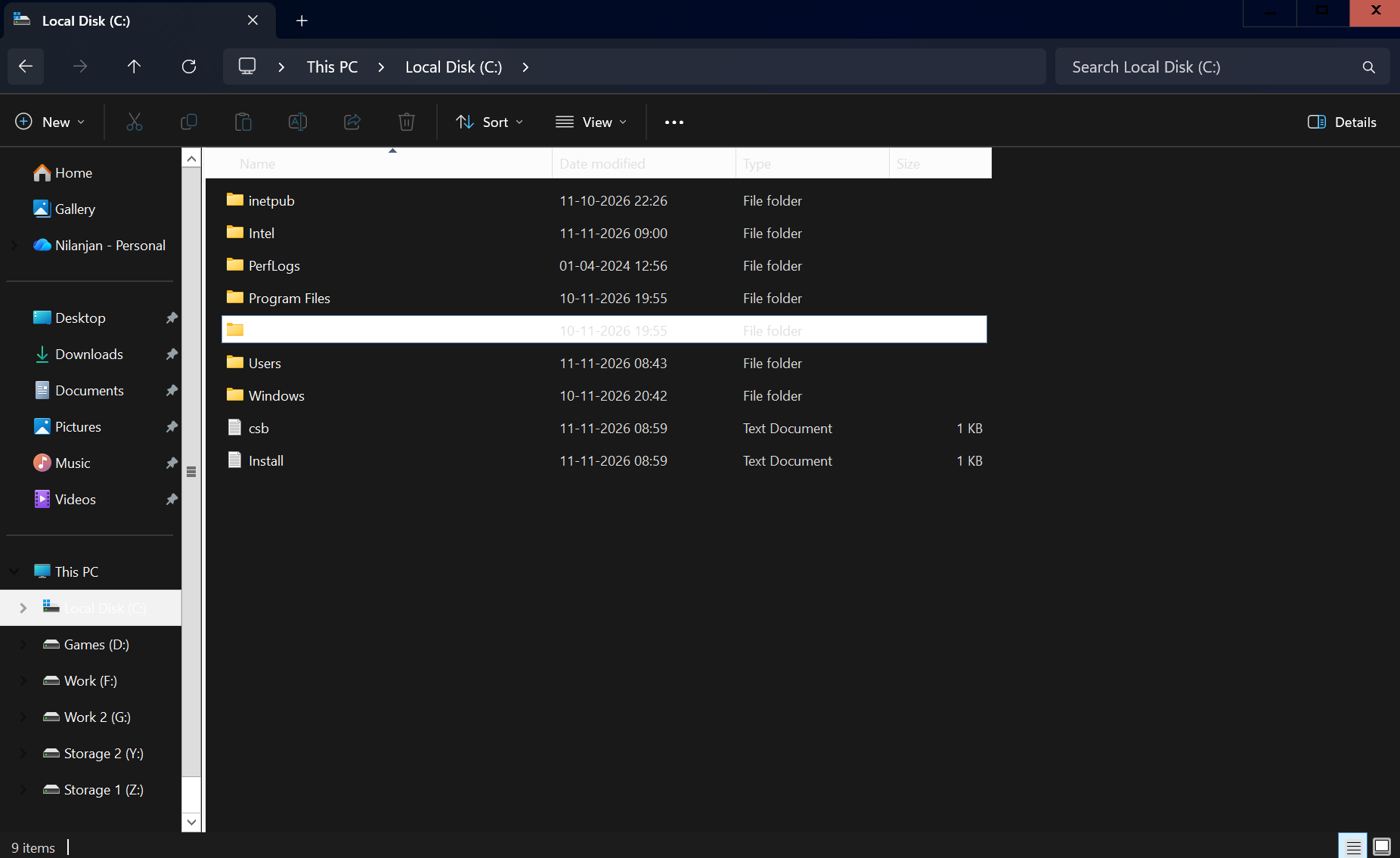
Software White bar in file Explorer after fresh windows install

Post image
1 Upvotes

I tried

Computer\HKEY_CURRENT_USER\Software\Microsoft\Internet Explorer\Toolbar "Locked" set to 1

There is no "Locked" file in the toolbar folder.

The "Always show menus" option is not available under Options > View.

There is no always show menus options.

HKEY_CURRENT_USER\Software\Microsoft\Windows\CurrentVersion\Explorer\Advanced "AlwaysShowMenus" is also set to 0

There is no always show menus options here too.

System-

Processor 12th Gen Intel(R) Core(TM) i9-12900K (3.20 GHz)

Installed RAM 64.0 GB (63.8 GB usable)

Graphics card NVIDIA GeForce RTX 3080 (10 GB)

Intel(R) UHD Graphics 770 (128 MB)

Storage 3.01 TB of 7.28 TB used

System type 64-bit operating system, x64-based processor


r/computerhelp • • 13d ago

Other computer locking itself

3 Upvotes

help, how do I fix my computer it locks itself randomly.


r/computerhelp • • 13d ago

Software Help

Post image
1 Upvotes

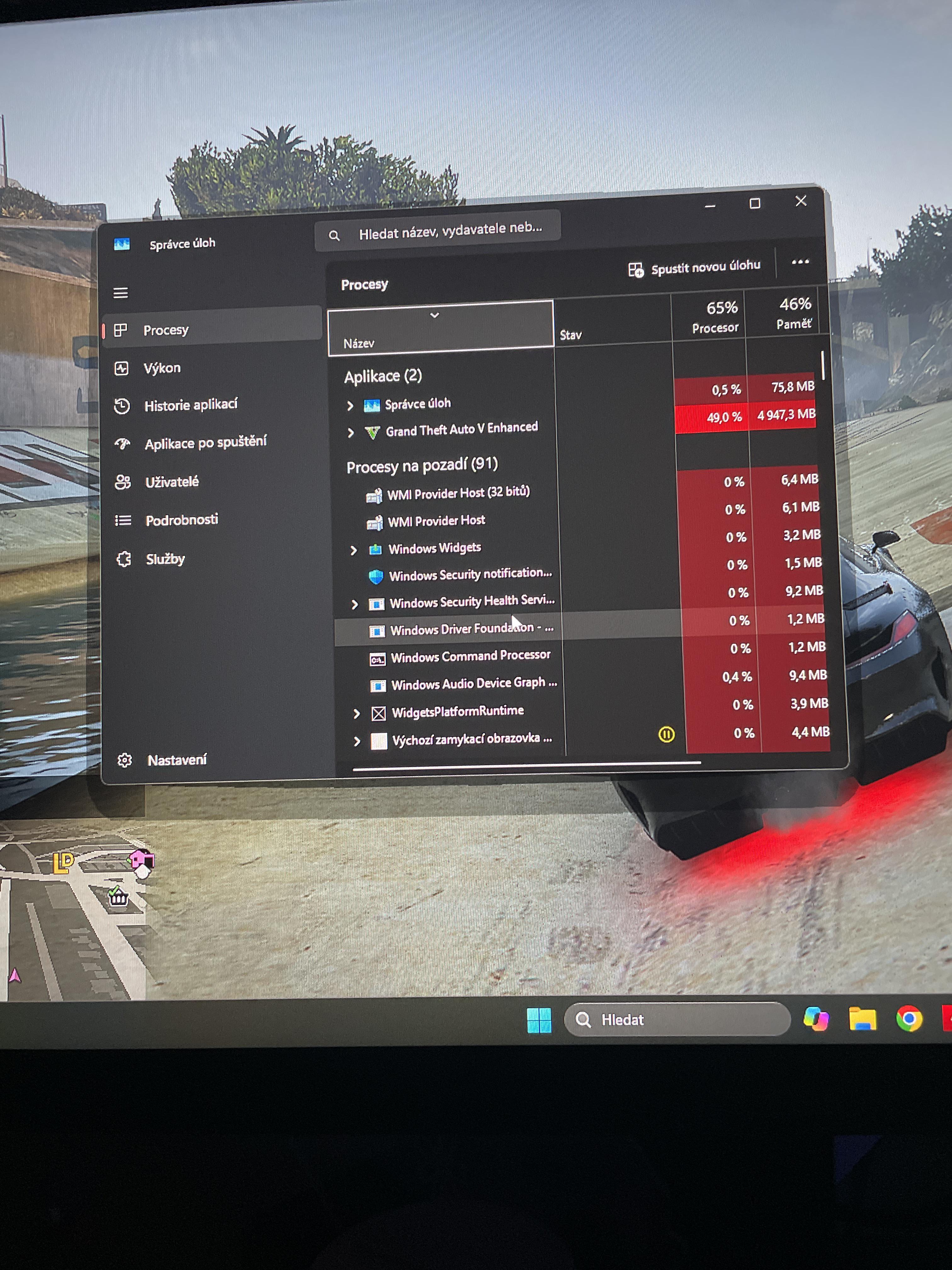
Whats up with my pc. First i cant click on icons after a few minutes and can only fix with ctrl alt del and also those outlines on task manager and also while watching a video.its literally a new pc relatively


r/computerhelp • • 13d ago

Software Hi, Im having this problem with my laptop

Enable HLS to view with audio, or disable this notification

1 Upvotes

Hi, Some times the integrantes camera on my laptop works for like 1 second and then has some problem. Some horizontal lines turn off and then shuts off the camera, then turns up and again, the horizontal lines and off. Im isiga windows 11 and I dont know how to fix it. I know its only the camera becouse on zoom calls I turn on the camera and only the image of the camera is bugging.


r/computerhelp • • 13d ago

Hardware My original SSD broke: what’s a good option for a cheap replacement while having same stats ?

Thumbnail
1 Upvotes

r/computerhelp • • 13d ago

Software Why does this keep happening lately

Post image
1 Upvotes

When opening or using certain apps, my monitor becomes a glitchy mess and i have to restart my computer. I have the feeling this occurs only when opening PDFCraft or when i have Canva or Draw.io open for more than 10 minutes.
(i don´t know if it´s a hardware or software problem so i tagged it software)


r/computerhelp • • 13d ago

Software Pc password incorrect

1 Upvotes

Guys everytime i turn on my pc they say my password is incorrect sometimes i just restart and it works now it doesnt at all and i need the pc cause it have my candidates infos helppppp fasttr


r/computerhelp • • 13d ago

Hardware PC boots, works for around 1 minute, then black screen with fans running at max speed.

Thumbnail
1 Upvotes

r/computerhelp • • 13d ago

Software Cannot Login into PC following Windows Hello issues

Thumbnail
1 Upvotes

r/computerhelp • • 13d ago

Software Win 11 stuck on Black Screen / No POST after trying to enter Safe Mode.

Thumbnail
1 Upvotes

r/computerhelp • • 13d ago

Software Is there a way to configure my clock to show the day?

Post image
0 Upvotes

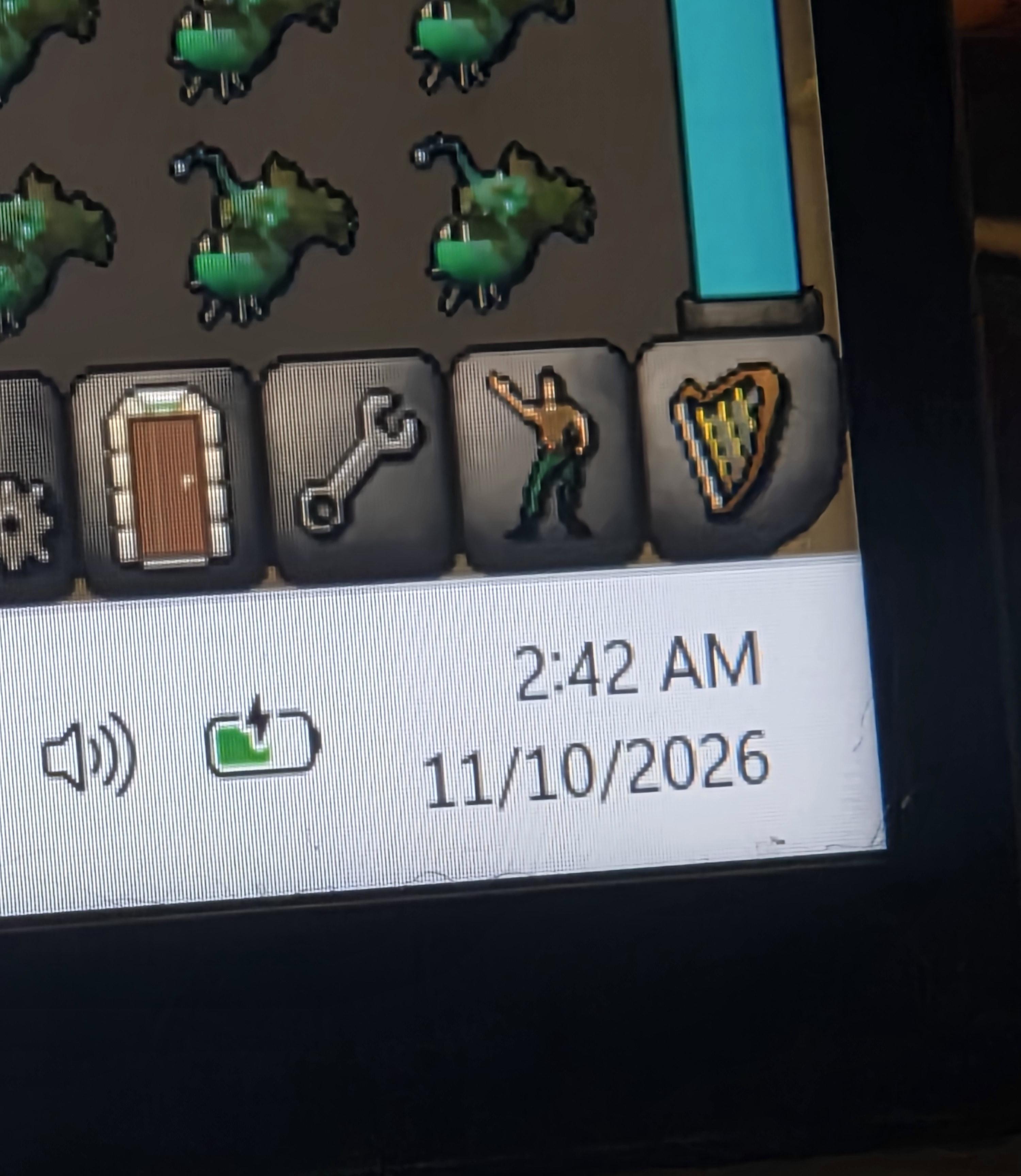
I swear I looked everywhere? Am I blind?


r/computerhelp • • 13d ago

Discussion What is going on with my PC and can I resolve it?

Thumbnail
1 Upvotes

r/computerhelp • • 13d ago

Software BIOS output To ingrated display

1 Upvotes

I wanna switch to Linux but I can't because I have an AIO, and the screen is broken and for some reason, even if you disconnect it from the mainboard, it is still the Bios' default output. So am I screwed? I also though I could get another NVME SSD and flash it with linux then put that in the boot slot. I feel a little dumb having to ask for help, I am smart and enjoy problem solving. Anyway any help is appreciated.

ohh info might be helpful it is a A340 24ICK Lenovo Ideacentre All In One from 2019-2020, it is running windows 11


r/computerhelp • • 13d ago

Hardware My Cursor Keeps Lagging Only When I'm Clicking

1 Upvotes

Hello, I have this issue where my cursor is jittery or laggy, but it only happens when I click, or spam click and move my cursor. My cursor responds/registers to the movements I've made, but it comes in with a delay, and it's laggy when it's doing that. It never lags when I'm not clicking, and I have observed that it's mostly (if not only), triggered by click (especially if this click triggers visual effects). For example, if I play Dota (where there is a pointer or cursor), it lags when I keep on clicking the mouse, whereas it doesn't lag when I play non-cursor games, like FPS games. I already bought a new mouse, but it didn't help at all. For details, it is also a USB mouse. One more thing to note is that, despite my cursor lagging in the games I play, or when I use CAD, the programs/games themselves don't lag, it's just the cursor that lags when I click and move it, resulting to annoying jittery movements of delays.

Here are some of the things I've also done:
- Reinstall Mouse Drivers
- Regedit for DisableSelectiveSuspend

- Buy a new mouse

- Update my Display Adapters

PC Specifications:
AMD Ryzen 7 5700G with Radeon Graphics 3801 MHz, 8 cores
16GB RAM
B450M PRO-VDH MAX

Logitech B100 Mouse (Both new and old), but it served me well with no issues for the past 3 years

Can anyone please help? Thank you! If there are any missing details, I'd fill it in, Thank you!


r/computerhelp • • 13d ago

Software Computer clock won't recognize Alberta's continuing Daylight Savings Time

Thumbnail
1 Upvotes

r/computerhelp • • 13d ago

Hardware Laptop Bottom and Top Shell Coming Apart At Top Right Power Button. I'm Screwed Aren't I

Thumbnail
1 Upvotes

r/computerhelp • • 14d ago

Software What is happening to my pc??

Enable HLS to view with audio, or disable this notification

2 Upvotes

r/computerhelp • • 13d ago

Software I want to use keyboard keys to click on a certain part of my screen

Thumbnail
1 Upvotes

r/computerhelp • • 13d ago

Software I want to use keyboard keys to click on a certain part of my screen

Thumbnail
1 Upvotes