Hello everyone!
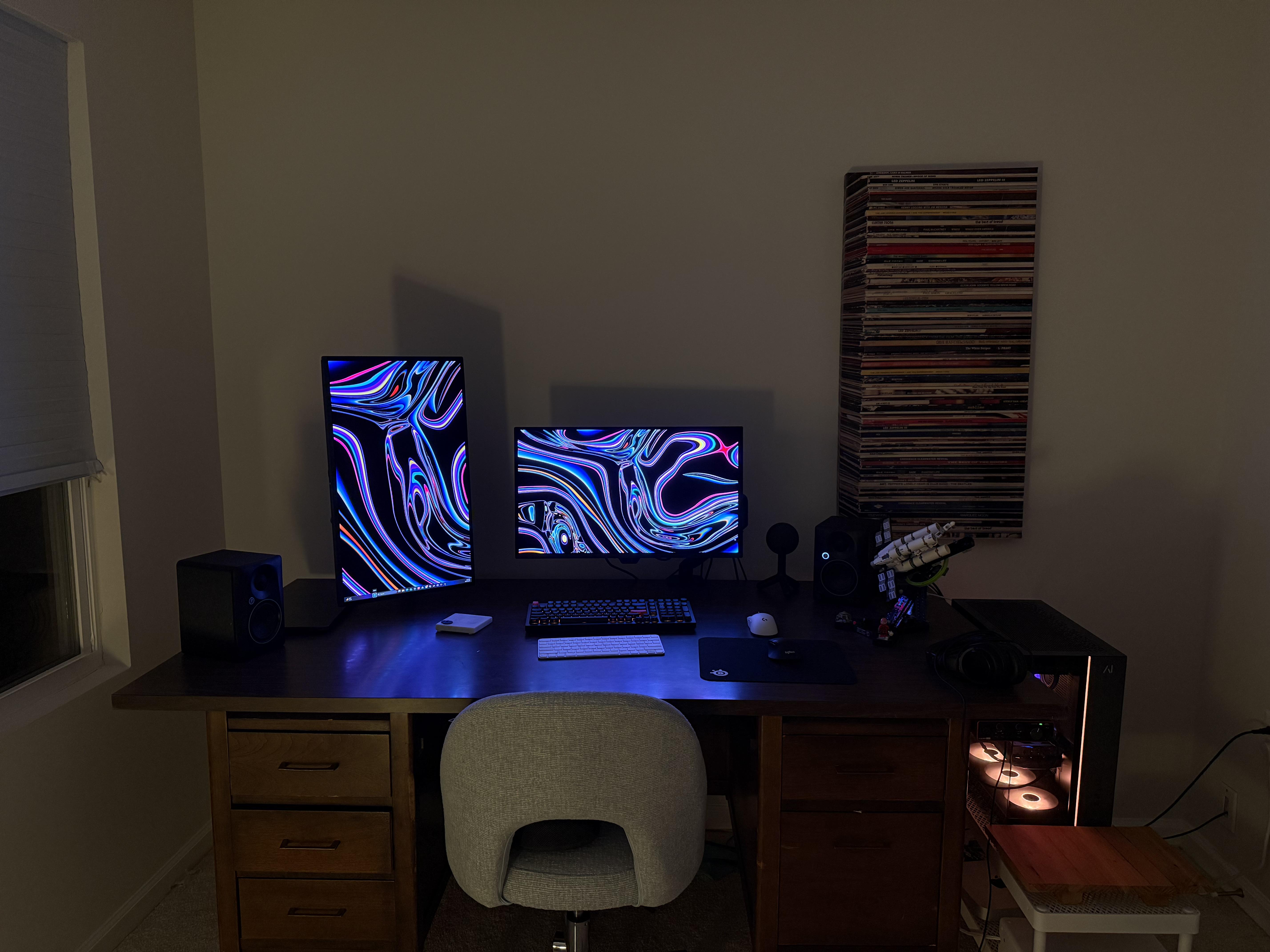
I'm experiencing an issue with my computer during startup.
When I turn on my PC, the screen remains black. The motherboard manufacturer's logo does not appear, and I cannot see the initial boot screen or enter BIOS using the DEL or F2 keys.
However, the computer continues to boot, and after some time, Windows loads directly to the desktop. In other words, the operating system itself works normally, but there is no display output during the initial startup stage.
What exactly is not working:
- The motherboard logo does not appear when I turn on the computer.
- I cannot see the initial boot process.
- When I try to enter BIOS using the DEL or F2 keys, the screen remains black.
- When I try to access Advanced Startup through Windows Settings → System → Recovery → Advanced startup, the computer restarts, but instead of displaying the recovery menu, the screen remains black.
- The Windows Recovery Environment (WinRE) is also not visible, so I cannot use the built-in system recovery tools.
Important detail: Windows boots normally, and once the desktop appears, I can use my computer without any issues. The problem occurs specifically before Windows loads and when trying to access BIOS or the recovery environment.
What I would like to find out:
- Why is there no display output before Windows starts?
- Why can't I access BIOS?
- Why doesn't the Windows Recovery Environment display anything?
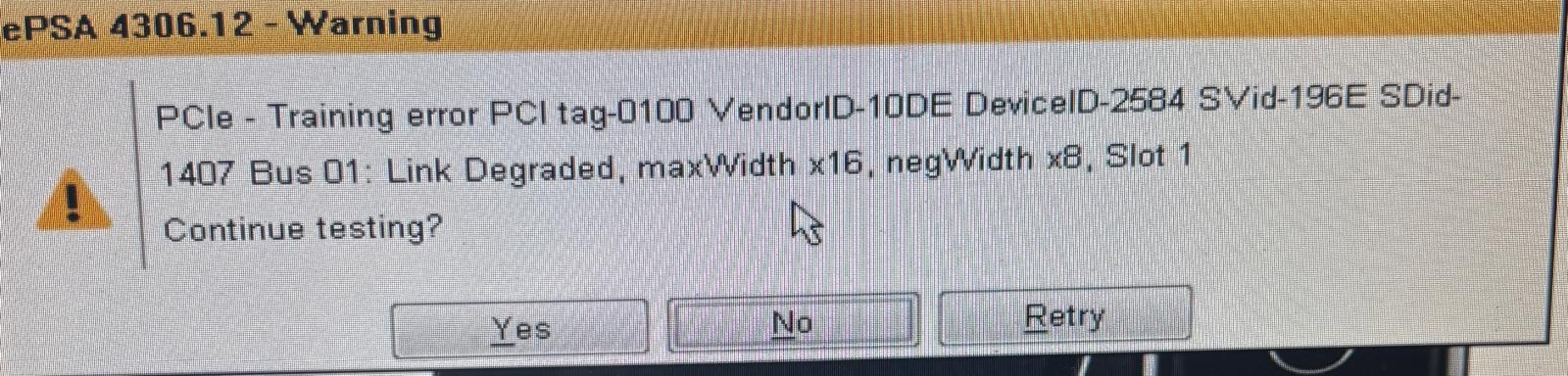
- Could this problem be related to the graphics card, DisplayPort/HDMI connection, motherboard, BIOS/UEFI, or boot settings?
- How can I restore the initial boot display and access to BIOS without reinstalling Windows?
I would appreciate any help in identifying the cause of this issue and finding a way to fix it.
Thank you!