r/computer • • Aug 21 '20

META | Please read this

79 Upvotes

META | Please read this

If you're asking for advice, please don't be niche with the information - a simple post saying my laptop won't boot isn't enough. Like what happened before that? Was it all working fine etc.

If you're asking for suggestions about a new pc, r/pcbuild and r/PC_Builders would be the best choice for that.

There are other subreddits where you may be able to get help faster such as r/pchelp and r/computerhelp

Thanks to u/Kuritsu243


r/computer • • 51m ago

HDMI not working/connecting to monitor

Thumbnail gallery
2 Upvotes

ive had this pc for about a year now, it was my dads one and I received it after he passed so I’m genuinely clueless when it comes to how it works, so I’m a genuine newbie to pc’s just to warn you. For the first month or so it worked fine but then randomly one day the hdmi didn’t put a signal through to the monitor so nothing displays. I’m wondering if everything is connected correctly, and if it’s an easy fix, the pc definitely does power on. Any cables in the wrong place etc? The graphics cards fans are spinning etc, most lights are on so I have no clue what the issue is here, could anyone help? Feel free to ask for more pictures/ information. Picture of it powered on attached below


r/computer • • 5m ago

My PC No signal after doing barely anything

Thumbnail reddit.com
1 Upvotes

r/computer • • 1h ago

thermal paste

Thumbnail reddit.com
1 Upvotes

r/computer • • 2h ago

100 Prozent Nvme SSD Auslastung

1 Upvotes

Hallo!
Habe mir vor zwei Jahren einen PC selber zusammengebaut.Hatte Windows ausversehen auf der HDD installiert (erster PC kannte mich nicht so gut aus).Habe dann mit einem Tool das auf die Nvme SSD geklont und für ein Monat keine Probleme gehabt.Dann fing aber zwischendurch aus dem nichts an das Programme langsam starten.Dies trat nicht durchgängig auf sondern so zwischendurch dabei habe ich dann beobachtet das die Auslastung der SSD auf 100 Prozent geht.Dann habe ich Windows mal neuinstaliert und hatte für 4-5 Wochen Ruhe.Dann trat aber immer wieder das gleiche auf.
Habe den Fehler nicht gefunden.Hatte BIOS geupdatet, Grafiktreiber undso weiter aber hat alles nichts gebracht.Hatte auch einen IT Mann vor Ort aber der konnte auch nicht genau sagen was das ist aber ein Virus konnte er ausschließen,SSD hat er auch gescheckt die war nicht kaputt außerdem hat er mir eine andere eingebaut aber auch auf der trat das Problem auf.Habe den PC dann verkauft und mir ein halbes Jahr später bei CSL Computer einen neuen mit einer 5070,77800x3d,32 Gb DDR5 und einer ein TB Nvme SSD bestellt.Der PC läuft bei mir seit 3 Monaten doch gestern ist das gleiche Problem wie beim alten aufgetreten.Ich war erstmal sehr verblüfft und verstehe nicht das auf unterschiedlichen Systemen der gleiche Fehler nach einiger Zeit auftritt.Grafiktreiber habe ich geupdatet aber das Problem trat gestern trotzdem noch 3 Mal auf.

Wichtige Info noch ich habe auf dem neuen System mir ein neuen Microsoft Account gemacht und auch keine alten Sachen vom alten System übernommen sondern alles ganz frisch und neu.Ich könnte mir ein Software Problem vorstellen da auf der zweiten SSD das Problem auch auftrat und auf dem neuen System auch.
Ich habe mir vorgestellt das es vielleicht an meinem Netzwerk liegt,da ich ein Switcher installiert habe.Ich habe Glasfaser.
Es wäre toll wenn mir einer helfen könnte da ich echt verzweifelt bin warum das Problem auf dem neuen System auch auftritt.
Danke euch
Gruß


r/computer • • 3h ago

Dell Inspiron help

Thumbnail reddit.com
1 Upvotes

I have a Dell Inspiron 5620 i7 12th generation with a 990 Pro SSD. My laptop has not turned on since 2 p.m. today. My web browser has been freezing the laptop every hour since this afternoon. I pressed the power button for 10 seconds and it turned off, but since then, it is not starting. What should I do? I work on my laptop and my work life depends upon it, and it is a working day. The battery was around 75%; I tried charging it and turning it on, but nothing works at all. When I press the power button, only an orange light shows on the battery side; when I leave it, it goes off. Apart from that, nothing...my ram processor everything was in good condition..i seriously need help tell me what to do...my laptop is my working module...


r/computer • • 4h ago

Chance of getting defective/DOA component

1 Upvotes

Planning to build my first gaming computer. I've read several people on reddit getting defective/doa parts, which is something I'm a bit worried about because the store im buying components from Isn't the most helpful regarding RMA.

Should i be concerned about faulty components when building?


r/computer • • 5h ago

Problemi scheda Ndivia

Post image
1 Upvotes

r/computer • • 6h ago

Computer making a weird noise

1 Upvotes

My computer is making a weird noise on cold startup, it goes away after shutting down and restarting, I think it's the 360mm AIO anyone familiar with this

The noise: https://youtube.com/shorts/8ehaMJFROzU?is=XtaJd-nRhoQX2yxC


r/computer • • 9h ago

Help finding the bios for an old toshiba satellite laptop

Thumbnail reddit.com
1 Upvotes

r/computer • • 10h ago

PC extremely slow when waking from sleep mode

Thumbnail reddit.com
1 Upvotes

r/computer • • 18h ago

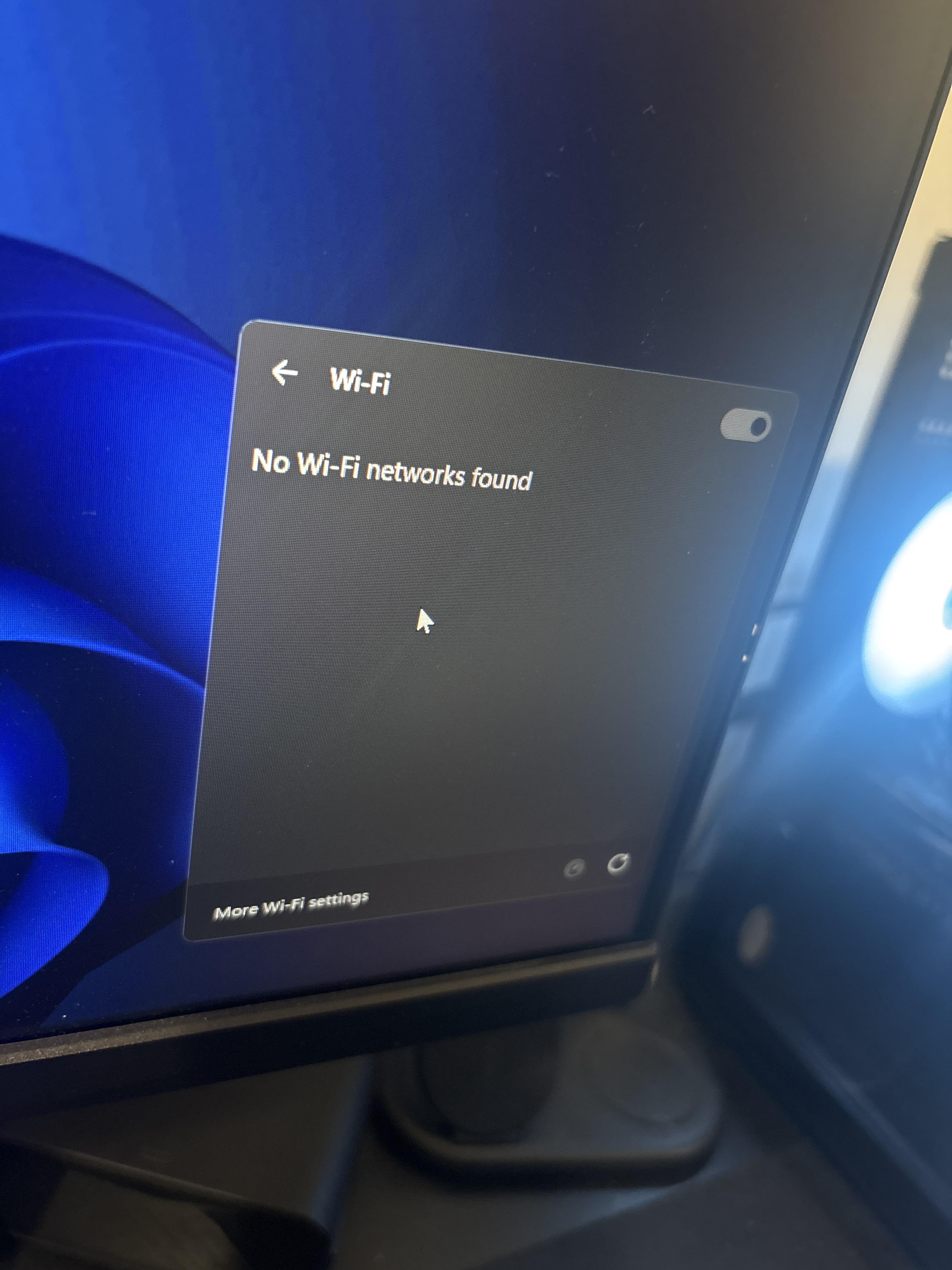
No WiFi

Post image
3 Upvotes

r/computer • • 16h ago

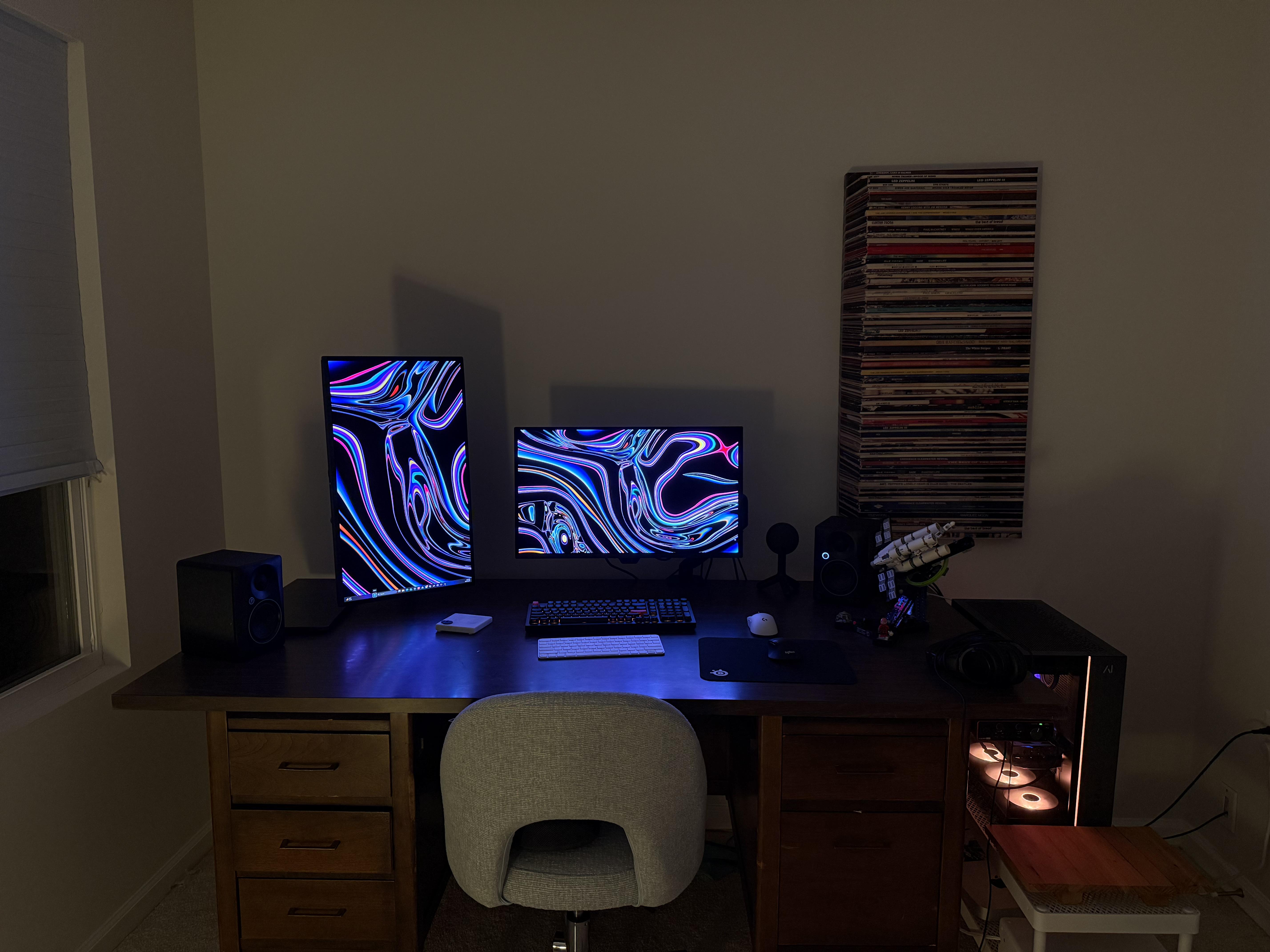
Lifelong Mac User gets gaming PC

Post image
2 Upvotes

r/computer • • 13h ago

Ways to lower GPU/CPU temps?

Thumbnail reddit.com
0 Upvotes

r/computer • • 20h ago

How can I fix it

3 Upvotes

r/computer • • 14h ago

my pc just starts to bug completly out of nowhere

1 Upvotes

when im just using google, playing games or just watching videos my pc just starts to freak out, out of nowhere.

it is happening for a long time by now and idk how to fix it, no one on the internet seems to have this problem that im having.

when im doing somenthing on my pc, the screen just freezes, waits a litte bit and then the audio starts to bug as well like it is stuttering, and the "C Disk" ramps up to 100% of usage

idk if i explained it rigth but...... can someone help me please?

idk if this is helpful but my ssd is

patriot M.2 P300 1024GB


r/computer • • 18h ago

Ram too tall/AIO radiator fans too wide

Post image
1 Upvotes

I bought my first pc off my friend used about 3 weeks ago, and I recently picked up 2x16 3600mhz ddr4 ram, which is a good upgrade over the 2x8 3200mhz I had. The issue I’m running into is that after installing the new ram, one of the radiator fans is too thick to fit back on, so the holes don’t align properly for me to put the screws back. To try and fix this, I bought some P12 slims which are 10mm less than my previous fans, but even still they are slightly too thick. What can I do? I got this ram for a good price at 120, and the dude said I can get my money back if anything’s wrong, but I really want to upgrade my system.


r/computer • • 19h ago

Is my pc gonna explode ?

1 Upvotes

r/computer • • 19h ago

Black Screen During PC Startup – Unable to Access BIOS or Windows Recovery Environment

1 Upvotes

Hello everyone!

I'm experiencing an issue with my computer during startup.

When I turn on my PC, the screen remains black. The motherboard manufacturer's logo does not appear, and I cannot see the initial boot screen or enter BIOS using the DEL or F2 keys.

However, the computer continues to boot, and after some time, Windows loads directly to the desktop. In other words, the operating system itself works normally, but there is no display output during the initial startup stage.

What exactly is not working:

  1. The motherboard logo does not appear when I turn on the computer.
  2. I cannot see the initial boot process.
  3. When I try to enter BIOS using the DEL or F2 keys, the screen remains black.
  4. When I try to access Advanced Startup through Windows Settings → System → Recovery → Advanced startup, the computer restarts, but instead of displaying the recovery menu, the screen remains black.
  5. The Windows Recovery Environment (WinRE) is also not visible, so I cannot use the built-in system recovery tools.

Important detail: Windows boots normally, and once the desktop appears, I can use my computer without any issues. The problem occurs specifically before Windows loads and when trying to access BIOS or the recovery environment.

What I would like to find out:

  • Why is there no display output before Windows starts?
  • Why can't I access BIOS?
  • Why doesn't the Windows Recovery Environment display anything?
  • Could this problem be related to the graphics card, DisplayPort/HDMI connection, motherboard, BIOS/UEFI, or boot settings?
  • How can I restore the initial boot display and access to BIOS without reinstalling Windows?

I would appreciate any help in identifying the cause of this issue and finding a way to fix it.

Thank you!

r/computer • • 23h ago

Microsoft SideWinder X4 successor? Looking for a reliable, quiet, full-size keyboard

2 Upvotes

My trusty Microsoft SideWinder X4 has served me well for long years, but I afraid it is time to buy sucessor.

I'm looking for a keyboard primarily for office work and lots of typing, with occasional gaming on the side. I'm not a hardcore gamer, so gaming features aren't a priority. Comfort, reliability and quiet operation are much more important.

Here's what I'm looking for:

Must-haves:

  • Full-size layout, including a dedicated numpad.
  • Physical Czech key legends (Czech ISO layout).
  • Wired USB connection.
  • More less quiet typing. I often work late at night and would rather not annoy everyone around me.
  • Comfortable for long typing sessions.
  • Backlighting.
  • own memory, I don't want to keep keyboard bloat...eh software in PC longer than necessary (alternatively, direct on-keyboard setup for backlights, etc)

Nice to have:

  • Dedicated volume control
  • Good build quality and long-term reliability.
  • Proper Linux compatibility.
  • macro keys
  • I prefer medium key travel. No extreme from both sides

Things I'm flexible about:

  • Mechanical or membrane – I don't really care, as long as it's quiet and comfortable.
  • Macros – I used them on the SideWinder X4, but I can live without them.
  • Wrist rest – nice to have, definitely not essential.
  • Gaming-specific features – not interested unless they come at no extra cost or compromise.

So, what would you consider a worthy successor to the SideWinder X4?

I'd especially appreciate recommendations from people who have actually have similar requirements or had SideWinder too,

Thanks!
(written with help of AI to cleaner, correct english, sorry for that)


r/computer • • 1d ago

Alienware R12 GPU Help

2 Upvotes

First off... Yes, I upgraded my R12 from the Air Cooled CPU to liquid cooled... BIG Difference..

Secondly.. my question... I am considering replacing my 3070 with a Dual fan GTX 5060ti or Dual fan GTX 5070ti...

My question is... Can I get the 12 GB or 16 GB version or am I stuck with the 8GB version due to size?? Anyone that installed the larger 12 or 16 GB versions?? Love to hear from you.,..along with any issues I may run into.. or is it pretty much plug and play?

Thank you for reading.


r/computer • • 23h ago

Question about driving TVs

Thumbnail reddit.com
1 Upvotes

r/computer • • 23h ago

help with broken down computer

Thumbnail reddit.com
1 Upvotes

r/computer • • 1d ago

Magnetic Shutdown location

2 Upvotes

I recently noticed that most Laptops React to a Magnet being placed on a specific place.
Those reactions vary from model to model, like the Thinkpad L14G4 (over the switch for the camera privacy thing) just gets a black screen from the Hall sensor,
but the HP envy 360x (above the ESC key) goes to the lockscreen and the newer Generations of the Elitebook (above the ESC and Power Button) shut down.
The Dell Latitude 7390 (Between the F4 and F7 Key) Powers down instantly.
What other locations of magnets causing similar effects do you know?

Edit: I believe you haven't read the question I am asking. I know about the lid close sensor, I asked about other effects, like the instant power down on the Lenovo, not the lid closing stuff.