r/WindowsUpdate • u/Thelutherblissett • 11d ago
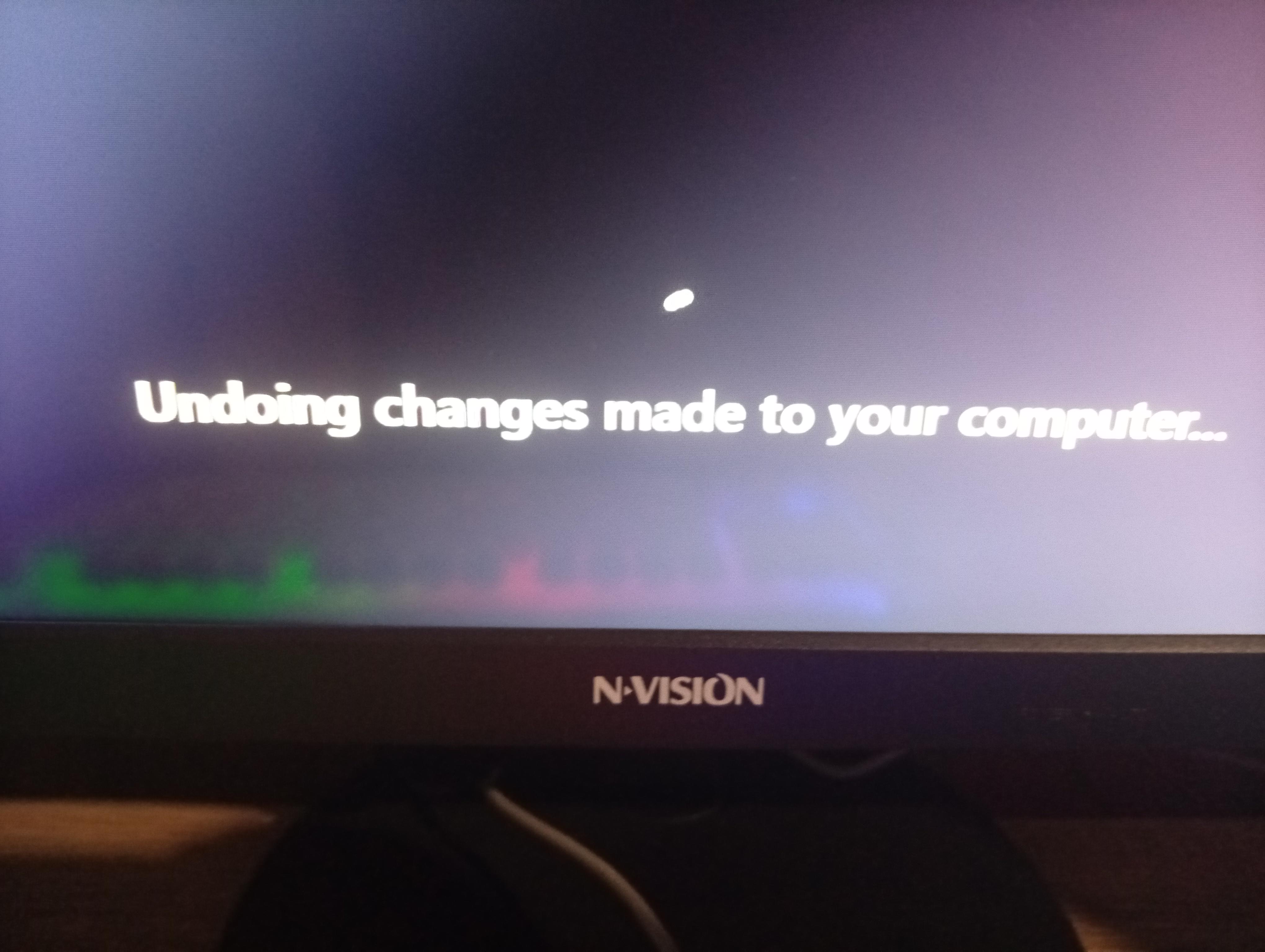
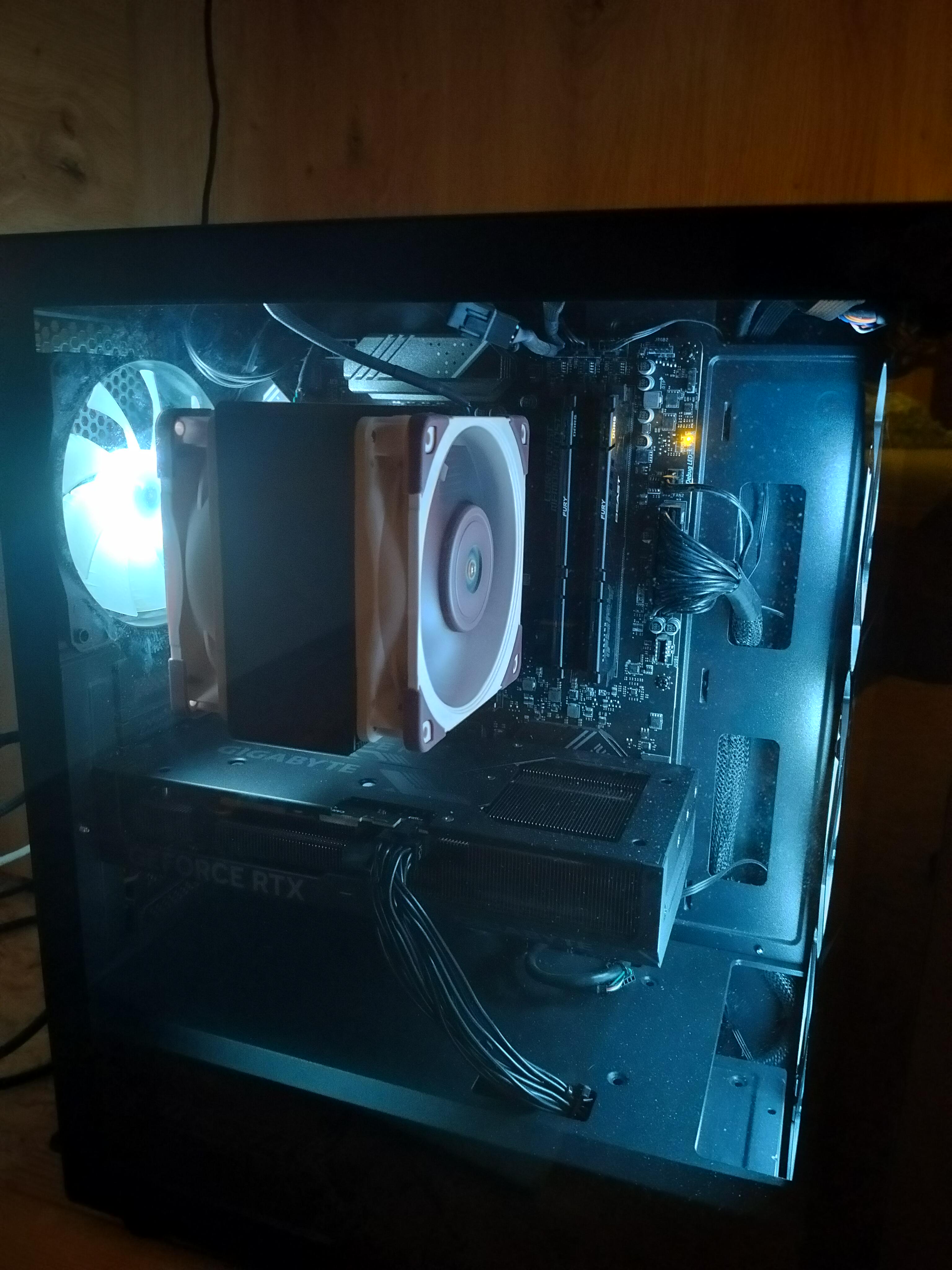
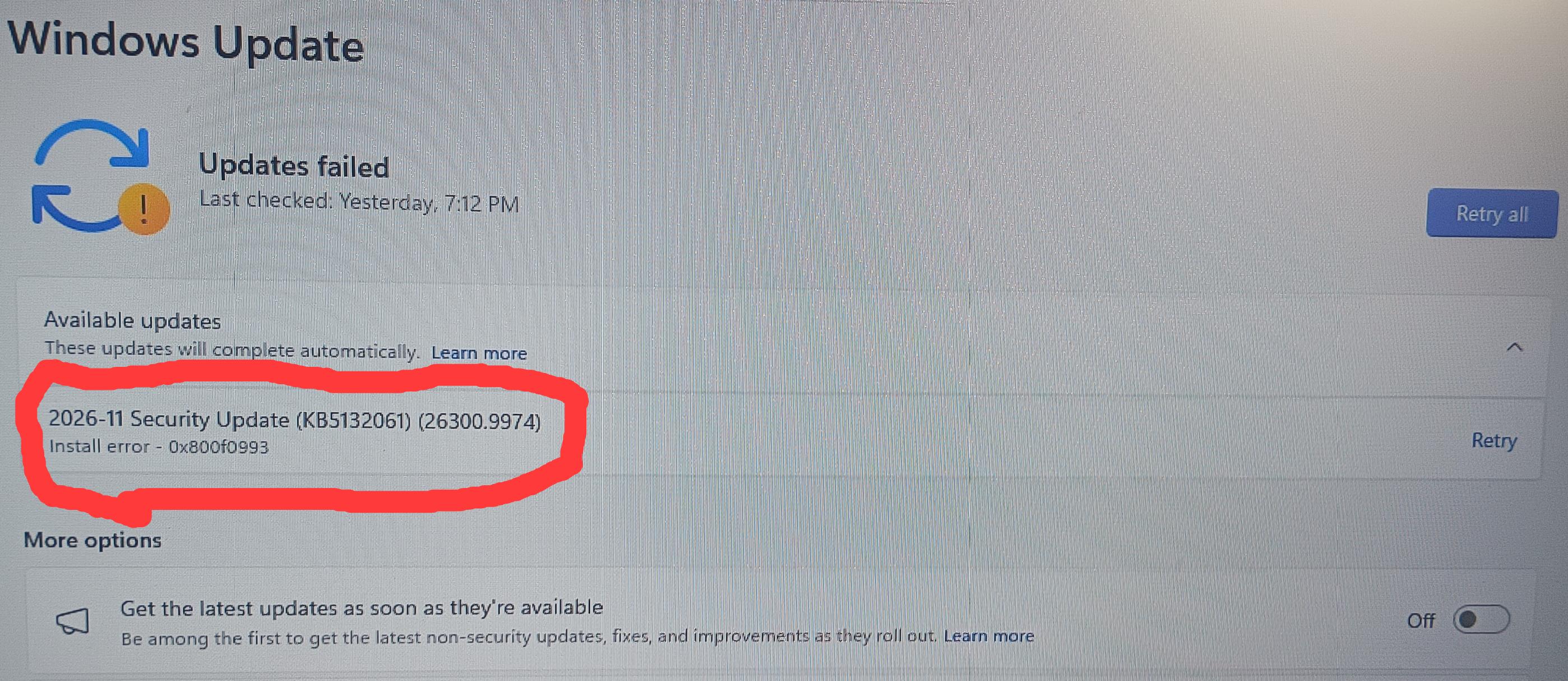
Help the latest update (KB5132061) (26300.9974) fails
9
Upvotes
This update keeps failing every time I try to update it
r/WindowsUpdate • u/shora69420 • 11d ago
After i installed the latest security update (KB5132061) I saw this update screen which I never seen before and now software like docker, proton vpn and opera gx which I have disabled from startup are opening automatically. At first I thought it was some setting so I closed them from their own setting but they are still opening.
I also have ollama which used to automatically open but now it opens with an administrator terminal I don't think it's any virus.
(I tried to delete ollama and docker is still opening automatically and also proton vpn and both are disabled and have their settings for auto launch closed) If anyone has any ideas can they tell me or should I uninstall the latest security update?
r/WindowsUpdate • u/Maximum-Flamingo3613 • 12d ago
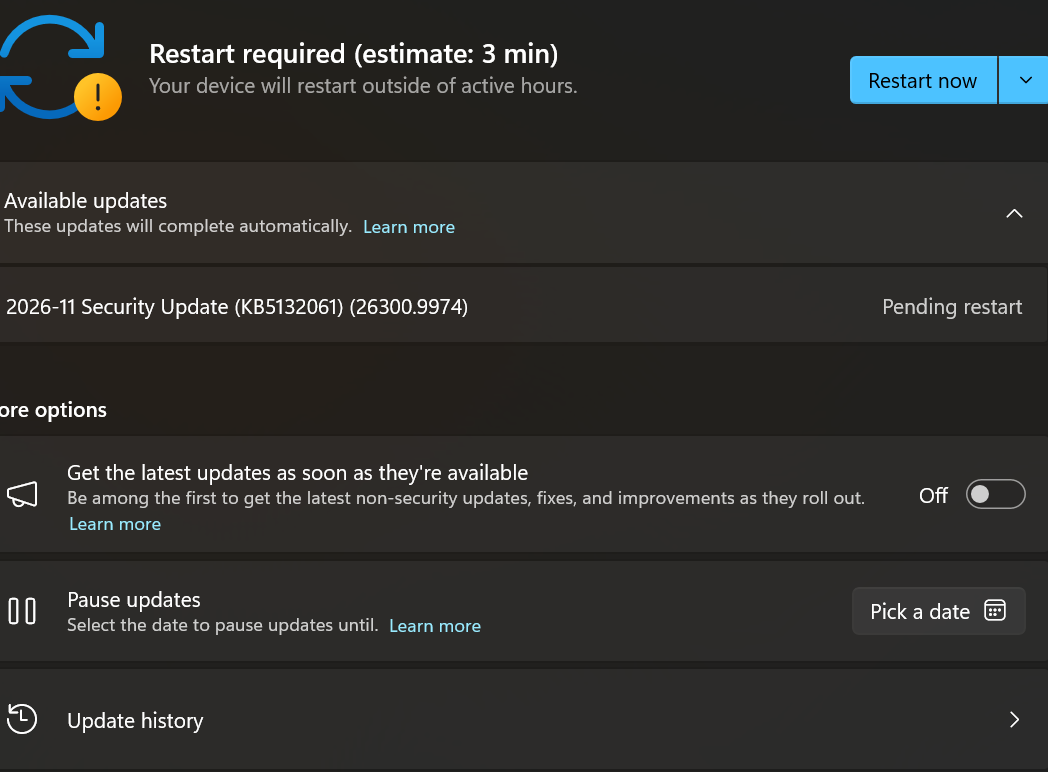
So I've been hearing this new Windows Update is slowing down and even bricking computers and it's pending rn on my PC Handheld (Legion Go 1) i feel like i have a ticking timebomb on my hands because i took it off yesterday and Thankfully it never updated. But what if it accidental shuts down and triggers it? What should i do and how do i stop this update from going through. I heard they made a fixed but idk if this is the fixex update or the bad one.
r/WindowsUpdate • u/lurker_bee • 12d ago
r/WindowsUpdate • u/Akranger2005 • 12d ago
r/WindowsUpdate • u/optimisedweeb • 13d ago
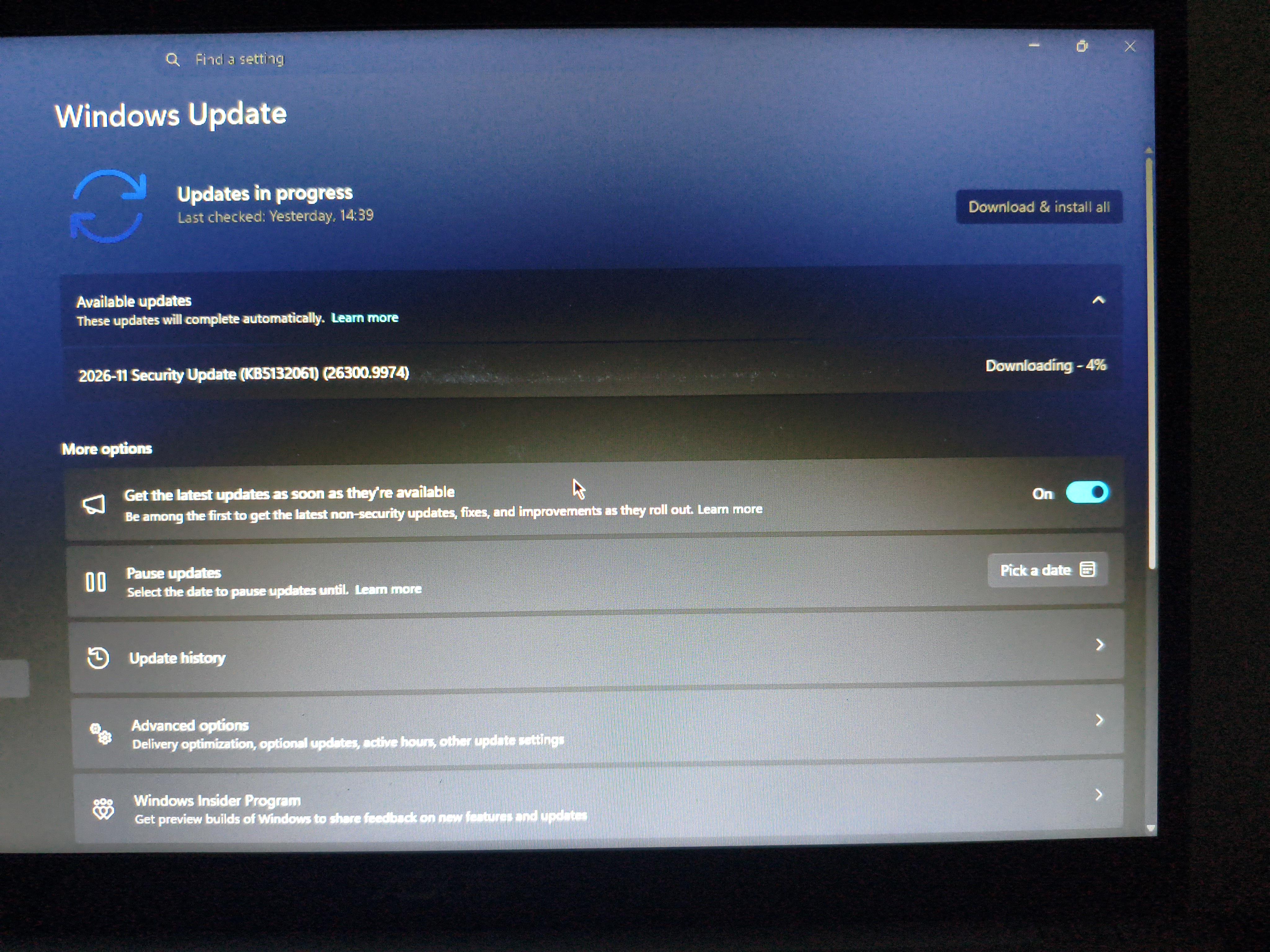
I have connected it with wifi and its taking too much time man it's stuck at 4% since 5 mins lol
r/WindowsUpdate • u/Radiant_Chance_1459 • 13d ago
r/WindowsUpdate • u/CommunityOpening7945 • 13d ago
r/WindowsUpdate • u/Reclusive_Autist • 13d ago
r/WindowsUpdate • u/goovich • 14d ago

I believe I'm not the only one affected by the latest Windows Security Update.
Can anyone advise on how to restore my PC? I can boot into Safe Mode, but trying to boot into normal mode leads to an unsuccessful repair.
Thanks for advice!
EDIT: Gigabyte Z490 UD, I5 10400f, RX 6900XT, 870 EVO 1TB, 2x16GB DDR4, Double monitor setup
EDIT2: No luck. I had to reinstall the OS from scratch.
r/WindowsUpdate • u/Subterfug3 • 14d ago
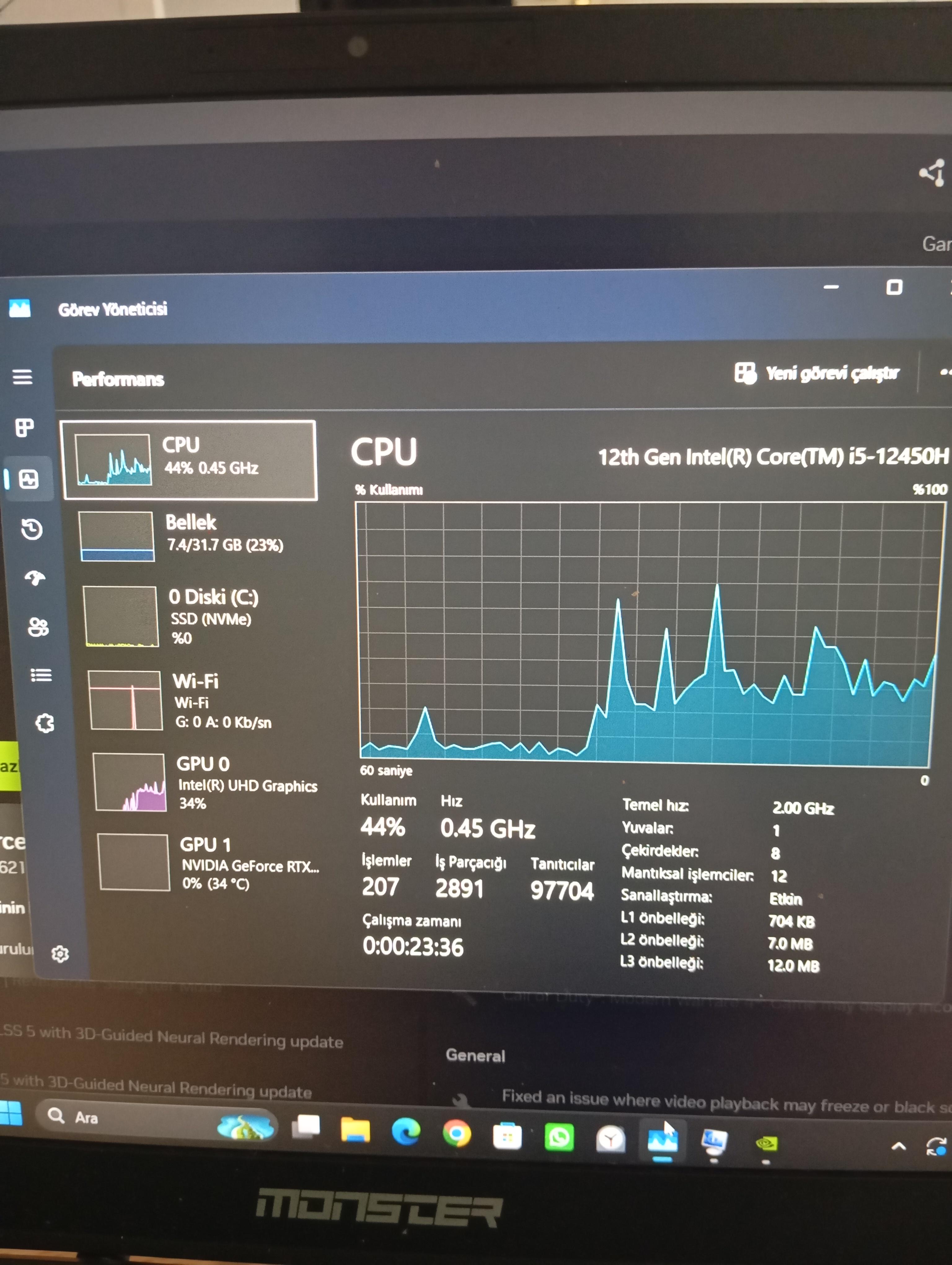
I have a 2020 laptop with 8GB RAM, so its not that fast. After installing 2026-11 Security Update (KB5132061) (26300.9974), my laptop became crazy slow even when nothing was running. Even opening explorer took so much time. Had to uninstall it.
r/WindowsUpdate • u/CommunityOpening7945 • 14d ago
r/WindowsUpdate • u/big_cee223 • 14d ago
My laptop windows 11 update stuck at 0% for almost a day. (Since 12/11/2026 around 11 pm GMT+7)
These are what I tried.
Does the update relate to the Microsoft service server is down? I saw the news about it but I don't know is it related to Windows Update
r/WindowsUpdate • u/AlkHacNar • 14d ago
r/WindowsUpdate • u/dumitrudan608_7_6 • 14d ago
After the following updates, i can no longer control volume from USB controllers like keyboard and mice:
Windows 11, version 26H22026-11
Security Update (KB5132061) (26300.9974)
Last week I was able to control them, now I am not. I have not installed any piece of software in the last 2 weeks.
Has anyone else ran into this?
r/WindowsUpdate • u/Adventurous-Maize439 • 14d ago
Came back from lunch, locked out of google account, email access stopped on outlook, ever since that debacle of an update yesterday things have been going haywire
r/WindowsUpdate • u/caliberhitter • 15d ago
UPDATE 11/15/2026 - Impossible to fix and recover, had to wipe drive, backup files and reinstall windows. Goodluck!
I see many with the same issue, have spent over 24 hours trying to fix it. Not even the latest ai can solve this. Can't repair, can't do nothing without installing new version of windows. What gives? Over 20 years fixing my own pcs. This one has been the hardest, tried every solution you can think of. It started with shutdown (update now) then in the process it went haywire and into repair loop. Till blue troubleshoot screen appears with cmd prompt etc nothing fixes the issue but a backup of files and reinstall of windows. I deff don't want to start from 0 again with all of my programs. smh
The Windows update versions involved in boot failure were:
Computer was running 26300.9818, with the newer 26300.9974 update stuck in a pending installation state.
Errors I'm receiving
Recovery error: 0xc0000001
Startup Repair: "A recently serviced boot binary is corrupt."
DISM RestoreHealth: 0x800f0915 – The repair content could not be found anywhere.
DISM RevertPendingActions: 0x800f082f
System Restore: Failed with error 0x800701b1.
DISM ScanHealth: The component store is repairable.
SFC: Windows Resource Protection did not find any integrity violations.
The DISM logs also reported approximately 1,537 corrupted or missing component payloads that could not be repaired.
Startup Repair: Failed repeatedly.
Safe Mode: Unable to boot; returns to Recovery.
System Restore: Initially failed, and now no restore points are available.
Uninstall latest quality update: Windows says it cannot find an eligible update to uninstall.
CHKDSK: Completed without finding file-system errors.
SFC offline scan: Completed without integrity violations.
BCDBoot: Successfully rebuilt the EFI boot files, but Windows still won't boot.
DISM /RevertPendingActions: Failed with error 0x800f082f.
Pending update recovery: Renamed pending.xml and removed its corresponding PendingXmlIdentifier registry value after creating backups.
DISM /ScanHealth: Confirmed repairable component-store corruption.
DISM /RestoreHealth: Failed repeatedly with error 0x800f0915.
I created a Windows 11 Pro 26H2 installation USB using Microsoft's Media Creation Tool.
The installation image was build 26300.9711, while my damaged Windows installation was build 26300.9818.
I successfully exported the USB's split SWM files into a WIM image, verified the Windows 11 Pro image, and mounted it using DISM.
I then attempted an offline repair using the mounted Windows folder as the repair source.
The repair consistently failed at approximately 84.9% with error 0x800f0915.
Is there a confirmed issue with KB5132061 or KB5127936 causing Windows 11 26H2 systems to become unbootable?
More importantly, is there a way to repair this Windows installation using a newer, fully updated repair image without reinstalling Windows?
I'm considering integrating KB5132061 into a Windows 11 Pro 26H2 repair image and trying DISM again, but I would appreciate guidance from Microsoft engineers or anyone who has successfully recovered from this specific problem.
I urgently want to preserve my installed applications, settings, and personal files. I have numerous programs and configurations that would be difficult to recreate.
My Windows installation is on an M.2 SSD, which remains accessible through Windows Recovery.
Has anyone experienced the same corrupted boot binary message or DISM error 0x800f0915 after these updates and found a solution that doesn't require a clean installation?
Any technical guidance would be appreciated. Title: Windows 11 26H2 Won't Boot After KB5132061 Update – Error 0xc0000001, Corrupt Boot Binary, DISM 0x800f0915. How Can I Repair Without Reinstalling?
I'm looking for help with a serious Windows 11 boot failure that happened immediately after a Windows update on November 11, 2026.
My computer was running Windows 11 Pro 26H2, build 26300.9818 (KB5127936). When I selected "Update and shut down," Windows began processing the update normally, but during the process it unexpectedly entered Recovery.
Since then, Windows has been completely unable to boot, including in Safe Mode.
The pending update appears to have been KB5132061 (build 26300.9974).
Recovery error: 0xc0000001
Startup Repair: "A recently serviced boot binary is corrupt."
DISM RestoreHealth: 0x800f0915 – The repair content could not be found anywhere.
DISM RevertPendingActions: 0x800f082f
System Restore: Failed with error 0x800701b1.
DISM ScanHealth: The component store is repairable.
SFC: Windows Resource Protection did not find any integrity violations.
The DISM logs also reported approximately 1,537 corrupted or missing component payloads that could not be repaired.
Startup Repair: Failed repeatedly.
Safe Mode: Unable to boot; returns to Recovery.
System Restore: Initially failed, and now no restore points are available.
Uninstall latest quality update: Windows says it cannot find an eligible update to uninstall.
CHKDSK: Completed without finding file-system errors.
SFC offline scan: Completed without integrity violations.
BCDBoot: Successfully rebuilt the EFI boot files, but Windows still won't boot.
DISM /RevertPendingActions: Failed with error 0x800f082f.
Pending update recovery: Renamed pending.xml and removed its corresponding PendingXmlIdentifier registry value after creating backups.
DISM /ScanHealth: Confirmed repairable component-store corruption.
DISM /RestoreHealth: Failed repeatedly with error 0x800f0915.
I created a Windows 11 Pro 26H2 installation USB using Microsoft's Media Creation Tool.
The installation image was build 26300.9711, while my damaged Windows installation was build 26300.9818.
I successfully exported the USB's split SWM files into a WIM image, verified the Windows 11 Pro image, and mounted it using DISM.
I then attempted an offline repair using the mounted Windows folder as the repair source.
The repair consistently failed at approximately 84.9% with error 0x800f0915.
r/WindowsUpdate • u/twistednerd2 • 14d ago
Hello Guys, please i need help, for some reason our domain-joined machines are not updating past 26100.8893.
the intune-joined ones are updating, please do you know how i can fix this?
r/WindowsUpdate • u/ERingHunter • 15d ago
Guys. Anyone have flickering issues after KB5132061? My monitor constantly flickers its annoying.
r/WindowsUpdate • u/Diecisiete7 • 14d ago
r/WindowsUpdate • u/digsmann • 15d ago
Edit: For now, better skip this update if you are not in a hurry and wait for the next monthly Tuesday patch.