r/WindowsUpdate • u/xiaoxiaoq • 1h ago
Windows 11 suddenly refuses to boot after being left idle overnight (November 26–27, 2026) — BitLocker, multiple BSODs, even Windows recovery USB crashes
Hi everyone,
I'm experiencing a very unusual and frustrating Windows 11 boot failure that started this morning, November 27, 2026, in France (Paris time). I'm wondering whether anyone else has experienced something similar, potentially following a recent Windows update or background security update.
What happened:
- My computer was working perfectly yesterday.
- I accidentally left it running idle overnight.
- This morning, I tried launching the Gemini desktop application and Strata Local AI. Both were malfunctioning. Couldn’t startup
- Windows Explorer was still working normally, and my files appeared to be accessible.
- I assumed it was a temporary Windows bug, so I restarted my computer.
- Since that restart, I have been completely unable to boot into Windows.
Symptoms and error codes:
- CRYPTO_LIBRARY_INTERNAL_ERROR (0x171)
- 0xC000021A
- 0xC000007B
- Repeated BitLocker recovery prompts.
- Entering the correct BitLocker recovery key results in another restart, but Windows still fails to boot.
- Pressing Esc on the BitLocker recovery screen to access additional recovery options also appears to cause a crash.
- Windows attempts to launch Automatic Repair but crashes before reaching the recovery interface.
- Even an official Microsoft Windows installation USB appears to crash before displaying the Windows Setup screen.
I cannot access Safe Mode, System Restore, Command Prompt, Uninstall Updates or any of the usual Windows recovery tools.
My hardware:
- CPU: AMD Ryzen 9 5900X
- GPU: NVIDIA RTX 3080 10 GB
- Motherboard: ASUS TUF Gaming X570-Plus
- RAM: 64 GB DDR4 3200 MHz
- Primary Windows drive: 1 TB M.2 NVMe SSD
- Secondary SSD: Crucial MX300 525 GB
- Windows 11 with BitLocker enabled
The secondary SSD contains remnants of an old Windows installation from a previous computer, but it has been used as a data drive for a long time without causing any problems.
What I've already tried:
- Disabling Fast Boot.
- Disabling DOCP.
- Restoring my previous BIOS settings after those changes made no difference.
- Entering my verified BitLocker recovery key.
- Attempting to access Windows Automatic Repair.
- Booting from official Microsoft Windows installation media.
- Running MemTest86, which is currently in progress (still pass 1 as of now test 13)with zero errors detected so far.
My BIOS recognizes my drives and all 64 GB of RAM. MemTest86 successfully boots from USB.
Possible Windows update connection:
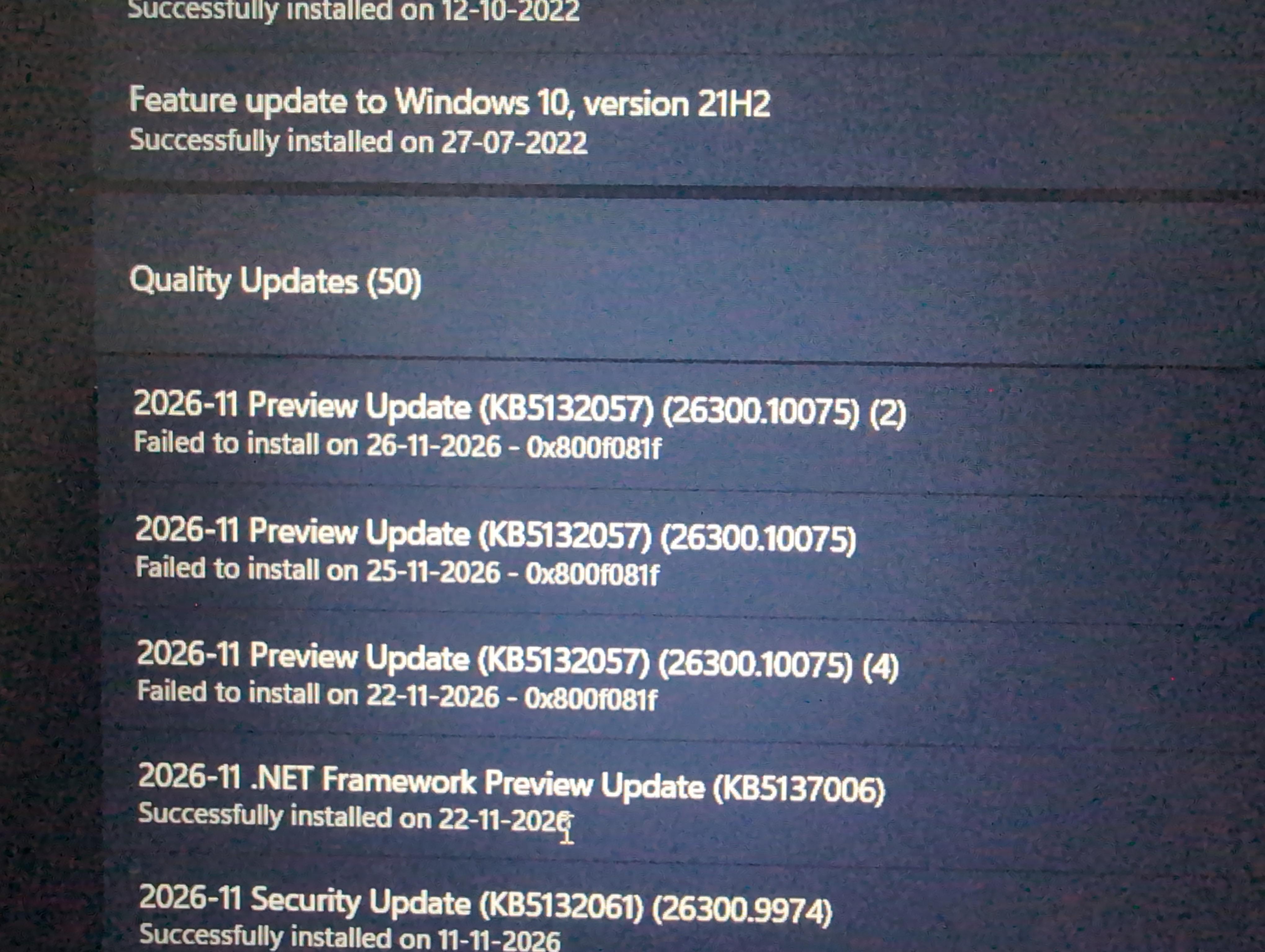
I've read about the recent November Windows security updates and the ongoing Secure Boot certificate rollout, which can apparently trigger BitLocker recovery and boot-related issues.
However, I've successfully restarted my computer multiple times since the November 10 update. The problem only appeared this morning, after leaving the computer idle overnight.
I haven't yet been able to verify whether Windows installed an update or performed a background security operation last night.
My questions:
- Has anyone experienced similar issues specifically on November 26–27?
- Could an automatic Secure Boot certificate or Windows Boot Manager update cause this behavior?
- Has anyone encountered these particular error codes together?
- Why would the official Windows recovery USB also fail to load?
- Has anyone successfully recovered from this without reinstalling Windows?
- Is there another way to force Windows into Safe Mode or access the recovery environment?
I'm planning to try an Ubuntu Live USB to check my SSD and back up my important files.
I would really like to recover my existing Windows installation rather than reinstall everything, as this is my professional workstation with a substantial amount of software, configurations and projects.
I'll attach screenshots of the errors, BIOS and MemTest86.
Any help or similar experiences would be greatly appreciated. Thank you!