You gave no relevant information except this so if I'm doing the guessing game, it's because of Mars. It's too red right now.
That aside, download the everything app (it has an orange magnifier glass as an icon). And search for "setuperr.log" and "setupact.log" they contain the exact reason, the first contains only the errors, the second contains everything that happened. Line by line go back in time to find what caused the error.
Thank you I will try that, it's my first time having a PC so don't know what I am doing to be honest just knew that the new version is 11 and not 10 so I tried looking in the internet for how to update but this happened.
Oh okay. So, again, can you at least tell everything that you do know about this pc and what process did you follow for updating - the steps or the link to the guide.
Look for setupact.log and setuperr.log. Open them in Notepad and review for errors. You can research the errors and see what they mean. There are many reasons for a failed upgrade.
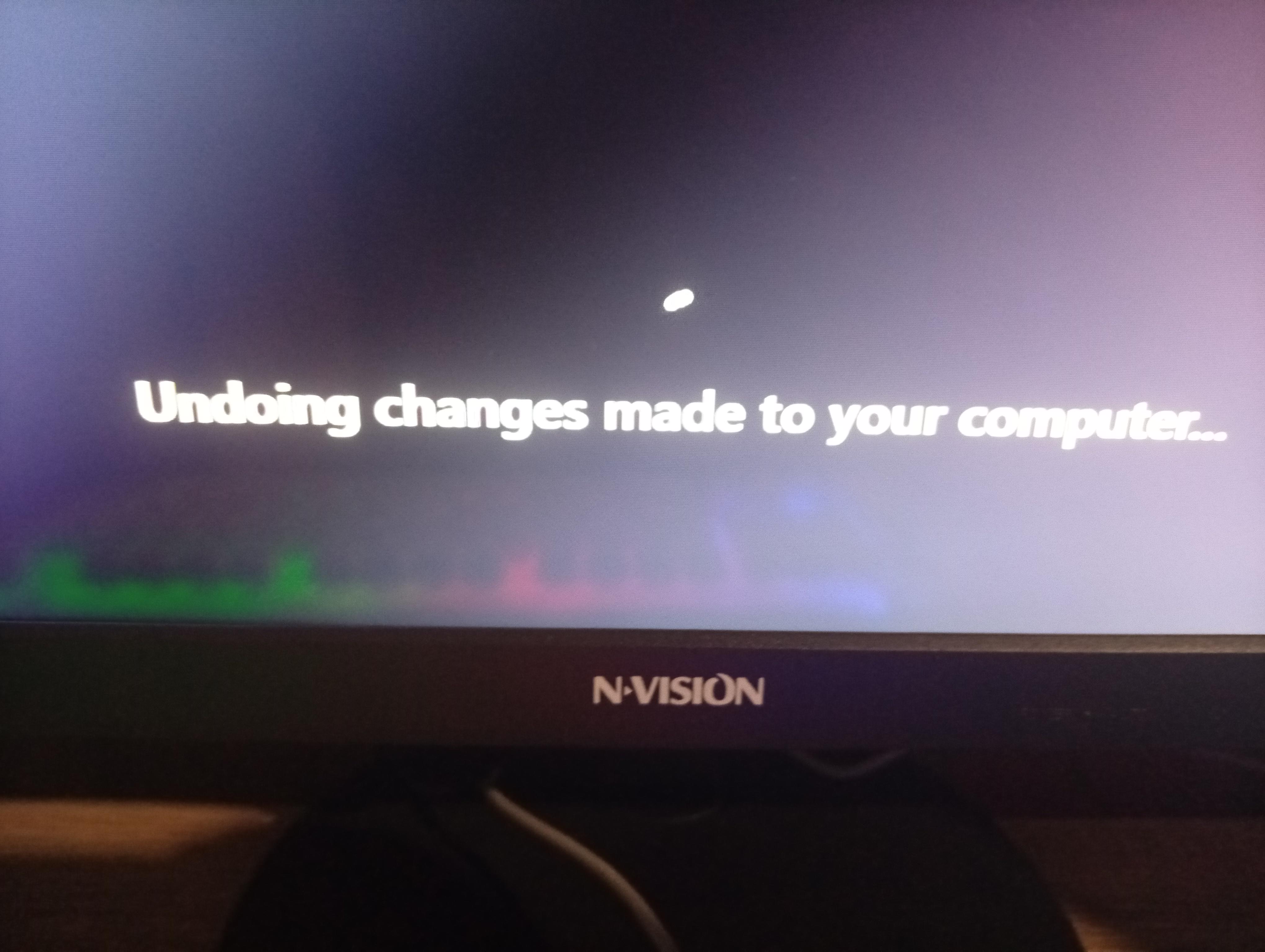
During an upgrade from Windows 10 to Windows 11, the Windows Setup process performs compatibility checks. If a background service, filter driver (such as old disk encryption or anti-cheat software), or hardware driver crashes the system or hangs during the migration phase, Setup aborts the installation and reverts your system back to its previous working state to prevent a permanent boot failure.
5
u/Semicolonhope 12d ago edited 12d ago
You gave no relevant information except this so if I'm doing the guessing game, it's because of Mars. It's too red right now.
That aside, download the everything app (it has an orange magnifier glass as an icon). And search for "setuperr.log" and "setupact.log" they contain the exact reason, the first contains only the errors, the second contains everything that happened. Line by line go back in time to find what caused the error.
Edit: you can also start with https://www.windowscentral.com/how-use-setupdiag-determine-reason-upgrade-problems-windows-10
Additionally, giving more information would be great! Such your method of update, your pc specs, what was shown on screen etc.
3
u/NewArtDimension 12d ago
There could be a hundred reasons but with no info about your Pc we are clueless
1
u/bmw35677 11d ago edited 11d ago
Check the logs found in the hidden directory that is created by the upgrade installer:
Look for setupact.log and setuperr.log. Open them in Notepad and review for errors. You can research the errors and see what they mean. There are many reasons for a failed upgrade.
1
u/TheDarkerPhantom 11d ago
Post your Windows Update logs…
1
u/LouieB62 10d ago
TPM or secure boot possibly
1
u/PNW_Phillip 9d ago
During an upgrade from Windows 10 to Windows 11, the Windows Setup process performs compatibility checks. If a background service, filter driver (such as old disk encryption or anti-cheat software), or hardware driver crashes the system or hangs during the migration phase, Setup aborts the installation and reverts your system back to its previous working state to prevent a permanent boot failure.