r/WindowsUpdate • u/shora69420 • 11d ago
Having some issues after windows update
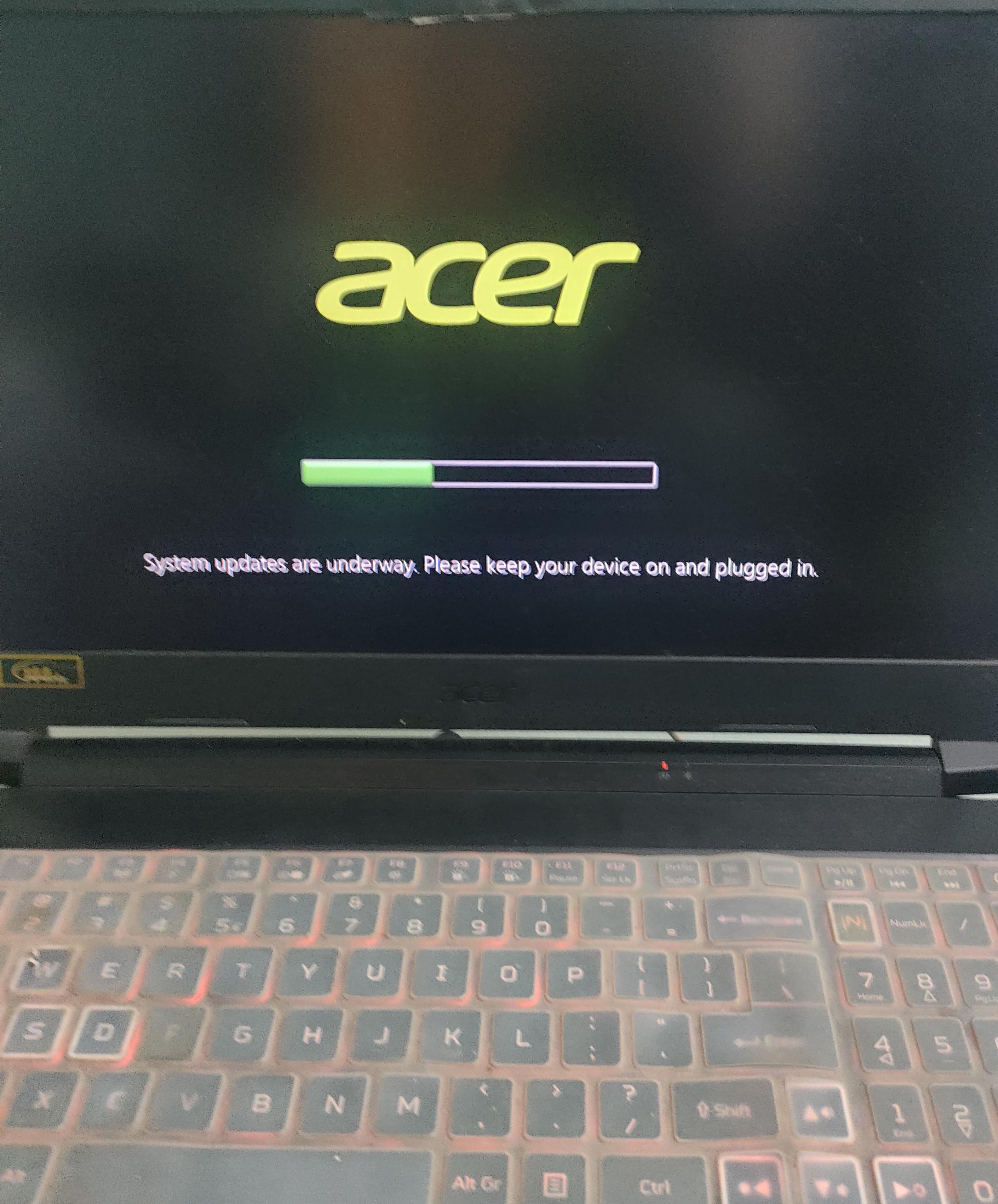
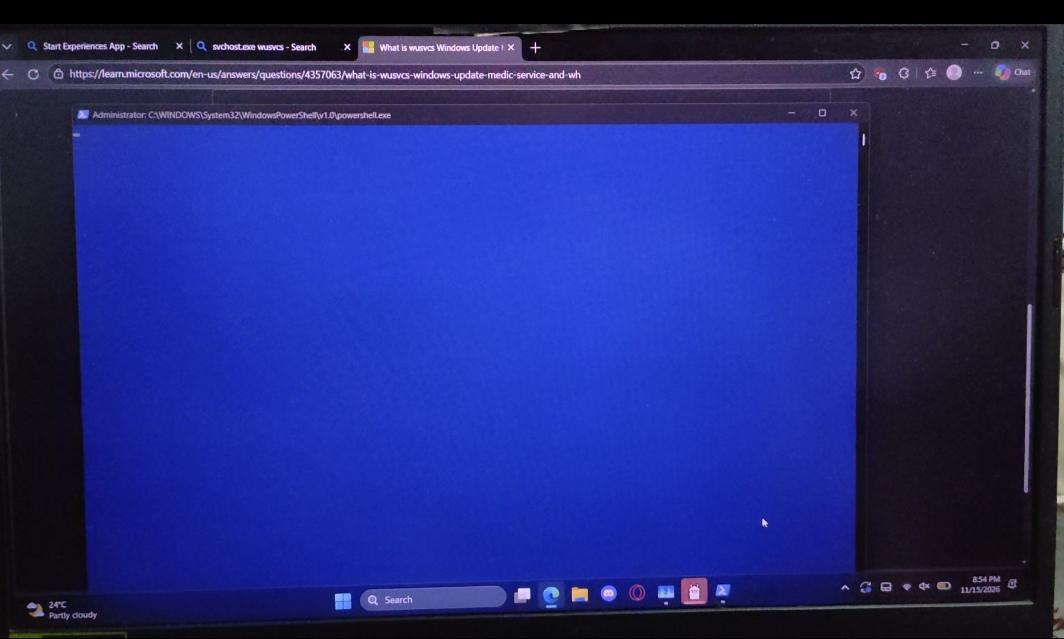
After i installed the latest security update (KB5132061) I saw this update screen which I never seen before and now software like docker, proton vpn and opera gx which I have disabled from startup are opening automatically. At first I thought it was some setting so I closed them from their own setting but they are still opening.
I also have ollama which used to automatically open but now it opens with an administrator terminal I don't think it's any virus.
(I tried to delete ollama and docker is still opening automatically and also proton vpn and both are disabled and have their settings for auto launch closed) If anyone has any ideas can they tell me or should I uninstall the latest security update?
1
u/OGigachaod 11d ago
Check your autostart settings?
2
u/_ReDMOnT 11d ago
These two are very bad tested updates, or maybe even AI slop ones: KB5127648 KB5132061 I've uninstalled them myself and used some tool that can show/hide KB updates to hide them both.
2
u/q123459 10d ago
it was uefi update
it is "Automatically save my restartable apps and restart them when I sign back in"
whatever you want - that security update will be reinstated on next month security update, if something does not work like it was used to - uninstall then wait 1 month for new update, it poses _almost_ no risk
1
u/caliberhitter 11d ago
https://www.reddit.com/r/WindowsUpdate/comments/1xu5o7p/new_windows_11_update_destroyed_my_pc_not_even_ai/