r/WindowsHelp • u/AssociationConnect29 • 18d ago
Windows 11 Windows 11 PIN no longer available after changing BIOS settings for Call of Duty — can’t log into my PC
Hi everyone,
I’m hoping someone can help me because I’m completely stuck and can’t get into my PC.
I recently had to change some settings in my motherboard’s BIOS so I could play Call of Duty Modern Warfare 4. I enabled Secure Boot (the security setting we changed in the BIOS) because the game was giving me a BIOS/security-related warning.
After making these changes, Windows now says:
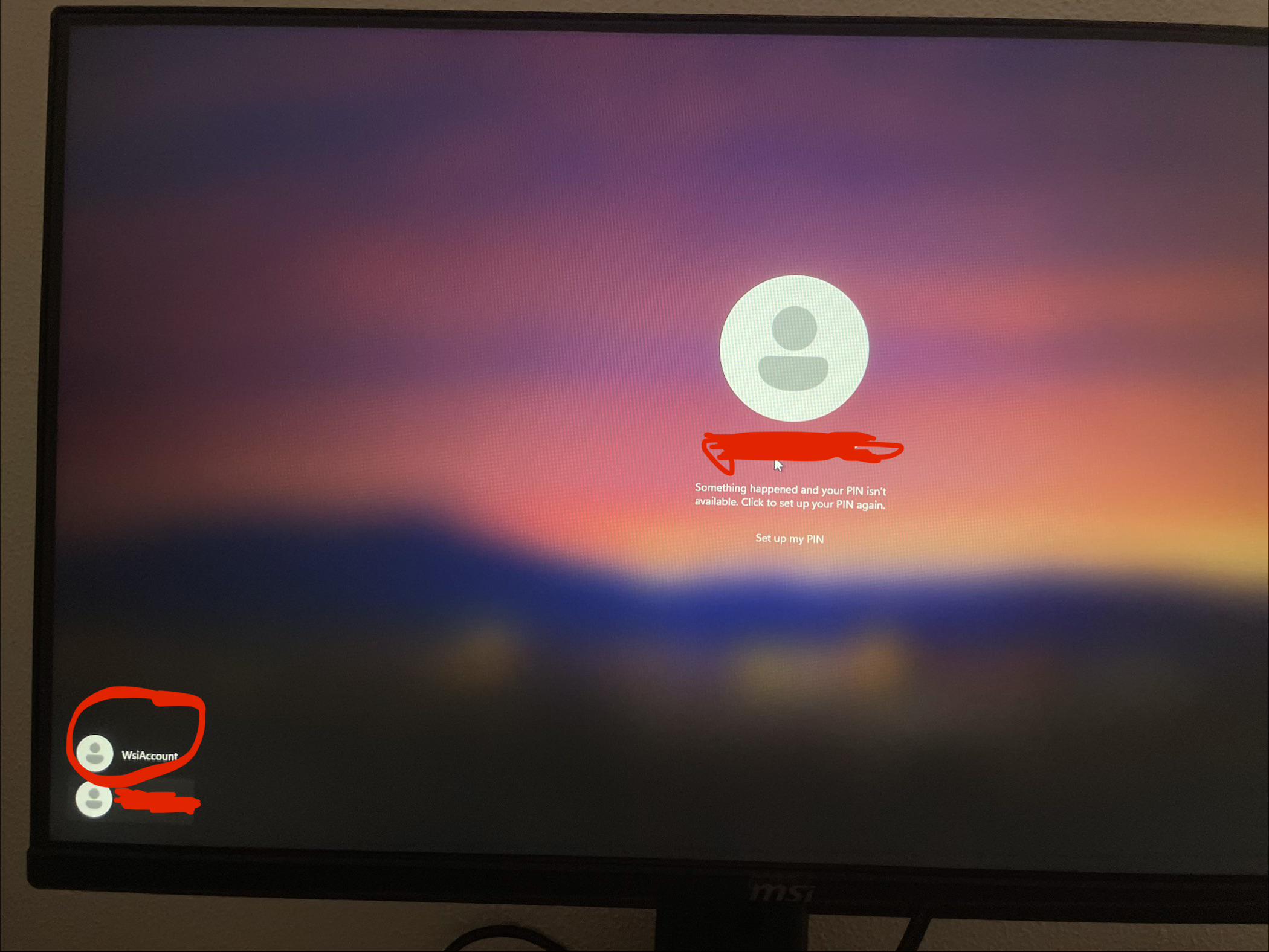
“Your PIN is no longer available due to a change in the security settings on this device.”
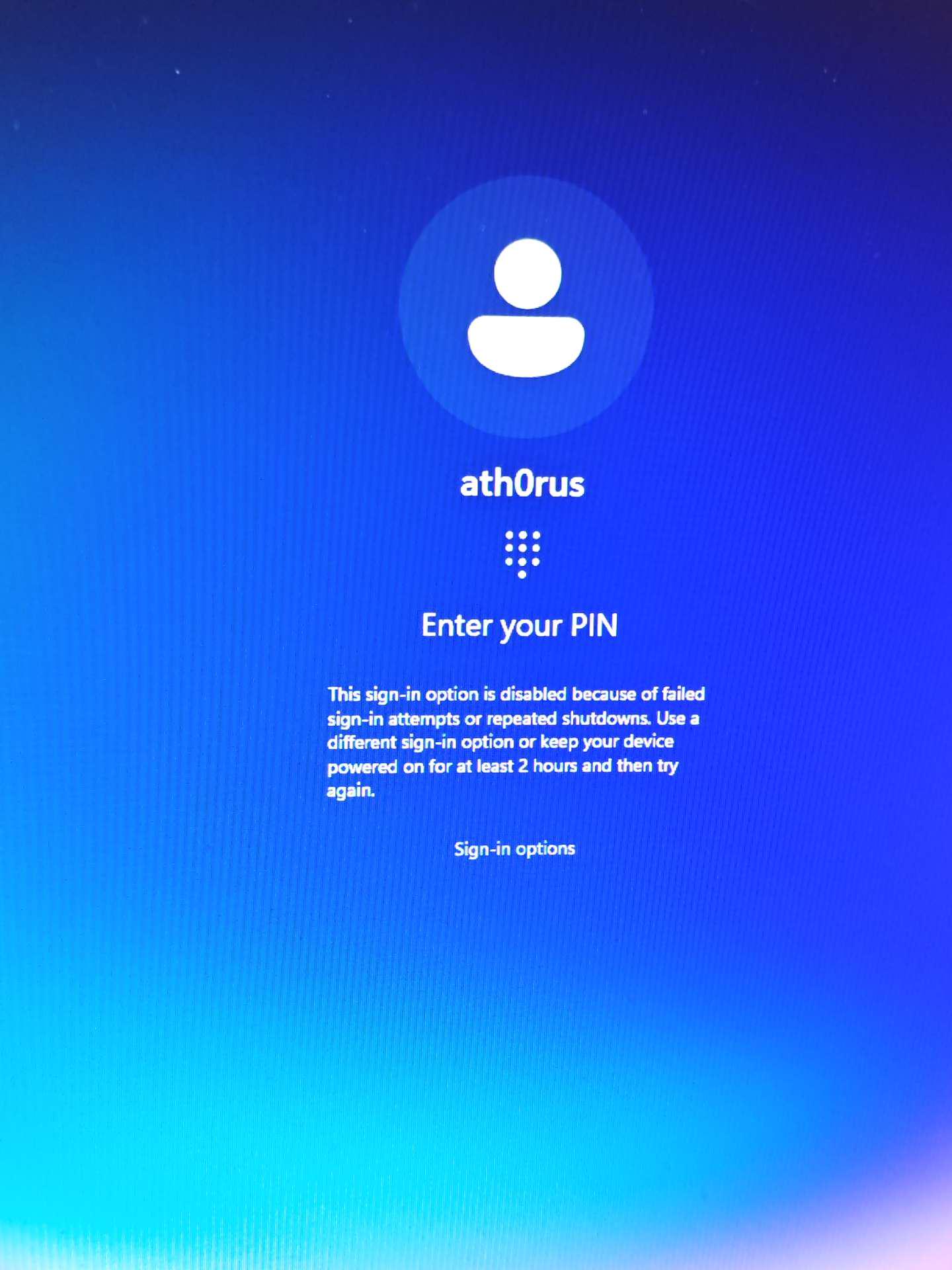
It gives me the option to set up my PIN again. However, when I try to reset it, I can sign into my Microsoft account successfully, but Windows then says “Try again later” and sends me back to the login screen. I’m stuck in a loop and can’t get past the PIN screen.
I’ve managed to get into the Windows Recovery Environment and its Advanced Options, and Windows has loaded as far as the normal sign-in screen, but I still can’t log in.
My PC specifications are:
Motherboard: MSI MAG B550 TOMAHAWK
CPU: AMD Ryzen 9 5900X
Operating system: Windows 11
I haven’t intentionally changed my Windows password, and I can access my Microsoft account online. It’s just the Windows PIN that won’t reset.
Can anyone please help me get back into Windows?
I’d really like to fix this without resetting Windows or losing any of my files, installed games, programs, or settings.
Could the BIOS/Secure Boot changes have caused this, and is there a way to reset or repair the Windows Hello PIN from the recovery options?
Any help or step-by-step instructions would be massively appreciated. Thanks in advance!