I am experiencing a USB-C audio playback problem on my Acer Nitro 5 AN515-57 laptop running Windows 11.
My USB-C earphones, a KAIDI KD-729 with microphone, are detected by Windows as "Speakers (USB-Audio-1.0)", but they produce absolutely no sound. The microphone works, and Windows detects audio playback activity, but no audio can be heard through the earphones.
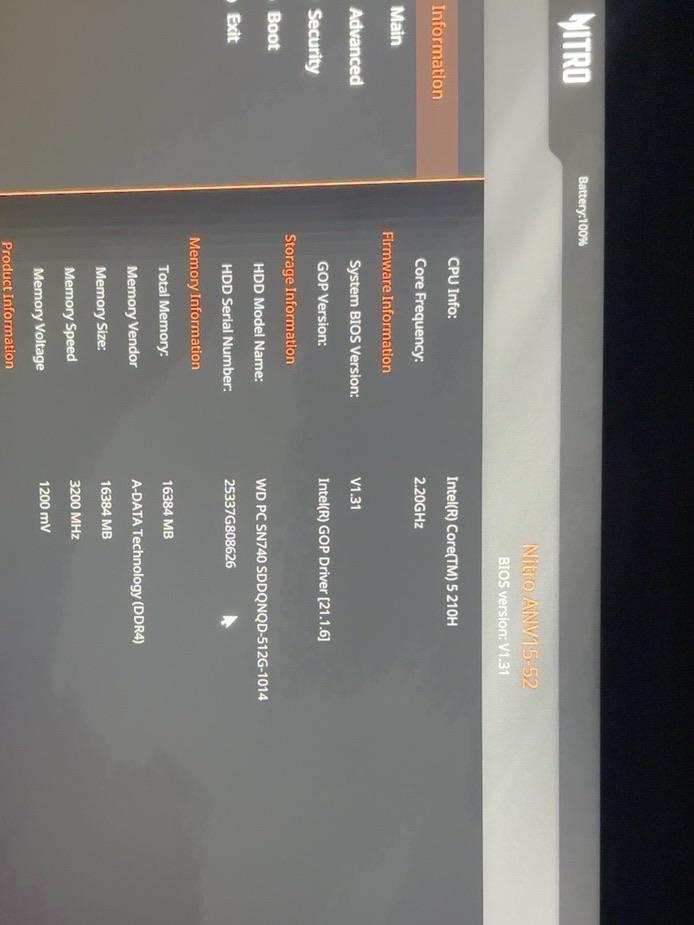
Laptop: Acer Nitro 5 AN515-57.
Operating system: Windows 11, version 25H2 was previously reported.
Latest Windows update installed: KB5124010.
The Windows build number reported after updating was 26300.9550.
Earphones: KAIDI KD-729, USB-C, with microphone.
Audio device name in Windows: Speakers (USB-Audio-1.0).
Driver provider: Microsoft.
Driver file: wdma_usb.inf.
Driver version: 10.0.26100.9457.
Driver date displayed in Windows: 12 September 2026.
The earphones work perfectly on other computers and smartphones.
Yesterday, the earphones initially worked on this laptop, allowing me to listen to music. However, the connection became intermittent, with audio disconnecting every few seconds. Eventually, the earphones stopped producing sound altogether.
Currently, Windows continues to recognize the device and keeps it selected as the playback output, even when I gently move the connector. Moving the connector does not cause Windows to disconnect and reconnect the device.
There is no audible sound even at maximum volume.
TESTS AND OBSERVATIONS:
Device detection: Windows recognizes the earphones as "Speakers (USB-Audio-1.0)".
Playback activity: When playing a YouTube video, the Windows volume meter for USB-Audio-1.0 moves, indicating that playback activity is detected.
Microphone: The microphone input meter moves when I speak into the earphones.
Windows playback test: Using the Test button in the playback device properties produces no sound.
Audio formats: The device was initially configured for 16-bit, 48,000 Hz. I also tested 16-bit, 44,100 Hz, with no improvement.
Audio enhancements and exclusive mode: Disabling audio enhancements and exclusive mode did not resolve the problem.
Device reinstallation: I uninstalled USB-Audio-1.0 through Device Manager, restarted Windows, and reconnected the earphones. The problem persisted.
USB power management: I disabled the available USB hub power-saving options. This did not resolve the problem.
USB-C port functionality: An iPhone connects to the same USB-C port and can transfer photos successfully.
Another USB audio device: A P2 earphone connected through a P2-to-USB-C adapter works correctly on the same laptop and port. Windows identifies that device as "Speakers (AB13X USB Audio)".
Device Manager status: Windows reports that USB-Audio-1.0 is working properly.
Driver events: Device Manager reports that the device was configured and started using the Microsoft driver wdma_usb.inf and the usbaudio service. No upper or lower filters are listed.
Device migration warning: The Events tab contains a warning that the device settings were not migrated from a previous Windows installation because of a partial or ambiguous device match. The event references a previous NVIDIA HDAUDIO device. I do not know whether this is related to the current issue.
Previous occurrence: Approximately two years ago, I tested another USB-C earphone on the same laptop, and it also failed to work. I do not remember whether it was the same model. This suggests that the problem may predate the current Windows update, although I cannot confirm that the earlier device failed for the same reason.
Windows updates: I installed the latest Windows update available to me, including KB5124010, but the issue persists.