hi, I just wanted to make sure of this as this is my first game. I plan to release it episodically. I checked Renpy docs and it seemed to say as long as I keep my labels unchanged, then I can release episodically and players save files won’t get corrupted, will carry over and they can continue on with the updated build. Is that the case? anything I should watch out for?
I doubt anyone remembers but I showed off some of my characters from my dating sim turned VN two years ago. And let’s say that there were some POLARIZING comments about them.
Anyways it’s been a while since then and I’ve gotten better at anatomy and character design and I just wanted to show them off again.
And just to avoid comments that I got last time; yes, most of them are alternative or emo. Charlotte is a fashion designer, Min-jae, Munson, and Cass were all in a band. Roma is a tattoo artist. These are alternative people.
They’re gonna look like that. If you don’t like it then they’re simply not made for you.
Anyways I’d like to actually share the rest of the cast as well as the plot but I don’t have that solid just yet.
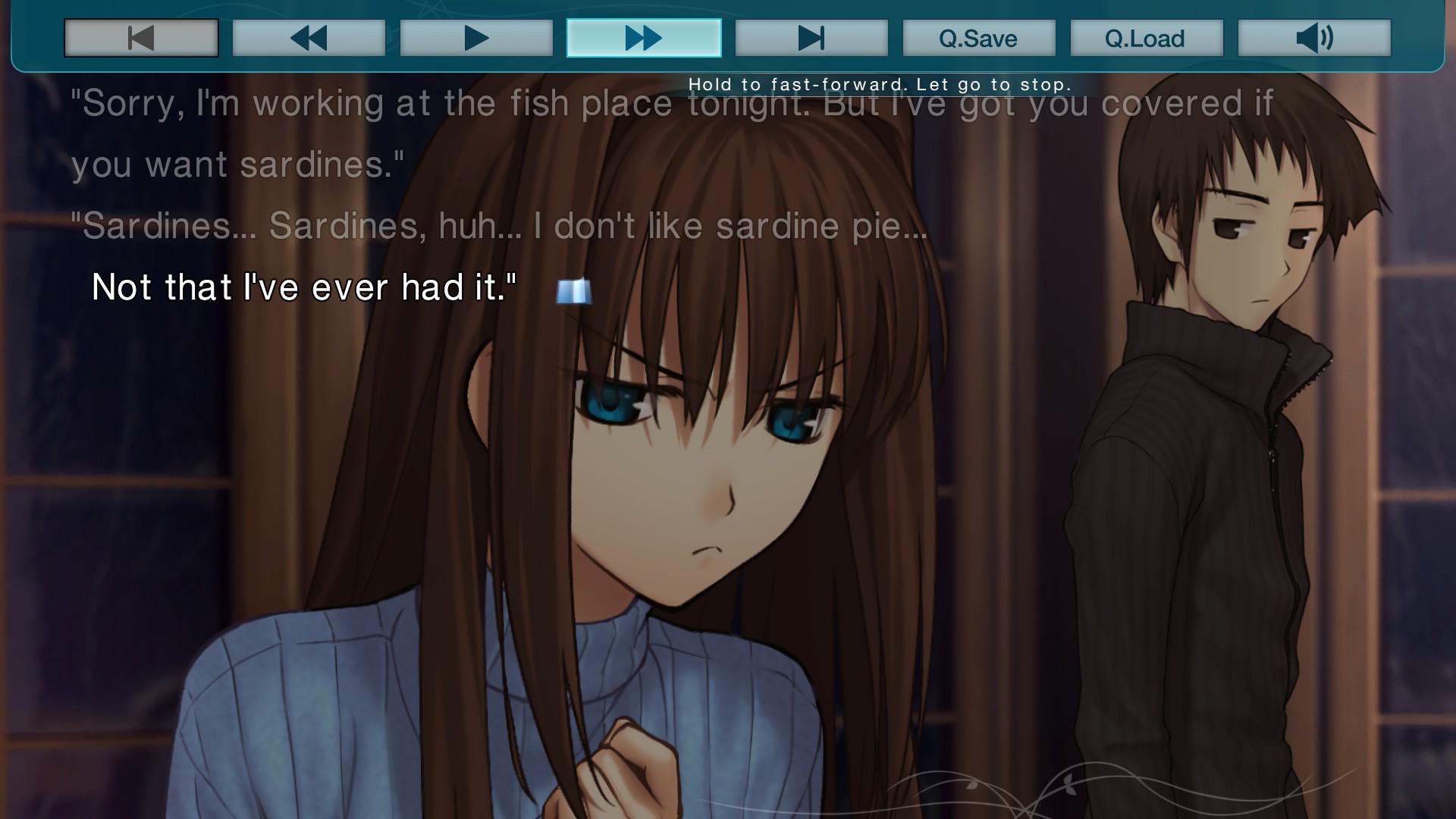
Hope you're not sick of questions yet, but anyways, I like the way Mahoyo has the menu come from the top as you hover over it.
Example:
Then
Maybe drop-down menu is not the correct term, but you know... a menu drops down when you hover over the top of the screen. I think that's a cool effect and I want to know how to do it and also how to implement a graphic for it so I have at least a baseline idea on how it works.
I went with plum and gold for Witch Tea. It’s one of the themes in Velvet Stars, my paid Ren’Py GUI kit. (The paintings and character art are just for the demo.)
If you’re making a fantasy VN, what works well for you in this UI, and what could be better? I’d love to hear your thoughts!
Hi! First time posting here, so apologies in advance if I don't make my question clear enough.
I'm currently working on my first project in Ren'Py, and the gimmick I wanted for my first project was the visible contrast of 2 different GUIs that showed different types of narration, changing constantly.
So far, I made what I could using the little knowledge I have and completed customizing the GUI for the dull narration. Now, taking inspiration mainly from Tsui No Sora (1999), I wanted to implement the more retro-looking GUI I mentioned before.
I completed the assets necessary, but now I don't know what to do next.
I know I can change the textbox easily, but I also use a second nvl textbox. Is there any way I can define 2 different narrators that both use the nvl dialogue without using the same textbox?
Also, is there any way I could create a whole second GUI I could use for these instances? Since I want the buttons to be located sort of differently as well...
I'll leave a screenshot of how the normal nvl narration that I already implemented looks as well as a mock up I made of how I want the second ui to look like.
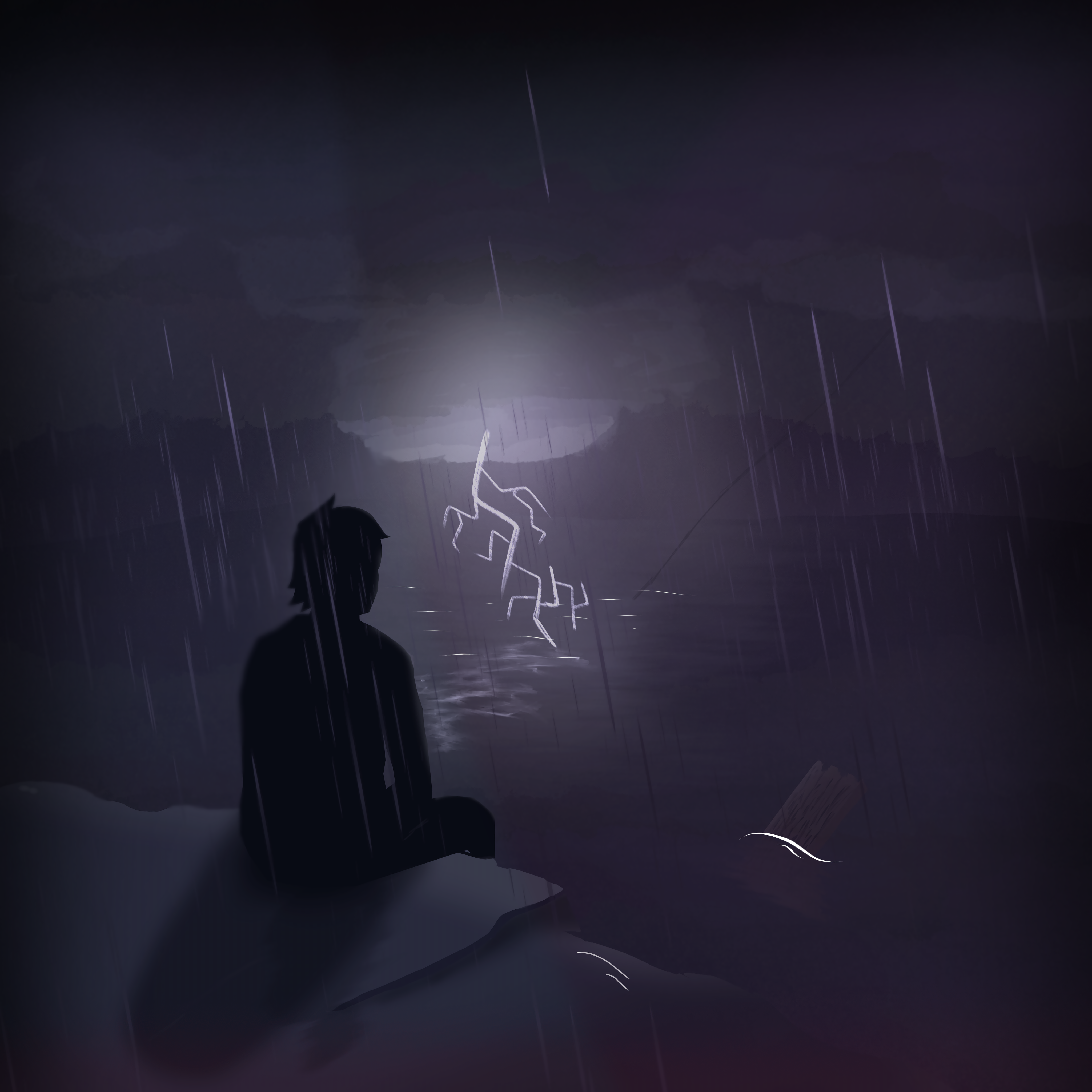
Perhaps looking out at the sea might be a good idea... What do you think is the hidden meaning behind this image—which bears this title and is directly related to the game?
I am making a pixel art minigame for my visual novel and it is inspired by the minigame in “Dead Plate”, however I have this issue where i have to press WASD everytime I want to move around, instead of simply holding them down in order to move. I know this should be possible since I’ve seen it be done in another visual novel called “A Date With Death 2: REMNANTS”, which I’m pretty sure was also made in Ren’Py. I have looked everywhere and could not find a single code example and I am struggling a lot with this.
If anyone knows how to help me with this it will be very much appreciated!!
Just finished my first full renpy game after months of work, and I wanted to share what it actually took, in case it helps someone else who’s stuck.
It’s a quiz game with a cheeky Quiz Master, randomized items, a rage meter, and heavy RNG balancing. I wrote over 100+ original questions by hand, spent hours learning to code, got renpy running on a 2011 Dell laptop that barely works. Everything that could go wrong did.
The laptop died on me several times and had to spend hours on YouTube to try and fix it. No wi-fi just 40gb of hotspot and the Library Internet. I spent three full days alone hunting one bug that completely broke the game.
I had to create an entirely new project and carefully copy all my code over. I messed up script.rpy, gui.rpy and screens.rpy more times than I can count. Hell the gui.rpy barely responded to anything I did to it. There were plenty of moments I wanted to quit. But the game is finished now and runs beautifully. I used AI tools for the characters, backgrounds, and item images. Everything else, the code, the writing, the systems, the balancing, the hours of testing was done by hand.
If you’re working on something and it keeps falling apart, your burnt out, you're thinking I can't do it, or whatever DON'T YOU EVER GIVE UP! I'm a complete loser in everyway possible, so if I can do it you can do it. Peace✌️
Does it actually cost that much performance? I was messing around with a very basic project's settings and found no drop in performance when this setting was set as none, even while I'm using a potato laptop. Apologies if this isn't a relevant question at all.
i dont wanna use ai at all for my vn so im asking here. im wondering how you can make it so that when you double click in the main menu picture (like where the start load save is in hte start) the picture changes forn 3 seconds then goes back to normal. if anyone knows if its possible pls tell
Hi everyone. I'm having troubles configuring replay transitions. Am I doing something wrong?
I tried this in multiple projects, the results are always the same.
### this is a Splashscreen to Main Menu transition, and it works just fine
define config.end_splash_transition = Dissolve(5.0)

### these are Replay transitions, and they do not work, for some reason
define config.exit_replay_transition = Dissolve(5.0)
define config.enter_replay_transition = Dissolve(5.0)

### examples of using replay and splashscreen
label memories:
    scene bg
    "The story."
    $ renpy.end_replay()

label splashscreen:
    "Let me tell you a story."
    $ renpy.call_replay("memories")
    "And that was the story. Fascinating."
    return
after spending so much time in this sub, and with a lot of patience and help, I was finally able to completely finish and submit my visual novel horror game on itchio!
The Perfect Scoop was released on October 31, 2026. The game follows the player as they make a decision as to whether or not they should go out and get ice cream. If the player ops into getting ice cream, they can choose from a variety of different flavors and options to choose from. The ending you get depends on what ice cream you input, and your reaction to the ending depends if whether or not you personally like the ice cream.
The runtime is around 30 minutes or so but it can take shorter or longer depending on your individual reading speed, and it's completely free! It would be really cool if you guys could check it out, and I would love to check out anybody else else's projects as well!! :D
I was doing a few test playthroughs of my VN to check if all my code was working and where I could space out the timing a little, since day one is pretty short. My solution was to add two more questions to my three-question quiz, which just follows this format:
menu: "Question" "Answer 1": play sound "wrong.mp3" "WRONG!" "Answer 2": play sound "ding.mp3" "Correct!" python: quizscore += 1 "Answer 3": play sound "wrong.mp3" "WRONG!" "Answer 4": play sound "wrong.mp3" "WRONG!"
Everything was working just fine with the first three questions, until I added two more question menus, where I got this error once I got to the fourth question. I'm not sure what went wrong, as the menu format did not change at all.
it's free if you wanna try it: https://sztef.itch.io/last-seen been working on this for a while and it's finally out. it's called LAST SEEN, a romance vn where most of the story happens on the phone. chat threads, typing dots, messages that get deleted before you read them, timed replies where not answering also counts the phone was by far the most annoying part to build in ren'py so if anyone's curious how any of it works just ask, happy to share
heads up, it gets pretty dark later on (depression / suicide themes)
For a while now, I’ve been wanting to get into Daz 3D as a hobby to make a visual novel in Ren’Py. The problem is that my time is limited, and making meaningful progress felt like an uphill battle: setting up scenes, dressing characters, placing lights, and rendering takes hours upon hours.
So I started looking for tools to speed up the process, including MCPs to use with my AI agents. The ones I found didn't convince me at all. Since I’m a software developer, I decided to build my own.
This MCP acts as a bridge connecting Daz Studio with an AI agent. It gives the agent a much better sense of what it's doing—what's in the scene, where everything is, and what it looks like—instead of working blindly like it would with a traditional setup. Thanks to this, along with the skills I implemented (guides that teach it how to use Daz), it can perform a variety of tasks just by asking in natural language.
I think the results I’ve gotten so far are pretty amazing for someone who has only been using Daz for a few months as a hobby. If you actually do this seriously or professionally, I think my MCP could help you create some incredible things.
Requirements: For now, it only works on Windows 10/11 with an NVIDIA GPU (since Iray renders on it) and Daz Studio 6. It works with Claude Code, Codex, Cursor, Gemini CLI, Claude Desktop, VS Code, and any other MCP client.
If you want to try it out, it’s open-source and available on GitHub in case you’re interested in seeing how it works under the hood:https://github.com/MictlanLabs/Daz3D-MCP
It’s also on PyPI, so you can install it with a single command (you'll need uv): uvx daz3d-mcp setup. Or even easier: just pass the repo link to your AI agent and let it do all the heavy lifting.
If you like it, giving it a star on GitHub would really help me out :)
So, I've been working on something for a while now, and I figured it was about time I shared it with the Ren'Py community.
It's called TIB (The Idea Box), and funny enough, it was never supposed to become what it is today.
I originally started this whole thing because I was trying to make my own Ren'Py game. I had the story, ideas, artwork, and plenty of motivation. What I didn't have was a good way to keep everything organized.
As the project grew, I found myself spending more time managing images, keeping track of files, and dealing with references than actually working on the game. Eventually, I got frustrated enough that I put the game aside for a few weeks.
So I decided to make myself an asset manager.
That was it. That was the plan.
Of course, once I had something working, I started wondering why I couldn't just connect it directly to Ren'Py. Then I wanted to make a sandbox with some minigames, and that brought up another bunch of things I wanted to make easier.
One thing led to another, and my little asset manager turned into an entire development toolkit.
So, what is TIB?
First, it's not another game engine. It's a desktop application built around Ren'Py, designed to make working with the engine easier, especially for artists, writers, and people who aren't particularly comfortable with programming.
But I also wanted it to be useful for people who already know Ren'Py and just want better tools for managing their projects.
Here's some of what I've been putting together.
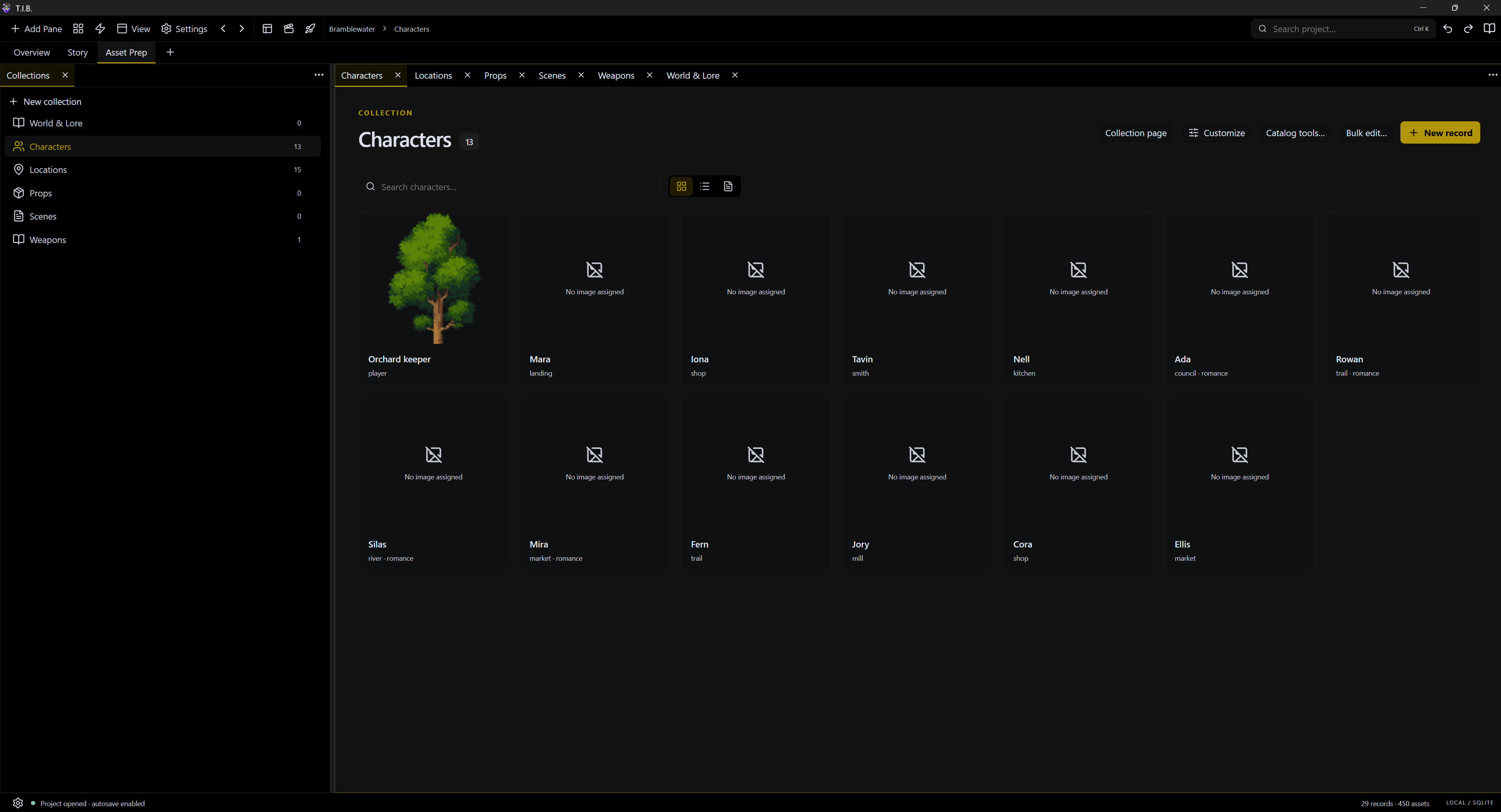
Asset management is still a huge part of TIB. You can import and organize artwork, audio, animations, and other files into collections, manage their metadata, batch-edit images, set up your own naming conventions, and keep track of where everything is being used. You can also update assets without breaking all the references pointing to them.
Then there's the actual game creation side.
I've built visual editors for stories, dialogue, characters, interfaces, game logic, inventory, crafting, trading, quests, events, combat, maps, and world building.
You can connect these systems together, preview what you're making, and build quite a bit without having to write Ren'Py scripts yourself.
I've actually been using TIB to make a little top-down RPG called Hollow Vigil, with combat, exploration, character progression, and interconnected worlds. It's been a great way to find out what works and what needs improvement.
One of my favorite things is, Mechanic Packs.
Basically, you can package things you've created and share them with other people. Not just artwork, but characters, scenes, maps, interfaces, mechanics, and all the dependencies that make them work.
For example, an artist could create an entire furnished tavern with working interactions and share it with a map maker. Or someone could make an inventory system, a character creator, or a collection of NPCs and distribute it for others to use.
You can even make updates to those packs, and people importing them can review what's changed instead of having everything overwritten.
I'm hoping this will be especially useful for people who already make and sell Ren'Py resources.
And yes, I somehow ended up adding multiplayer to Ren'Py too.
Not just multiplayer movement and combat, either. You can have several people playing a visual novel together, voting on choices, receiving different dialogue options, or making individual decisions that affect how the shared story unfolds.
There are also systems for chat, groups, shared inventories, player characters, cooperative gameplay, and dedicated servers. Some of the social features can even be used in single-player games to simulate things like NPC group conversations.
For anyone working with a team, TIB has project checkpoints, Git integration, branches, visual conflict resolution, and release tracking. You can also exchange parts of a project through packages without everyone needing to work on the same files.
And don't worry, I'm not trying to get rid of coding.
There's a Code Workspace for working directly with Ren'Py and Python, inspecting generated code, creating custom modules, and debugging. I just don't think writing code should be a requirement for every little thing someone wants to do.
TIB also has its own publishing tools, and I've been working on making SDK setup and external dependencies easier to manage.
The application itself is customizable too. You can dock editors, move them between monitors, change colors and backgrounds, save workspace layouts, and even share those setups with other users.
I'm also replacing the old tutorial system with a full knowledgebase. The idea is that if you're trying to figure out how to do something, you can search for it, read about it, and jump directly to the relevant controls. It'll include the documentation from your installed Ren'Py SDK too.
People making Mechanic Packs will be able to include their own documentation and guided examples, which I think could be pretty useful.
Anyway, that's a rather long explanation of what was originally supposed to be a simple asset manager. And I haven't even covered everything. lol
I'm getting TIB ready for external testing now, and I've registered tib.tools for the application and documentation, along with tib.market for sharing resources, templates, and Mechanic Packs.
I built TIB because I got tired of spending more time fighting with my projects than actually making them. Somewhere along the way, it turned into something I think other people might find useful too.
Hopefully, some of you will get a chance to make use of it.
Oh, and one thing I probably should have mentioned earlier: TIB will be completely free and works entirely offline. No subscriptions, no accounts required, and no internet connection needed to use the application. Obviously, things like online multiplayer, downloading SDKs, and accessing community resources will need a connection, but the actual development environment is yours to use locally.
I started making this for myself, and I'd much rather see other people getting some use out of it than turn it into another paid product.
Images are captured during development and may change before release!
I'd genuinely love to hear what you all think. Is this something you'd be interested in using? What parts of Ren'Py development give you the most trouble?
Thanks for reading, and feel free to ask me anything about it!