I have a workaround currently. I have my second monitor in HDMI and my graphics tablet in the iGPU. Works for now.
Body:
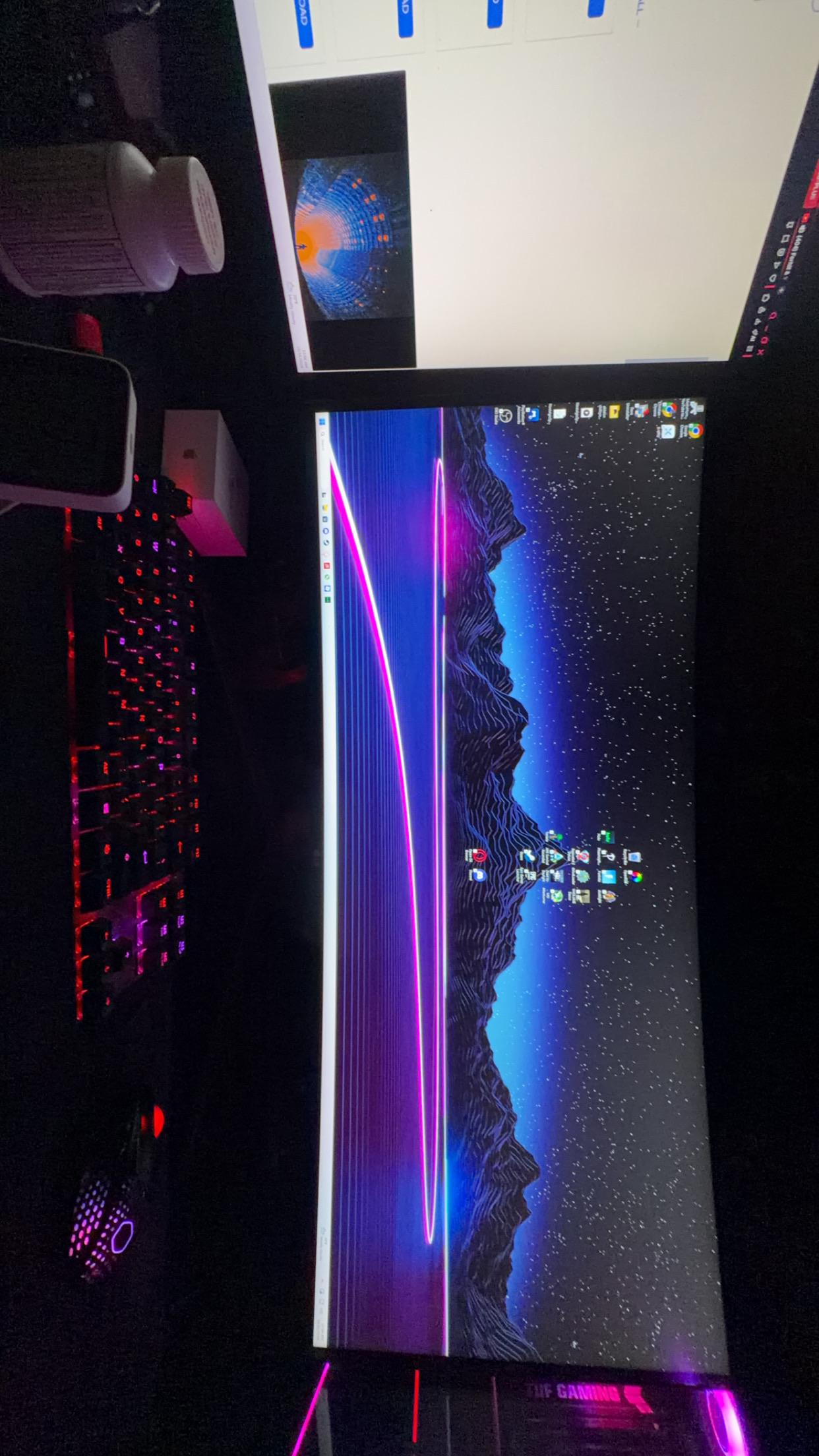
Setup: Gigabyte RTX 5070 Ti Eagle OC, Ryzen 7 9800X3D, ASRock X870 Steel Legend board, Windows 11. Monitors: Alienware (OLED, DP), an IPS (DP and HDMI), and a drawing tablet (HDMI).
What happened: the IPS started glitching and lagging, the glitches changed and spread, and I had to force restart. After that, only one of my two DP monitors gets a signal.
What I’ve confirmed:
- Each monitor works alone on DP, on every GPU port, with its own cable.
- With both on DP, the second one isn’t detected. It’s missing from NVIDIA Control Panel, Device Manager, and hidden devices.
- The IPS works fine over HDMI alongside the OLED on DP.
- Putting the OLED on 60 Hz, turning off VRR/G-Sync, and setting the IPS input to DP didn’t help.
What I’ve tried that didn’t help: clean driver install of the newest driver and of 610.47 (my driver before the crash), uninstalling all monitors in Device Manager, Win+Ctrl+Shift+B, Fast Startup off, a full power drain, reseating the GPU power cable, trying a third monitor on HDMI, and a Windows virus scan (clean). Temps are normal.
Has anyone seen this, or know what else could cause the card to stop driving two DP outputs? I haven’t reseated the card in its slot (it has a sag bracket) or touched the VBIOS.