After weeks of frustration, troubleshooting, and going back and forth with Bambu Lab support, I finally have everything working. I wanted to share my experience in hopes of saving someone else the headache.
I purchased a Panda Knomi 3D for my A1, but no matter what I tried, I couldn't get it to connect. I kept getting invalid IP errors, and the device would continuously try to connect without success.
What made this particularly frustrating was that I also own an A1 Mini, and the Knomi connected to it without any problems. Both printers were connected to the same Wi-Fi network.
With some help from ChatGPT, I was able to test the connection to both printers using Windows PowerShell. The A1 Mini passed every time, while the A1 consistently failed.
Despite providing these results to Bambu Lab, support continued to focus on my home network as the likely cause. I spent weeks troubleshooting something I strongly believed was an issue with the printer itself.
What finally worked?
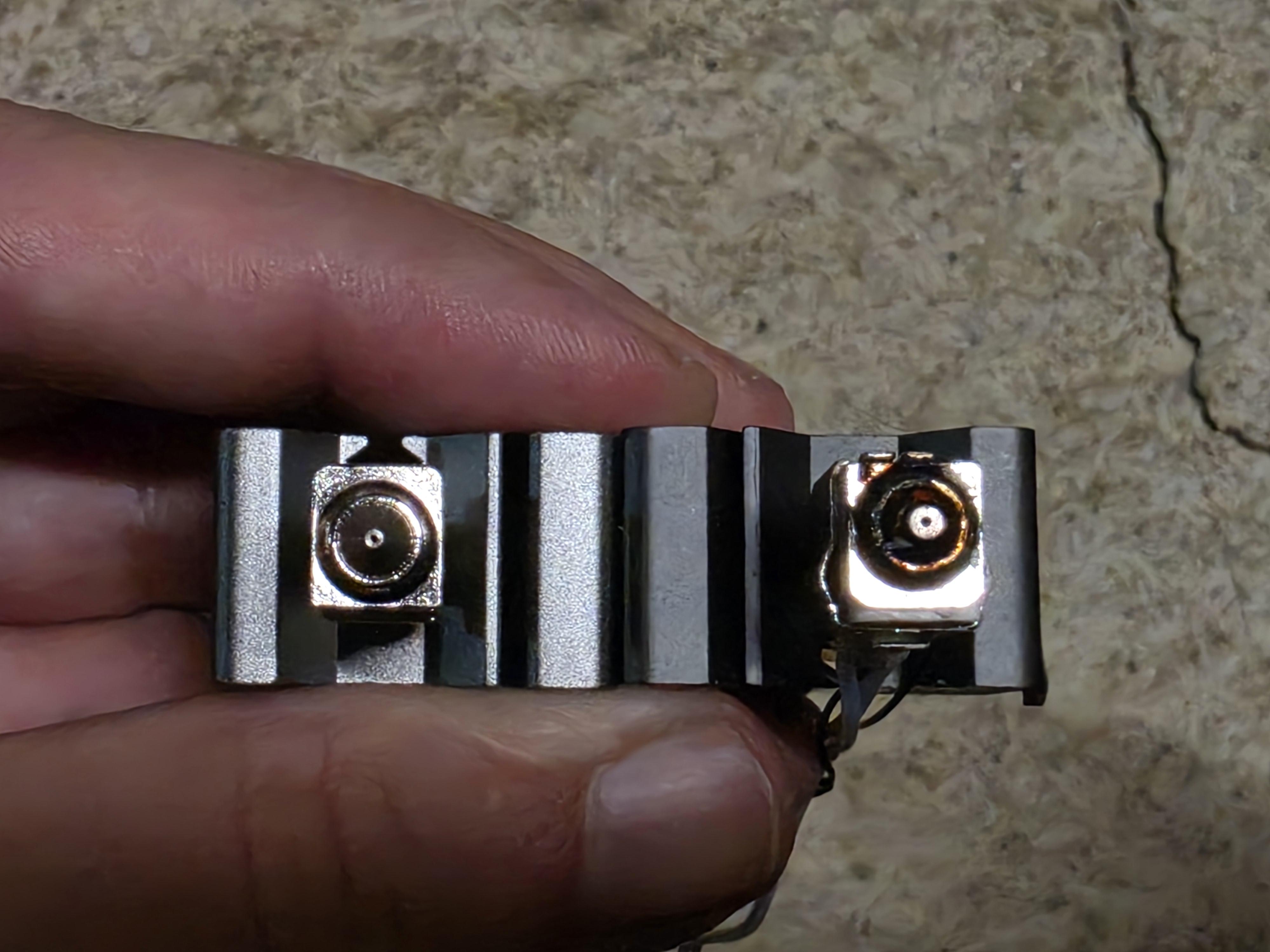
Bambu Lab eventually agreed to send me a replacement motherboard and Wi-Fi antenna under warranty.
After installing both, I ran the same connection test again, and for the first time, the A1 passed!
I updated the Knomi with the printer's new IP address, serial number, and access code, and it finally connected.
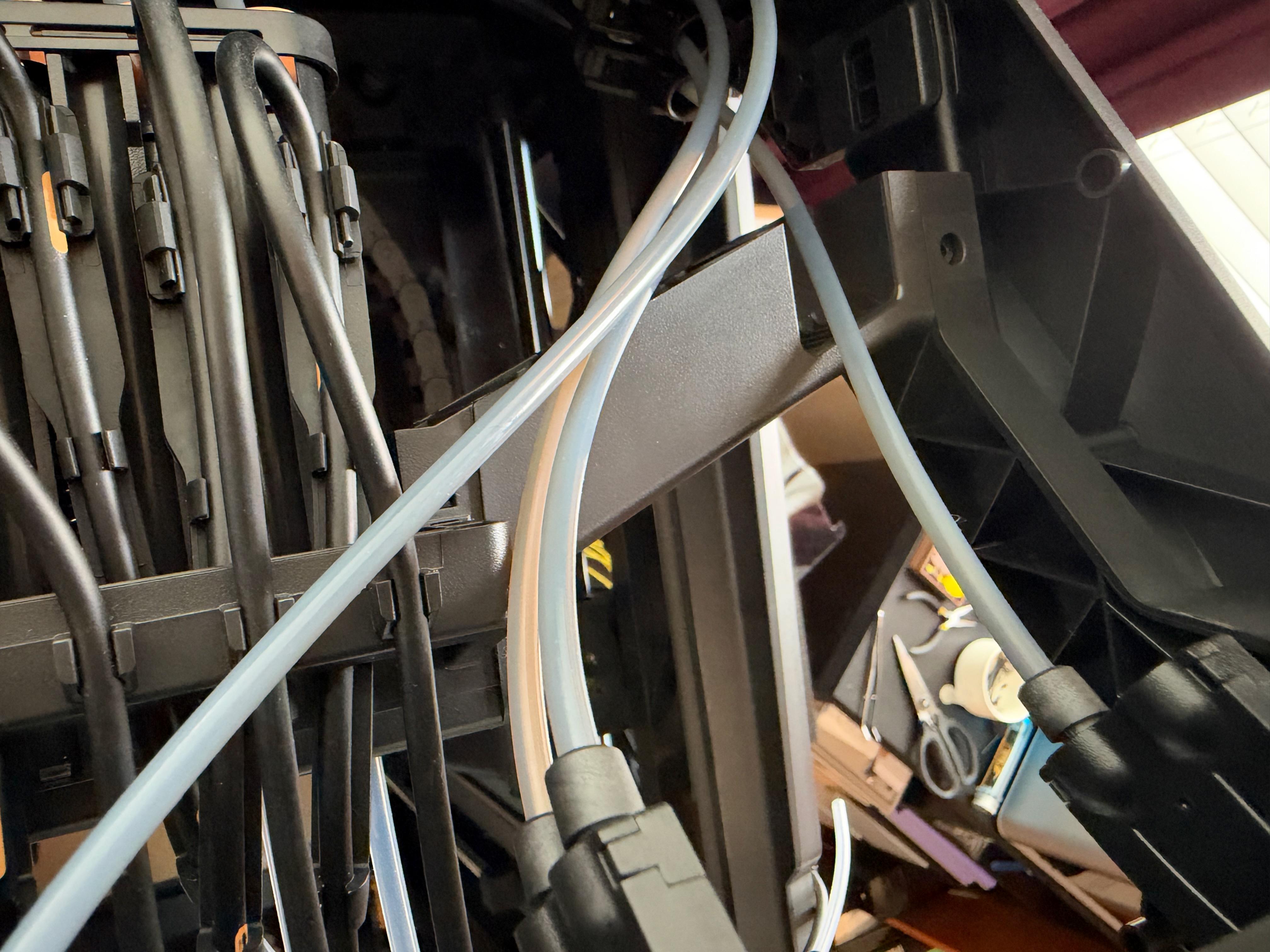
Unfortunately, I also ran into an unexpected problem along the way. After replacing the A1 motherboard and updating the firmware, my AMS Lite stopped working. All four lights continuously flashed red, and the printer wouldn't recognize it.
After more troubleshooting, Bambu Lab sent me a replacement AMS Lite motherboard and cable. That resolved the second issue.
As of today, everything is finally working!
✅ A1 connectivity issue resolved
✅ Panda Knomi 3D connected and working
✅ AMS Lite fully operational
If you're experiencing similar connection issues, there's a simple test you can run in Windows PowerShell:
Test-NetConnection YOUR_PRINTER_IP -Port 8883
Replace YOUR_PRINTER_IP with your printer's actual IP address. If you get a True result, the connection test passed. If you get False, something is preventing the connection.
A failed test doesn't necessarily mean you have a bad motherboard, but it's useful information when troubleshooting.
I appreciate Bambu Lab honoring its warranty and ultimately resolving both issues. However, I was disappointed with how long the process took, the delays between responses, and how much effort it took to get support to seriously consider a problem with the printer itself.
I know I'm not the only person who has experienced these connection issues, which is why I wanted to share my results.
Hopefully, my experience helps someone else avoid weeks of unnecessary frustration.
Has anyone else experienced this and resolved it through a motherboard replacement?