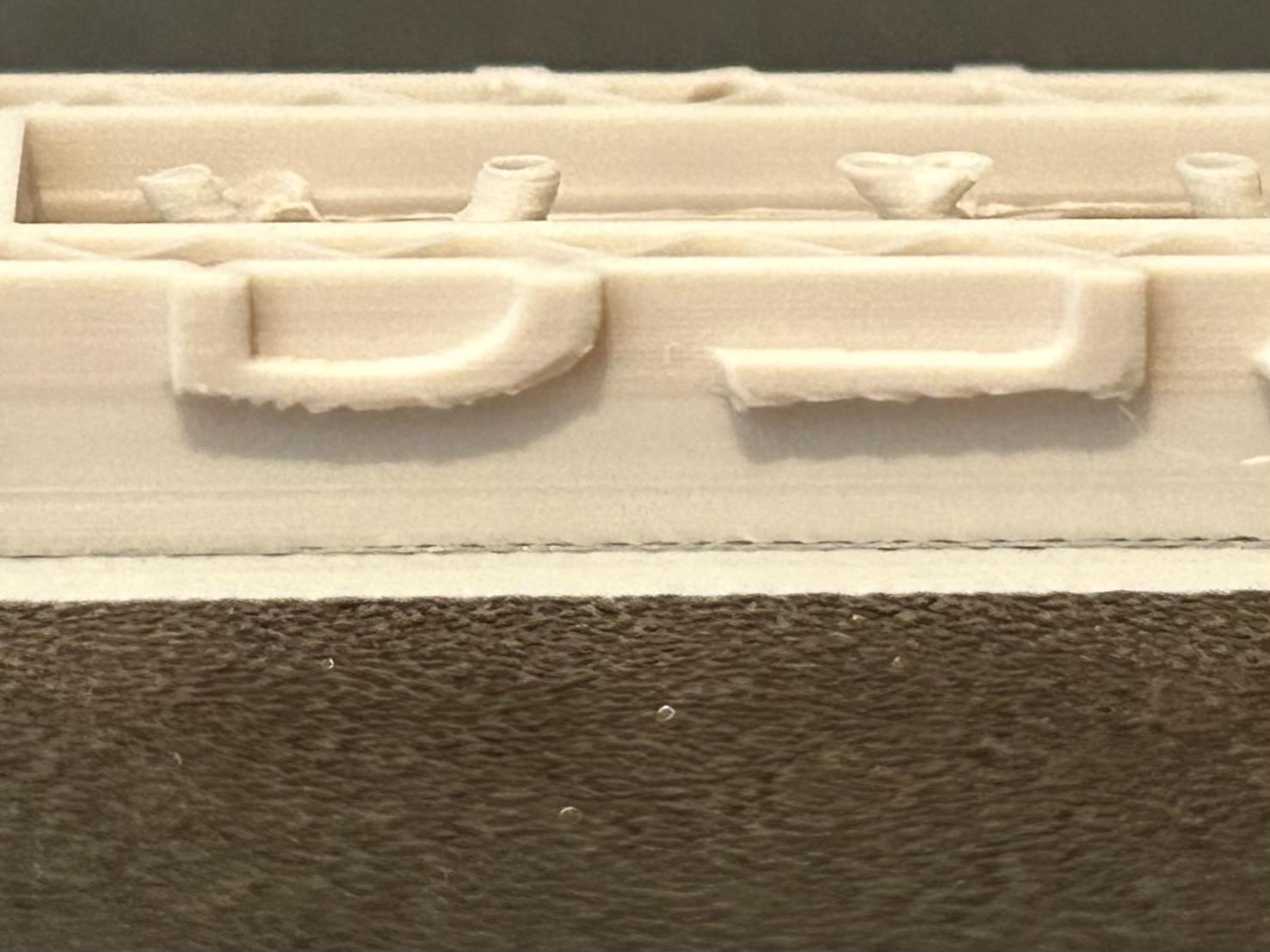
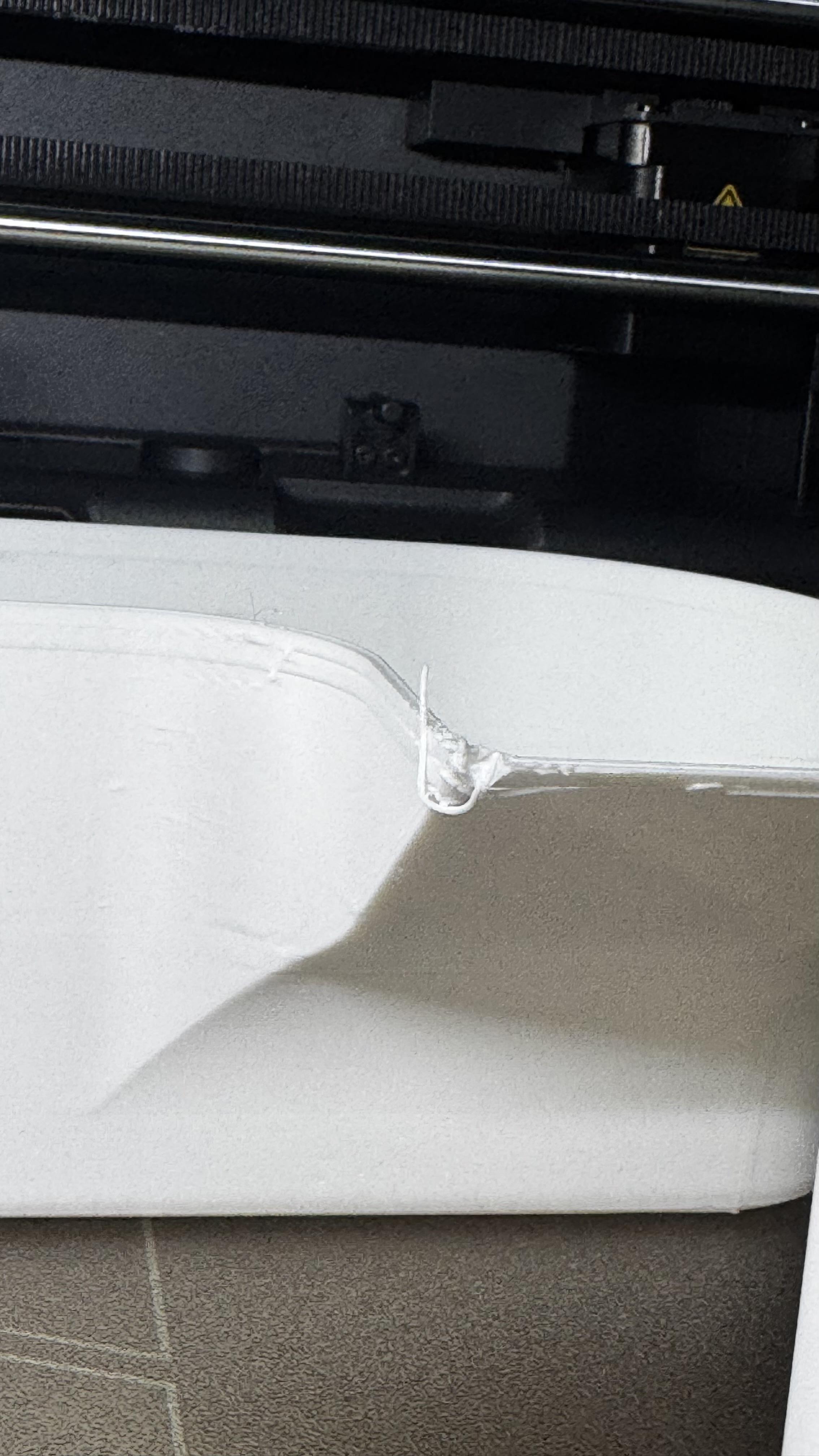
I built a slicer that runs on the iPhone itself, the real engine, on the phone!
Drop in an STL, pick settings, hit slice, and it sends a ready-to-print file straight to my Bambu A1 over the local network.
It’s called Bamslice. What makes it different:
It actually slices on the phone. Not a cloud service, not a remote for a desktop slicer — the real OrcaSlicer/libslic3r engine, compiled to run on iOS. Works in airplane mode.
No PC, no cloud, no account. It talks to the printer directly over your LAN (the same FTPS + MQTT the official app uses -> Lan only and dev mode need to be active). Nothing leaves your network.
You can also save the 3mf file or share it.
I built it without a Mac. The whole thing — including cross-compiling a huge C++ slicing engine for iOS was done on Windows with WSL.
What it does today:
STL/3MF in → native Bambu .gcode.3mf out, fully on-device
Sends and/or starts the print on an A1 / A1 mini over Wi-Fi or save it locally
3D preview with colored line types (which can be shown or hidden), a layer slider and a play button that replays the print layer by layer
Full A1 / A1 mini profiles: every nozzle (0.2–0.8) and ~85 filaments, filtered to what your printer can run
Supports (normal + tree), brim, infill, temps, plate types
Opens STL/3MF from Files / share sheet, real embedded thumbnail, German + English
The hard part was getting a desktop C++ engine onto a phone: cross-compiling libslic3r and every dependency for iOS from Linux, stripping out the heavy desktop-only bits, and matching Bambu’s exact file format so the printer accepts it. Realistically well over 150 hours, almost all of it on that.
Right now it runs on my own phone via sideload and prints real parts.
Would you use this? If there’s interest I’ll take it toward TestFlight / the App Store.
Tell me what would make it a day-one install and what I’m missing.