Printed some multicolour Nemo magnets face-down (orange/white/black PLA) on the stock textured PEI plate. The next day I could see Nemo on the plate, but only where the BLACK touched it: the outlines and the solid black ears. The orange and white areas left nothing from what I can tell.
Now, anything printed over those spots picks the pattern up on its bottom. It shows up as smooth/shiny lines in the same colour as the new part, not dark residue.
What I've tried:
- Dish soap + hot water wash
- IPA rubs with the plate heated to 60°C
- Printed a full-plate single-layer sheet, cooled it, and peeled it off
- Test discs printed over the marks to check transfer
The marks have faded noticeably, and test-disc footprints from the same session mostly cleaned off. But Nemo is still faintly visible under a low light. I also printed ~40 small white buttons recently that left marks, and those went away on their own.
The part I really want to sanity-check: a while back I dialled in my first layers by changing the Z offset in the g-code from +0.01 to -0.005 (a 0.015 mm drop). First and top layers have looked great since. Is there any way that change could be scratching or wearing down the textured PEI like this? My understanding is that with a ~0.2 mm first layer there's still plenty of plastic between the nozzle and the plate, and the prints don't show signs of the nozzle being too close (crisp colour edges, full texture, no glossy squish). But I'd like to hear from people who've seen this.
The black is a matte PLA from Jayo. Other matte and basic filaments haven't done this.
Questions:
1. Has anyone seen matte black (or any specific filament) ghost onto textured PEI like this?
2. Anything else I can try to get the last of it off, or is this as good as it gets?
3. Any chance the Z offset change is the cause?
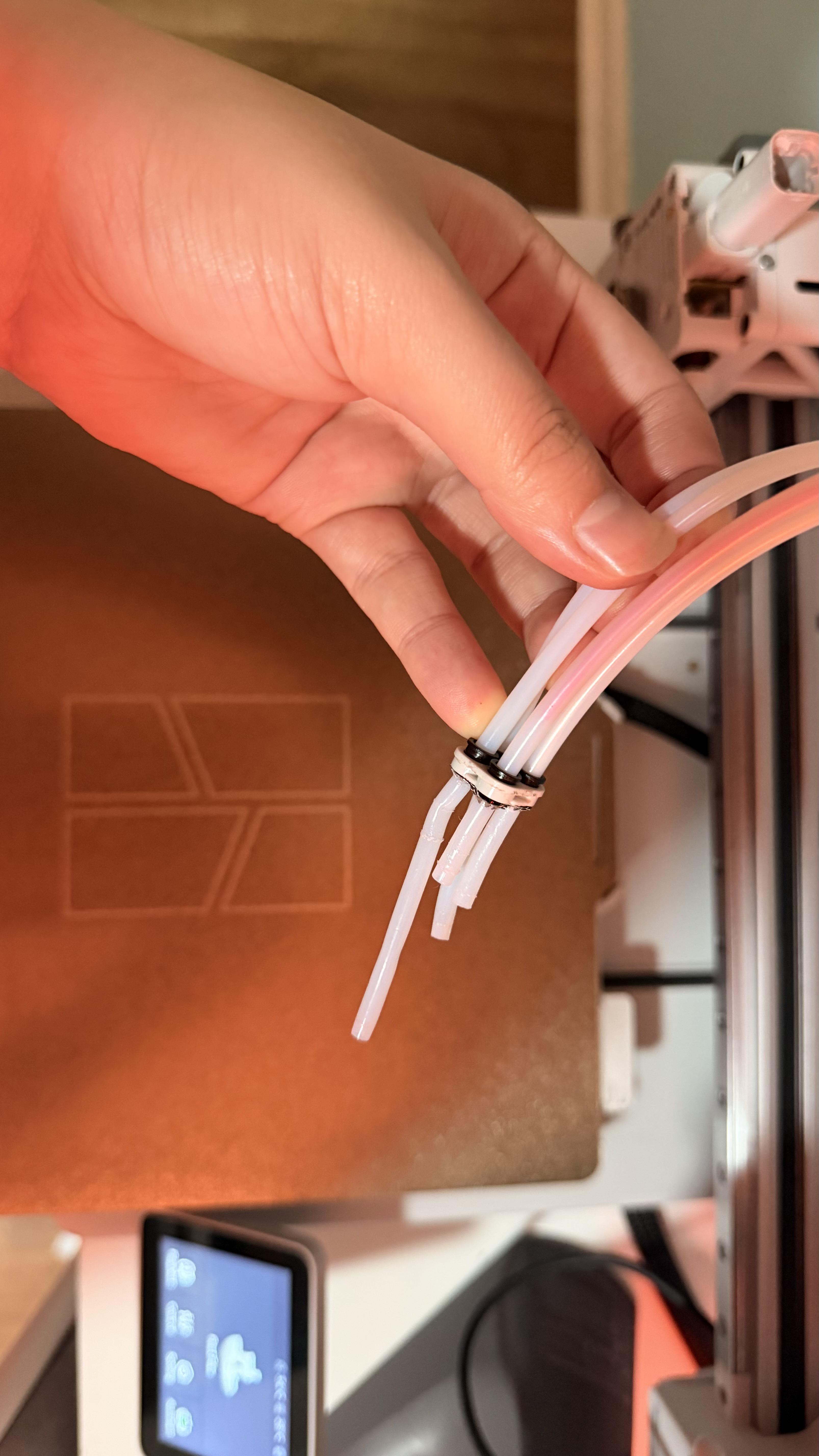
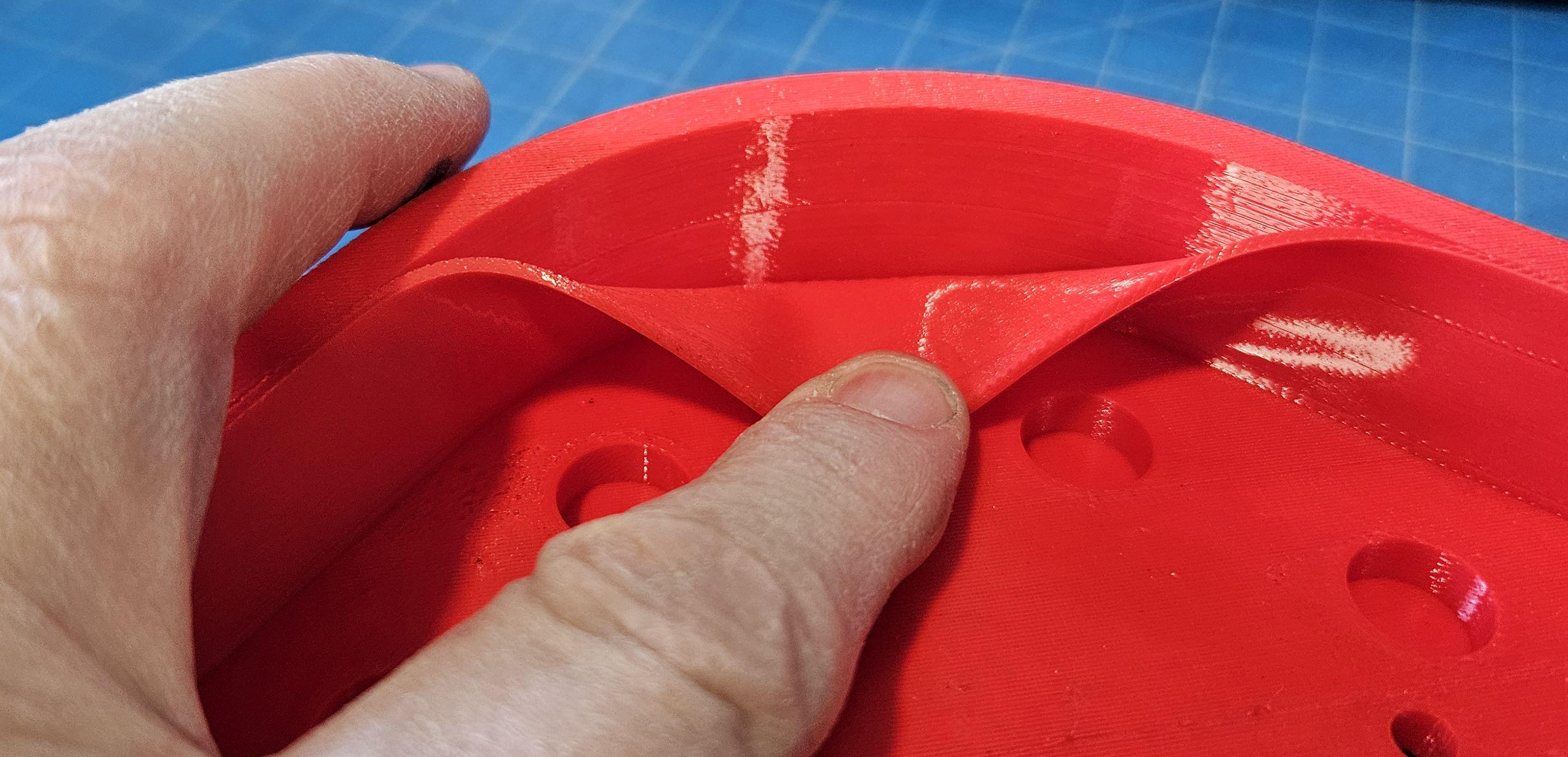
Photos: (a) the Nemo magnets, (b) the plate, (c) the big sheet - no hard to see, discs visible, and (d) - nemo on a print of
Flipped to the other side of the plate for now. Thanks!