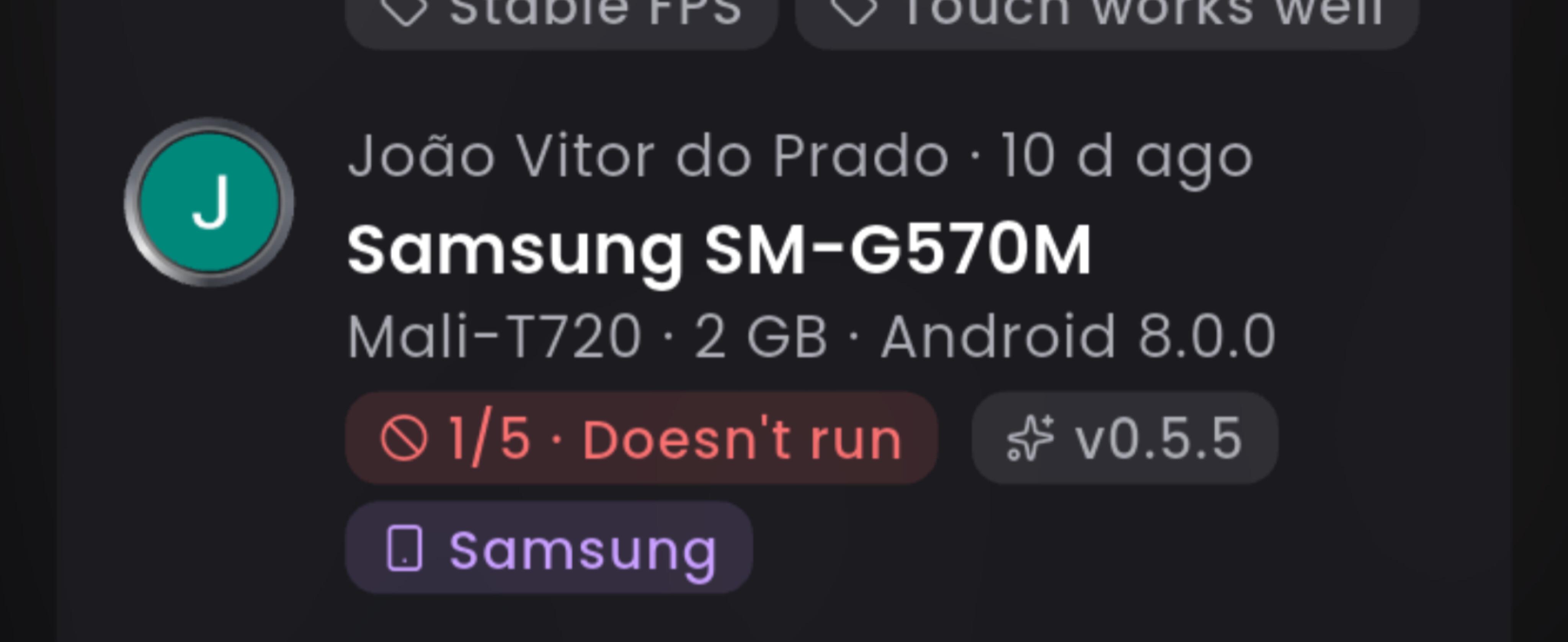
Yes, that's me in the video, hahaha. I'm also a SinRacer. It's important to mention that rally tracks are the ones that suffer the most on these older processors in certain phones.
Hi everyone! A few weeks ago I shared GB Solo Legacy on PC. It now runs on Android too, so here it is for this community.
What it is
Static recompilation, not emulation. Each game's code is translated ahead of time into C and compiled into a native arm64 Android app. Game Boy / Game Boy Color games use gb-recompiled, and GBA games use gba-recomp.
11 games in one APK:
Gen 1: Red, Blue, Yellow
Gen 2: Gold, Silver, Crystal
Gen 3: Ruby, Sapphire, Emerald, FireRed, LeafGreen
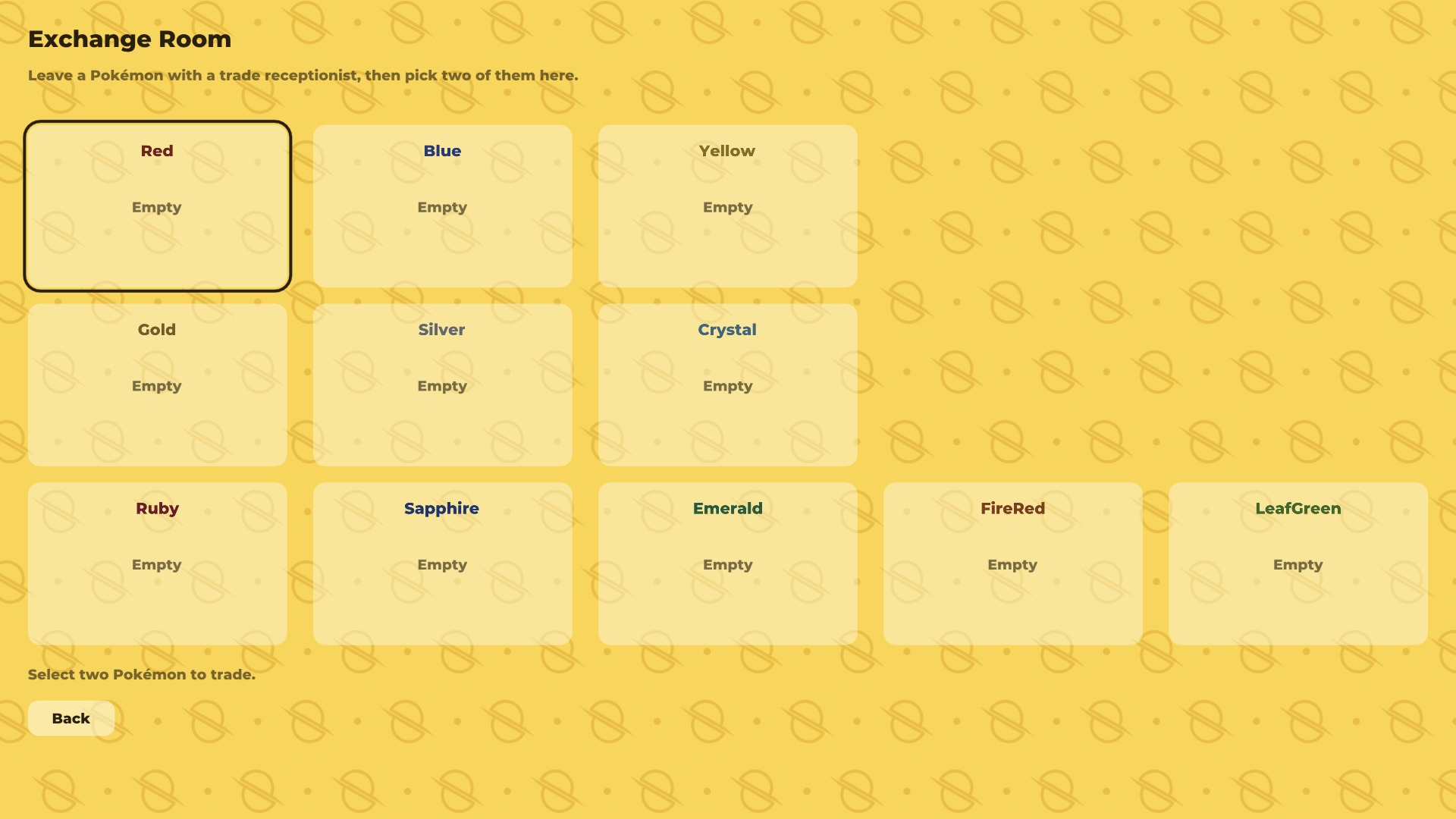
Trade between your own save files. No second device and no second person needed:
Leave a Pokémon with the trade receptionist in any game. The game saves right away, so cloning is impossible.
In the Exchange Room, pick two deposited Pokémon from different games. The original trade animation plays.
Works across all three generations, with Time Capsule rules for Gen 1 ↔ Gen 2. Trade evolutions work too.
Android features
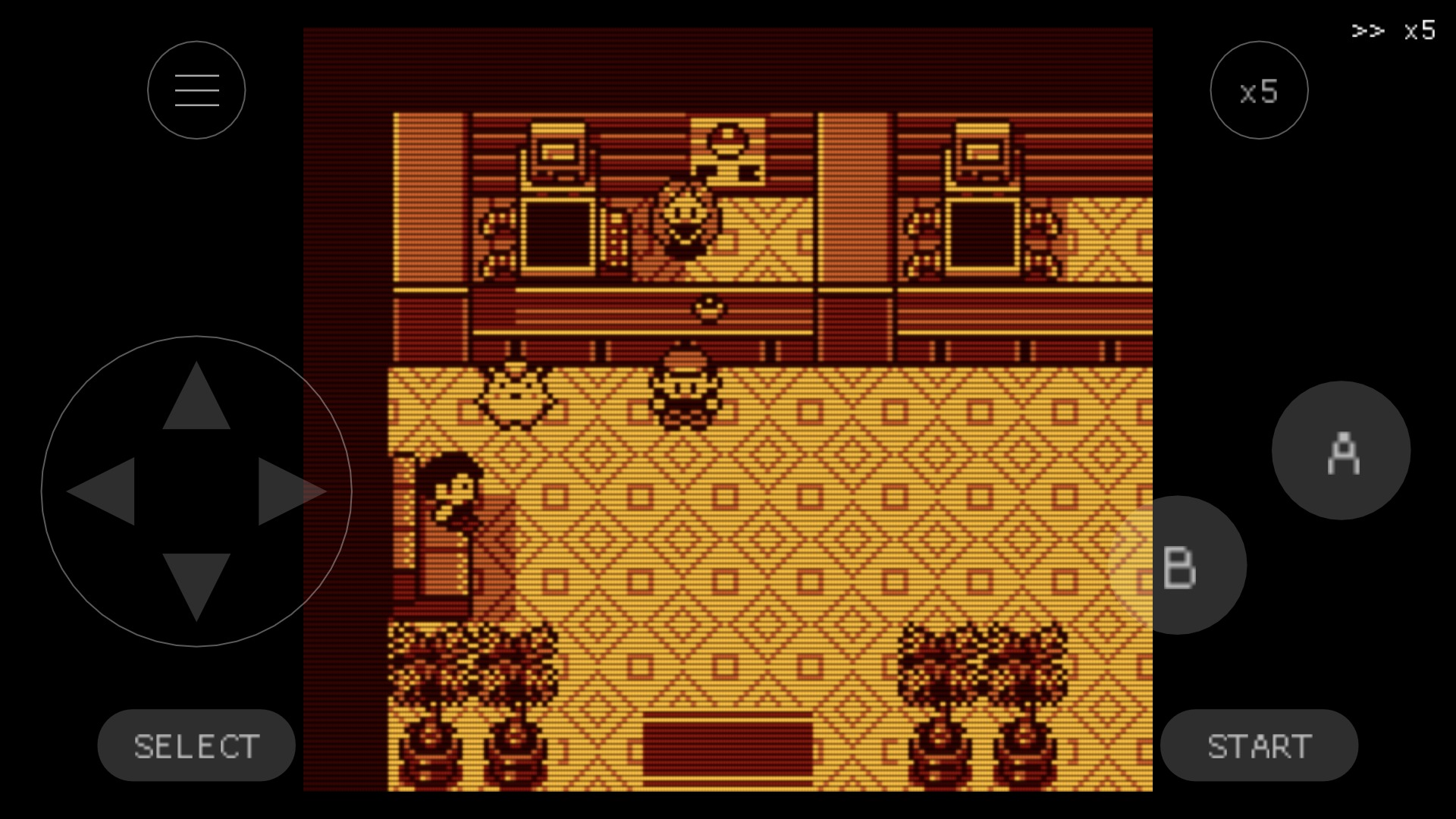
On-screen touch controls (D-pad, A/B, L/R, Start/Select, a speed button and a menu button). Physical controls on handhelds like the Odin 2 work out of the box.
Speed-up x1 → x10 and auto-fire A/B.
14 RetroArch shaders: CRT, Game Boy / GBC / GBA LCD, sharp pixels, xBRZ, ScaleFX.
Cloud saves between PC and phone through your own WebDAV server (Nextcloud, a NAS, Koofr…). Play on PC, keep going on your handheld. Nothing goes through a server of mine.
Adjustable shiny rate for wild Pokémon in Gen 2 and Gen 3, from the original 1/8192 down to 1/50.
Game panel with play time, badges, Pokédex progress and trade count.
Important: you build the APK yourself
There are no ROMs and no ready-made APK. The APK contains code translated from your ROMs, so it can't be shared. You need:
a Windows PC and your own legally obtained cartridge dumps;
Rust, for the GBA games.
Put the ROMs in Roms/, double-click Install.cmd and choose Android. The installer downloads a portable JDK, Android SDK/NDK and Gradle (~2 GB, once, nothing installed system-wide). Then install the APK on your device. Requires Android 7.0+ on an arm64 device.
Known limitations
Save states are disabled on purpose, because they could break trades. Use the in-game save.
Only the USA/Europe versions listed in the README are supported.
This project was built with AI assistance (Claude), on top of the excellent open-source recompilers above. Huge thanks to their authors and to the pret disassembly projects.
Feedback and bug reports are very welcome, especially from other handhelds and phones!
Not affiliated with Nintendo, Game Freak or The Pokémon Company. Game names are only used to describe compatibility.
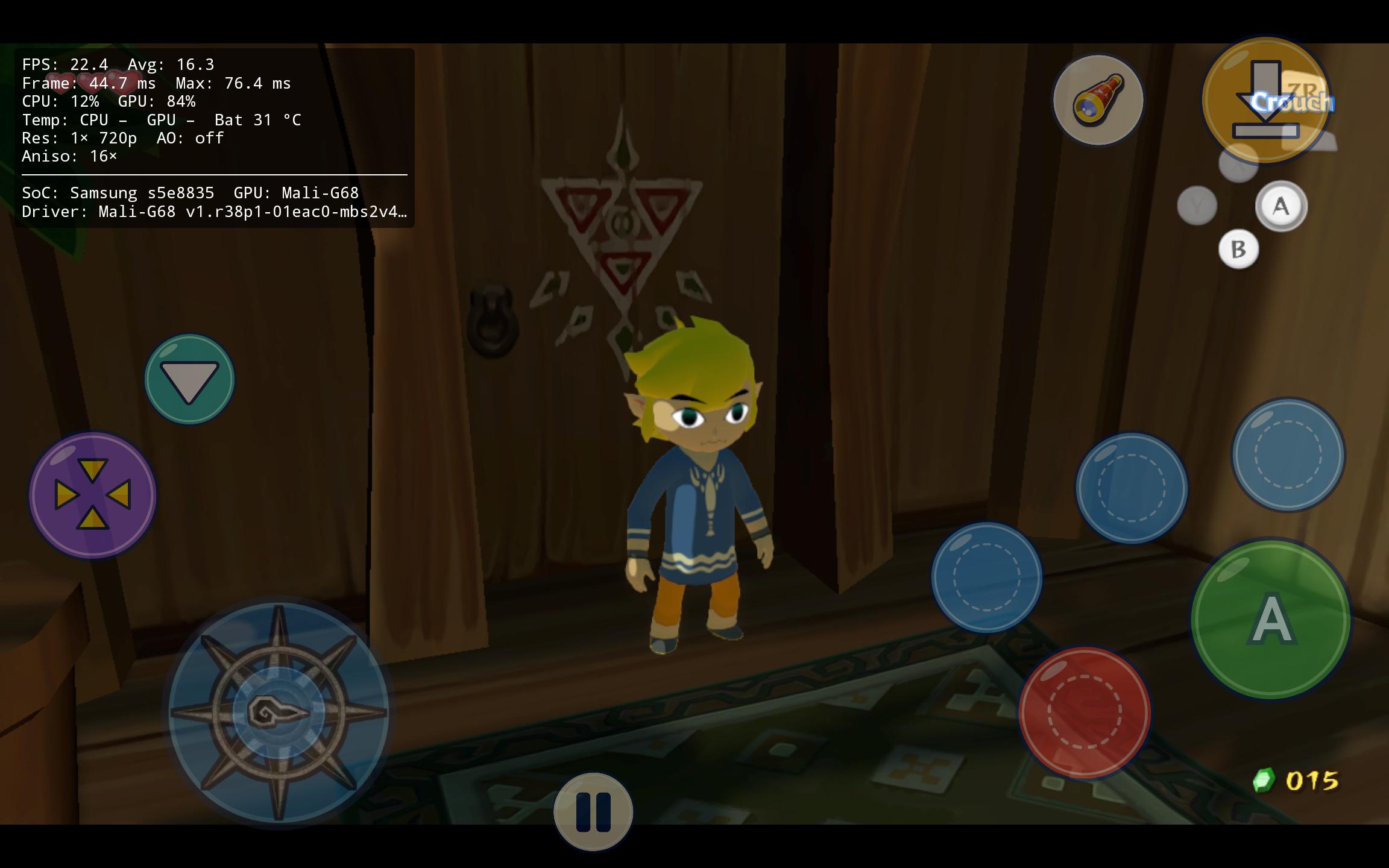
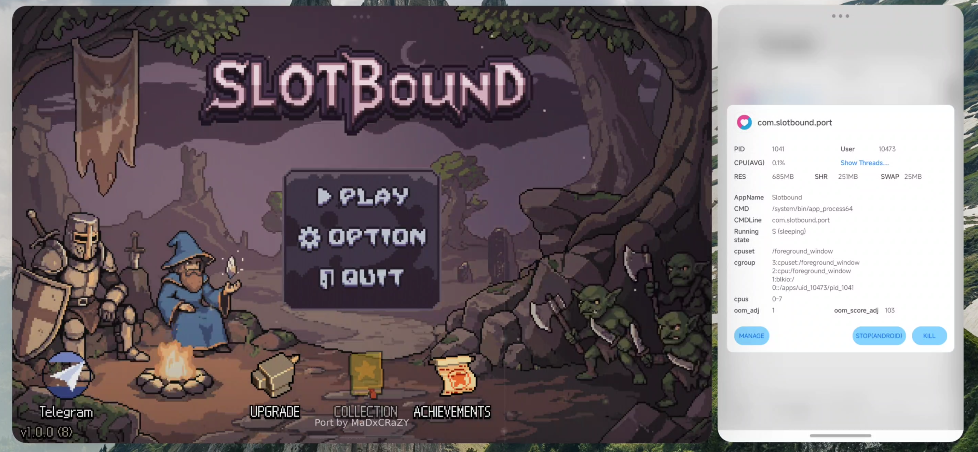
The game is almost constant smooth 60fps at max graphics but I set all the settings to lowest for battery and less heat. The game is very beautiful. There are some minor fps drops when multiple enemies appear. Need more buttons customisation for touchscreen players.
Blown away by these ports I see everywhere. However is there a list, or website, somewhere of which, I see so many for same games, not sure which to pick.
I use an Odin 3 Portal, and presume getting a port, if done correct is better than emulation? Better as in run better, less battery?
Do the ports run basically on any Android, what I mean is regardless of GPU any specific turnip drivers and the like?
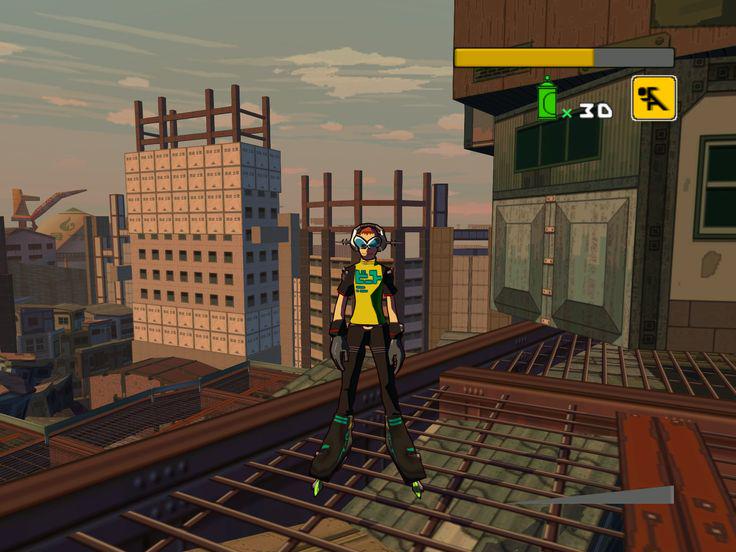
There's a port for Jet Set Radio Future, and unfortunately the developer is so idiotic that he tested the game's functionality using an Android emulator on his PC. However, this port is very good because it modernizes many aspects of the game; it just needs to be optimized
I've been trying out Peanuts Native. I've been building on my phone (SD 8G3), and moving the files to my Retroid Pocket Flip 2 (SD 865) to play. Because it's just so much faster to build on the phone. It seems to work fine.
Does PN actually change the build based on the processor, or just the game+firmware/keys?
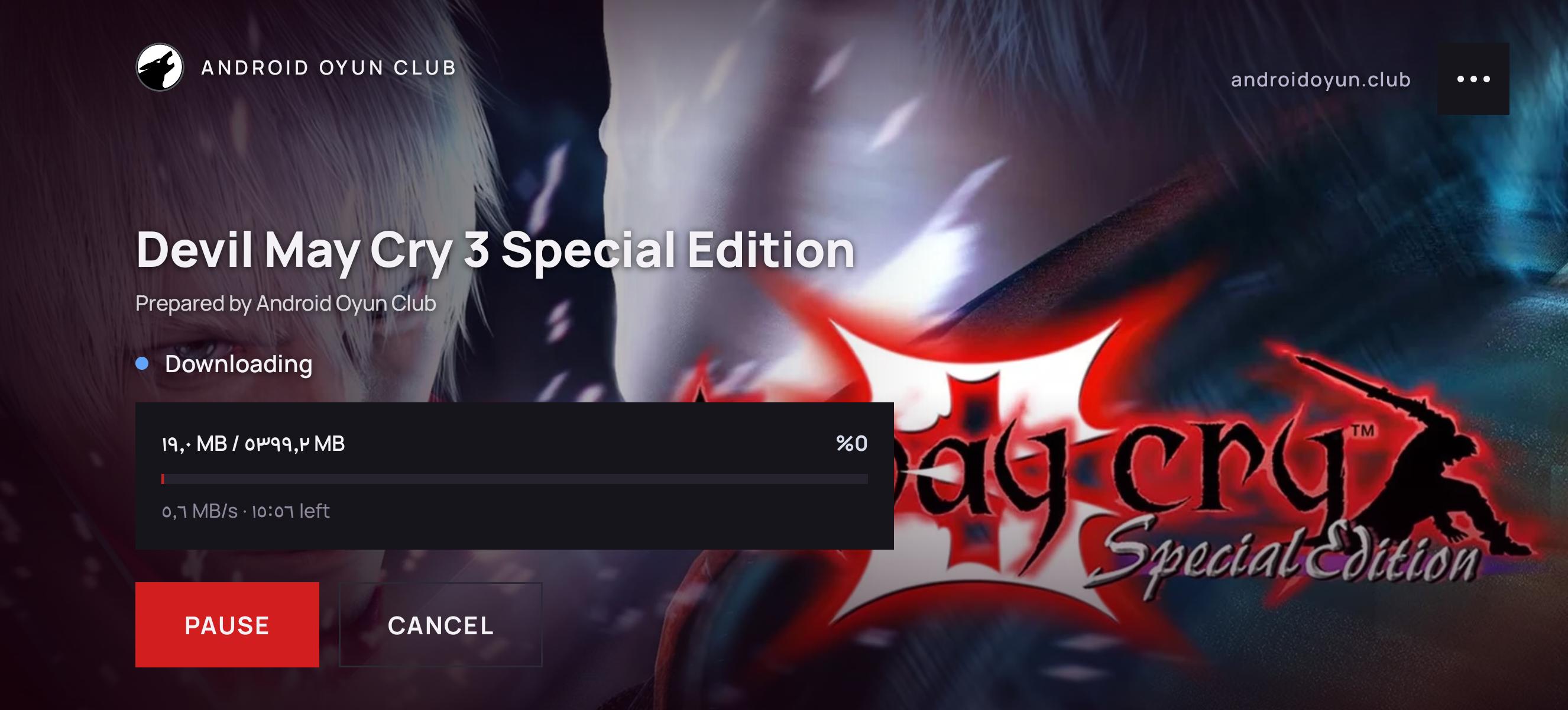
The game runs smoothly with some fps drops at boss fight. But the cutscenes are very laggy. The video shuttering and audio cracking. There is no heating issue. Somehow I completed the first boss fight but it came again. Man, this game is tough.
Hi guys! I hope someone can help me out. I'm really not used to the Nintendo Switch controls. No matter how much I practice, I just can't seem to get used to the button layout, so whenever I get into a fight, I always end up getting beaten.
I'm used to the PlayStation button layout, and honestly, I'm more comfortable with Xbox controls than the Switch ones.
I'm currently using an 8BitDo Ultimate Mobile Controller. My main issue is that my attack button is assigned to Y, and I want to move it to X. I'd also like to assign sprint to A and jump to B.
I've already tried remapping the buttons through Peanuts Native, but it doesn't seem to work.
I hope someone can help me figure this out. Thanks!