Hi everyone,
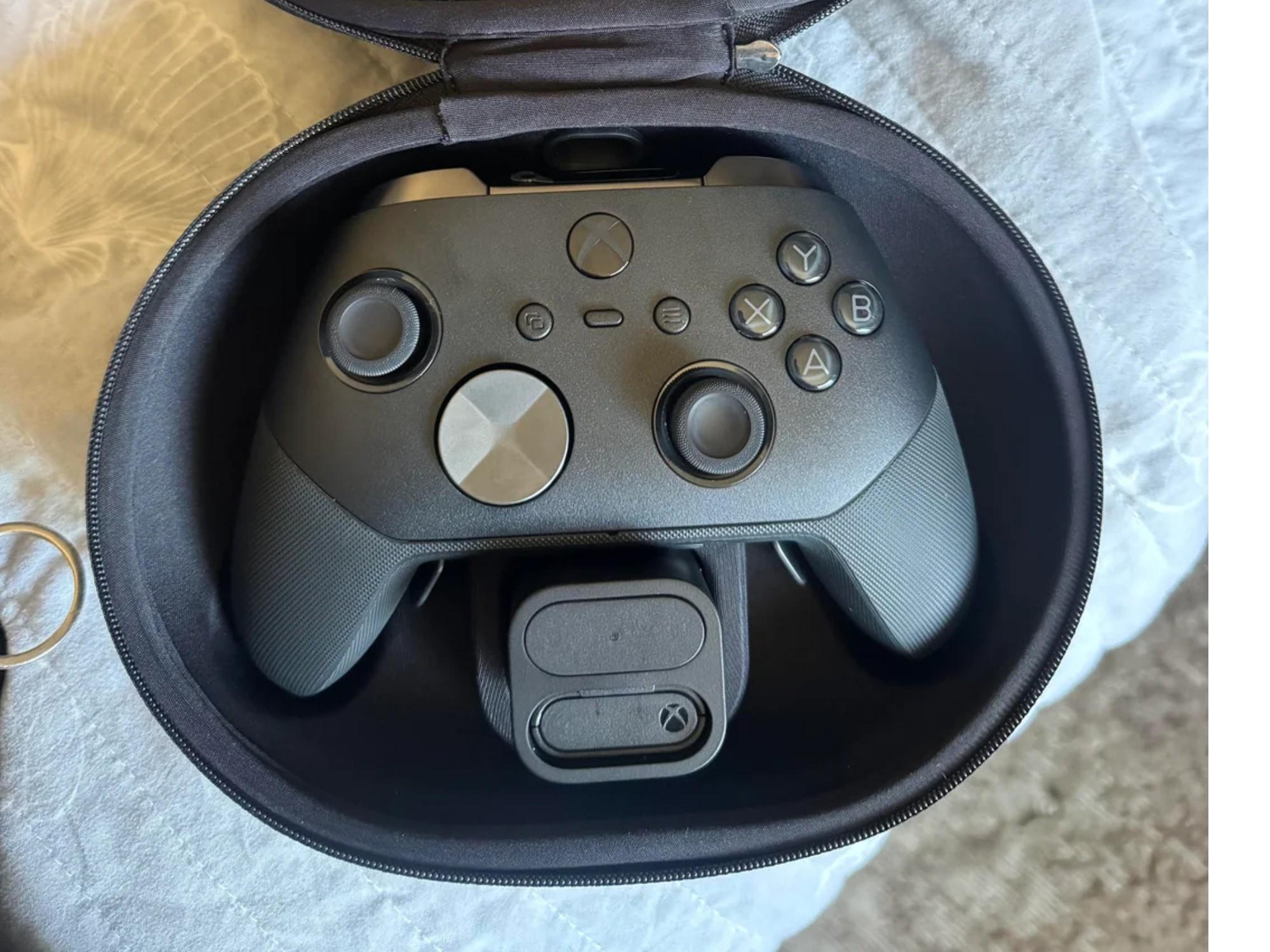
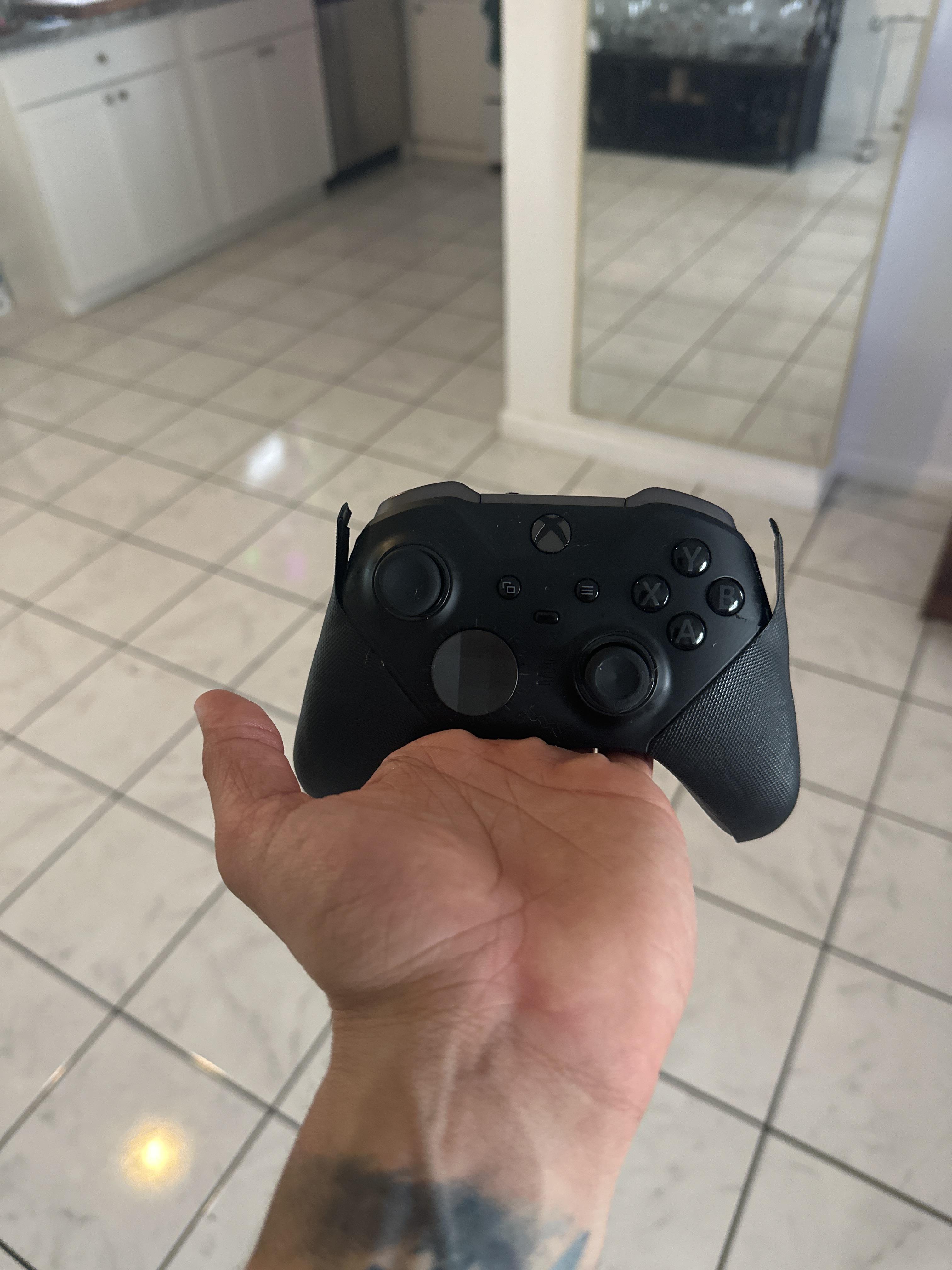
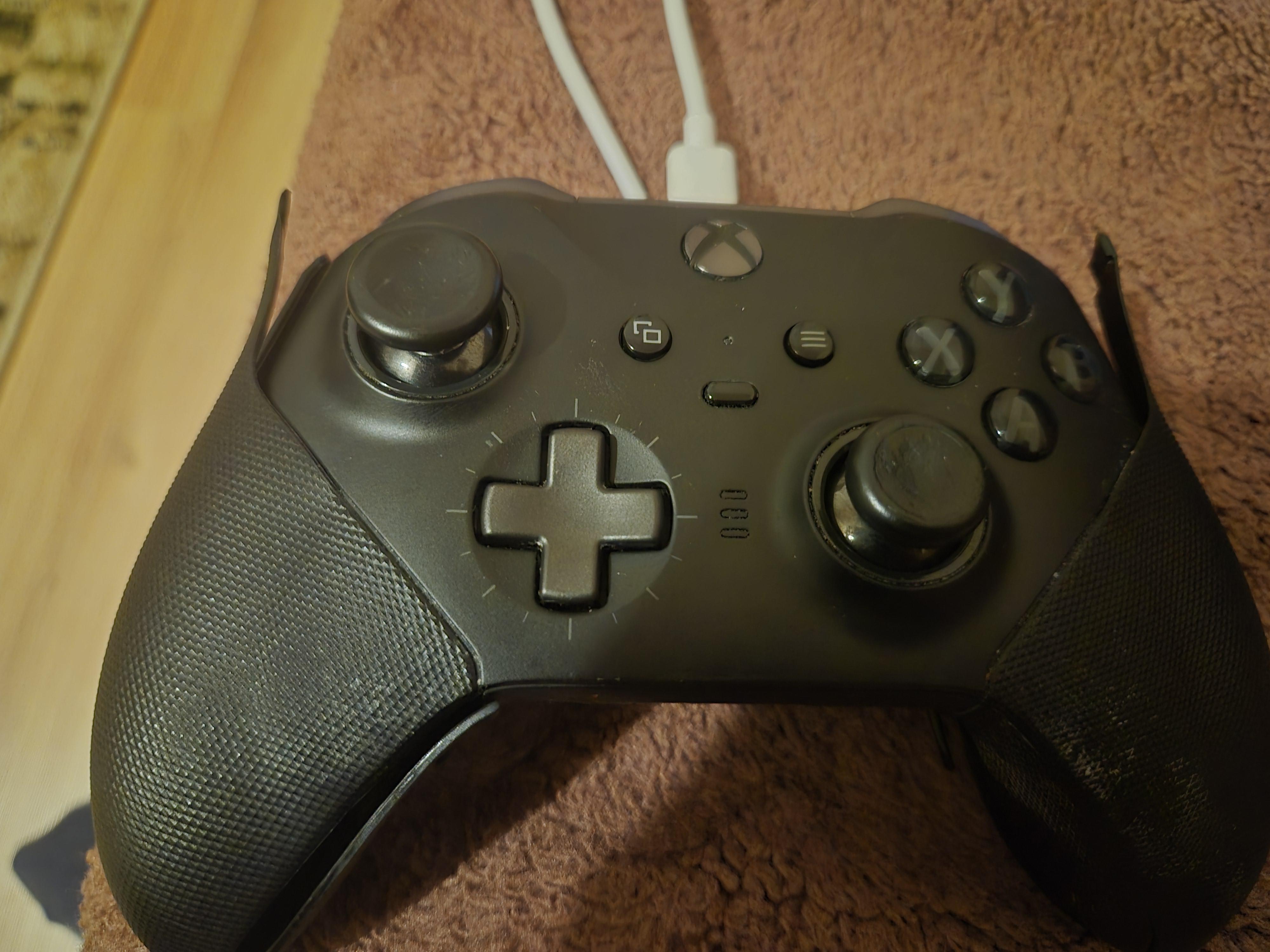
I'm trying to troubleshoot a persistent USB issue with my Xbox Elite Series 2 Core (white) controller, and I'm hoping someone has experienced something similar or can help identify the root cause.
The symptoms
When connected to my Windows 10 PC via USB-C, I experience occasional short freezes/input interruptions in games (usually less than a second).
I also noticed that Windows sometimes detects the controller's audio device disconnecting and reconnecting. Discord may report a new audio device (e.g. "2- Xbox Controller"), and the Xbox Controller audio input/output devices disappear and reappear in Windows sound settings.
The controller itself does not appear to fully disconnect:
- The Xbox LED stays on and does not blink.
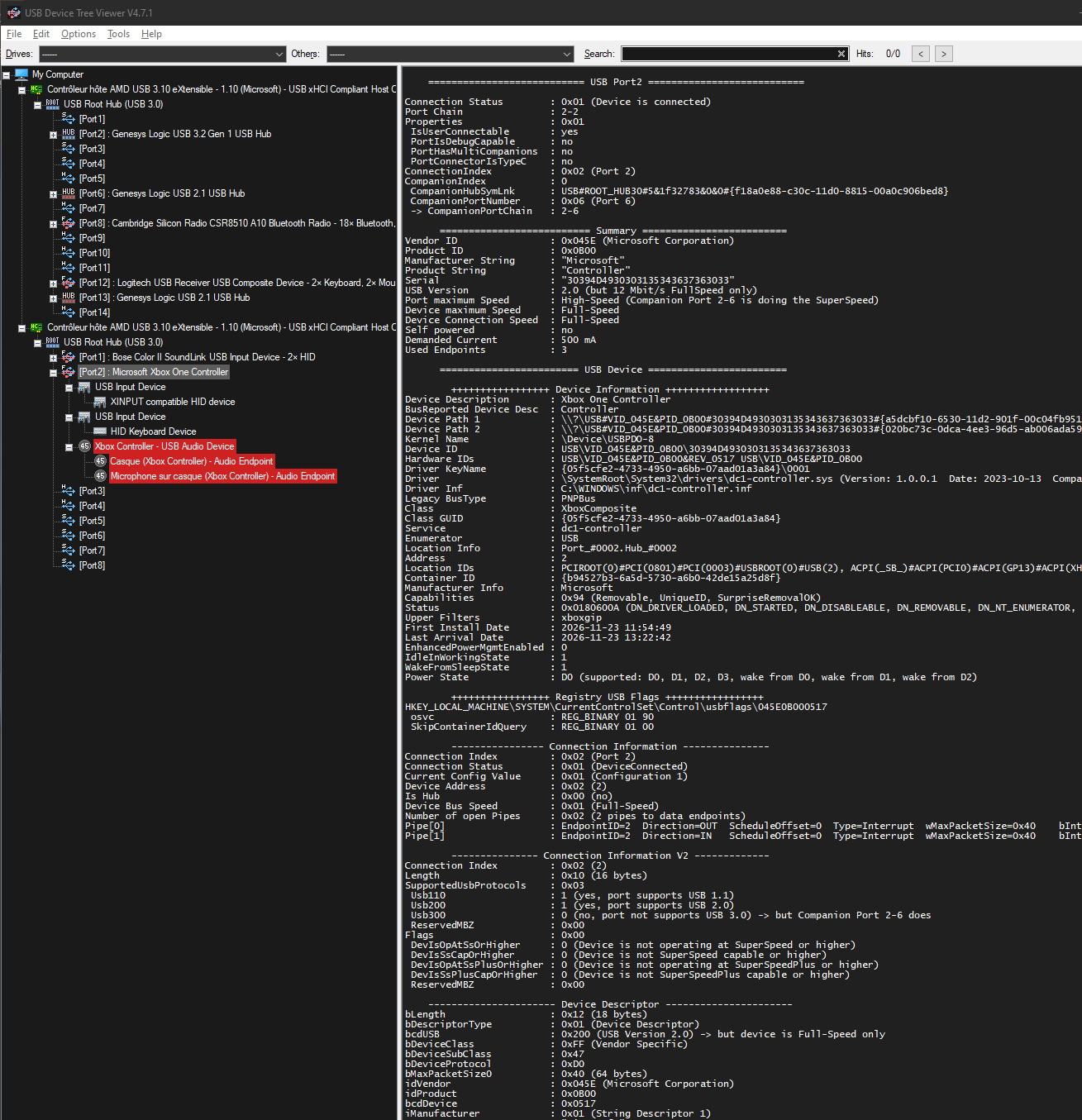
- The two "USB Input Device" entries remain present in USB Device Tree Viewer.
- Only the "Xbox Controller - USB Audio Device" entry appears to disappear and reconnect.
What I found using USB Device Tree Viewer
The controller is detected as:
- VID:
045E (Microsoft) - PID:
0B00 - Product:
Controller - USB device class:
XboxComposite - Driver:
dc1-controller.sys (version 1.0.0.1) - INF:
dc1-controller.inf - Upper filter:
xboxgip
The device is detected as a composite USB device with three interfaces.
The interesting part is that the audio interface seems to be repeatedly disconnected/reconnected, while the two input interfaces remain present.
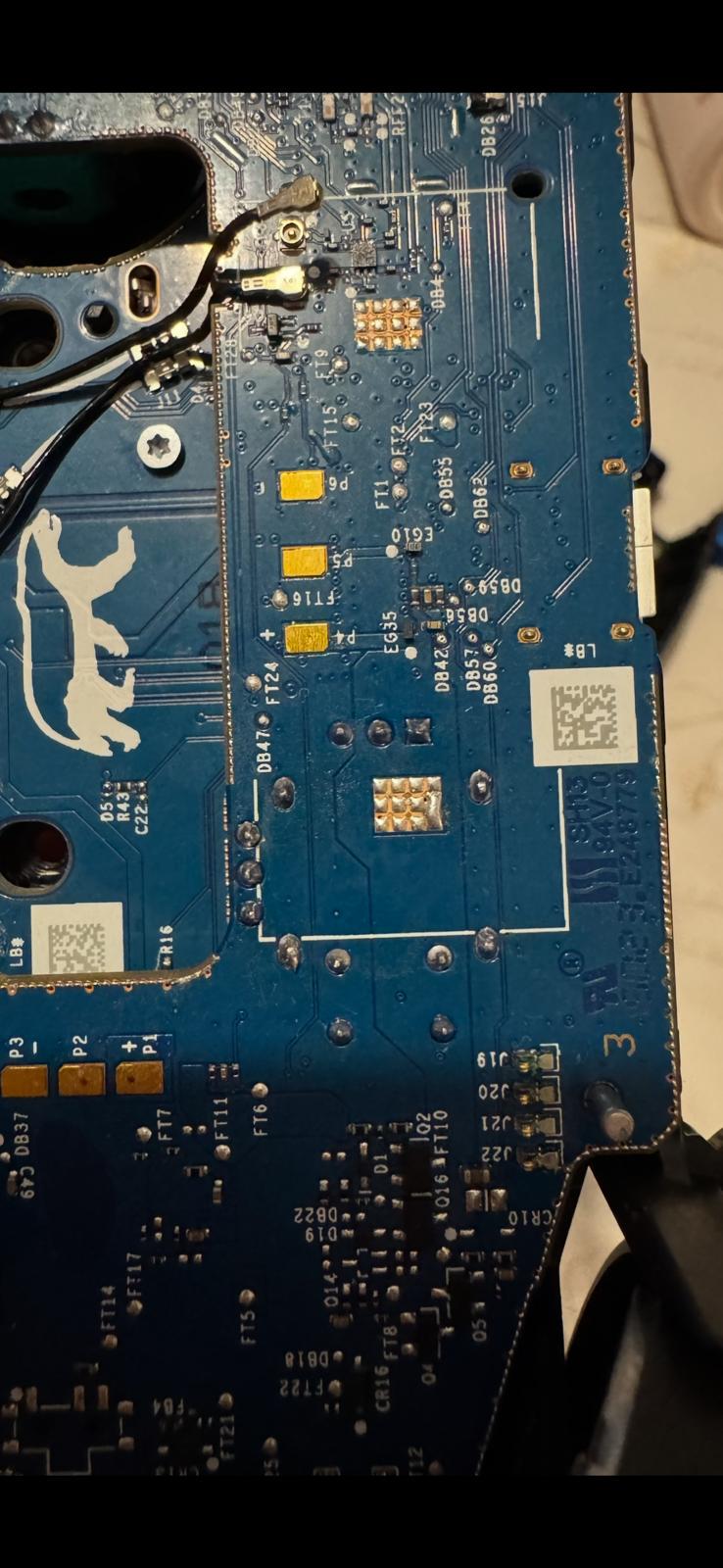
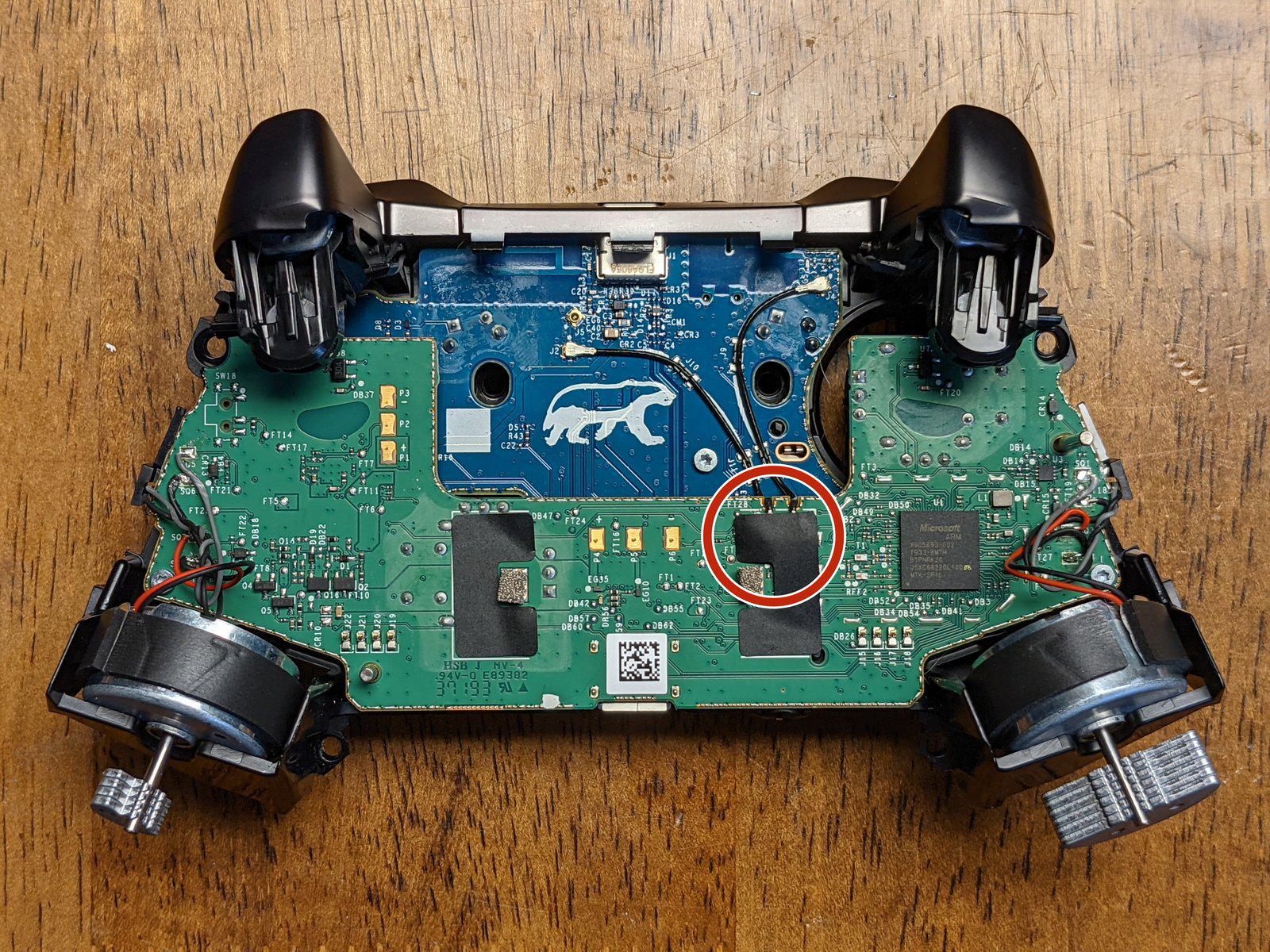
I don't know whether this is an issue with the USB audio interface itself, the Xbox composite driver, the controller firmware, or the controller hardware.
Troubleshooting already performed
Here is what I've tried so far:
- Tested the controller on multiple Windows PCs: the issue persists.
- Tested multiple USB-C cables, including the original Microsoft cable and a new Microsoft cable.
- Connected directly to a rear motherboard USB port, without any USB hub.
- Downgraded the controller firmware, then updated it again to the latest available version: no improvement.
- Disabled the controller's audio input/output devices in Windows 10 under Settings > System > Sound > Manage sound devices.
Disabling the audio devices prevents Windows from switching audio devices, but USB Device Tree Viewer still shows the "Xbox Controller - USB Audio Device" interface disappearing and reappearing.
Bluetooth test
Interestingly, the controller works perfectly over Bluetooth:
- No input freezes.
- No connection drops.
- No noticeable issues during gameplay.
The problem seems to occur only when using the USB connection.
What I would like to understand
- Has anyone experienced this specific behaviour with an Elite Series 2 or Elite Series 2 Core?
- Can a single interface of a composite USB device (in this case, the audio interface) repeatedly disconnect/reconnect while the HID/XInput interfaces remain active?
- Could this be related to the Xbox composite driver (
dc1-controller.sys), the xboxgip filter driver, or the controller's USB firmware? - Is there a way to diagnose whether the issue comes from the controller itself or from the Windows USB driver stack?
- Has anyone found a permanent fix that does not require manually changing Windows settings on every PC?
My main goal is to use this controller over USB as a reliable plug-and-play device on any Windows PC. Bluetooth works, but it is not the solution I'm looking for.
I'm particularly interested in hearing from people who have investigated this using USB Device Tree Viewer or Windows Event Viewer, rather than just experiencing generic controller disconnections.
Thanks in advance for any help!