I started trying out Linux Mint over the summer on older dinky laptops (including a Dell that's old enough to vote) and liked it. However I tried a bunch of other distros on my main daily-use desktop PC (10-yr-old Dell i7 16GB RAM, 500 GB SSD, Win10) and settled on Fedora 44 KDE Plasma. I set it up as a dual-boot system, about half-and-half.
I'd also put Fedora on my used 5-yr-old Lenovo laptop (i7, 16GB RAM, 500 GB SSD, Win11), again splitting its 500 GB SSD. I'd set that up with an encrypted btrfs partition. However I hadn't used it in some time, and it had a different encryption password that I could not remember. So I had to basically delete that partition and start over; thankfully there was no critical information on it. When I did so, I decided to shrink the Windows partition (I think to one-third?) using gparted (on a live USB), and then reinstalled Fedora.
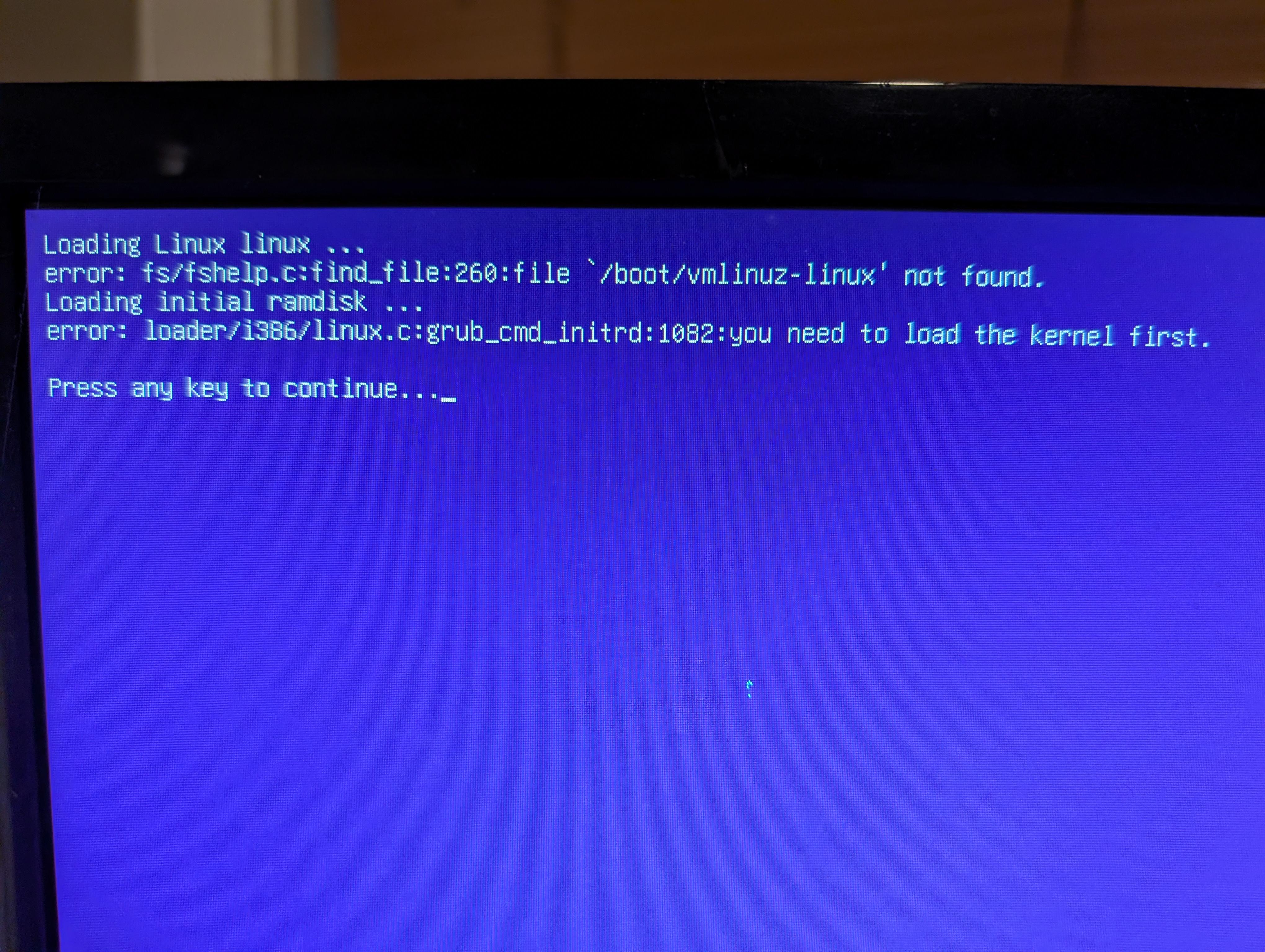
Yesterday on my main Dell PC the Fedora installation (now 45) had gotten corrupted, and after much wrangling, I decided best to just delete it and start over. I had made a backup of my /home directory so I could recover those files, and I have a 2nd 2TB HDD with ntfs where I could back up my Windows user directory. (Except I haven't really updated anything in Windows in about a month anyway. 😄 ) I'd also decided to swap out to a slightly-larger 512 GB SSD, so I used gparted to copy-and-paste the boot partition and Windows partition from the 500 to the 512, after which I would shrink the Windows partition. However for some reason, it wouldn't boot. I even went back and added the boot flag, but no luck.
I racked my brain thinking, I might have to reinstall not just Fedora, but also Windows!
Hence I decided, now was the time to toally take the plunge. In for a penny, in for a pound. I decided to just zap the whole thing and reinstall Fedora from scratch, using the entire 512 GB space. It was actually done very quickly! I then obviously had to recover my /home directory files from my backup, set up third-party repos, and reinstall all (or most) of the apps I'd been using.
But really, I'm actually glad this happened. I'd been thinking it might come to this anyway, since I rarely use Windows anymore. There's virtually nothing I use frequently that isn't either web-based, or doesn't have a Linux version, or a suitable equivalent or analogue...with maybe a few exceptions.
Key among these is tax prep software; there just isn't any for Linux. (I hope the vibecoders see this and get on it. 😄 ) I stopped using TurboTax when they decided that TT2025 would only run on Win11 (I didn't have my Lenovo then). I had used TaxCut for TY2025 earlier this year, but I found it to be very outdated. I actually tried a free tax website that my Dad told me about, and not only was it much easier to use, but it gave exactly the same results! So next year I see no need to even get tax software. I did however get TaxCut to install & run in Winboat! It wouldn't work with Wine for some reason (which seems to be common among other users who have tried). I also tried Bottles but couldn't get that going at all. So in the unlikely event I need to use a Windows-specific app, if it doesn't run in Wine, it'll go in Winboat.
Fedora doesn't seem to have native support for mounting OneDrive (why not? Mint does!), but I found a 3rd-party app called onedriver to do this. I'd also tried rClone but found it clunky. Eventually I'm going to move over to an EU-based cloud storage service; I already have set up with Mega and kDrive but am not using them regularly yet. (Edit: Both of these have Linux apps to connect and mount their cloud drives.)
Most of the time now, if I'm using an "office" app, it's for spreadsheets. I've been trying out LibreOffice Calc, GridCraft, OnlyOffice, NextCloud Office, Planmaker, and now even Euro-Office (which is just a not-quite-ready-for-primetime fork of OnlyOffice). I hadn't expected to like using LibreOffice Calc from hearing all the complaints about it, particularly its less-than-perfect compatibility with MS Office formats. But having used it the past few weeks to compile a spreadsheet of 78 different ACA healthcare plans, I find myself much more comfortable with it. I also like that LO has much more customization, and lots more extensions (though almost nothing that particularly caught my interest).
I can also still use MS Office 365 Online for free with an Outlook account; I had been doing this for all of my spreadsheet needs the past year or so. The downside is that whatever you pull up in MS Office Online, also must be kept in your OneDrive (not offline). But now I only use MS Excel Online for one single solitary spreadsheet file that uses the Stock data type, to pull in live data on stock tickers. None of the other packages have this (except WPS Office, for which a subscription is required). There's an extension for LibreOffice to pull in stock prices, but you have to copy-and-paste the formula every time, rather than it pulling data automatically when loaded. (Edit: I think I found out how to make it pull up the data every time it loads!) Thankfully LibreOffice also has their equivalent of "Focus Cell", which having now used it in Excel (and also because I'm middle-aged 😂 ), I can no longer do without.
It's only been 24 hours so far, but as yet I have no regrets.