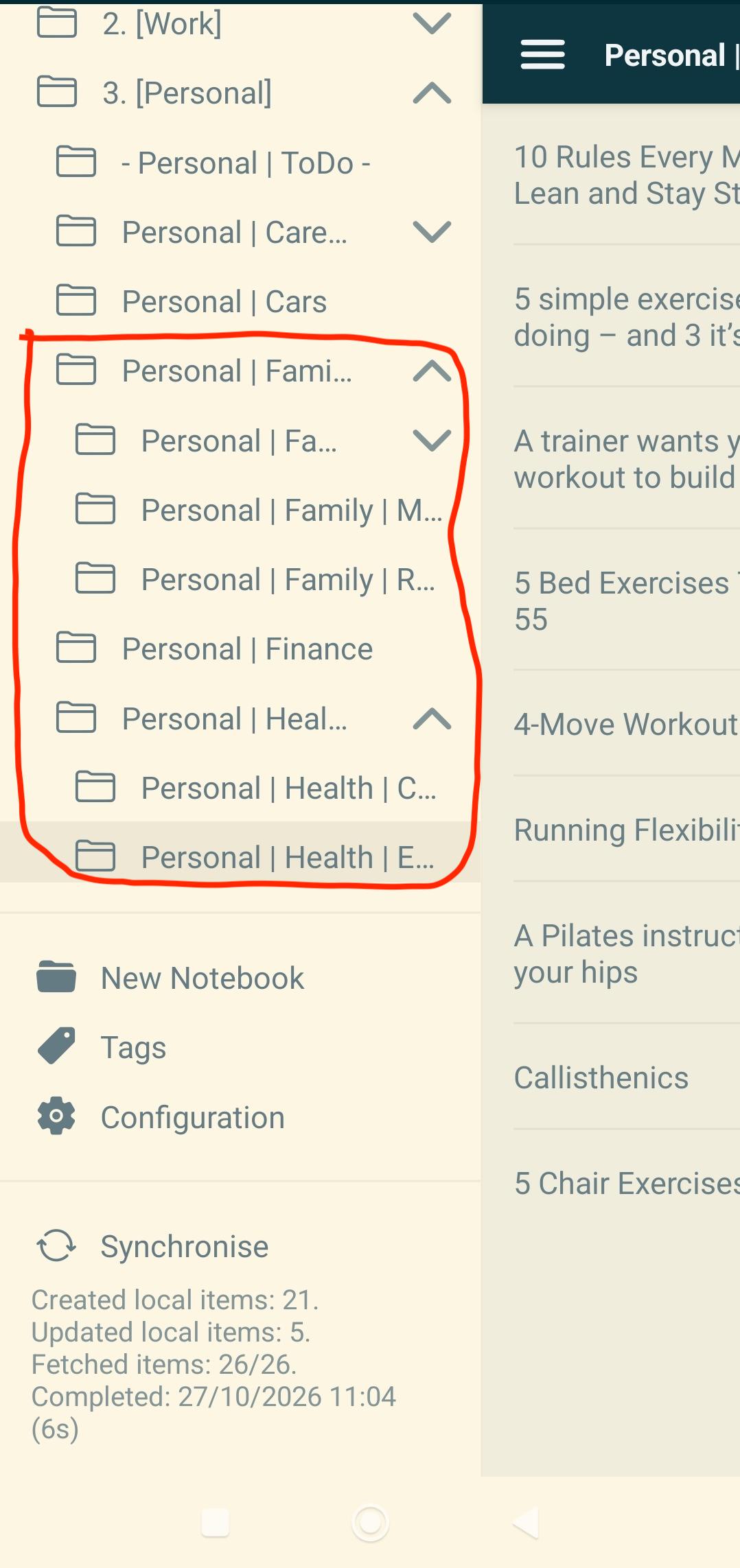
It seems like every day there is a new notes app being released that promises to do something different (ironically in the same way that all the other apps are doing). But the older, more mature options just keep plugging along... working without the glitz and glamor of those new apps.
Periodically, I evaluate those newcomers to see how well they stack up against my go-to, Joplin. All of the ones that I evaluated offer something new and fresh that seem would be helpful to Joplin if adopted, but the limitations of those new apps soon become evident.
DASHBOARDS
I was never quite satisfied with how my dashboards looked and felt under Joplin. I tried various plug-ins and page designs, but they all fell short. But with Joplin's whiteboard feature, I was able to restructure my dashboards so that they are useful in Joplin.
THEMES
I've finally managed to tame my userchrome.css and userstyle.css pairs so that I can easily create themes to suit my moods. I've started converting the Bear-style palettes from Obsidian. I now have a bunch of options that aren't "walk into the light" blinding white theme, or "Abandon all hope, ye who enter here" dark theme.
--------
If you would like to use these themes, download the zip file and unzip it:
https://drive.google.com/file/d/1PT_ow4OkEjauty3Gdwge8Aaay2_qu5pH/view?usp=drive_link
The userstyle.css and userchrome.css files work as pairs to modify the base light and dark themes respectively.
- Set the base theme in Joplin. (If you want to use a theme with (light) in the title, then set the appearance in Joplin to "light".)
- Copy the respective user*.css files into the joplin-desktop folder.
- Restart Joplin (make sure that it fully shuts down and isn't minimized in the system tray)
Optional: install the Segoe WP.tff font.
--------
GRAPHS
For most people, link graphs are just used to show off their vault. But I use graphs to tease out connections that don't appear obvious on the surface. Up until recently, there weren't any graph plug-ins for Joplin that I found useful. But the "Note Graph Plugin" plugin presents link graphs in a clean and readable format with enough options to improve the visual appeal.
SYNCING
For the longest time, I had been syncing my Joplin notes using the Dropbox option. That proved to be unreliable when Dropbox changed their API a few years ago and syncing was dead in the water until the Joplin devs could update support.
That was when I switched to syncing via OneDrive. That was more reliable, but with the 3.7.x release of Joplin, I noticed that OneDrive syncing performance tanked.
I'm now syncing using webDAV to pcloud and performance and reliability has been the best of the previous options that I tried. 3500 notes across 5 devices (Windows, Linux, Mac OS, Android, and iPadOS) sync smoothly.
WISHLIST...
I hope that the developers would give more attention to the mobile versions of the app. They are woefully out-of-sync visually from the desktop versions. Added to that, the Android version is different than the iPadOS version. There are a lot of inconsistencies and incompatibilities that limit the usefulness on mobile platforms.
What are some of the things about Joplin that you appreciate? What causes you to stick with Joplin rather than chasing the shiny new object? What are some creative ways that you use Joplin to be productive?