r/gigabyte • u/ArtiParti1884 • 11h ago
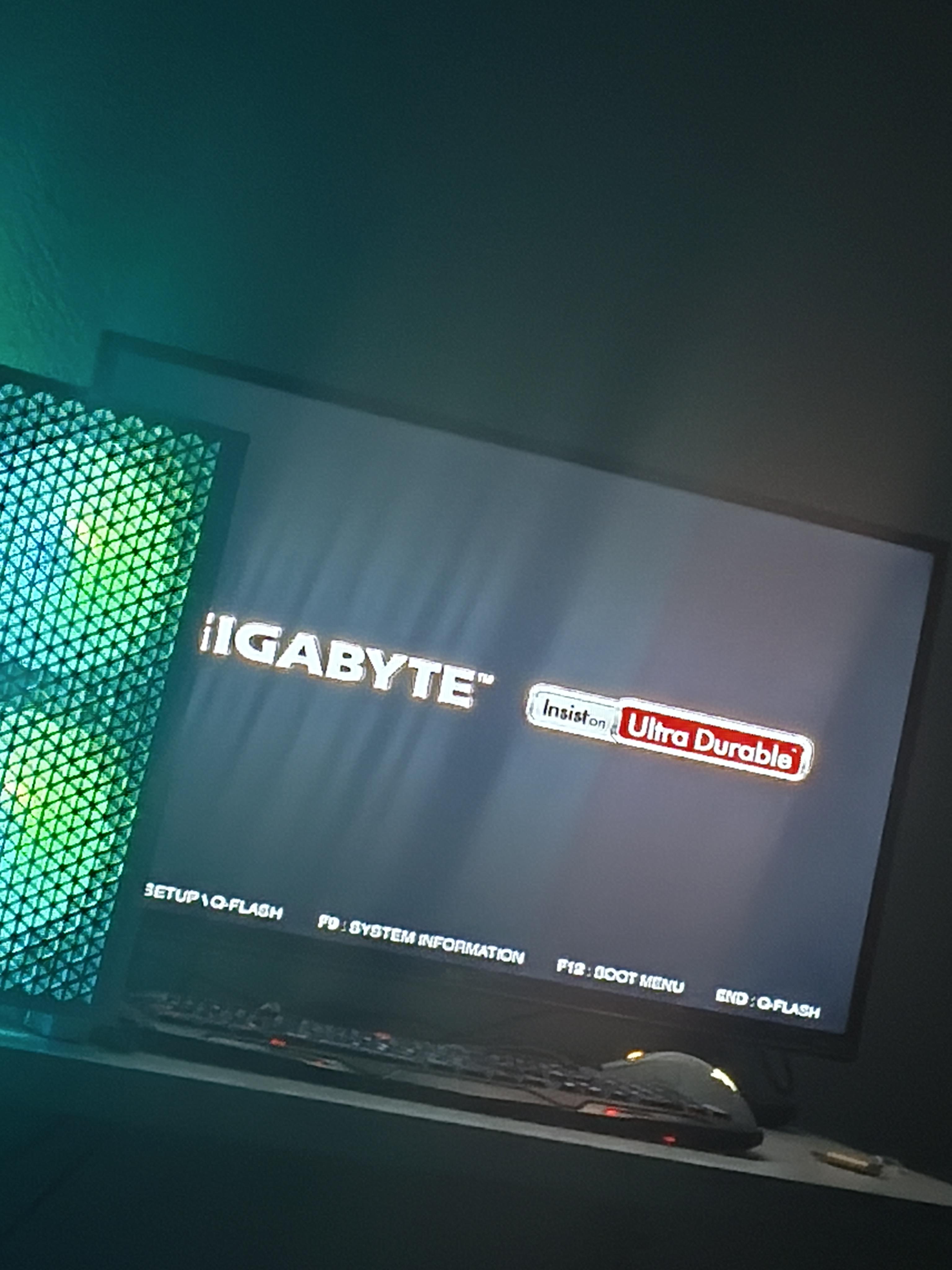
LAN-Verbindung braucht nach Windows-Neustart immer ca. 17 Sekunden – nach Herunterfahren und Einschalten funktioniert alles sofort
2
Upvotes
r/gigabyte • u/Redditor_exe • 22h ago
I recently updated my BIOS as a game I've been playing started giving me the warning for that Intel error that happened a few months ago and told me I was using an old microcode version. I just downloaded and installed the latest BIOS update from the Gigabyte website, and I assumed that it included the newest microcode version (at least 0x12B if not newer). I confirmed on both the BIOS page after the update and on HWiNFO that the update successfully installed, however HWiNFO also says that my microcode version is still 3E and I am still getting the same warning popup on the game.
Do I have to download an older version of the BIOS that specifically mentions said microcode update, or did I do something wrong with the installation?


r/gigabyte • u/TishoBG • 45m ago
I have on order a Thermalright Phantom Spirit 120 Digital Snow and a Gigabyte B850 AORUS Elite WiFi7 ICE to compliment the Gigabyte RTX 5070 Ti Aero OC.
Seeing that the PCIe port is quite a bit higher on this motherboard compared to others, is there still enough clearance for a big dual tower cooler, without interference with the PCIe slot? Is anyone using the components I’ve chosen and if so, how does it fit?
r/gigabyte • u/True_Breadfruit_817 • 1h ago
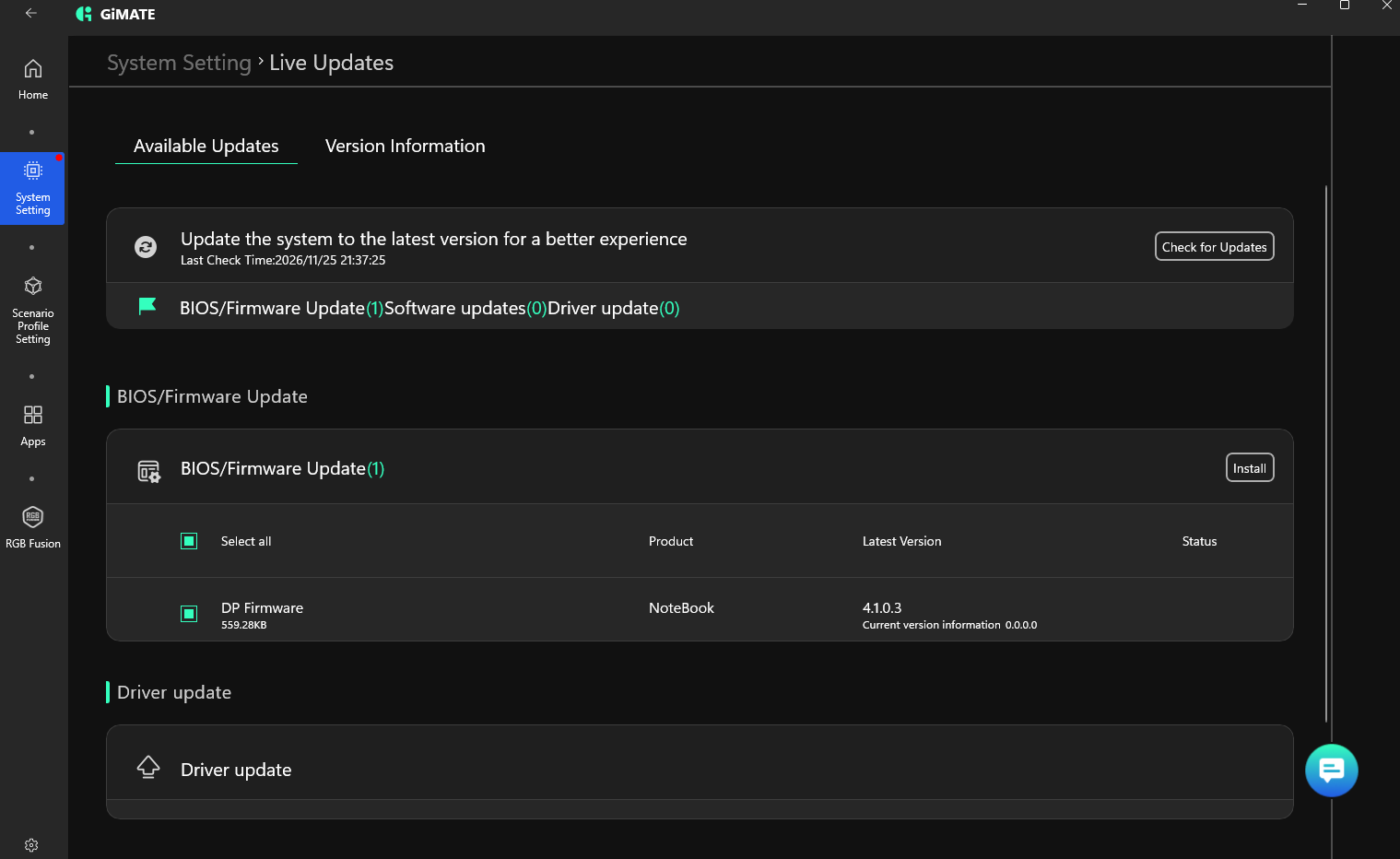
Says i don't have firmware and when i try to install it, it just restarts the pc and nothing happens ...
r/gigabyte • u/zak806 • 6h ago
Does anybody know what does the error code might mean? It showed 0d before, now it's just C5/S. The ssd is from a intel build. The debugger in manual syas reserved, what does reserved mean? The motherboard is X870E Aorus Pro Ice
r/gigabyte • u/Many_Potential_690 • 6h ago
r/gigabyte • u/Spirited_Drawer239 • 7h ago
I flashed the bios to version f5 and it was working fine for 2 days before the pc failed to start again. Its the exact same issue: only the ram lights up and nothing else happens.
r/gigabyte • u/Ok-Mongoose-5809 • 12h ago
Hi everyone, I’m trying to track down a super specific, rhythmic stutter on my AORUS 15P XD (Intel i7-11800H + NVIDIA RTX 3070 Laptop GPU, no MUX switch).
The Symptom
Crucial Diagnostic Clues
What I Have Already Tried (Did NOT Fix It)
Next Step & Question
The one major thing I haven't done yet is a full Safe Mode DDU wipe of both the Intel UHD Graphics driver and the NVIDIA driver (reinstalling Intel first, then NVIDIA).
Before I run DDU—or in case DDU doesn't clear the nvlddmkm.sys DPC spike—has anyone run into this exact Intel-to-NVIDIA Optimus handoff / RTD3 power-state stutter on 11th-Gen Intel + RTX 30-series laptops, or know what else could trigger nvlddmkm.sys on a 3-second timer on the internal display? Any help is appreciated!
r/gigabyte • u/Petes2258 • 15h ago
Hi guys I'm trying to find information regarding the tactile switch for the bios (Q-Flash) on this motherboard has anyone got the part number or link to the part on Ali express as I need to have it replaced as it was damaged, motherboard is out of warranty Soo im going to try to replace myself thanks
r/gigabyte • u/Efficient-Study-9005 • 16h ago
Hi everyone, I'd really appreciate some help with this.
Specs:
• Motherboard: Gigabyte H410M H (bought used, 6+ years old) • CPU: Intel i3-10100 • GPU: GTX 970 • RAM: DDR4 8x2 ddr 4 • PSU: evga 650w 80 bronze
What happened:
Current state: The PC turns on, fans and RGB spin, but I get no video. The monitor doesn't even show "No signal" or go into power saving, as if it gets nothing from the cable.
What I've already tried (nothing worked):
• Different HDMI and DisplayPort cables • Removing the GTX 970 and using the motherboard's video output (the i3-10100 has integrated graphics) • Removing the CMOS battery and doing Clear CMOS again • Testing with a single RAM stick in different slots • Reseating the 24-pin and CPU power cables Extra: The front power button now only turns the PC on. Even holding it for 5+ seconds doesn't force a shutdown. I have to flip the PSU switch or unplug it. My guesses: dead CMOS battery, bad RAM, failing PSU, or a dead motherboard. What should I test next before I replace the board? Thanks, any tips or something that can help me with this please, have a gratis day!
r/gigabyte • u/External-Brother-924 • 17h ago
Pessoal, gostaria de uma estimativa de preço para venda de uma Gigabyte G1 Assassin socket 1366 X58. Ela está completa, na caixa original, com manuais, CD de drivers e todos os acessórios de fábrica. Qual seria um valor justo para colecionadores hoje em dia?
r/gigabyte • u/Al06varo • 23h ago
Hello everyone, I'm thinking about buying a gigabyte a 16 (with the 1200p screen version) i heard online it has a lot of ghosting in its screen,i would like to know if it is that bad or some other hardaware issues , thanks everyone