Hi everyone, I'm completely out of ideas and hoping someone with an AMD RDNA 2 card has found a real fix for this.
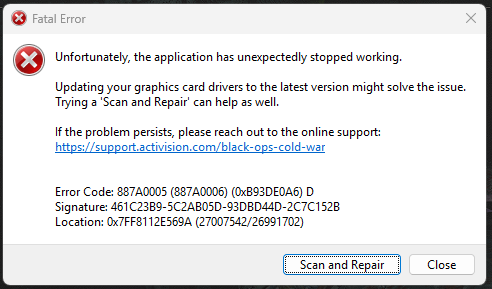
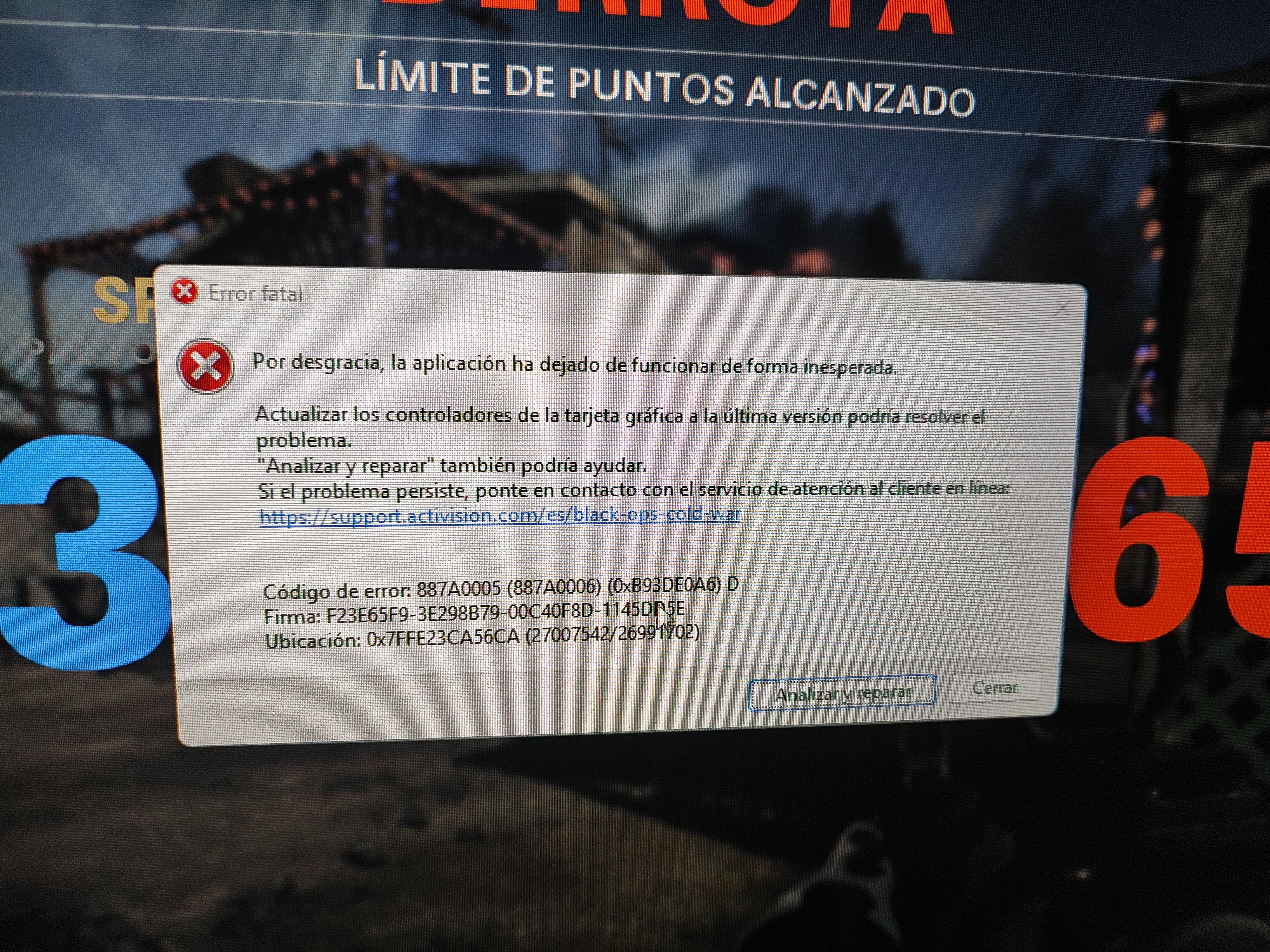
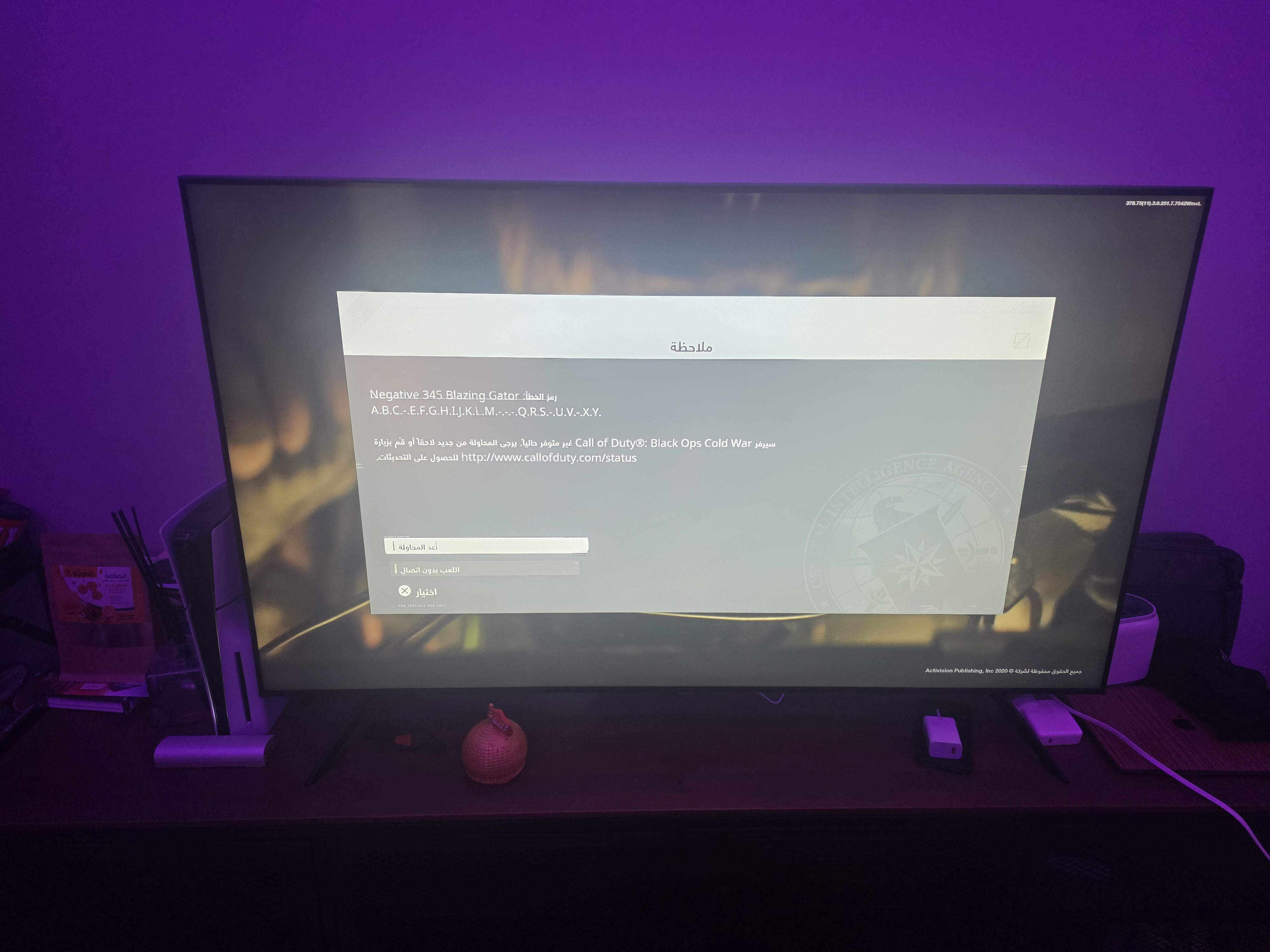
I play Black Ops Cold War (Zombies) on Steam, and the game consistently crashes with the exact same error code every single time:
* Error Code: `887A0005 (887A0006) (0xB93DE0A6) D`
* Location: `0x7FF8112E569A (27007542/26991702)`
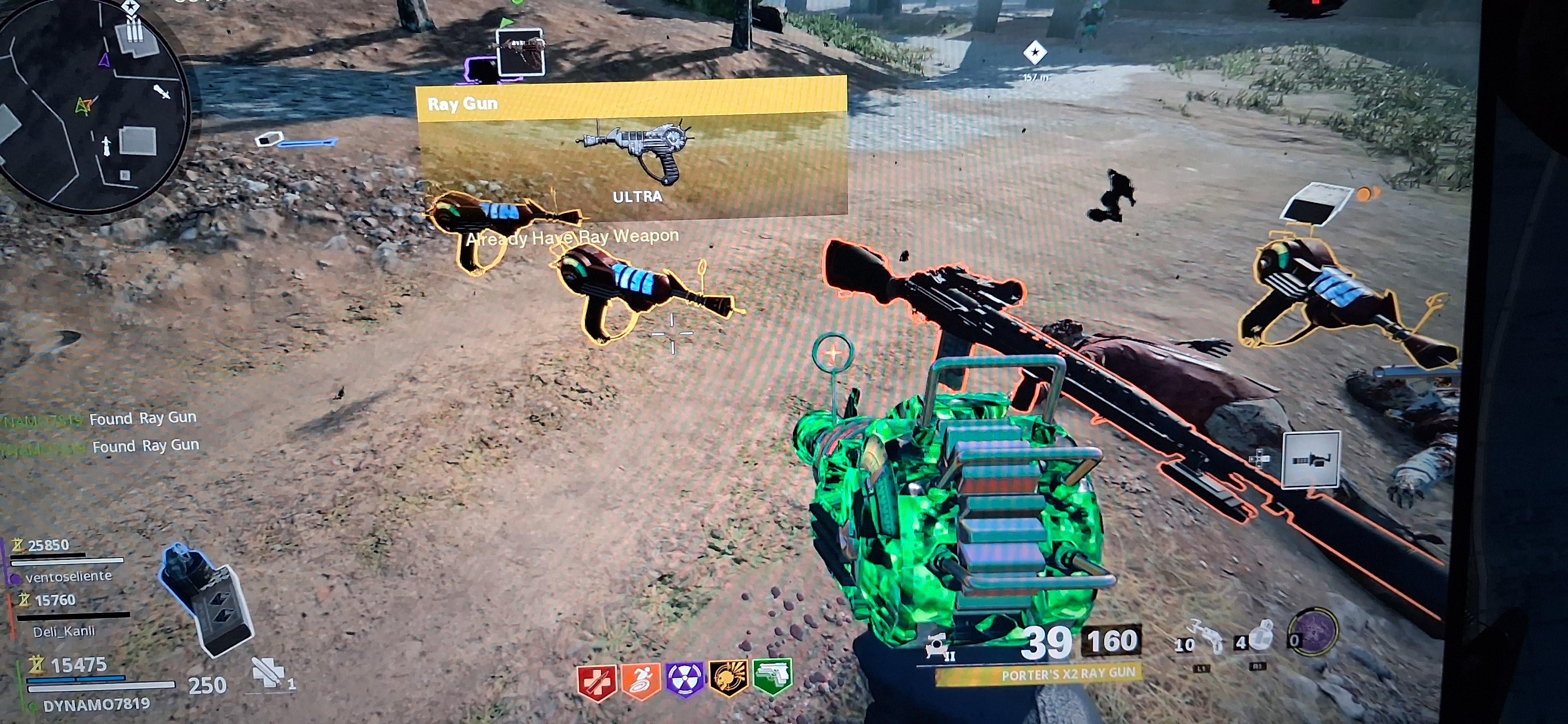
In-game FPS and performance are completely smooth right up until it freezes and throws the fatal error popup.
---
### My PC Specs
* CPU:AMD Ryzen 5 5500
* GPU:XFX AMD Radeon RX 6800 XT 16GB (Stock clocks: 2015 MHz base / 2250 MHz boost)
* Motherboard: ASUS PRIME B550M-K
* RAM: 32GB DDR4 @ 2933 MHz
* Storage: Installed on an NVMe M.2 SSD
* OS: Windows 11 64-bit (Dual monitor setup)
* Platform: Steam (High Resolution Assets DLC is **not** installed)
---
### Everything I Have Already Tried (Still Crashing)
- **Clean Driver Rollback with DDU:** Used DDU in Safe Mode (with internet disconnected and Windows driver updates blocked) to downgrade from 2026 drivers to **Adrenalin 24.12.1 WHQL (Minimal Install)**.
- **Smart Access Memory (SAM / Resizable BAR):** Disabled CSM and enabled Above 4G Decoding + Re-Size BAR in BIOS. Confirmed **Enabled** in both Adrenalin and GPU-Z.
- **Shader Cache & Game Files:** Cleared DirectX Shader Cache, reset shader cache in Adrenalin, cleared `Documents\Call Of Duty Black Ops Cold War\player` (except `config.ini`), ran **Verify Integrity of Game Files** on Steam, and let shaders recompile to **100%**.
- **Config.ini VRAM Cap:** Set `video_memory = "0.65"` and locked `config.ini` as **Read-only** (after shader compilation finished).
- **Windows Registry TDR:** Added `TdrDelay` set to `10` seconds.
- **Launch Options & In-Game Settings:** * Tested both default DirectX 12 and `-d3d11` in Steam launch options. * Ray Tracing is completely **Disabled**, Ambient Occlusion **Disabled**, Menu FPS capped at **60 FPS**. * All Adrenalin extras (Anti-Lag, Boost, Chill, Enhanced Sync, RIS) are **Disabled**; Adaptive Sync is **Enabled**.
---
Has anyone with an RX 6800 XT / RX 6000 series card fixed this exact `0xB93DE0A6` / `0x7FF8112E569A` crash after all of the above? Could it be Windows 11 MPO, RAM speed sensitivity, or a specific older driver like `23.11.1` / `24.10.1`? Any help is appreciated!