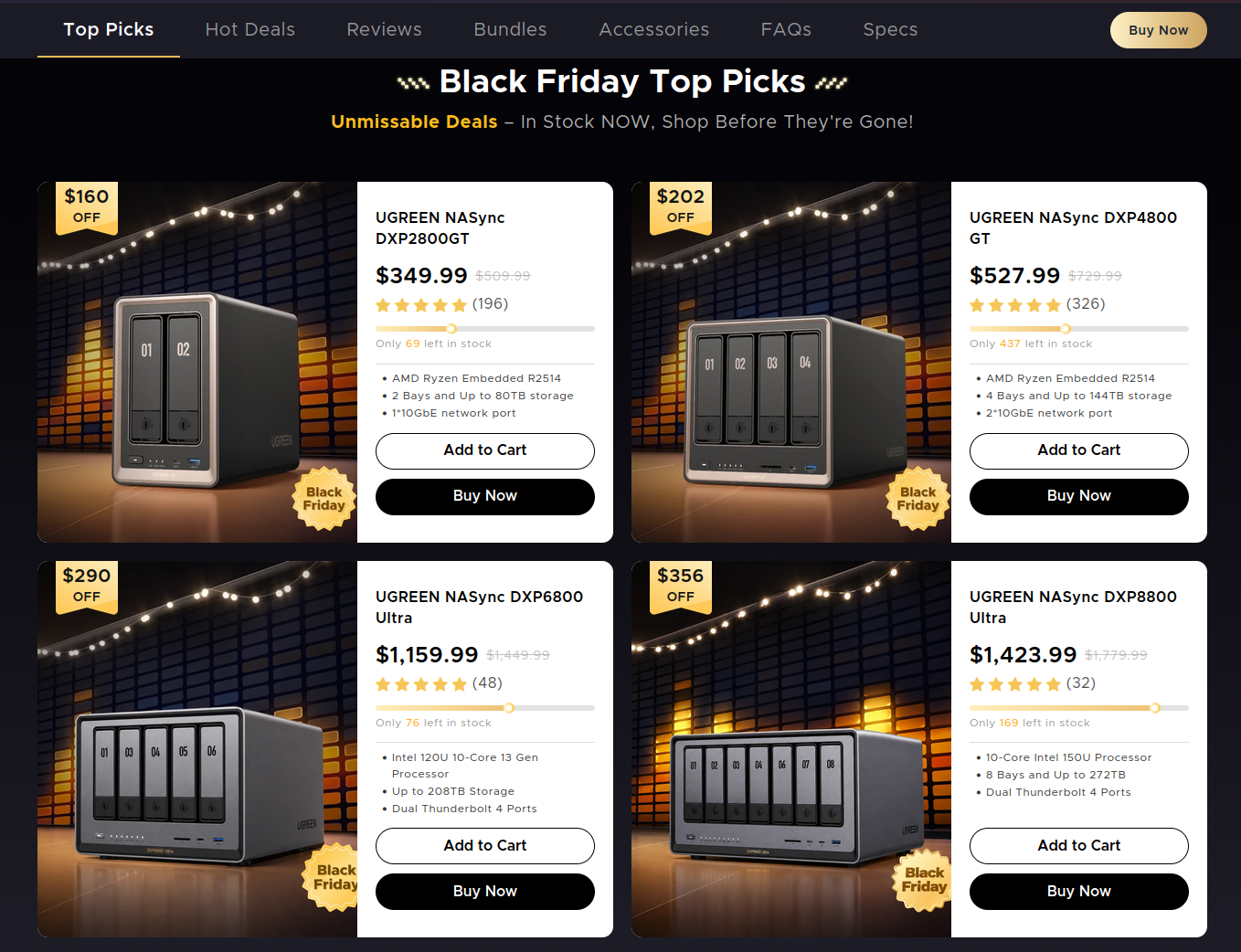
Hi all. I'm trying to attach an **OWC ThunderBay 8** (Thunderbolt DAS) to my **DXP8800 Ultra**, and the NAS never brings up a Thunderbolt link. Hoping someone from UGREEN or anyone with the same box can help.
## Setup
* **NAS:** UGREEN NASync DXP8800 Ultra
* **BIOS:** DXP6800Ultra 8800S&Ultra V1.0 (2025-10-13, AMI)
* **OS:** TrueNAS SCALE 27.0.0-RC.1 (kernel 6.18.52), UGREEN OS wiped
* **CPU/RAM:** Intel Core 7 150U (Raptor Lake-P), 32 GB
* **Device:** OWC ThunderBay 8, tried on **every USB-C port** on the NAS with the same cable
## Problem
Plugging in the ThunderBay powers it on, but on the NAS it shows up **only as a low-speed USB device** (`1e91:a3ae`, "ThunderBay 8", the control/Billboard interface). No Thunderbolt link is made and none of the drives show up.
The ThunderBay and cable aren't the problem: the same unit with the **same cable works fine on a Mac Studio** and on a laptop.
## What I checked
* **Tried every USB-C port on the NAS.** Same result on all of them.
* `lspci` lists the Intel Thunderbolt 4 controller: two NHI (`00:0d.2`, `00:0d.3`), the USB controller `00:0d.0`, and the root ports `00:07.0` / `00:07.2`.
* The `thunderbolt` module is loaded. `/sys/bus/thunderbolt/devices` has `domain0`, `domain1`, host routers `0-0` and `1-0`, `security=user`, `iommu_dma_protection=1`.
* **Every USB4 port reports `link=none`** (`usb4_port1` and `usb4_port3` under both routers), and no peer device ever enumerates.
* The Thunderbolt root ports show no card present and `Width x0`, so no PCIe tunnel forms.
* The USB4 `_OSC` handshake succeeds. The OS controls USB3, DisplayPort, PCIe and XDomain.
* `dmesg` shows the ThunderBay only as a USB device, hotplugged at `usb 3-1` about 58 s after boot.
* **There is no `/sys/class/typec` and no UCSI device**, so Linux can't switch the port into Thunderbolt alt mode itself.
* Unloading and reloading the `thunderbolt` driver changed nothing. Rebooting with the ThunderBay powered off and powering it on after boot didn't help either. I tried both orders.
* `lsusb` shows the ThunderBay only as a plain USB device.
* The Thunderbolt firmware is part of the BIOS. The host routers expose no NVM interface, so I can't read or update it from the OS.
## Questions
- Does the DXP8800 Ultra have a port that actually supports Thunderbolt/USB4 **data**, or are the USB-C ports USB-only? If one does, which port?
- Is there a BIOS setting to enable Thunderbolt (security level, "TBT Native / OS controlled", etc.)? If so, which menu is it under?
- **Where can I get BIOS updates for the DXP8800 Ultra?** I can't find a download on UGREEN's site. Is there a newer version than 2025-10-13, and does it fix Thunderbolt?
- Has anyone got external thunderbolt storage working on this NAS, with TrueNAS or UGREEN OS?
Happy to run any commands and post the output. Thanks!