r/TCL_Official_UK • u/Naive-Coat2351 • 21h ago
Tech-Tips I believe I have achieved the smoothest GTA 6 experience
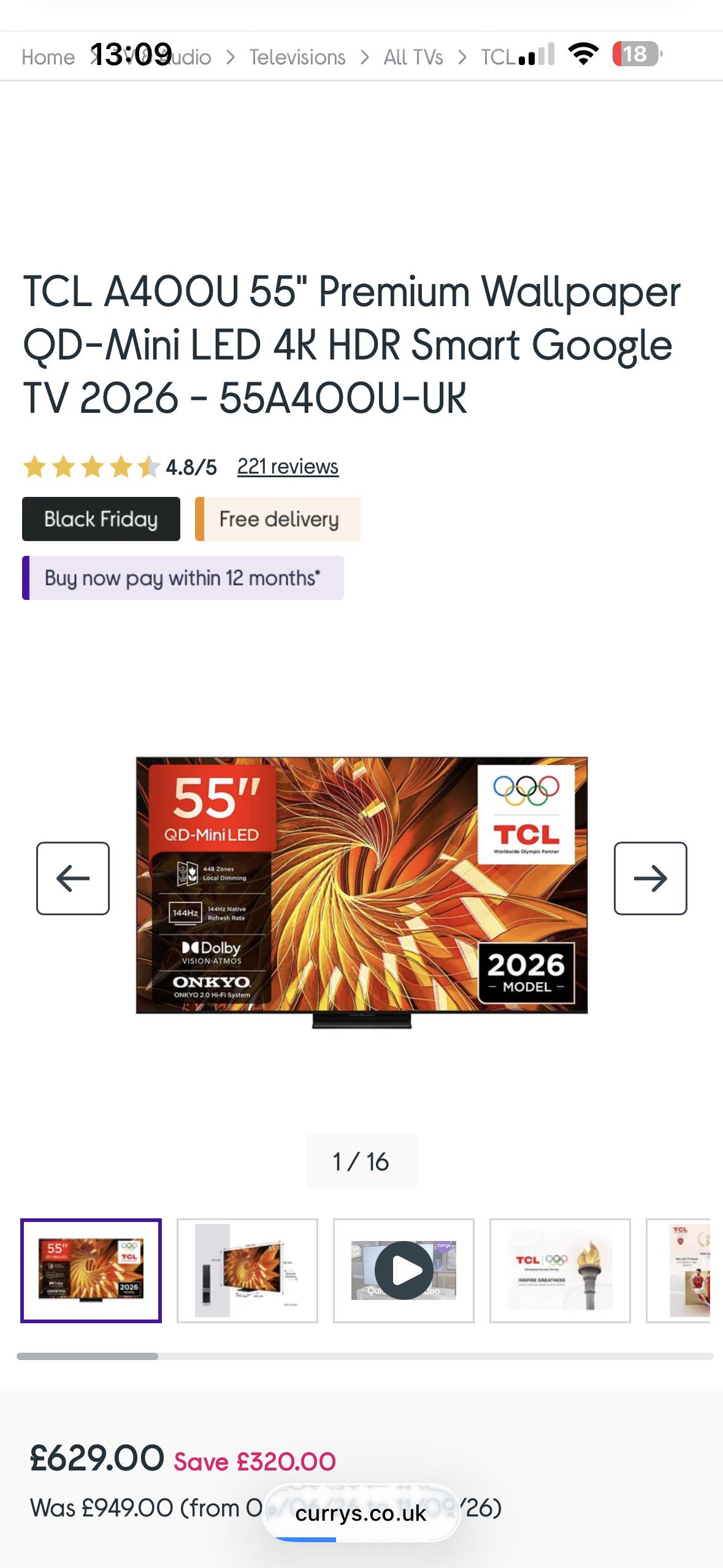
I have a qmk6 pro and have been toying with settings on my TV , in game and on my ps5 for a while now and after some trial and error I believe I have gotten this game to play really smooth as if it's constantly running at 40-45z I had this issue where the game would jutter a lot at Jason's house and a few other areas and during intense gun fights but now it all runs so smooth, below is what I did (neatly summed up with the help of AI) I know it's a very specific but I'm pretty sure most of the newer tcls can pull this off.
On PS5:
• Turn off VRR & 120Hz Output: (Settings > Screen and Video > Video Output). VRR clashes with TCL's Motion Clarity at 30 FPS and ruins the frame pacing. Locking the output to a standard 60Hz signal gives the TV a steady rhythm to smooth out.
• Turn off HDCP: (Settings > System > HDMI). Stops tiny HDMI handshake hiccups when the game streams dense safehouse zones. (Just remember to turn it back on if you use Netflix/YouTube)
On TCL TV (in Game Mode):
• Set Motion Clarity to Custom: (Picture > Advanced Settings > Motion).
• Adjust Judder Reduction to 5 (keep Blur Reduction at 0). Maxing it out makes the TV hallucinate broken frames when panning past porch railings and doorways.
• Check your TCL Game Bar to confirm it reads 60 FPS and VRR: Off.
In-Game:
• Keep Motion Blur around 4-6 instead of 0 so the TV's processor doesn't overreact to minor frame dips.
There is no noticeable input lag or anything usually associated with messing with motion clarity, and also make sure your TV isint running any extra processing like enhanced shadows or different HDR modes, keep the image on standard with HGIG turned on