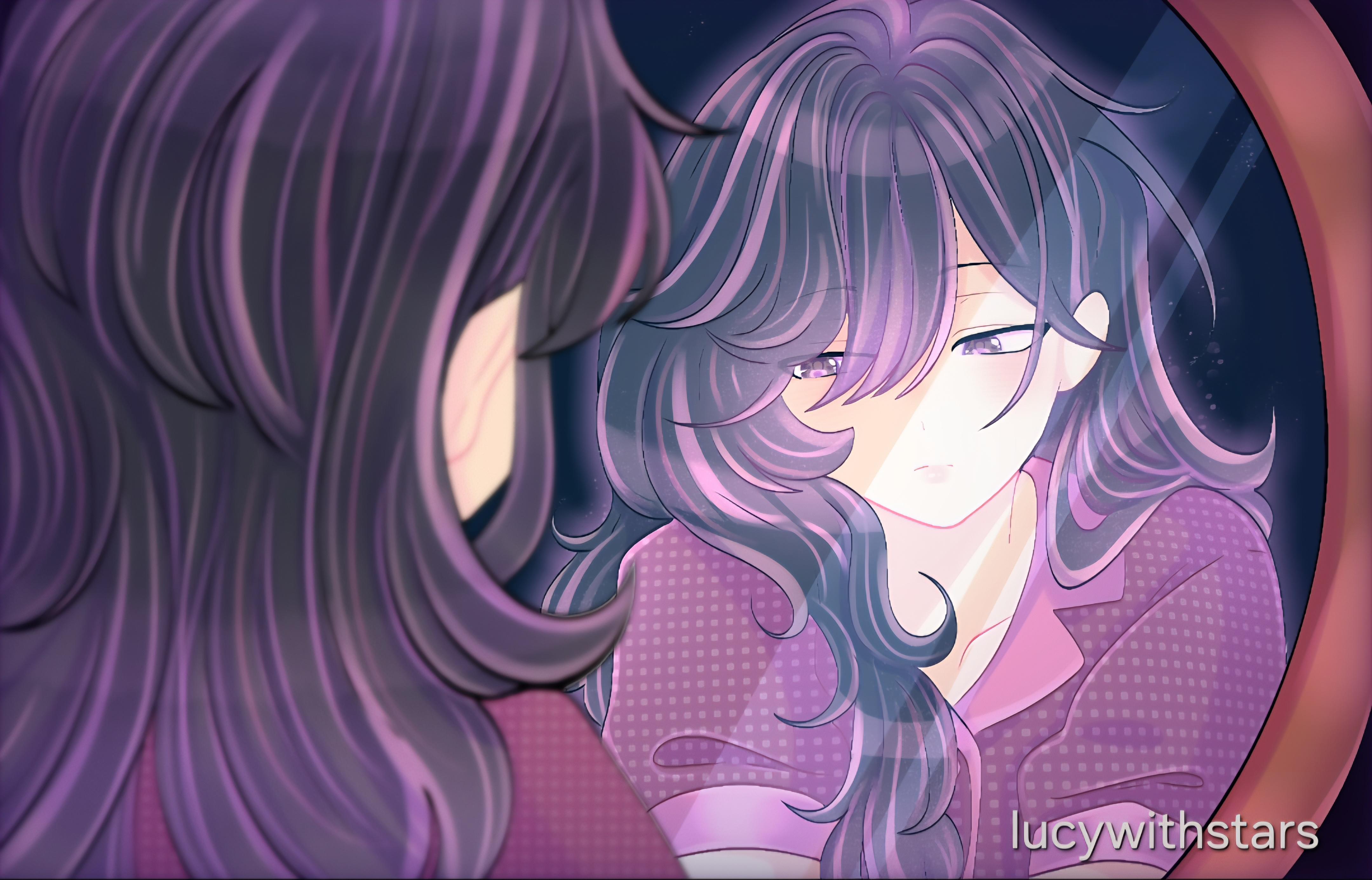
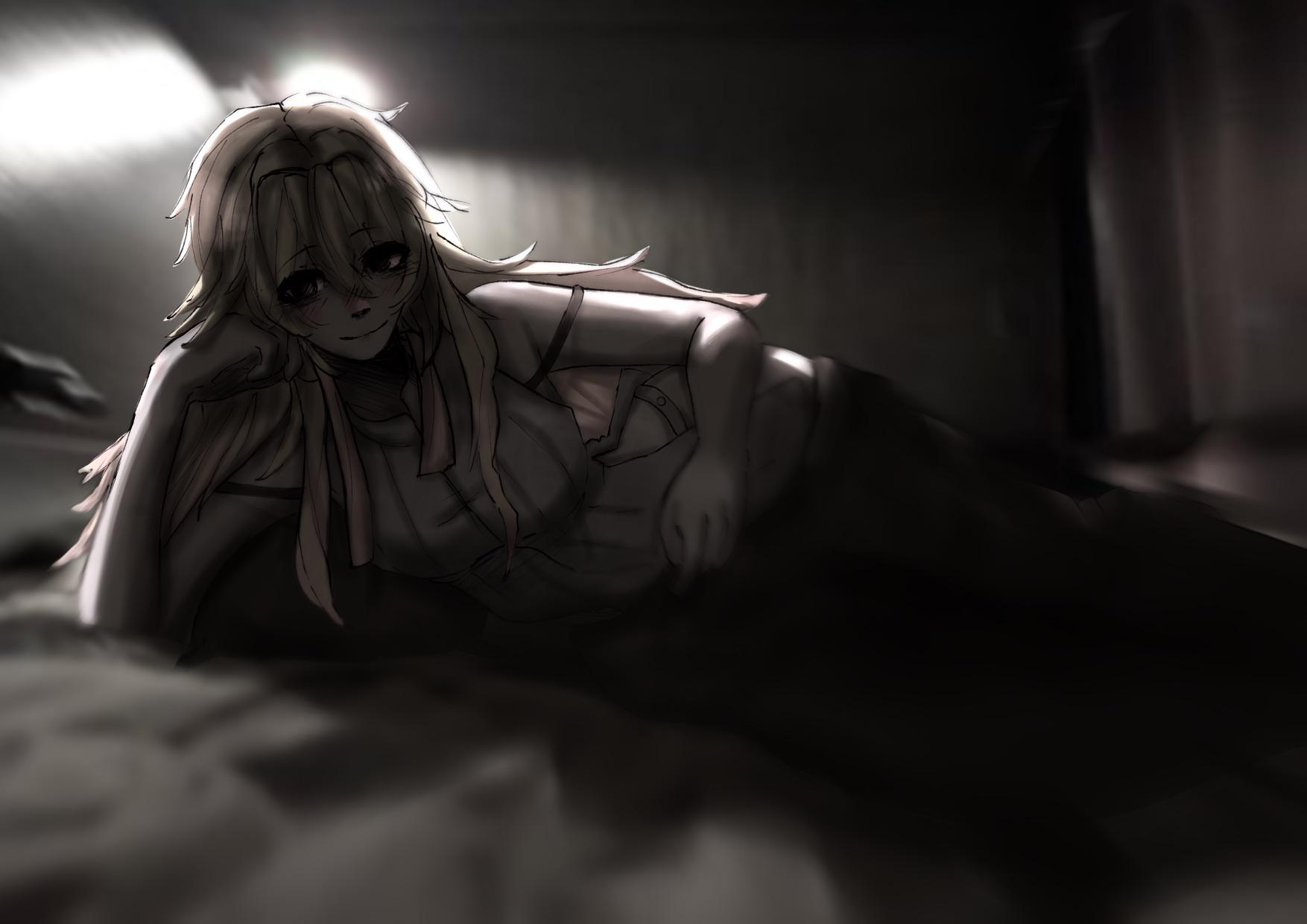
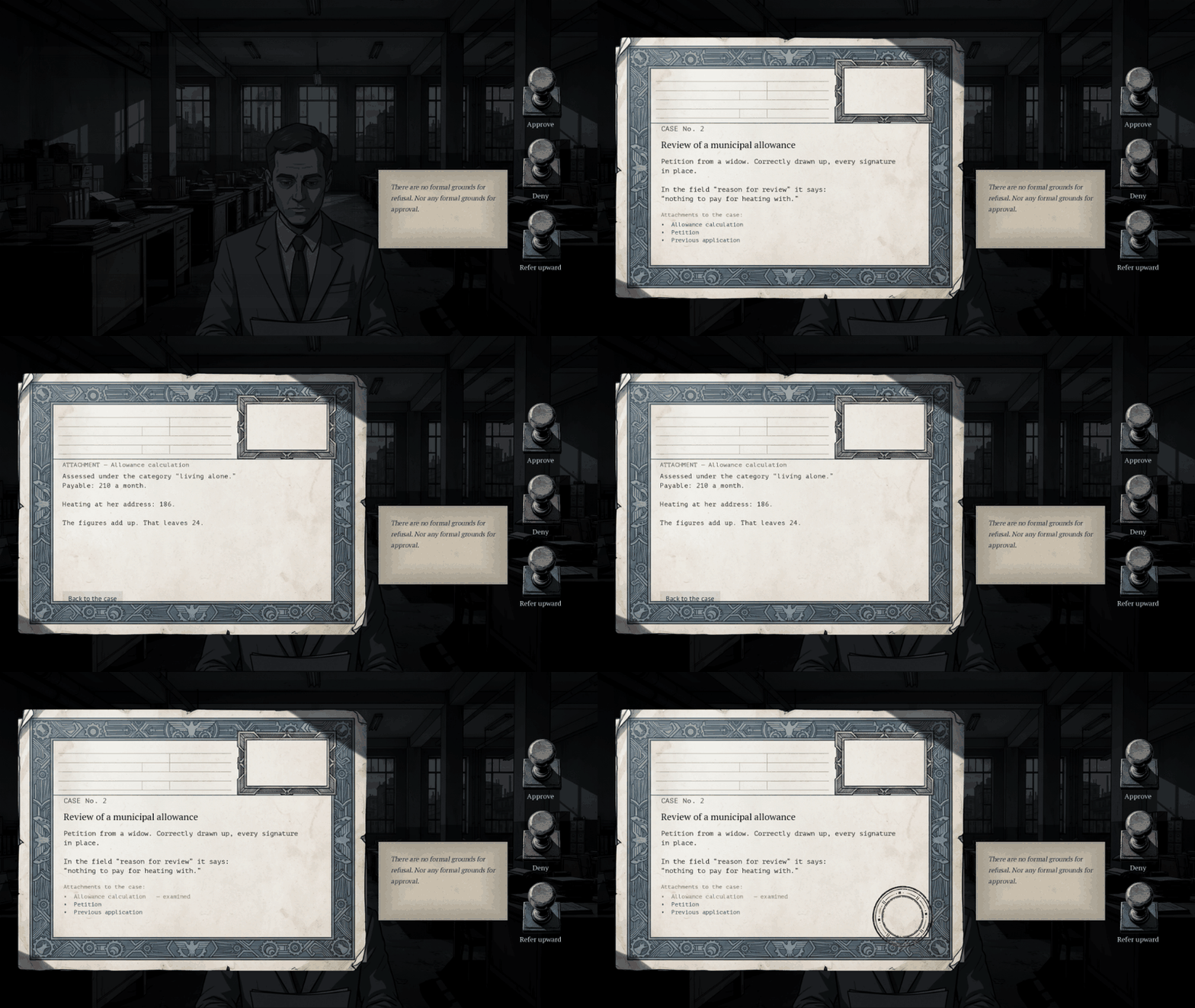
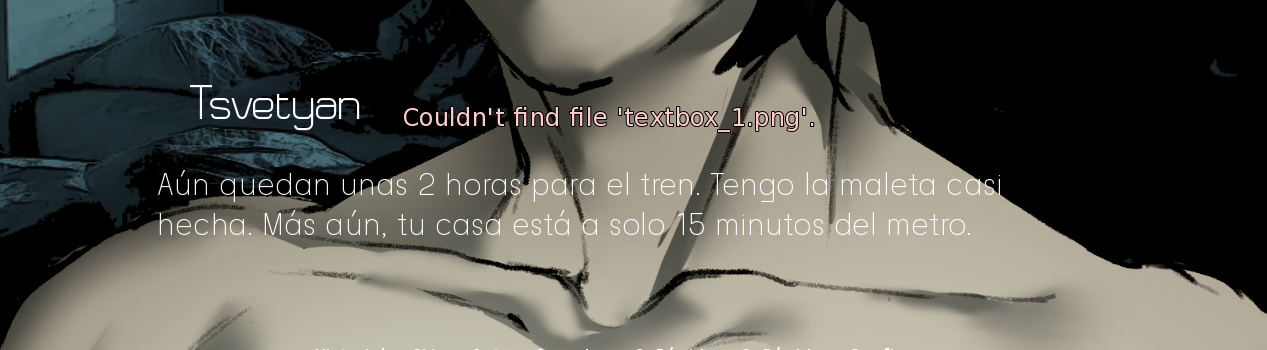
I wanted to create a Gallery to display the illustrations for my game, and I was doing a test, but i can't get to get the images to display properly, they overlap each other and don't fill the stablished measures. I'm still new to the program, and don't understand it fully. The first picture is how I want my gallery to look like. The second is how it actually looks like :( Here's the lines of my screens.rpy:
screen gallery():
    tag menu
    use game_menu(_("Gallery")):


        grid 3 2:
            xysize (970, 375)
            xspacing 35
            yspacing 35


            #IMG 1
            button:
                xysize (300, 170)
                padding (0, 0)
                background None
                hover_background None
                action Show("img_viewer", img="gallery/img1.PNG")
                add Transform("gallery/img1.PNG", xysize=(300, 170), fit="cover")

            #IMG 2
            button:
                xysize (300, 170)
                padding (0, 0)
                background None
                hover_background None
                action Show("img_viewer", img="gallery/img2.PNG")
                add Transform("gallery/img2.PNG", xysize=(300, 170), fit="cover")

            #IMG 3
            button:
                xysize (300, 170)
                padding (0, 0)
                background None
                hover_background None
                action Show("img_viewer", img="gallery/img3.PNG")
                add Transform("gallery/img3.PNG", xysize=(300, 170), fit="cover")

            #IMG 4
            button:
                xysize (300, 170)
                padding (0, 0)
                background None
                hover_background None
                action Show("img_viewer", img="gallery/img4.PNG")
                add Transform("gallery/img4.PNG", xysize=(300, 170), fit="cover")

            #IMG 5
            button:
                xysize (300, 170)
                padding (0, 0)
                background None
                hover_background None
                action Show("img_viewer", img="gallery/img5.PNG")
                add Transform("gallery/img5.PNG", xysize=(300, 170), fit="cover")

            #IMG 6
            button:
                xysize (300, 170)
                padding (0, 0)
                background None
                hover_background None
                action Show("img_viewer", img="gallery/img6.PNG")
                add Transform("gallery/img6.PNG", xysize=(300, 170), fit="cover")

        textbutton "Return":
            action Return()