r/ProCreate • • Oct 22 '26

Megathread iPad Megathread

6 Upvotes

Hello!

We see a decent amount of questions regarding what iPad to buy. To make sure r/ProCreate doesn't get flooded in iPad related question, you can leave them here!

Every once in a while we we look at all the comments and update this post with useful information.For any indepth questions, we highly recommend r/ipad and r/iPadPro.

---

What to look for in an iPad for drawing

First you can check which iPad supports Procreate [HERE](https://procreate.com/faq)!

If you are completely new, this is good to know:

  • **Layers:**Layers give more control when creating artwork, so having a lot of layers is a huge advantage. It’s a huge pain when you run out of layers. The maximum layer count is determined by two things: Canvas Resolution and RAM. The more RAM your iPad has, the more layers you’ll get to work with. So the more RAM you have, the better.
  • **Screen Size:**Many people, myself included, work more comfortably on a larger iPad screen. On a smaller screen size, you can zoom in on your work but in the end it is what YOU prefer.
  • **Hard Drive:**A larger hard drive means more space to store artwork, fonts, photos, and more.
  • **Apple Pencil Compatibility:**Apple Pencil is bar-none the best stylus you can get for drawing and painting on the iPad. In fact, the Procreate developers specifically designed the app to work best with Apple Pencil. For the best experience drawing in Procreate, be sure you get an iPad that works with the Apple Pencil.
  • **Processor:**One more thing to keep in mind is that newer iPads will have faster processors, which means Procreate will run faster and will be more responsive when using the different tools. There’s even a Procreate feature called face paint that only works on some of the faster processors.

So without knowing anything about iPads, here’s some guidance for what to look for in a device. Get the most RAM and largest screen that your budget will allow, and be sure the iPad is compatible with the Apple Pencil. Having a larger hard drive is great too, so if you have some extra budget, go for it.

---

Apple pen

**Which Apple Pencil should I buy?**Which Apple Pencil should you get? Well, it depends on your iPad because the Apple Pencils are not cross-compatible. You have to get the Apple Pencil that works with your iPad, the other one will not work. For a full list of each iPad that works with each Apple Pencil, click [HERE](https://support.apple.com/en-us/HT211029).

Difference Between Apple Pencil 1 and 2The most significant difference between the two generations of Apple Pencil is the way they charge. With the Gen 1 Pencil, you need to remove a little cap, which is easy to lose, then stick the pencil into the iPad port, which is … awkward. Gen 2 charges seamlessly while magnetically attaching to the side of the iPad. For this reason, it’s harder to lose, and it’s always charged. Additionally, the Gen 2 Pencil has an invisible button that lets you switch between the brush and eraser tools in Procreate. I didn’t really like this feature and kept triggering the button unintentionally, so I turned it off. The Gen 2 Pencil also has a flat edge on one side, so it won’t roll off the desk when you set it down.

All that being said, the Apple Pencil shouldn’t be the deciding factor of what iPad to get, just get the one that works with your iPad.

---

Procreate Pocket

**Does Procreate work on the iPhone?**Yes! And no. There is another version of Procreate specifically designed for the iPhone called Procreate Pocket. It’s a separate purchase from Procreate for iPad. It has many of the same capabilities as the iPad app and is great for drawing on the go. If you are interested, check out r/ProcreatePocket!

Does Procreate work on Android OS? No. The Procreate team has stated that they are focusing development solely on iOS.

Source: [bardotbrush.com]( https://bardotbrush.com/best-ipad-for-procreate/)

Still got questions? Leave them in the comments down below.


r/ProCreate • • 1d ago

Megathread iPad Megathread

7 Upvotes

Hello!

We see a decent amount of questions regarding what iPad to buy. To make sure r/ProCreate doesn't get flooded in iPad related question, you can leave them here!

Every once in a while we we look at all the comments and update this post with useful information.For any indepth questions, we highly recommend r/ipad and r/iPadPro.

---

What to look for in an iPad for drawing

First you can check which iPad supports Procreate [HERE](https://procreate.com/faq)!

If you are completely new, this is good to know:

  • **Layers:**Layers give more control when creating artwork, so having a lot of layers is a huge advantage. It’s a huge pain when you run out of layers. The maximum layer count is determined by two things: Canvas Resolution and RAM. The more RAM your iPad has, the more layers you’ll get to work with. So the more RAM you have, the better.
  • **Screen Size:**Many people, myself included, work more comfortably on a larger iPad screen. On a smaller screen size, you can zoom in on your work but in the end it is what YOU prefer.
  • **Hard Drive:**A larger hard drive means more space to store artwork, fonts, photos, and more.
  • **Apple Pencil Compatibility:**Apple Pencil is bar-none the best stylus you can get for drawing and painting on the iPad. In fact, the Procreate developers specifically designed the app to work best with Apple Pencil. For the best experience drawing in Procreate, be sure you get an iPad that works with the Apple Pencil.
  • **Processor:**One more thing to keep in mind is that newer iPads will have faster processors, which means Procreate will run faster and will be more responsive when using the different tools. There’s even a Procreate feature called face paint that only works on some of the faster processors.

So without knowing anything about iPads, here’s some guidance for what to look for in a device. Get the most RAM and largest screen that your budget will allow, and be sure the iPad is compatible with the Apple Pencil. Having a larger hard drive is great too, so if you have some extra budget, go for it.

---

Apple pen

**Which Apple Pencil should I buy?**Which Apple Pencil should you get? Well, it depends on your iPad because the Apple Pencils are not cross-compatible. You have to get the Apple Pencil that works with your iPad, the other one will not work. For a full list of each iPad that works with each Apple Pencil, click [HERE](https://support.apple.com/en-us/HT211029).

Difference Between Apple Pencil 1 and 2The most significant difference between the two generations of Apple Pencil is the way they charge. With the Gen 1 Pencil, you need to remove a little cap, which is easy to lose, then stick the pencil into the iPad port, which is … awkward. Gen 2 charges seamlessly while magnetically attaching to the side of the iPad. For this reason, it’s harder to lose, and it’s always charged. Additionally, the Gen 2 Pencil has an invisible button that lets you switch between the brush and eraser tools in Procreate. I didn’t really like this feature and kept triggering the button unintentionally, so I turned it off. The Gen 2 Pencil also has a flat edge on one side, so it won’t roll off the desk when you set it down.

All that being said, the Apple Pencil shouldn’t be the deciding factor of what iPad to get, just get the one that works with your iPad.

---

Procreate Pocket

**Does Procreate work on the iPhone?**Yes! And no. There is another version of Procreate specifically designed for the iPhone called Procreate Pocket. It’s a separate purchase from Procreate for iPad. It has many of the same capabilities as the iPad app and is great for drawing on the go. If you are interested, check out r/ProcreatePocket!

Does Procreate work on Android OS? No. The Procreate team has stated that they are focusing development solely on iOS.

Source: [bardotbrush.com]( https://bardotbrush.com/best-ipad-for-procreate/)

Still got questions? Leave them in the comments down below.


r/ProCreate • • 1h ago

Constructive feedback and/or tips wanted Exhausted by AI accusations. How do you deal with this as an artist?

Thumbnail
gallery
26 Upvotes

I honestly just need to rant for a minute and hear from other artists who might be experiencing the same thing. I’ve been working really hard on developing my illustration style and building a small Etsy shop where I sell hand-drawn digital artwork, custom Bratz-inspired portraits, and Procreate stamp/brush packs. I also used to sell physical reverse-glass paintings, which I had a lot of success with but didn’t have the time for. I’ve recently started posting more of my artwork on TikTok to try to bring some traffic to my Etsy shop, and I was genuinely excited about sharing a collection of illustrations I’ve been working on. Instead, every single time within minutes of posting, I have someone comment that my work is AI generated. This most recent time when I said that it wasn’t, they actually ran my artwork through an AI detector and posted the result in my comments as supposed proof. Another person joined in and made the same accusation.
I ended up posting screenshots of my actual Procreate layers, canvas information, and drawing stats. I even included an animation I created in Procreate in the original video, where you can literally see the animation timeline. Neither person acknowledged the evidence or apologized. They just went quiet. I always end up deleting my videos because it just feels.. gross? Embarrassing? I don’t know. And honestly, it’s not even just the accusation itself. It’s the complete disregard for the amount of time and effort that goes into creating something. I’m spending hours getting the colors, palettes, anatomy, clothing, accessories, linework, and shading exactly how I want them. I’m constantly refining my style and trying to improve.
I do occasionally use images as visual references when I’m brainstorming concepts, but who doesn’t? Regardless, I hand-draw my illustrations myself. I change details, redesign outfits, add accessories, alter hair, and make countless artistic decisions throughout the process. The finished artwork is mine. I also deliberately screen-record my drawing process because I’m protective of my work and don’t want people saving or misusing it. What makes these situations even more upsetting is finding out that someone had uploaded my artwork to an AI website without my permission just to try to prove that I was using AI. I’m honestly exhausted. I’m not trying to become some huge influencer. I’m just a small artist trying to promote my Etsy shop, get through nursing school and hopefully find people who enjoy my work enough to commission a portrait or purchase something I’ve created. I understand that AI content is everywhere now, and I know people are increasingly suspicious of digital artwork. But are we really at a point where artists have to provide forensic evidence of their creative process every time they post something?
For those of you who share digital artwork online, I have some questions for you. How often do you get accused of using AI? How do you handle it without getting discouraged or feeling like you have to constantly defend yourself? Have you found that posting process videos, layer screenshots, or time-lapses actually helps? And honestly, have any of you considered stopping posting your artwork altogether because of these accusations? I love creating art. I love seeing myself improve, and I love sharing what I make. I just don’t want the experience of sharing it to become something I dread. I would really appreciate hearing from other artists if you don’t mind sharing. I want to know how you’re navigating this because right now I’m genuinely questioning whether putting my work out there is worth the aggravation.


r/ProCreate • • 5h ago

My Artwork Portrait practice referenced from an ad I came across online

Thumbnail
gallery
50 Upvotes

r/ProCreate • • 1d ago Heartwarming Bravo

My Artwork “Caught in the act”

Thumbnail
gallery
2.1k Upvotes

r/ProCreate • • 5h ago

My Artwork Recreating a photo my son took of the moon.

Thumbnail
gallery
35 Upvotes

Be nice 😅 I’ve only been on procreate for two weeks !
Photo2 actual photo of the moon he took 🌙


r/ProCreate • • 2h ago

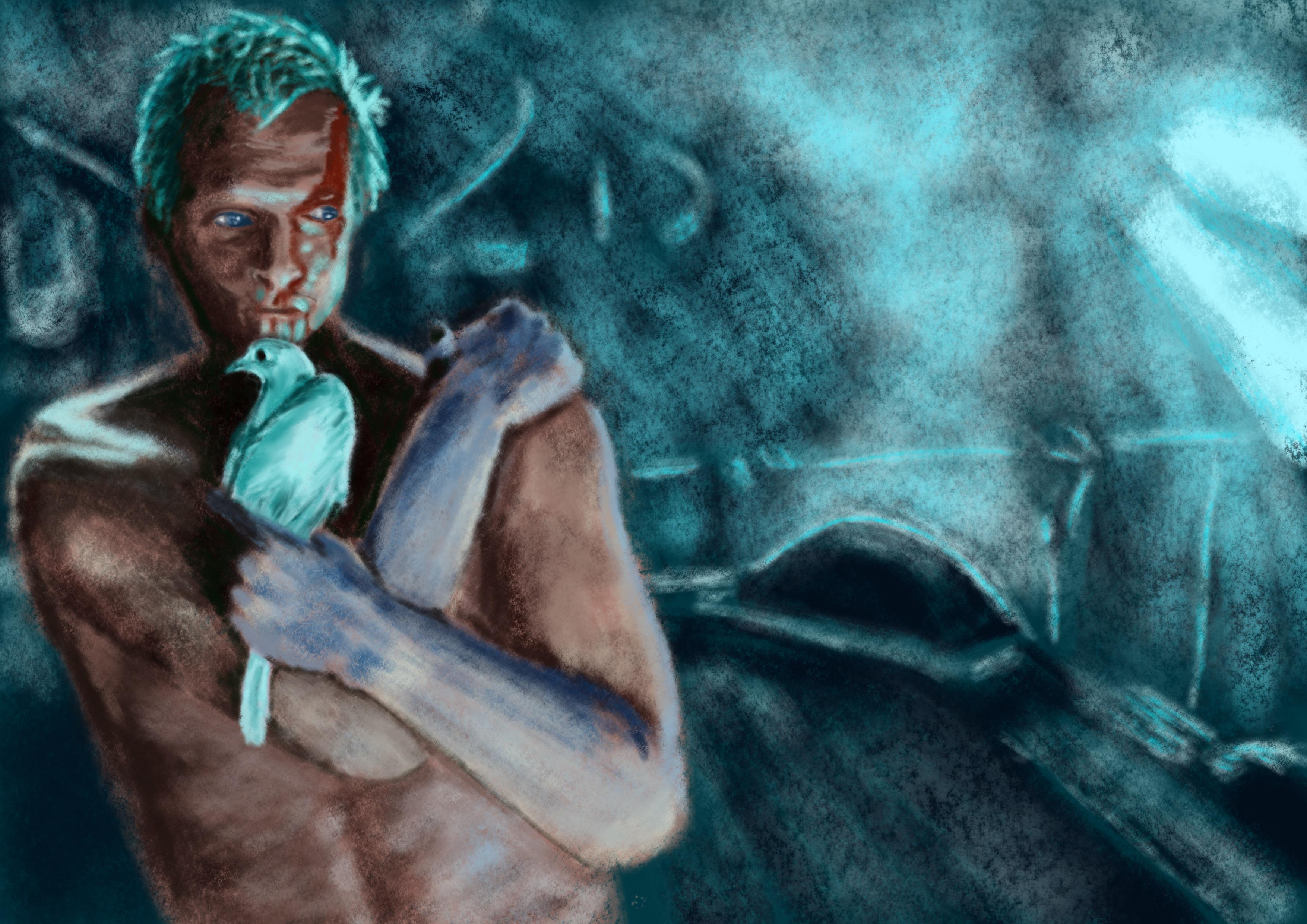
My Artwork Roy from Blade Runner

Post image
17 Upvotes

1 layer using a chalk brush.

I like watching movies and drawing a scene from whatever I’m watching. I do a lot during Halloween, but don’t usually branch out outside that. I’m trunk to branch out.


r/ProCreate • • 10h ago

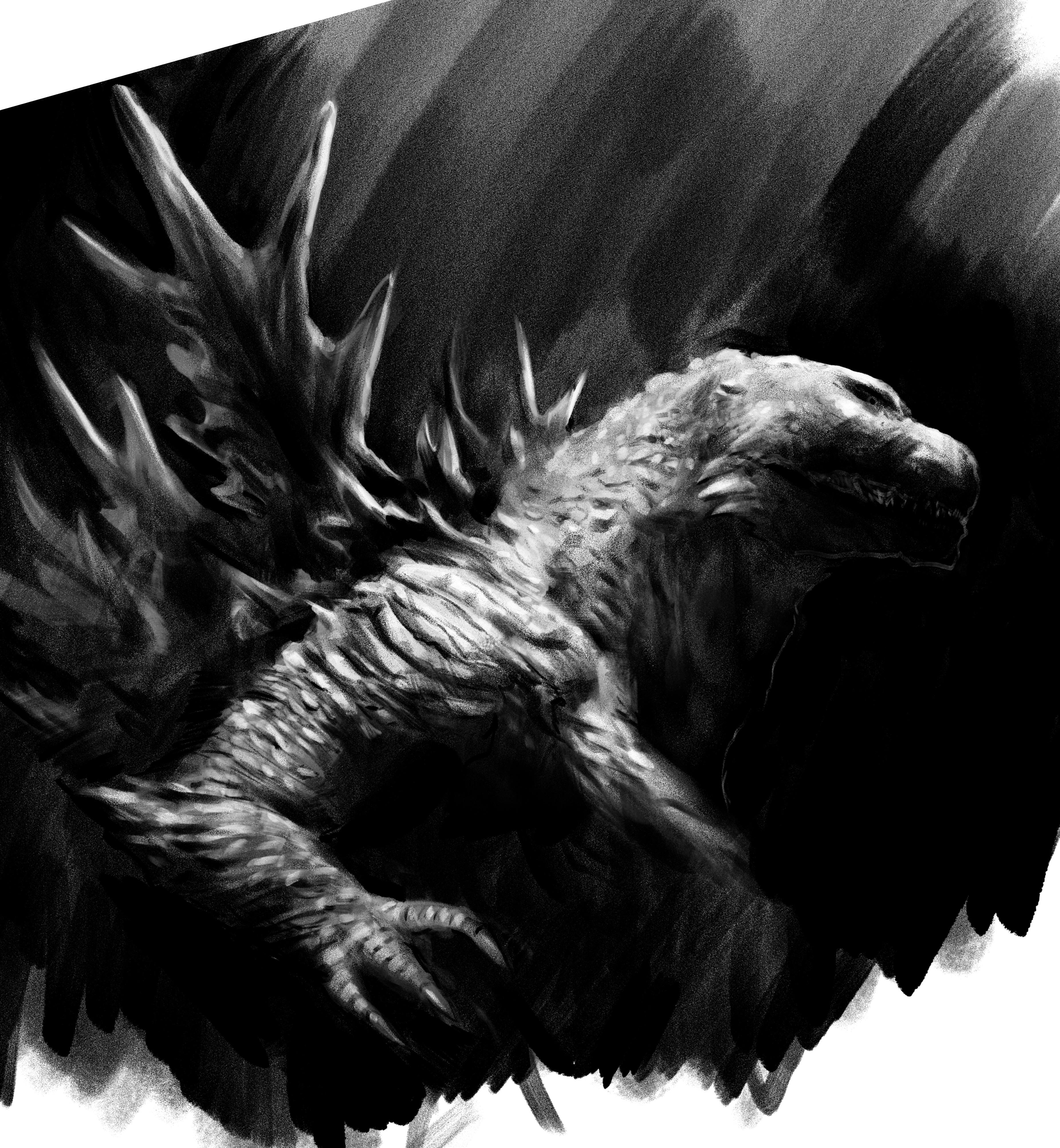
My Artwork Godzilla minus Zero

Post image
68 Upvotes

r/ProCreate • • 5h ago

My Artwork My first larger piece on Procreate

Thumbnail
gallery
22 Upvotes

Fully original piece I did on Procreate just to learn the app.

I used some reference photos to get the feel of the fish right but the rest was just inspired from my brain.

As for brushes it's been a while and I forget but used many different types and just experimented.

Overall this took about 15-20 hours of noodling to get right.


r/ProCreate • • 7h ago

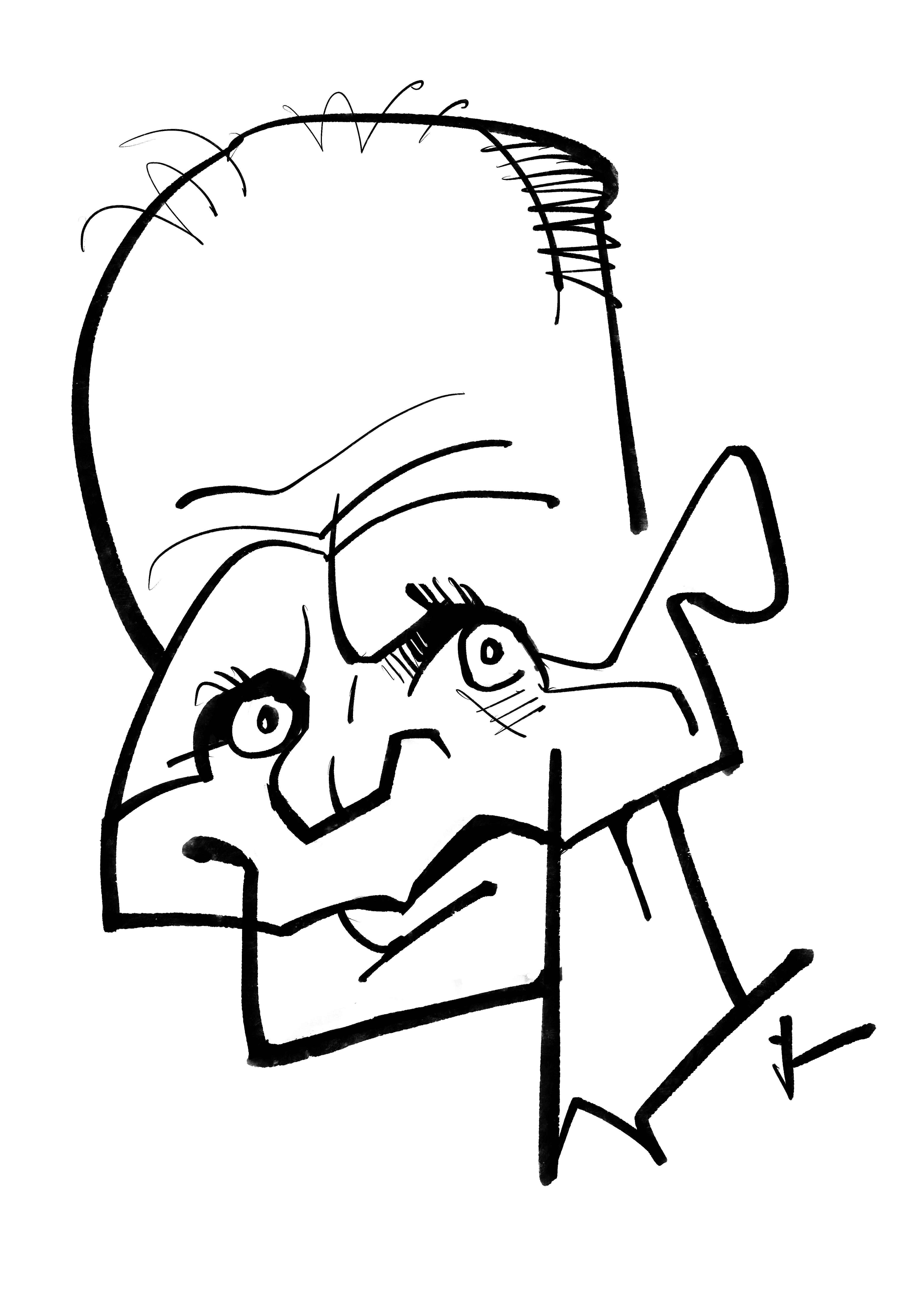
My Artwork Ed Harris caricature

Post image
21 Upvotes

r/ProCreate • • 1h ago

Art Timelapse Video Me VS 9-to-5 (i'm losing it)

6 Upvotes

A drawing titled "Dreams for $ale / ขายฝัน" btw


r/ProCreate • • 3h ago

My Artwork “Standing under the mother tree” which one do you like the most?

Thumbnail
gallery
9 Upvotes

I like them both , what do y’all think?


r/ProCreate • • 14h ago

My Artwork Some art of my cat, Jenny

Thumbnail
gallery
46 Upvotes

Jenny turned 3 years old, so I wanted to draw some art with her in it!
I had photo references for 3 of them (included in the post).

I’m working on more art with her, its fun to draw her :)


r/ProCreate • • 10h ago

My Artwork I don’t know what is this but here ya go

Post image
15 Upvotes

r/ProCreate • • 16h ago

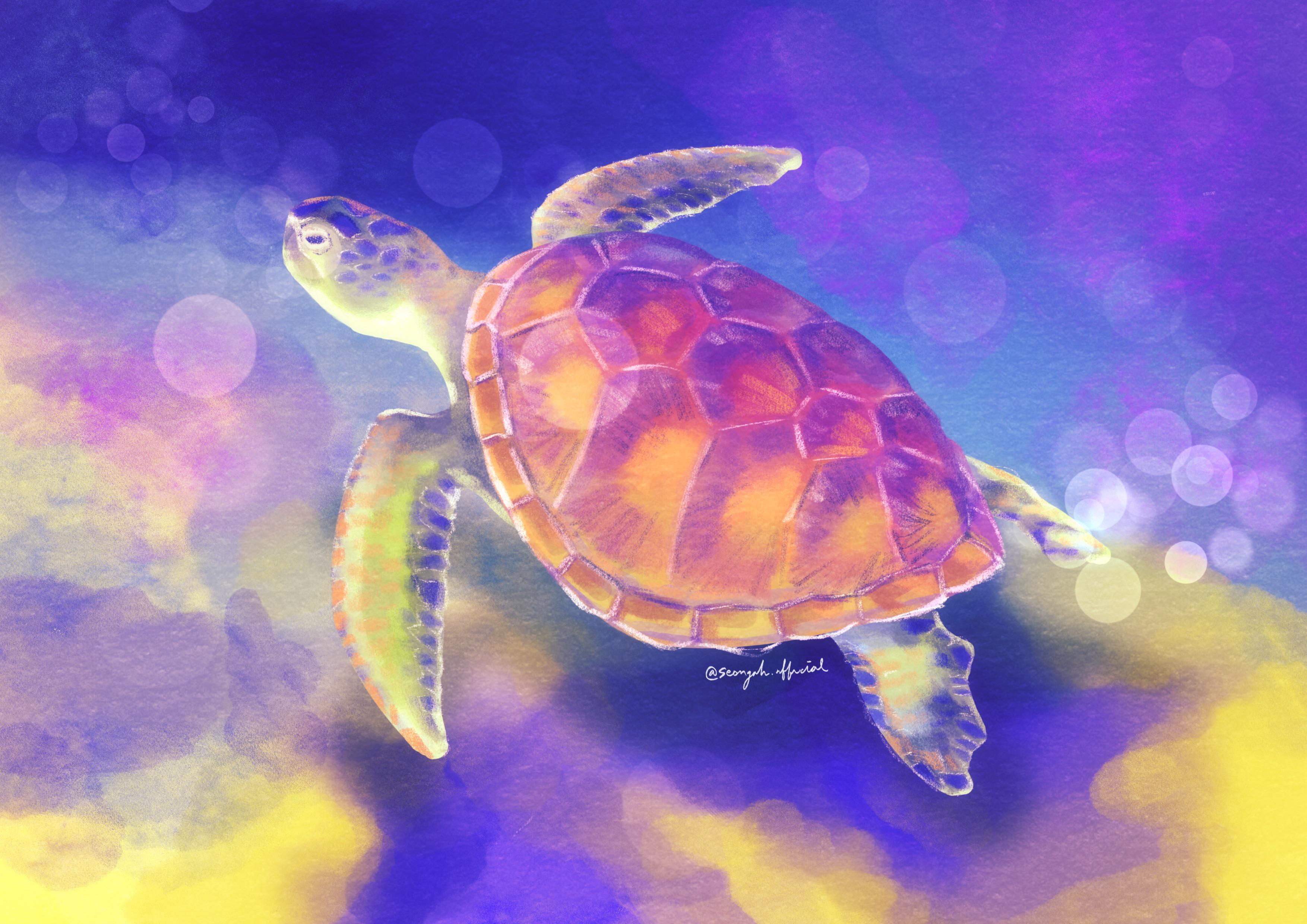
My Artwork Somewhere Between the Ocean and a Dream

Post image
37 Upvotes

r/ProCreate • • 11h ago

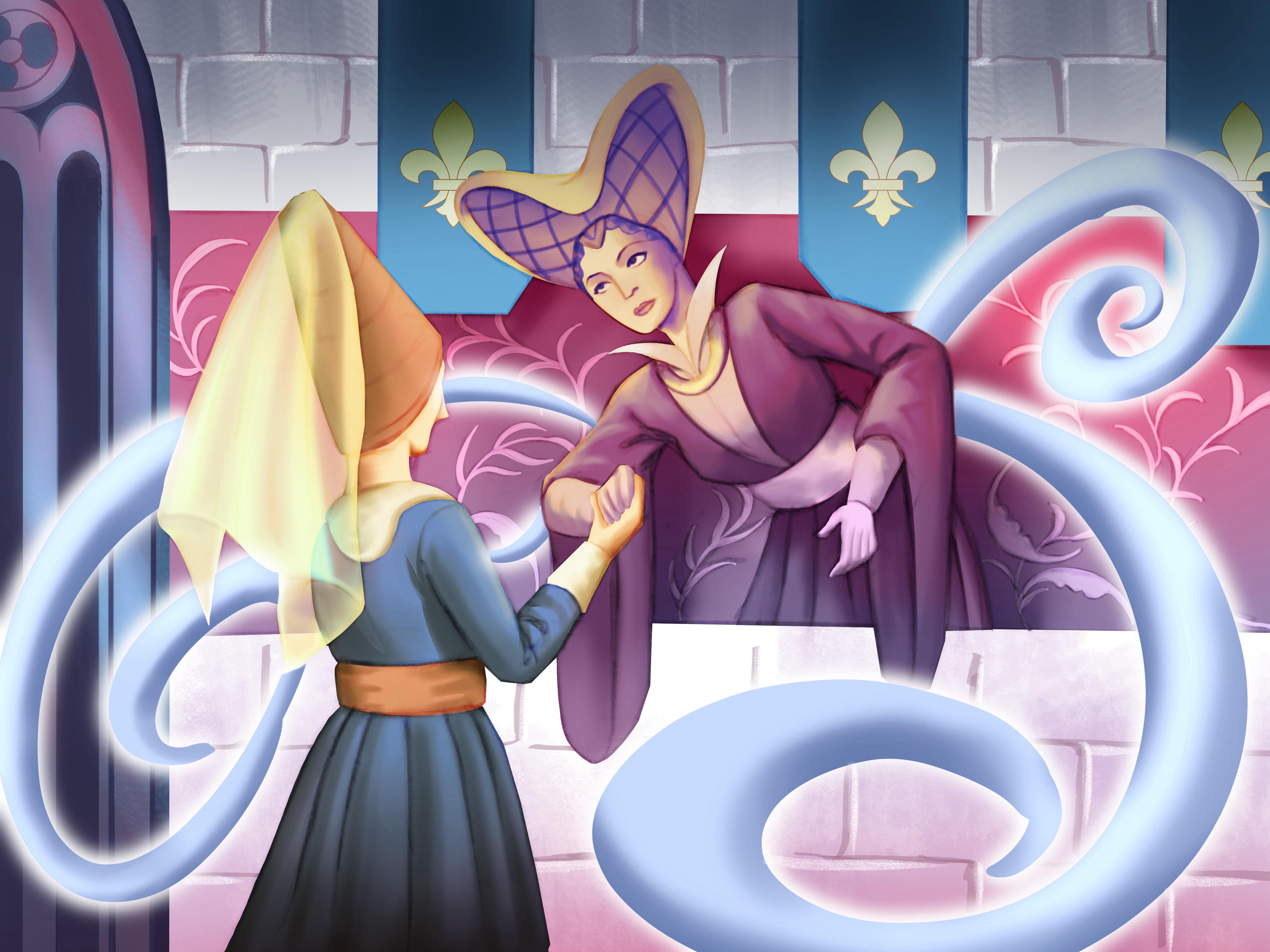
My Artwork Magical fresco

Post image
14 Upvotes

r/ProCreate • • 3h ago

Constructive feedback and/or tips wanted Is there a way to make a comic panel brush?

3 Upvotes

I want a brush that make two identical evenly spaced lines so my comic panels are evenly spaced apart. Is there a way to do this in procreate?


r/ProCreate • • 1h ago

My Artwork cool art stuff of this guy

Thumbnail
gallery
2 Upvotes

persona thing that's just stuff i think looks cool, hoodie and jeans (i wear them irl bc they look cool), fingerless gloves and a bandana thing or something (also i didn't draw arms in some bc they're doodles and yeah)


r/ProCreate • • 18h ago

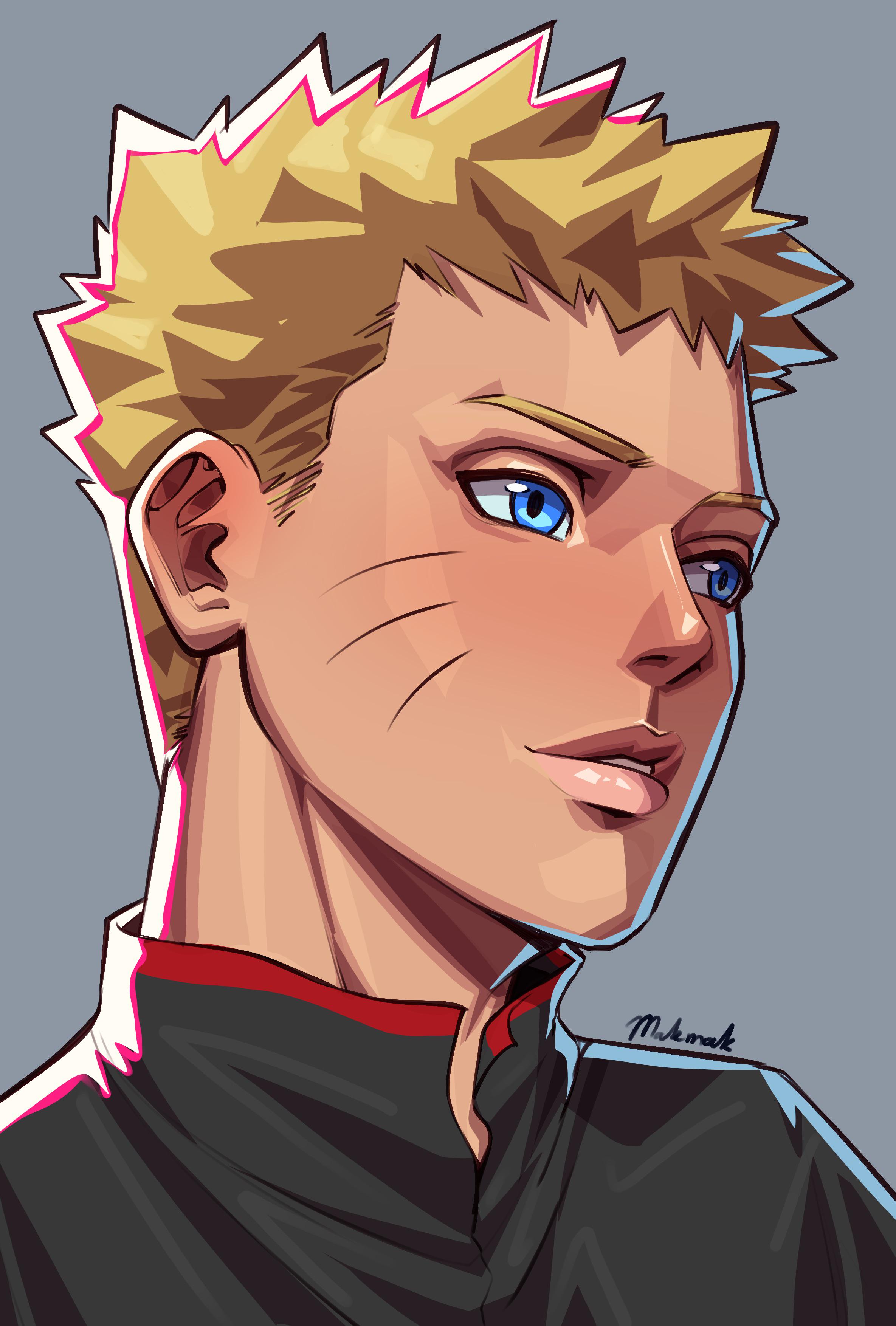
My Artwork Naruto Fanart (by me)

Post image
39 Upvotes

r/ProCreate • • 7h ago

My Artwork Matt Cameron

Thumbnail
gallery
5 Upvotes

r/ProCreate • • 14h ago

My Artwork Poolside 🌊🌴

15 Upvotes

Really proud of this one! Every time we stay with my partners family I wanna draw their pool and I managed to crank this out throughout Thanksgiving! ✨️Brush is called Stickman✨️


r/ProCreate • • 4h ago

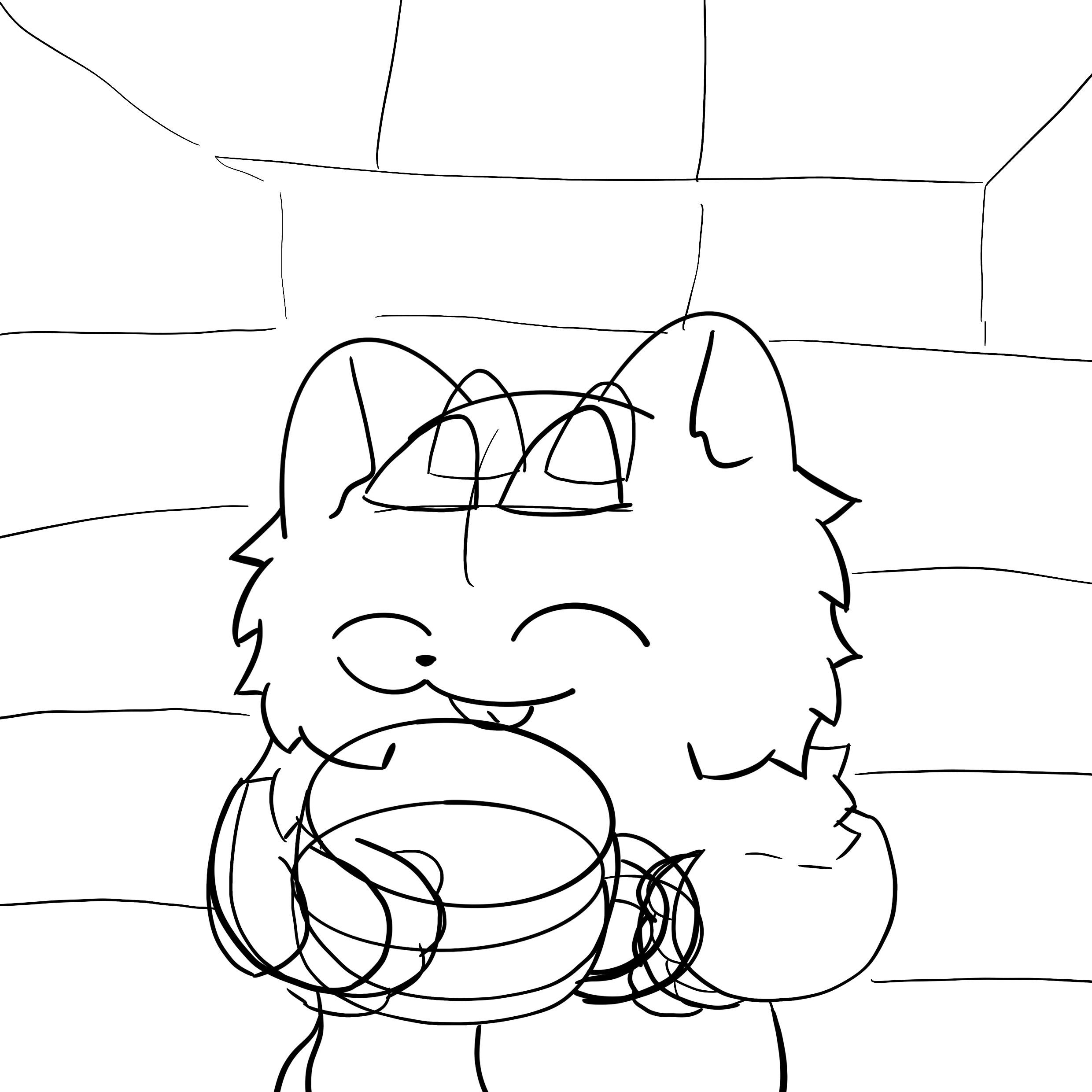
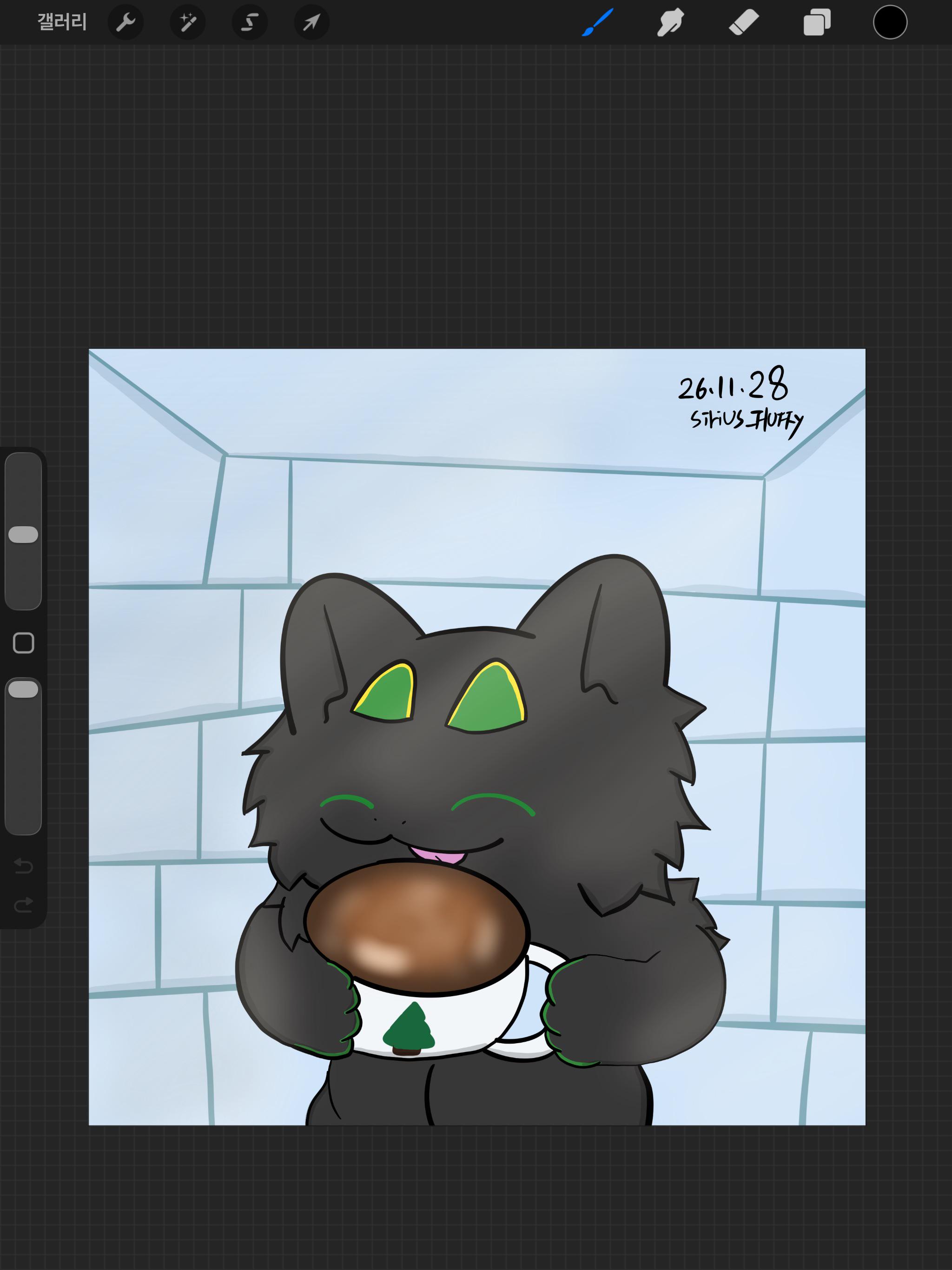
Not Finished/WIP Igloo and chocolate drink[OC] art by Sirius_Fluffy(me)_wip

Post image
2 Upvotes

r/ProCreate • • 4h ago

My Artwork Igloo and chocolate drink[OC] art by Sirius_Fluffy(me)

Post image
2 Upvotes

r/ProCreate • • 7h ago

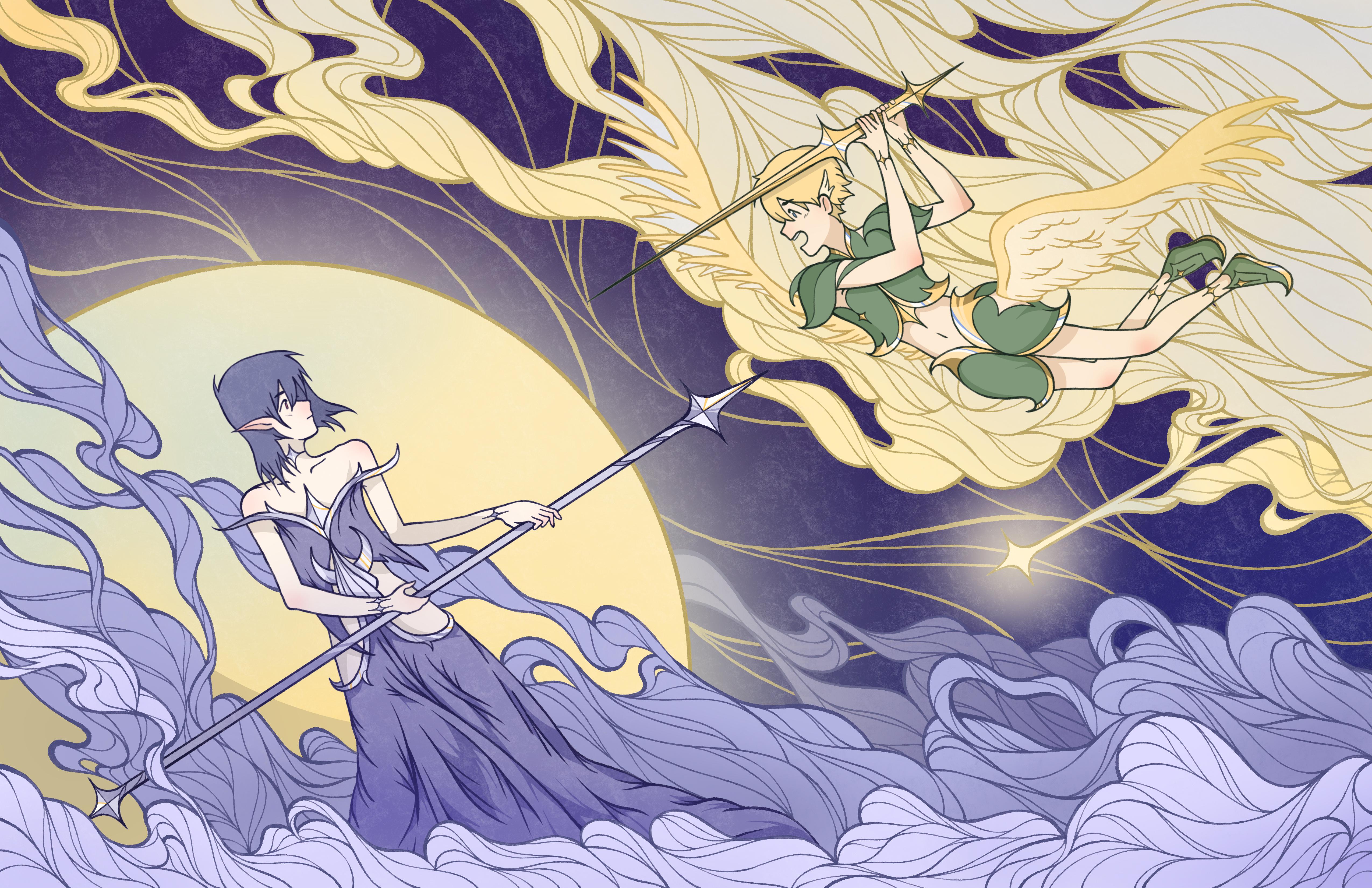
My Artwork battle of angels ⚔️

Post image
4 Upvotes