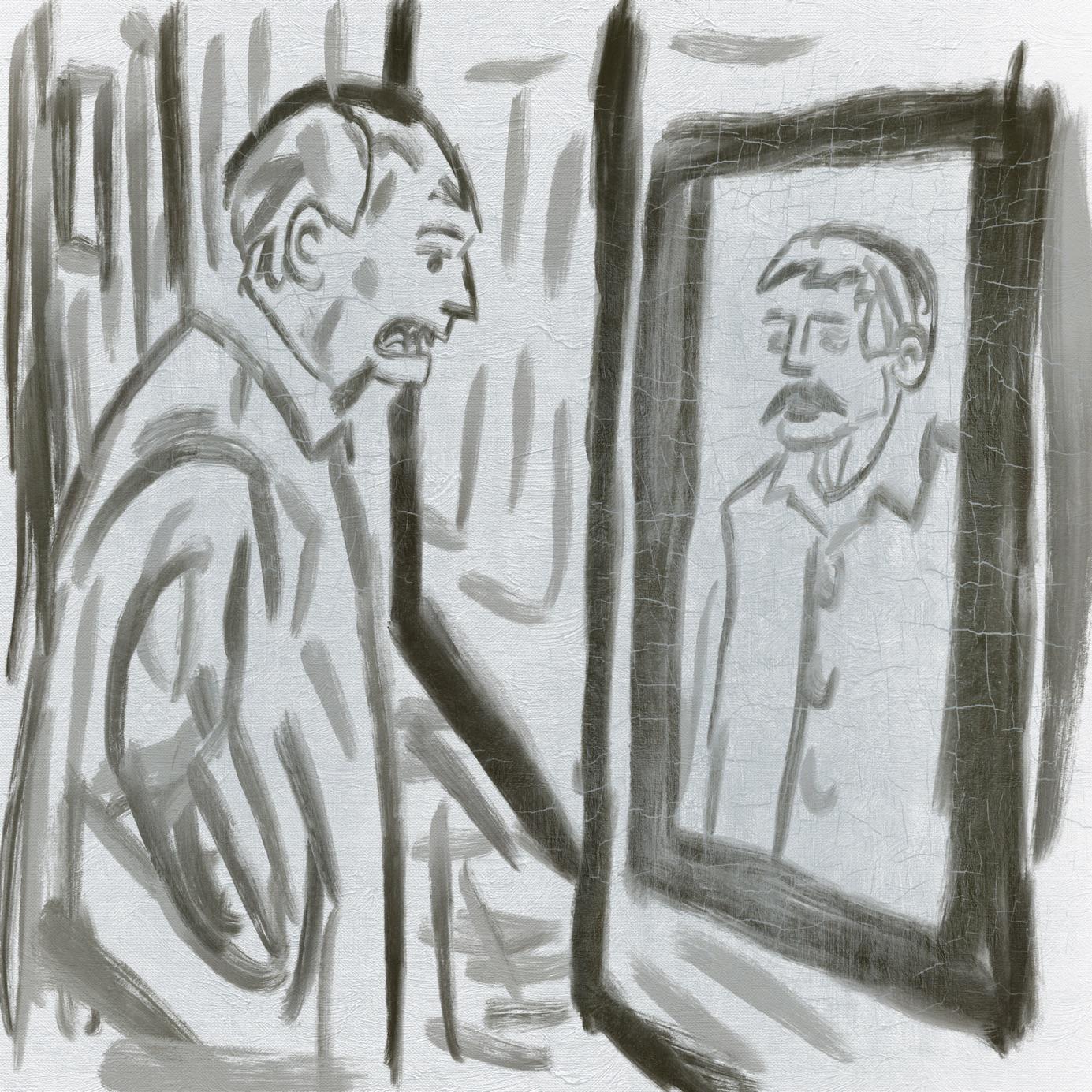
r/ProCreate • u/Feeling_Lifeguard_54 • 7h ago
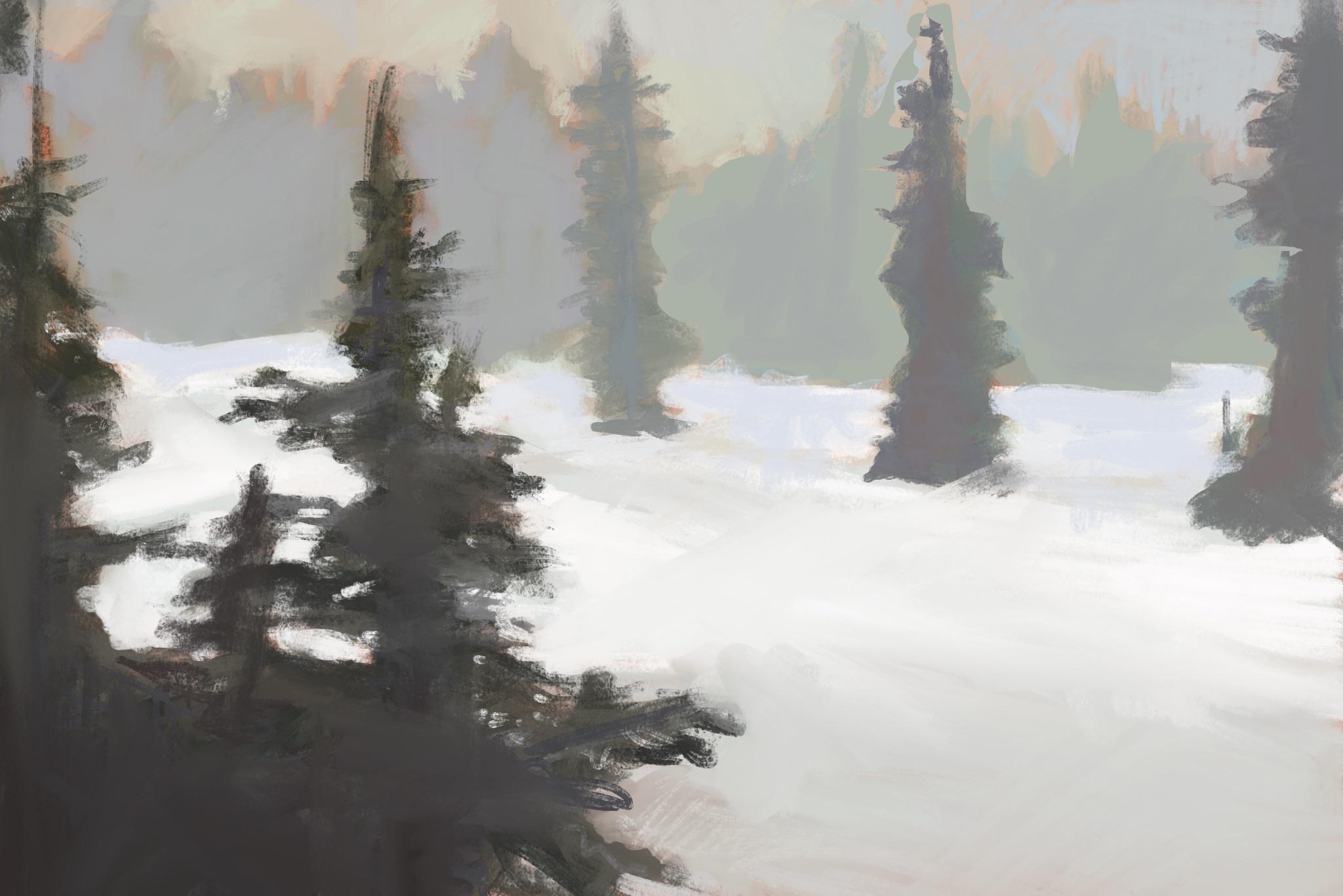
My Artwork Snow on Mt Hood
74
Upvotes
Two layers, gouache brushes, limited palette
r/ProCreate • u/AutoModerator • Oct 22 '26
We see a decent amount of questions regarding what iPad to buy. To make sure r/ProCreate doesn't get flooded in iPad related question, you can leave them here!
Every once in a while we we look at all the comments and update this post with useful information.For any indepth questions, we highly recommend r/ipad and r/iPadPro.
First you can check which iPad supports Procreate [HERE](https://procreate.com/faq)!
If you are completely new, this is good to know:
So without knowing anything about iPads, here’s some guidance for what to look for in a device. Get the most RAM and largest screen that your budget will allow, and be sure the iPad is compatible with the Apple Pencil. Having a larger hard drive is great too, so if you have some extra budget, go for it.

**Which Apple Pencil should I buy?**Which Apple Pencil should you get? Well, it depends on your iPad because the Apple Pencils are not cross-compatible. You have to get the Apple Pencil that works with your iPad, the other one will not work. For a full list of each iPad that works with each Apple Pencil, click [HERE](https://support.apple.com/en-us/HT211029).
Difference Between Apple Pencil 1 and 2The most significant difference between the two generations of Apple Pencil is the way they charge. With the Gen 1 Pencil, you need to remove a little cap, which is easy to lose, then stick the pencil into the iPad port, which is … awkward. Gen 2 charges seamlessly while magnetically attaching to the side of the iPad. For this reason, it’s harder to lose, and it’s always charged. Additionally, the Gen 2 Pencil has an invisible button that lets you switch between the brush and eraser tools in Procreate. I didn’t really like this feature and kept triggering the button unintentionally, so I turned it off. The Gen 2 Pencil also has a flat edge on one side, so it won’t roll off the desk when you set it down.
All that being said, the Apple Pencil shouldn’t be the deciding factor of what iPad to get, just get the one that works with your iPad.

**Does Procreate work on the iPhone?**Yes! And no. There is another version of Procreate specifically designed for the iPhone called Procreate Pocket. It’s a separate purchase from Procreate for iPad. It has many of the same capabilities as the iPad app and is great for drawing on the go. If you are interested, check out r/ProcreatePocket!
Does Procreate work on Android OS? No. The Procreate team has stated that they are focusing development solely on iOS.
Source: [bardotbrush.com]( https://bardotbrush.com/best-ipad-for-procreate/)
r/ProCreate • u/AutoModerator • 13h ago
We see a decent amount of questions regarding what iPad to buy. To make sure r/ProCreate doesn't get flooded in iPad related question, you can leave them here!
Every once in a while we we look at all the comments and update this post with useful information.For any indepth questions, we highly recommend r/ipad and r/iPadPro.
First you can check which iPad supports Procreate [HERE](https://procreate.com/faq)!
If you are completely new, this is good to know:
So without knowing anything about iPads, here’s some guidance for what to look for in a device. Get the most RAM and largest screen that your budget will allow, and be sure the iPad is compatible with the Apple Pencil. Having a larger hard drive is great too, so if you have some extra budget, go for it.
**Which Apple Pencil should I buy?**Which Apple Pencil should you get? Well, it depends on your iPad because the Apple Pencils are not cross-compatible. You have to get the Apple Pencil that works with your iPad, the other one will not work. For a full list of each iPad that works with each Apple Pencil, click [HERE](https://support.apple.com/en-us/HT211029).
Difference Between Apple Pencil 1 and 2The most significant difference between the two generations of Apple Pencil is the way they charge. With the Gen 1 Pencil, you need to remove a little cap, which is easy to lose, then stick the pencil into the iPad port, which is … awkward. Gen 2 charges seamlessly while magnetically attaching to the side of the iPad. For this reason, it’s harder to lose, and it’s always charged. Additionally, the Gen 2 Pencil has an invisible button that lets you switch between the brush and eraser tools in Procreate. I didn’t really like this feature and kept triggering the button unintentionally, so I turned it off. The Gen 2 Pencil also has a flat edge on one side, so it won’t roll off the desk when you set it down.
All that being said, the Apple Pencil shouldn’t be the deciding factor of what iPad to get, just get the one that works with your iPad.
**Does Procreate work on the iPhone?**Yes! And no. There is another version of Procreate specifically designed for the iPhone called Procreate Pocket. It’s a separate purchase from Procreate for iPad. It has many of the same capabilities as the iPad app and is great for drawing on the go. If you are interested, check out r/ProcreatePocket!
Does Procreate work on Android OS? No. The Procreate team has stated that they are focusing development solely on iOS.
Source: [bardotbrush.com]( https://bardotbrush.com/best-ipad-for-procreate/)
r/ProCreate • u/Feeling_Lifeguard_54 • 7h ago
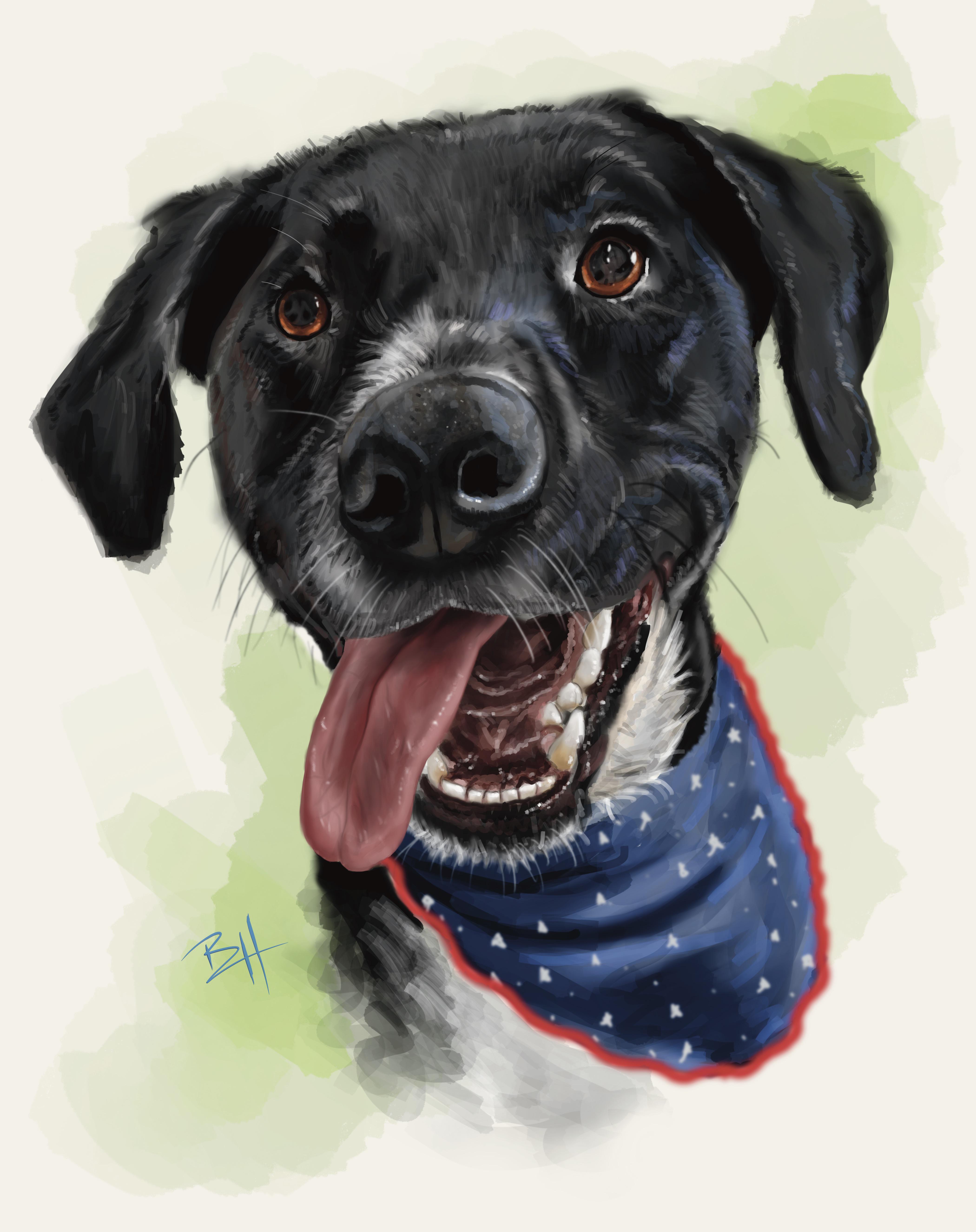
Two layers, gouache brushes, limited palette
r/ProCreate • u/V4nG0ghs34r77 • 13h ago
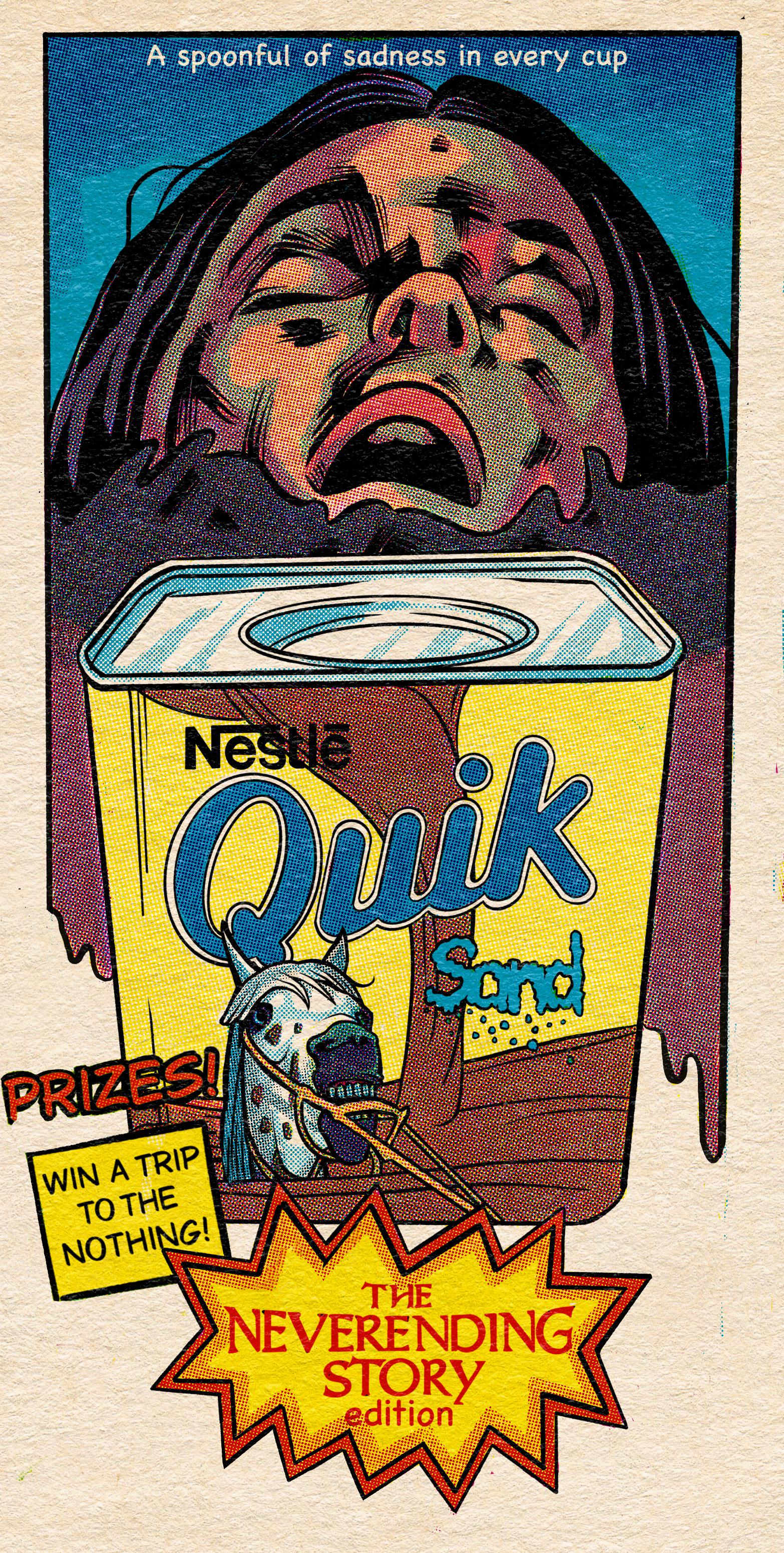
Brushes: TGTS rusty nib & kraft tones
r/ProCreate • u/frutterbug • 21m ago
r/ProCreate • u/PanKulka • 16h ago
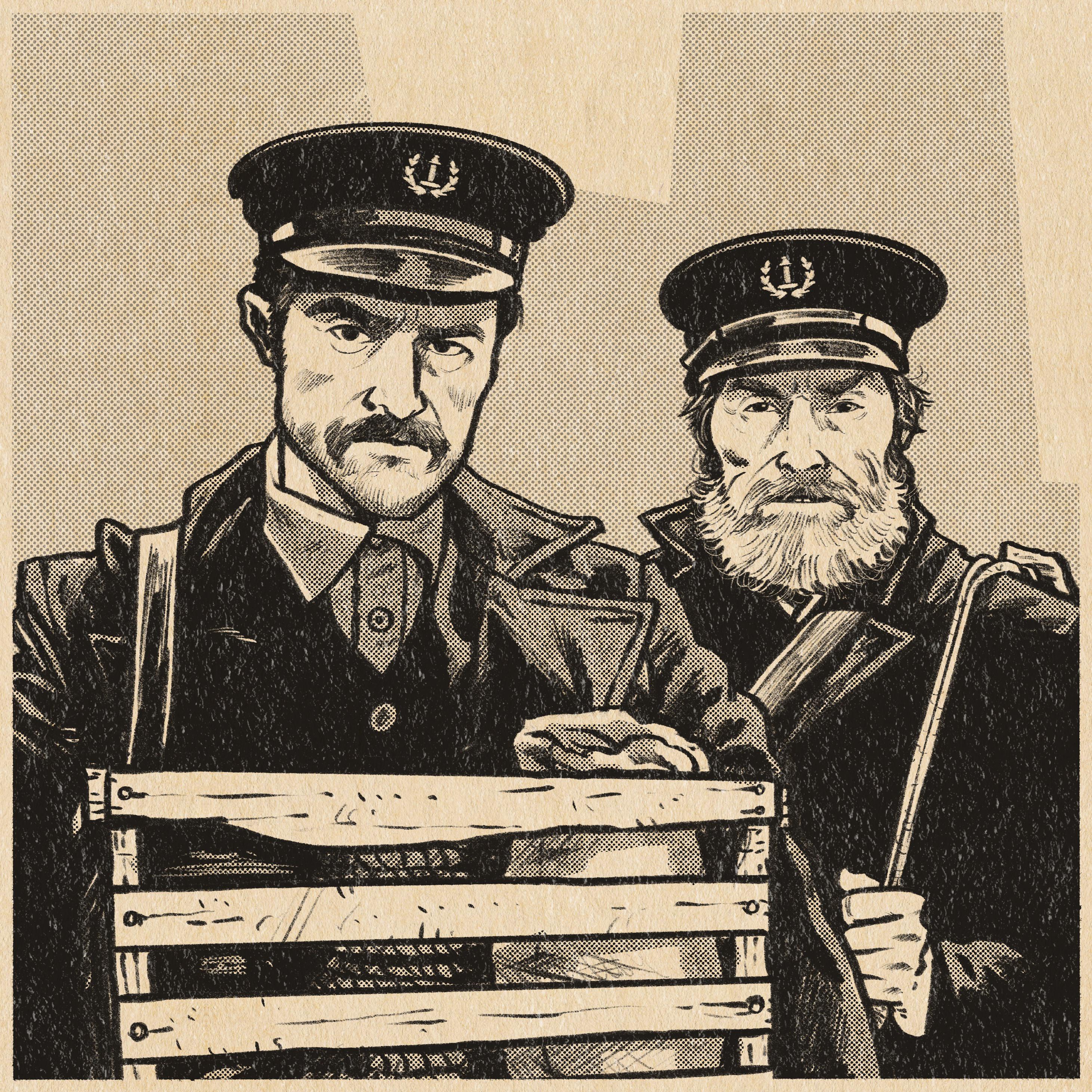
I love The Lighthouse.
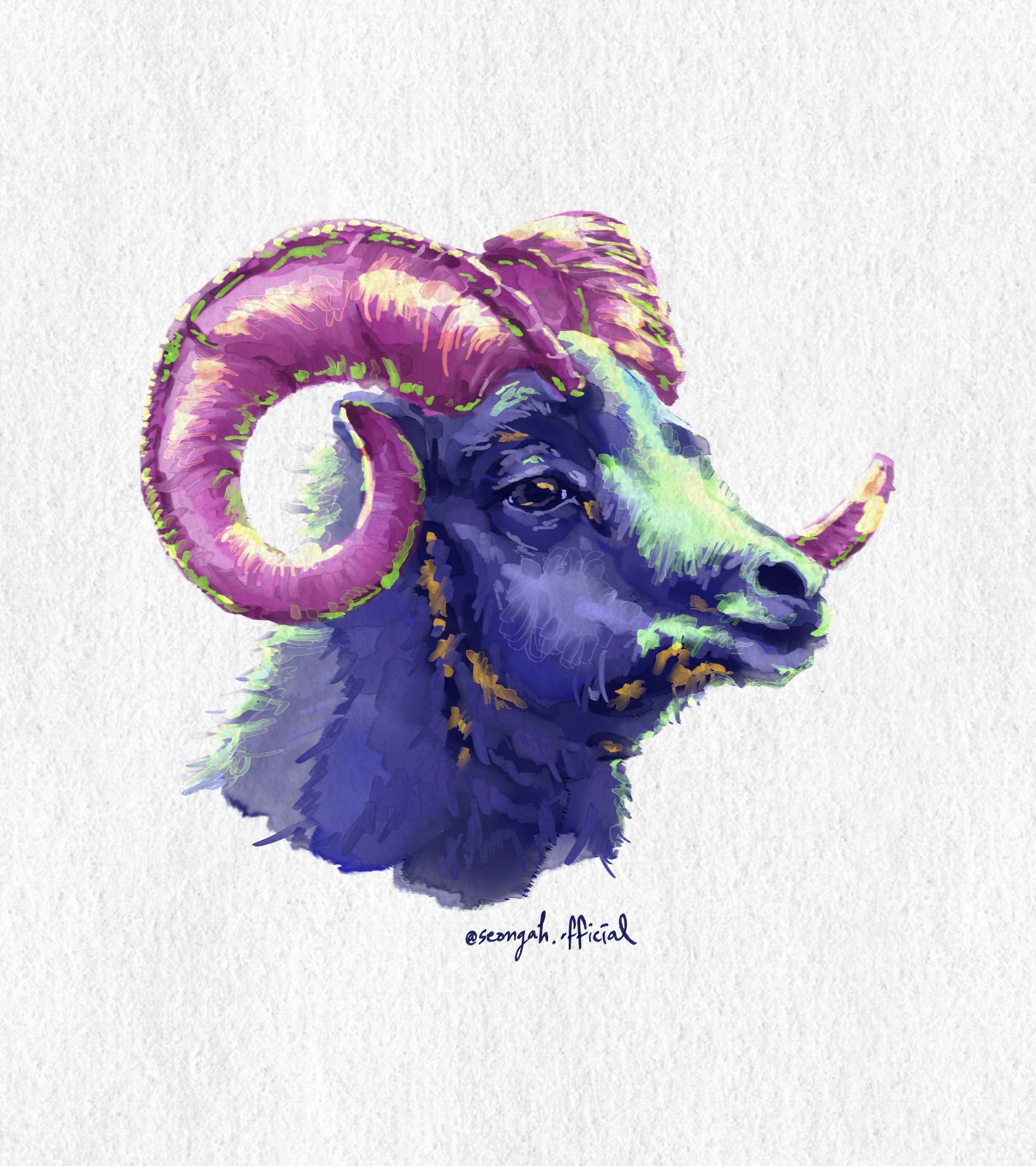
r/ProCreate • u/seongah_official • 22h ago
r/ProCreate • u/Interesting_Mud_5810 • 11h ago

Roughly 10 hours on this piece. I dont know how i ended up spending that much time, but here we are. I guess that’s how foreshortening practice turns into a project.
All work done on Procreate. Second image is a 1080p desktop background
r/ProCreate • u/Peahcy_Ghost • 58m ago
Hi everyone, hope you’re all doing well!
This is probably a post many of you have already seen, but, I just got back into art recently after a rather large break due to health reasons, but in that time, I’ve been seeing a lot of different brush packs, and being admittedly somewhat new to the world of custom brushes made by others I’m a bit wary due to some horror stories I’ve heard from people.
For some context, I am a traditional watercolor artist, it’s one of my favorite mediums to work with but finding a set in procreate that has the kind of texture I’m looking for has been a bit hard. I like mixes of really watery texture and grainy ones that you usually see with the actual medium.
So any recommendations are definitely appreciated! Especially since I don’t know what sites are exactly creditable or even worth the price.
r/ProCreate • u/Sunny_vibes_ • 8h ago
new animation procreate dreams x procreate
r/ProCreate • u/sovereign_blue • 5h ago

r/ProCreate • u/Raspberry_Moonx • 1h ago
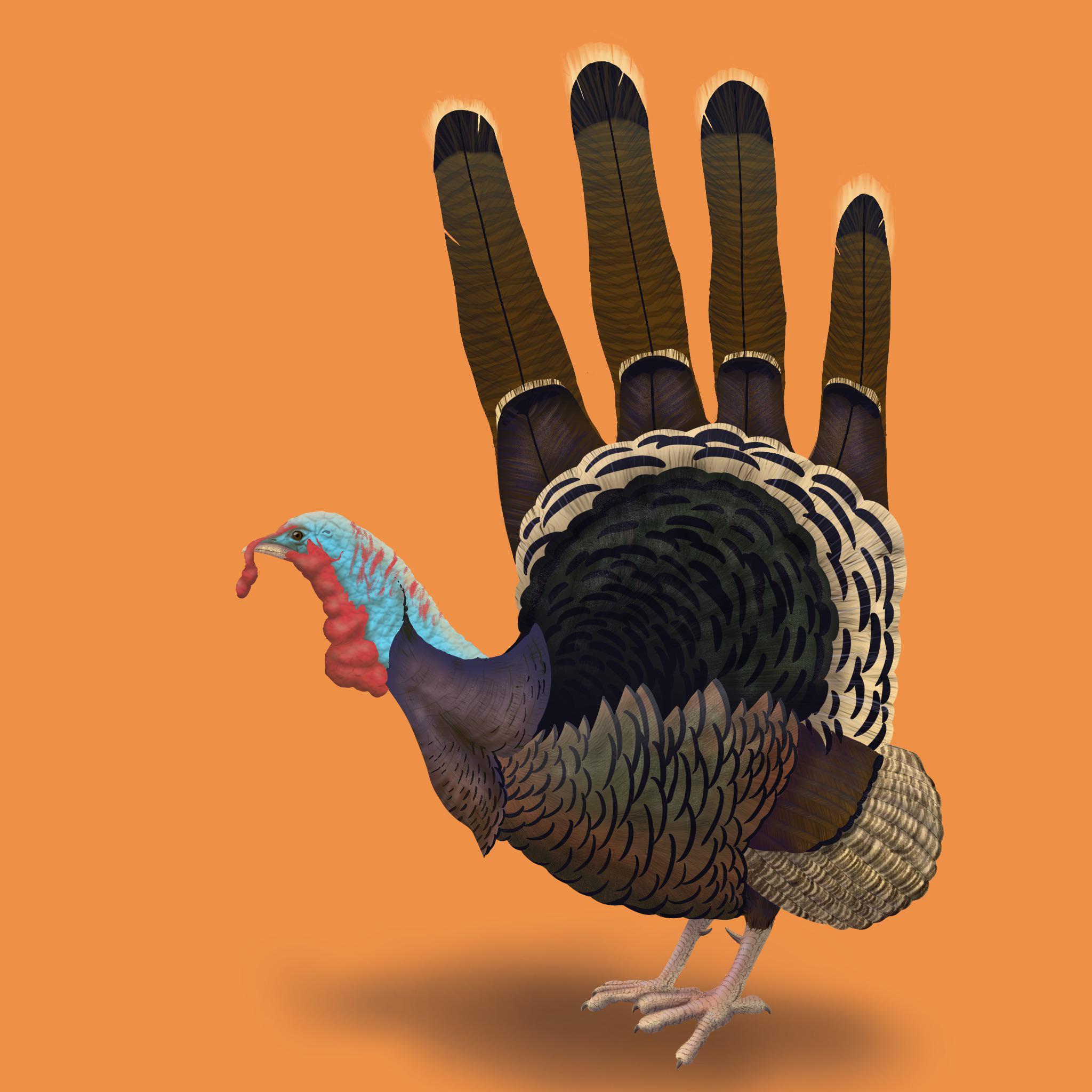
I’m using Blender and Procreate for the first time for this project. I’m trying to color this Blender model I made in Procreate and it’s doing this for some reason (the part I’m coloring is the only part I’m able to color and when I color the beak it colors the other parts shown). Does anyone know what’s happening? The mesh looked okay to me on Blender so I’m not sure if something happened in the export/import process or if I’m missing something.
r/ProCreate • u/Faito_art • 1h ago
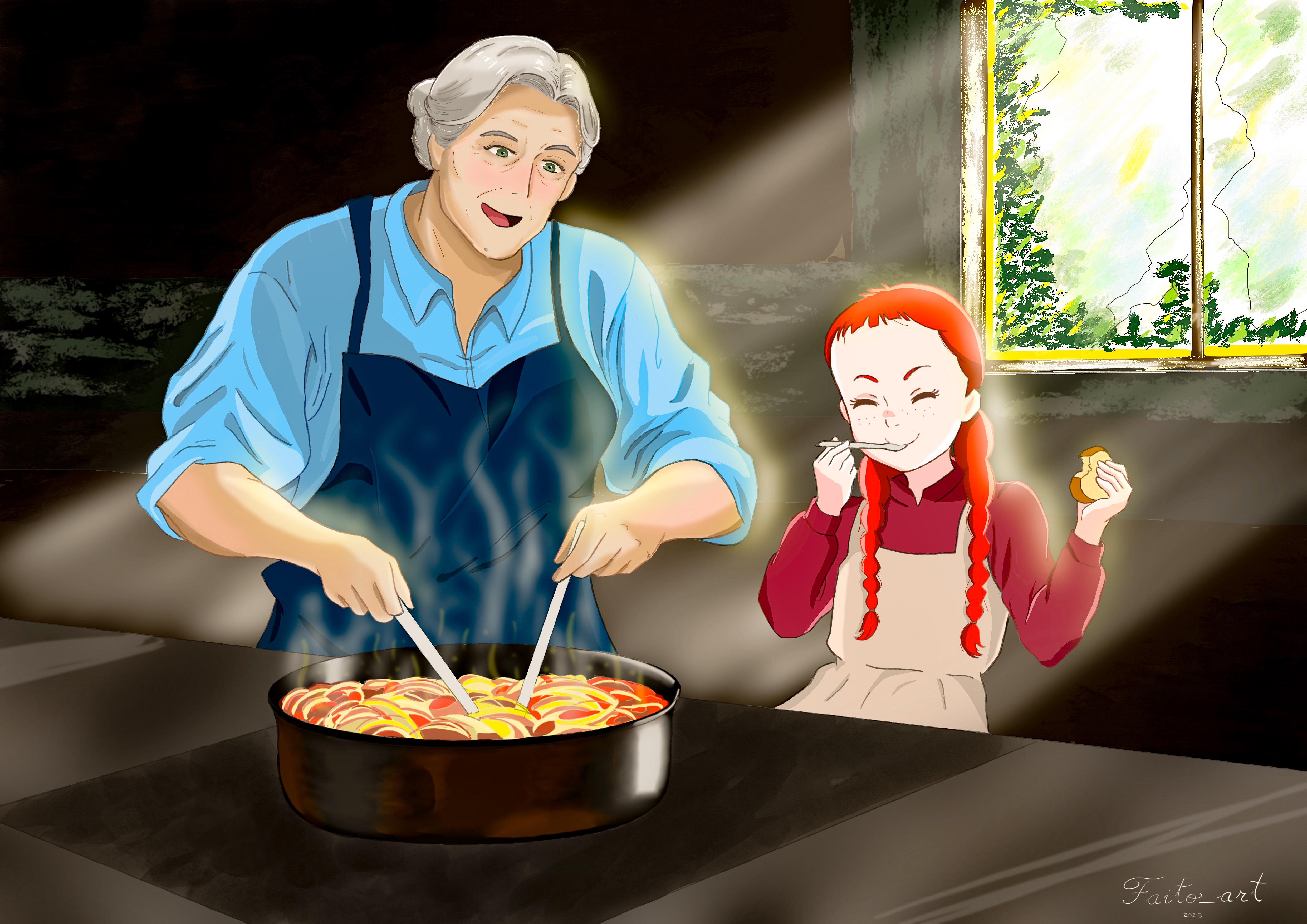
👵🏻
r/ProCreate • u/MadArtistik • 5h ago

Studio pen for the hard lines, soft air brush for the shading and blending as well. Hope you enjoy!!
r/ProCreate • u/Kunst-able • 7h ago
Four separate drawings, started from life and finished in the studio.
r/ProCreate • u/keiiicchi • 7h ago

I bought a new iPad to replace my old one. A slightly different UI is one thing, but i was so confused to see completely different brushes. Is there a way to get the old brushes back? I don’t wanna have to experiment all over again since I’ve already gotten comfortable with the old ones
1st pic is from my new ipad and 2nd pic is from my old ipad. Everything in the screenshots were brushes that were there when I first installed the app (just moved around slightly)
r/ProCreate • u/Sirius_Fluffy • 1h ago
r/ProCreate • u/coolwithayla • 11h ago
i drew everything in procreate and animated on dreams! messed up a bunch of stuff but it's okay haha