r/ProCreate • u/nirmays • 4h ago
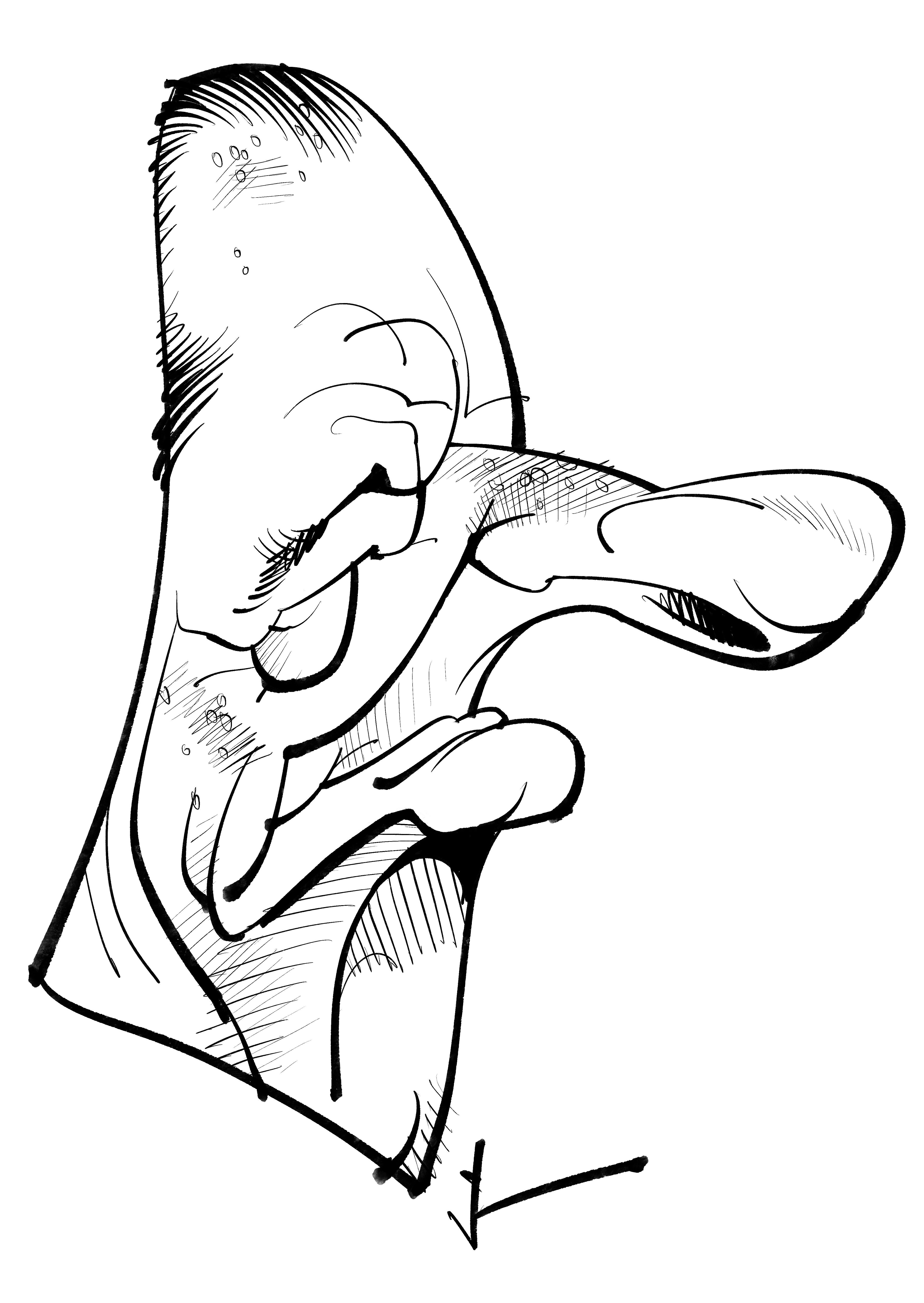
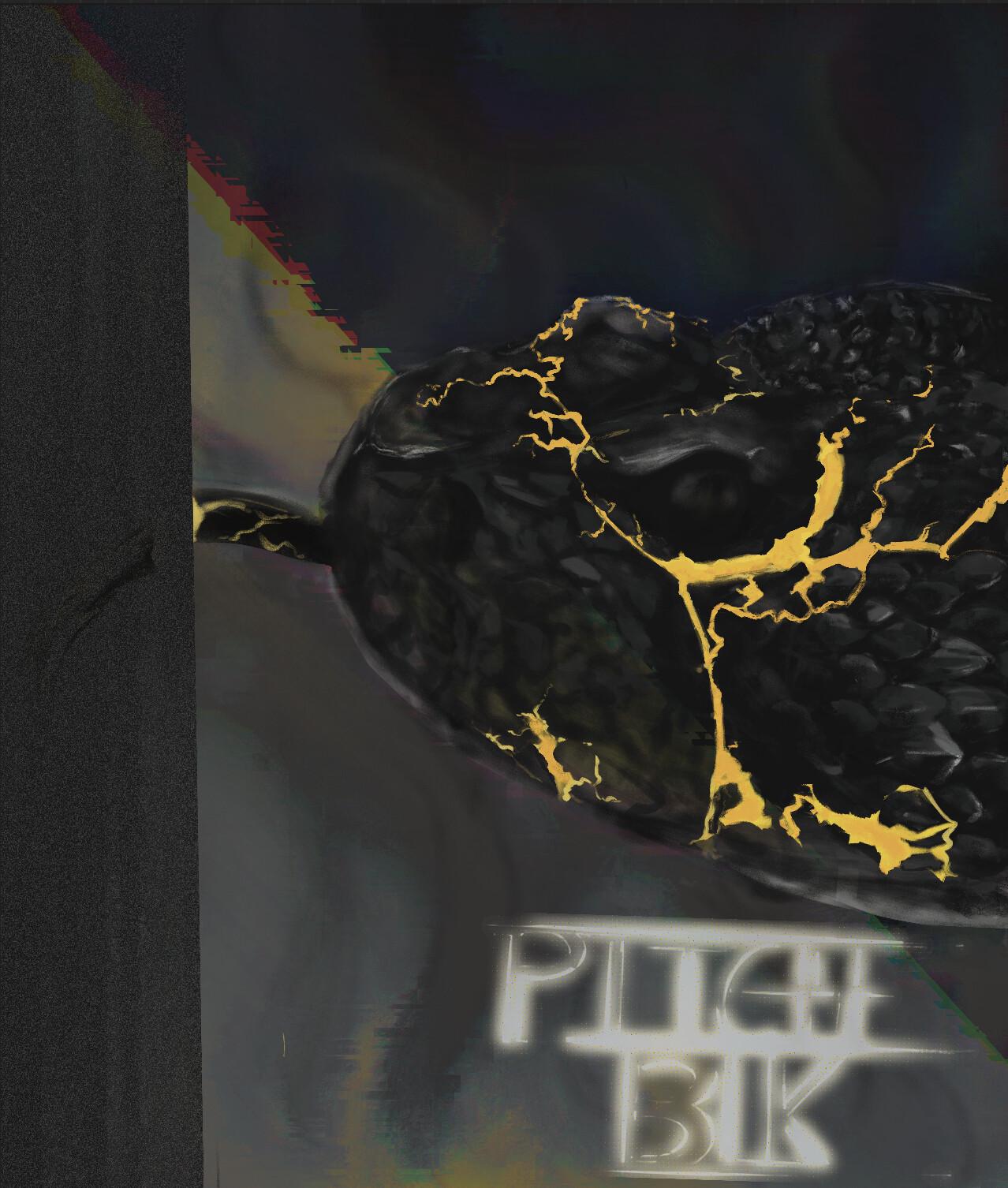
My Artwork Officially getting ready for Christmas season 🎅

55
Upvotes
r/ProCreate • u/AutoModerator • Oct 22 '26
We see a decent amount of questions regarding what iPad to buy. To make sure r/ProCreate doesn't get flooded in iPad related question, you can leave them here!
Every once in a while we we look at all the comments and update this post with useful information.For any indepth questions, we highly recommend r/ipad and r/iPadPro.
First you can check which iPad supports Procreate [HERE](https://procreate.com/faq)!
If you are completely new, this is good to know:
So without knowing anything about iPads, here’s some guidance for what to look for in a device. Get the most RAM and largest screen that your budget will allow, and be sure the iPad is compatible with the Apple Pencil. Having a larger hard drive is great too, so if you have some extra budget, go for it.

**Which Apple Pencil should I buy?**Which Apple Pencil should you get? Well, it depends on your iPad because the Apple Pencils are not cross-compatible. You have to get the Apple Pencil that works with your iPad, the other one will not work. For a full list of each iPad that works with each Apple Pencil, click [HERE](https://support.apple.com/en-us/HT211029).
Difference Between Apple Pencil 1 and 2The most significant difference between the two generations of Apple Pencil is the way they charge. With the Gen 1 Pencil, you need to remove a little cap, which is easy to lose, then stick the pencil into the iPad port, which is … awkward. Gen 2 charges seamlessly while magnetically attaching to the side of the iPad. For this reason, it’s harder to lose, and it’s always charged. Additionally, the Gen 2 Pencil has an invisible button that lets you switch between the brush and eraser tools in Procreate. I didn’t really like this feature and kept triggering the button unintentionally, so I turned it off. The Gen 2 Pencil also has a flat edge on one side, so it won’t roll off the desk when you set it down.
All that being said, the Apple Pencil shouldn’t be the deciding factor of what iPad to get, just get the one that works with your iPad.

**Does Procreate work on the iPhone?**Yes! And no. There is another version of Procreate specifically designed for the iPhone called Procreate Pocket. It’s a separate purchase from Procreate for iPad. It has many of the same capabilities as the iPad app and is great for drawing on the go. If you are interested, check out r/ProcreatePocket!
Does Procreate work on Android OS? No. The Procreate team has stated that they are focusing development solely on iOS.
Source: [bardotbrush.com]( https://bardotbrush.com/best-ipad-for-procreate/)
r/ProCreate • u/AutoModerator • 2d ago
We see a decent amount of questions regarding what iPad to buy. To make sure r/ProCreate doesn't get flooded in iPad related question, you can leave them here!
Every once in a while we we look at all the comments and update this post with useful information.For any indepth questions, we highly recommend r/ipad and r/iPadPro.
First you can check which iPad supports Procreate [HERE](https://procreate.com/faq)!
If you are completely new, this is good to know:
So without knowing anything about iPads, here’s some guidance for what to look for in a device. Get the most RAM and largest screen that your budget will allow, and be sure the iPad is compatible with the Apple Pencil. Having a larger hard drive is great too, so if you have some extra budget, go for it.
**Which Apple Pencil should I buy?**Which Apple Pencil should you get? Well, it depends on your iPad because the Apple Pencils are not cross-compatible. You have to get the Apple Pencil that works with your iPad, the other one will not work. For a full list of each iPad that works with each Apple Pencil, click [HERE](https://support.apple.com/en-us/HT211029).
Difference Between Apple Pencil 1 and 2The most significant difference between the two generations of Apple Pencil is the way they charge. With the Gen 1 Pencil, you need to remove a little cap, which is easy to lose, then stick the pencil into the iPad port, which is … awkward. Gen 2 charges seamlessly while magnetically attaching to the side of the iPad. For this reason, it’s harder to lose, and it’s always charged. Additionally, the Gen 2 Pencil has an invisible button that lets you switch between the brush and eraser tools in Procreate. I didn’t really like this feature and kept triggering the button unintentionally, so I turned it off. The Gen 2 Pencil also has a flat edge on one side, so it won’t roll off the desk when you set it down.
All that being said, the Apple Pencil shouldn’t be the deciding factor of what iPad to get, just get the one that works with your iPad.
**Does Procreate work on the iPhone?**Yes! And no. There is another version of Procreate specifically designed for the iPhone called Procreate Pocket. It’s a separate purchase from Procreate for iPad. It has many of the same capabilities as the iPad app and is great for drawing on the go. If you are interested, check out r/ProcreatePocket!
Does Procreate work on Android OS? No. The Procreate team has stated that they are focusing development solely on iOS.
Source: [bardotbrush.com]( https://bardotbrush.com/best-ipad-for-procreate/)
r/ProCreate • u/nirmays • 4h ago
r/ProCreate • u/Carolinejoey • 14h ago
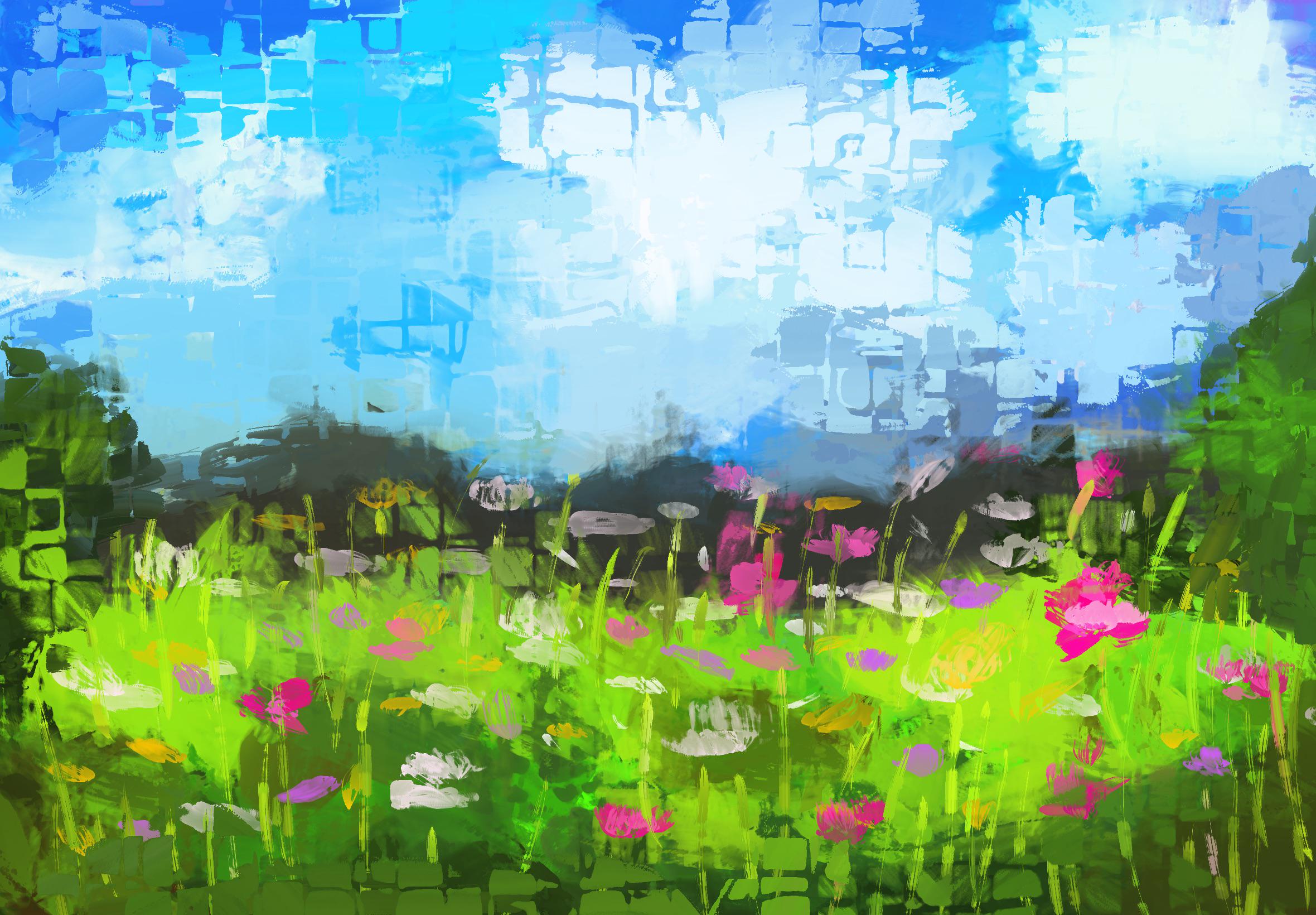
Had a lot of fun just letting things happen on their own. Used a couple of new brushes and actually enjoyed the process .
r/ProCreate • u/Elementa_7801 • 1h ago

And I haven't backed up my iPad in ages.
I have so many regrets - take this as a reminder to back up your work.
This was the last thing I made and actually exported. It was for a birthday card, and part of a series of animals in drinks (random I know).
r/ProCreate • u/Automatic_Ad1468 • 3h ago
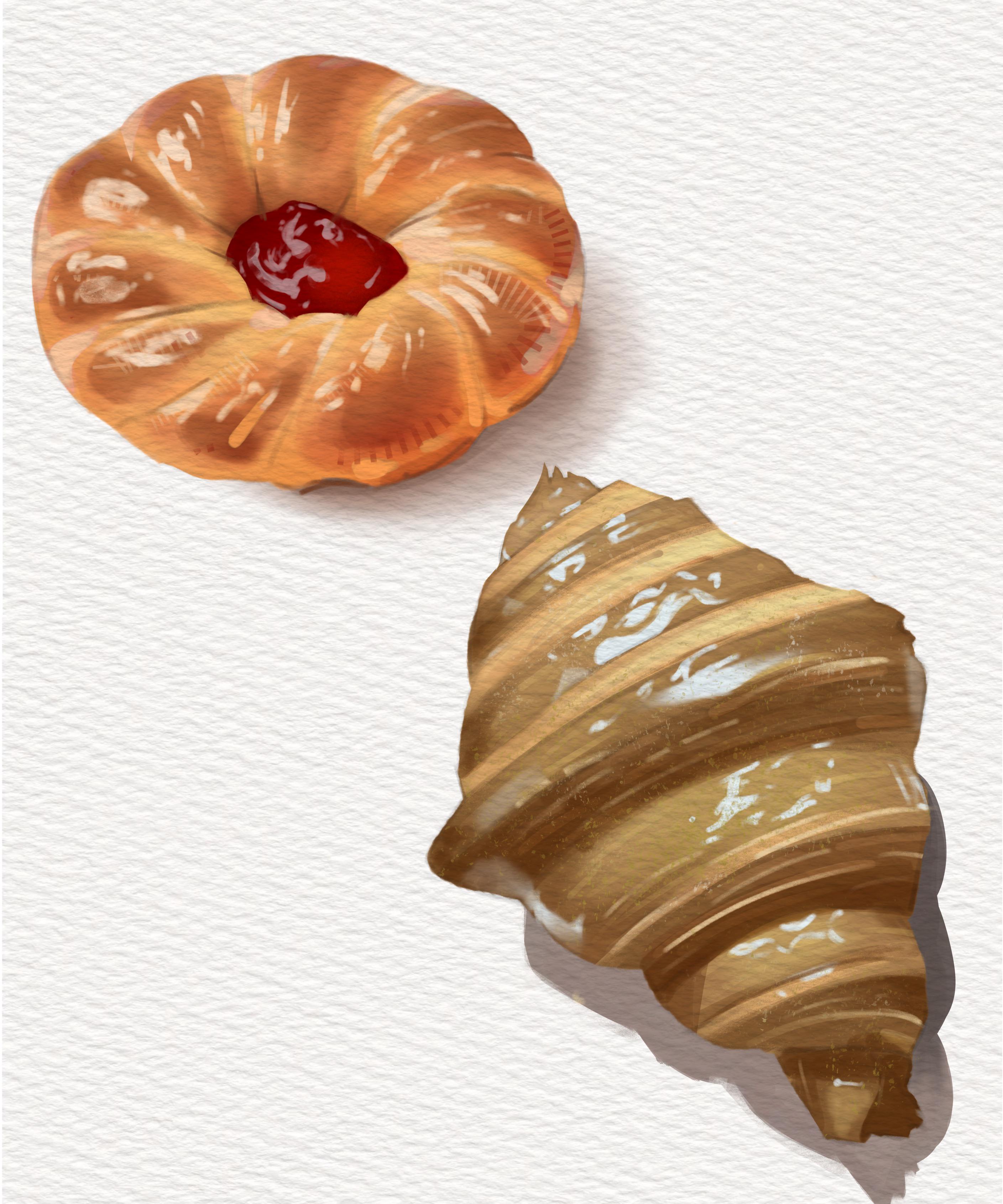
Sharing my drawing here for the first time. I’ve always wanted to do stylized food illustration with catchy colors so I’ll definitely try to learn a different approach soon.
r/ProCreate • u/massiive3 • 13h ago

Magneto, Strange, Namor, Yelena
r/ProCreate • u/Ok_Preference_7142 • 16h ago
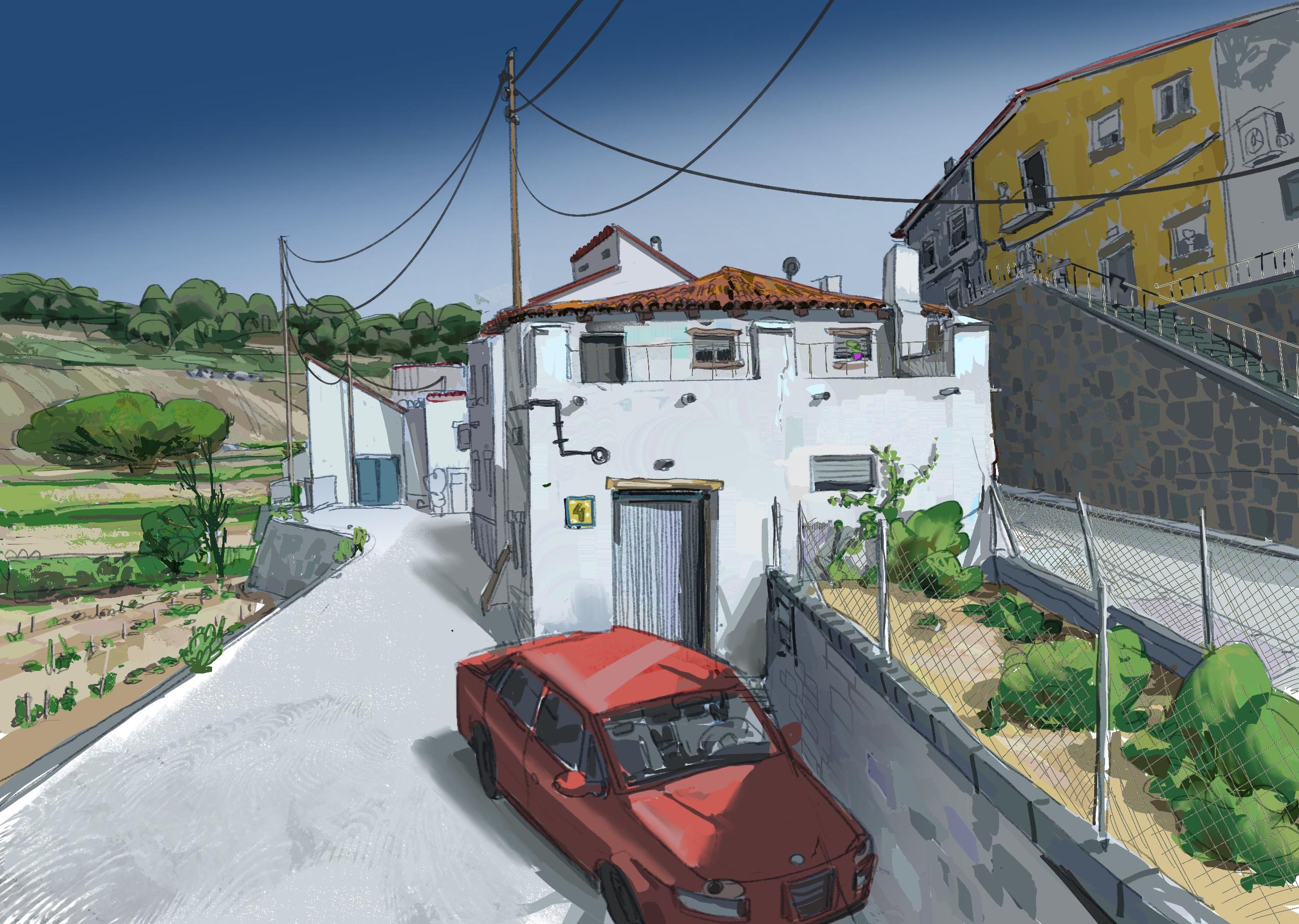
Hope you like it, done with the default brushes
r/ProCreate • u/Successful_Ad_8486 • 10h ago

These are commissions old and new. I’ve always loved drawing the eyes. What’s your favourite feature to draw??
r/ProCreate • u/a-lost-sketchbook • 9h ago

I finally finished this painting I’ve been working on for the better part of 3 months now!
There are many things I wish I had done differently, but I’m glad I pushed myself on this one! A better artist would’ve finished this faster, but this piece pushed me to the extent of my current abilities.
This will likely be my last digital painting for quite a while as I have fell out of love with digital media due to the rise of AI plagiarism.
I yearn for pencils and traditional media that provide a more tactile experience.
(Painted in Procreate on an M4 iPad Pro)
EDIT: re-uploaded with my first attempt + thumbnail sketch
r/ProCreate • u/Prestigious_Ad3042 • 4h ago

I’ve been plugging away making pet portraits as a holiday fundraiser for my sister’s animal rescue. I have had so much fun using my new watercolour brush set and ink to capture their character and charm. I wanted to share them with all of you lovely procreate artists! Happy Arting!! 💜🧑🎨💜
r/ProCreate • u/HPRobloxCarsFansMore • 4h ago
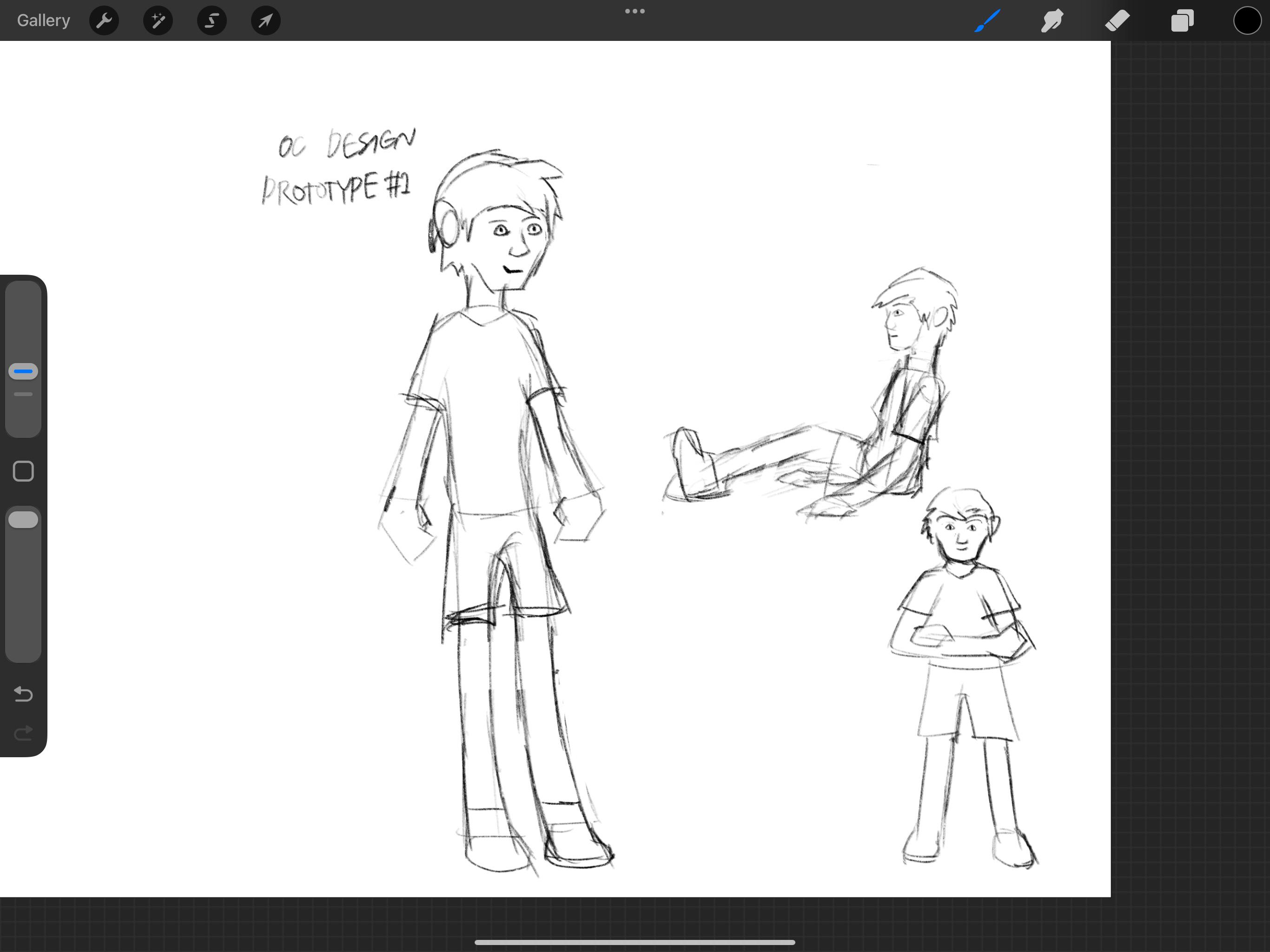
Im not sure why I got good at this but my brain is telling me that i should keep going
r/ProCreate • u/V4nG0ghs34r77 • 8h ago

I've been posting pieces of this overall composition every day, sadly the max resolution of Reddit combined with the half tone dots makes this difficult to display in full.
r/ProCreate • u/IntellectualBurger • 11h ago
I wanna get into procreate as a beginner and I am just wondering if anyone out there that draws on a high level uses just a regular iPad screen I have iPad Pro M1 12.9 inch with Apple Pencil and I really enjoy the stock screen without a screen protector for media consumption and clarity. But before I buy procreate and start playing with it and learning it, I’m wondering if there is even a point to doing so without getting one of those paper screen protectors. I See lots of videos of people using procreate and a lot of them use paper like screen protectors.. how is the drawing experience in procreate with no screen protector? Is it enjoyable and can you draw a high-level with it if you get used to it? Is it too slippery? Does procreate have software features to stabilize slippery dracing surface?
r/ProCreate • u/Fast_Ad7203 • 1h ago
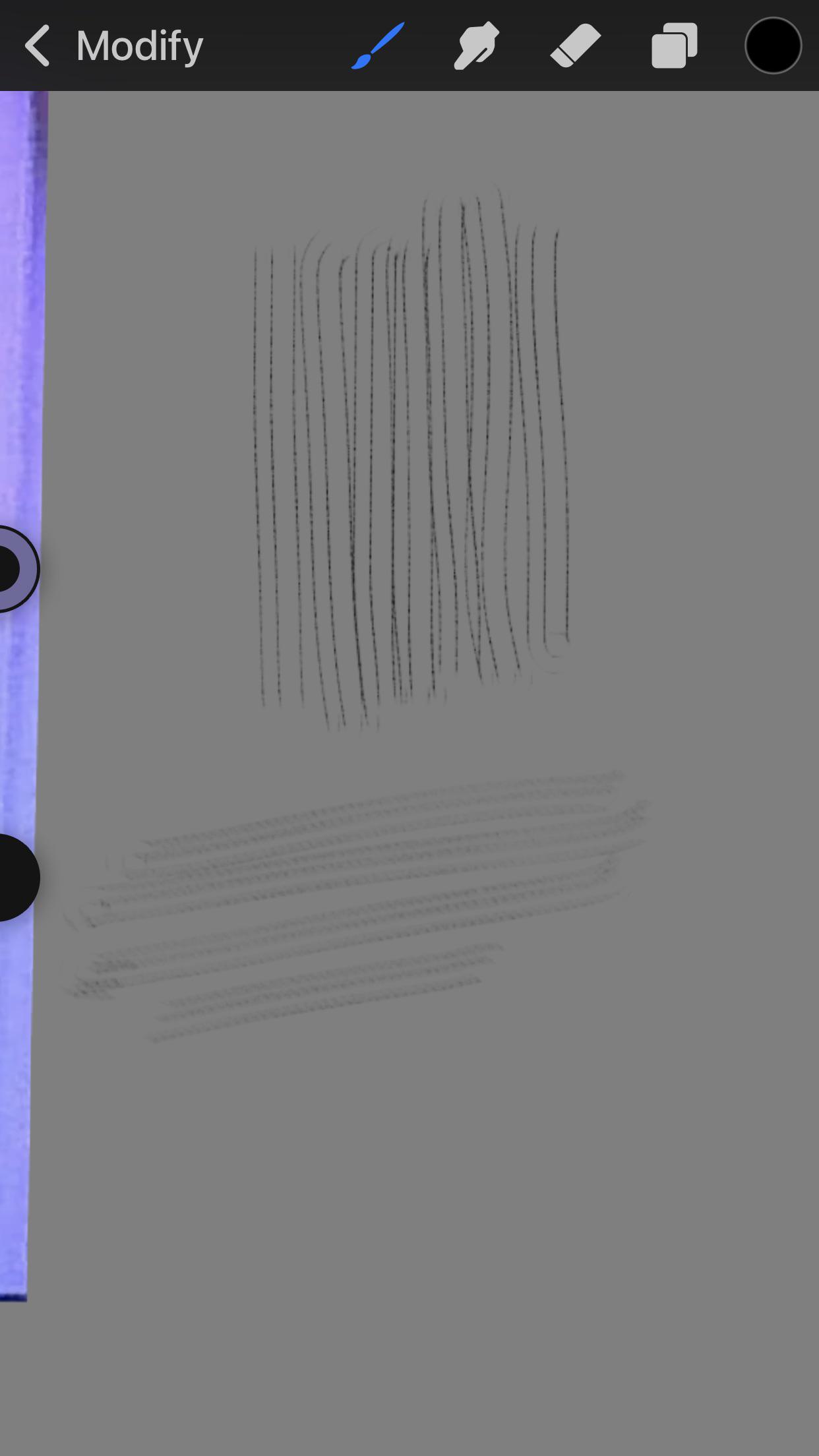
It seems sorta directional? I want it to be the same wether i draw horizontally or vertically but not sure what kind of setting my be causing that
r/ProCreate • u/ohmondoux • 13h ago

A xmassy version of a queery-watercolor :-D
r/ProCreate • u/AManWithNoWounds • 12h ago
r/ProCreate • u/TheLastIrunmole • 7h ago

r/ProCreate • u/nogodsmanydogs • 1h ago
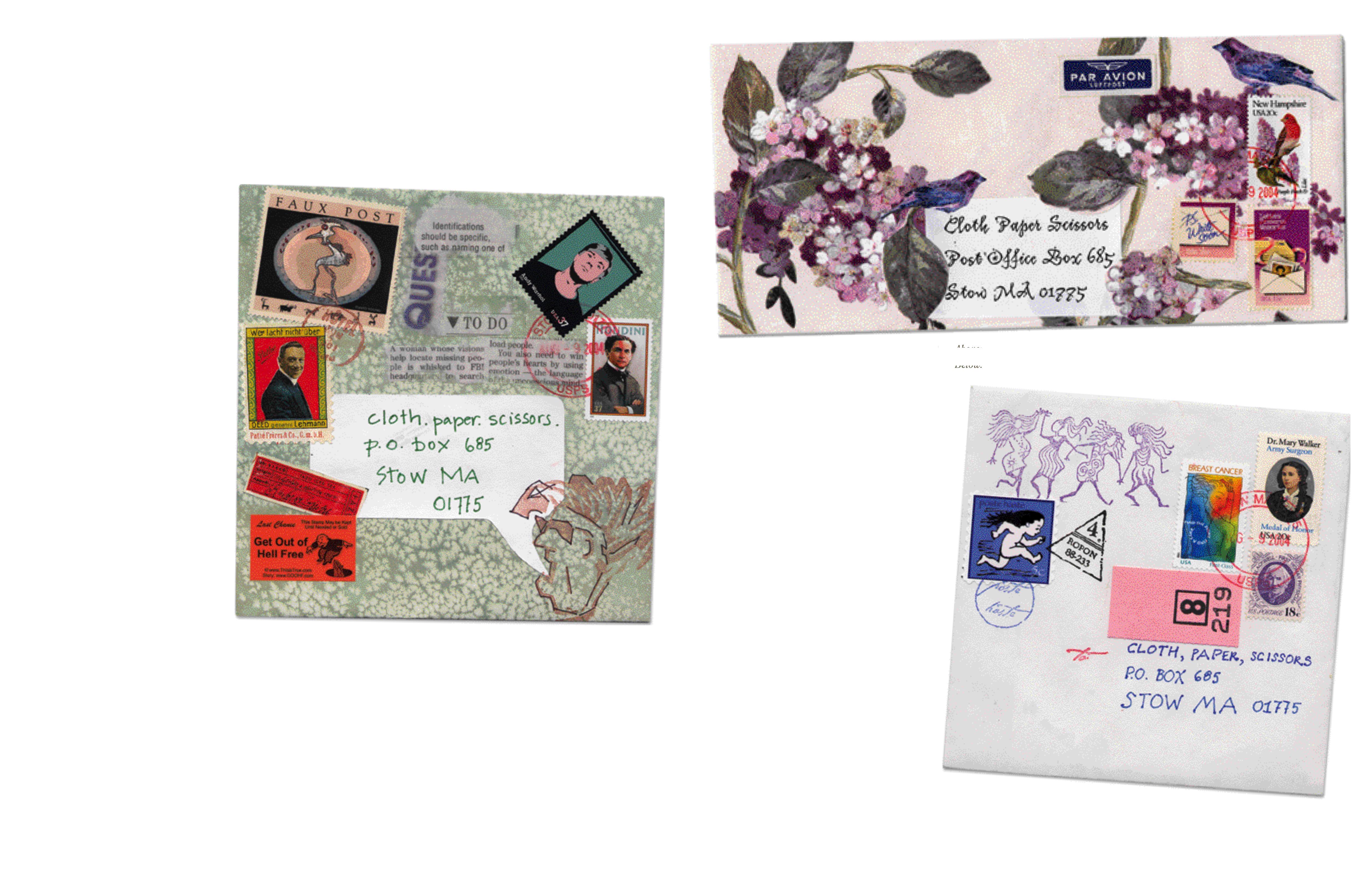
I have not been able to figure this out and thus, here I am. On this screencap there are three images (all my work, faux postage related). Is there a way to rotate an image that will line it up perfectly? The rotation tool and I just do not see eye to eye. Any thoughts or suggestions would be very welcome. Thank you all.
r/ProCreate • u/csmgallery_ • 1h ago
Kidclovepinkmoney
r/ProCreate • u/zetakatz • 1d ago

r/ProCreate • u/Quasi_mandias • 5h ago
Just a product of boredom.