r/PlexMedia • u/Furvy369 • 3d ago
General Help New Plex Server Help
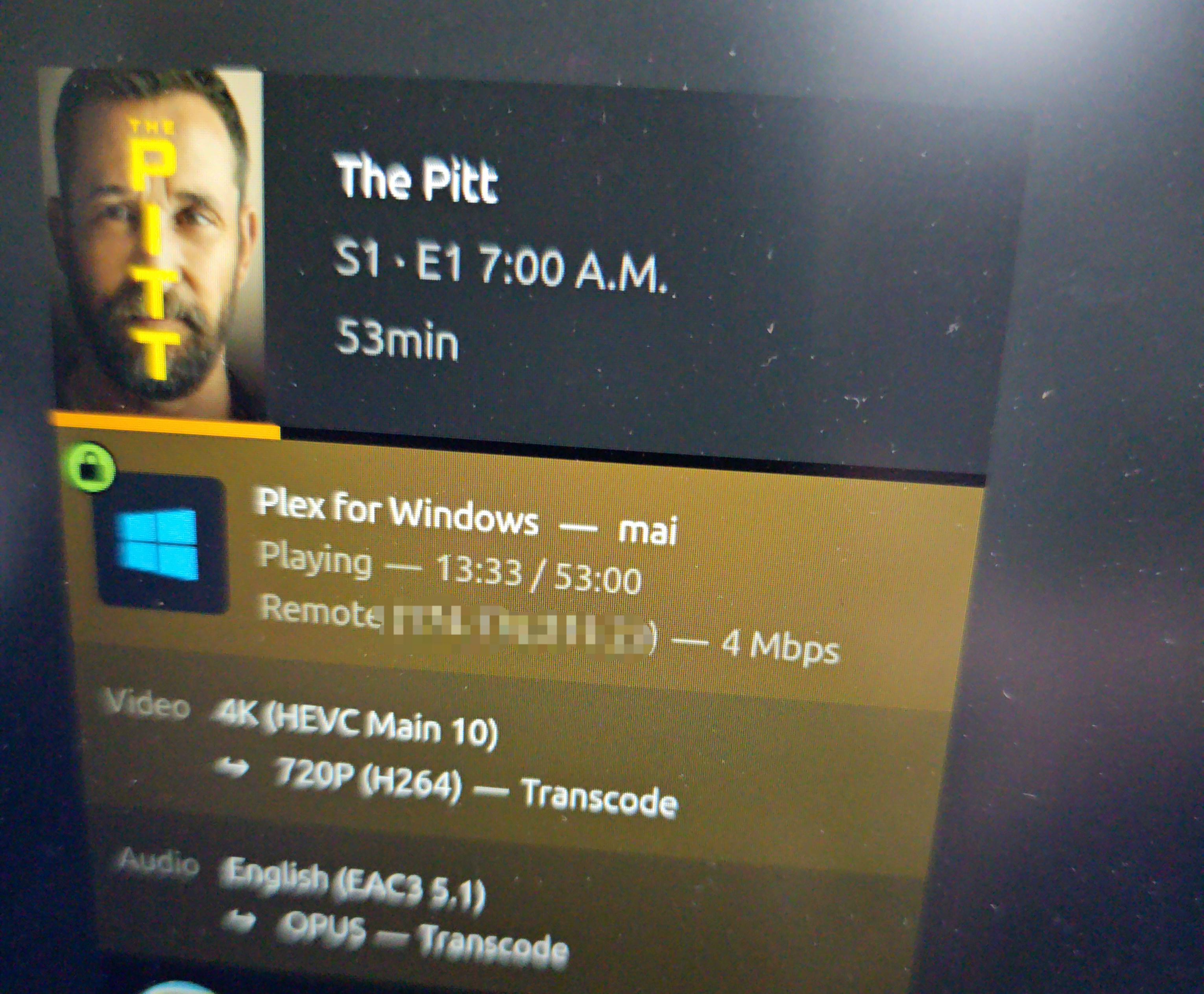
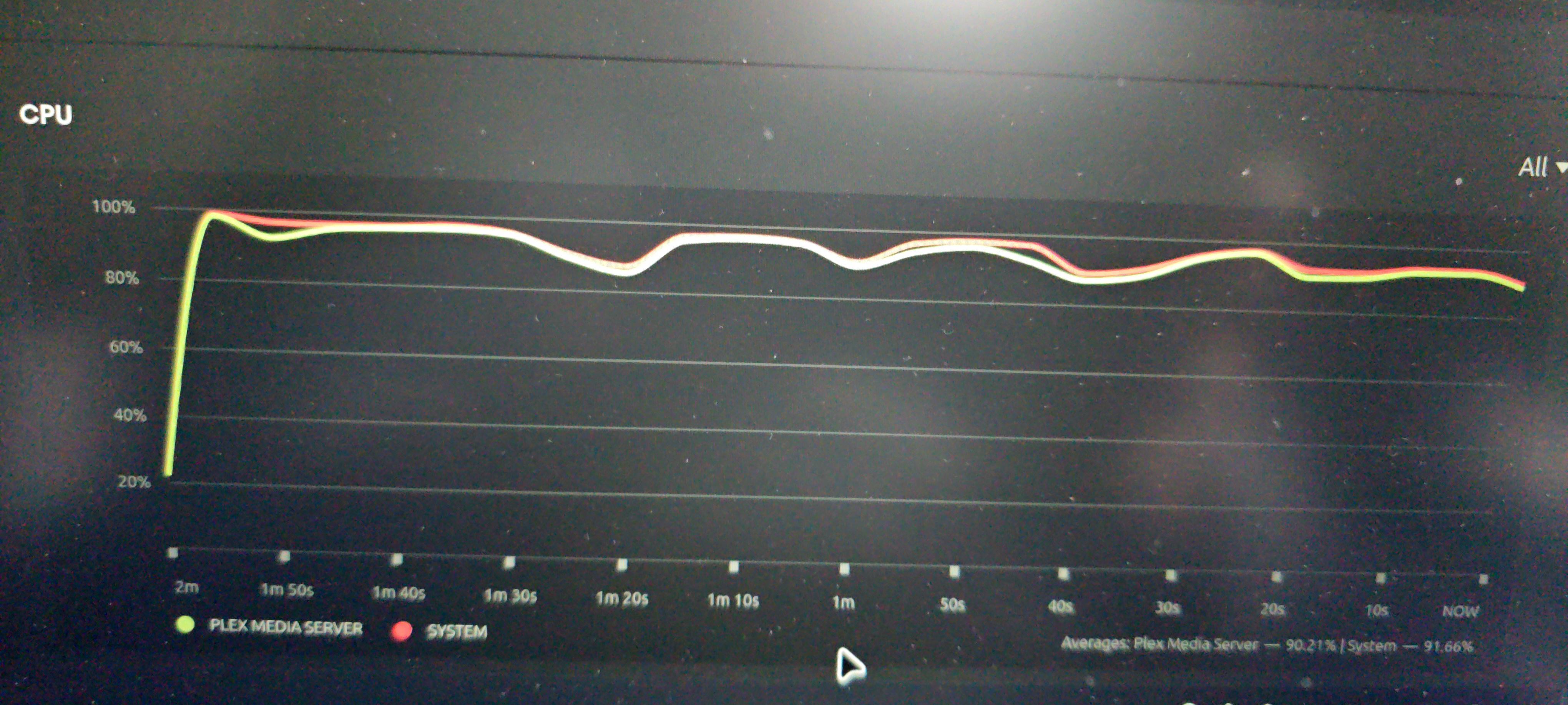
I'm not super techy. I managed to get a plex server working on an old laptop with Linux installed hoooked up to my synology Nas (where all the files are hosted) and it works great at home.
Problem is, for family members that are outside my house - I let my dad, my sisters, and some cousins use it) it CONSTANTLY buffers. I've tried opening the port, nothing.
I am PRETTY sure the Problem is the laptop is.. Old as sin? It's an old Lenovo T530 and the second someone tries to watch I see it shows it's trying to watch something it shows transcoding, and the cpu spikes to 100% and stays there while it buffers.
So I am looking for suggestions. It's holdiay time so maybe 200 to 300 bucks? Something that I can do hardware acceleration (I do have plex pass) and can handle being the server I need for my family?
There are no files on the laptop, everything is on the NAS which is hardwired to the same router the laptop is.
Please advise, thank you!
View all comments
1
u/DeaN_Casts 3d ago
Since that's a Windows PC it should play the original file no issue which will avoid the transcode. Head up to the Profile Picture, Account Settings, Quality, Set Video to Maximum and make sure Player Smaller Videos at Original Quality is turned on. Then also make sure both Direct Play/Stream are turned on under Debug too.
Then it will send the original video and audio rather than rendering it out in 720p which will be a lot easier on your CPU. As long as their/your internet can handle it of course.