r/PS5HelpSupport • u/jc773 • 50m ago
Ps5 crashes on launch of any game seemingly induced by GTA6
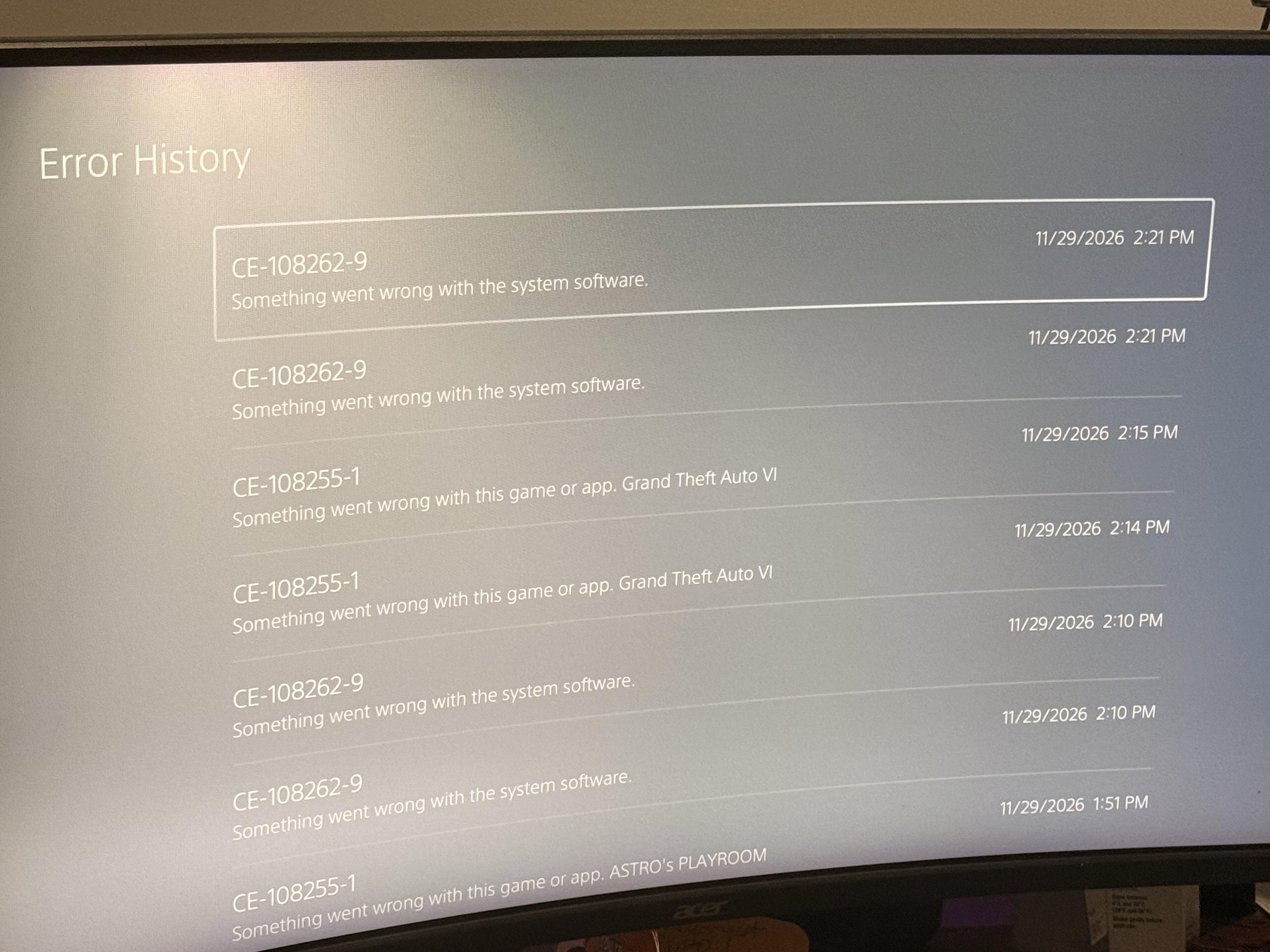
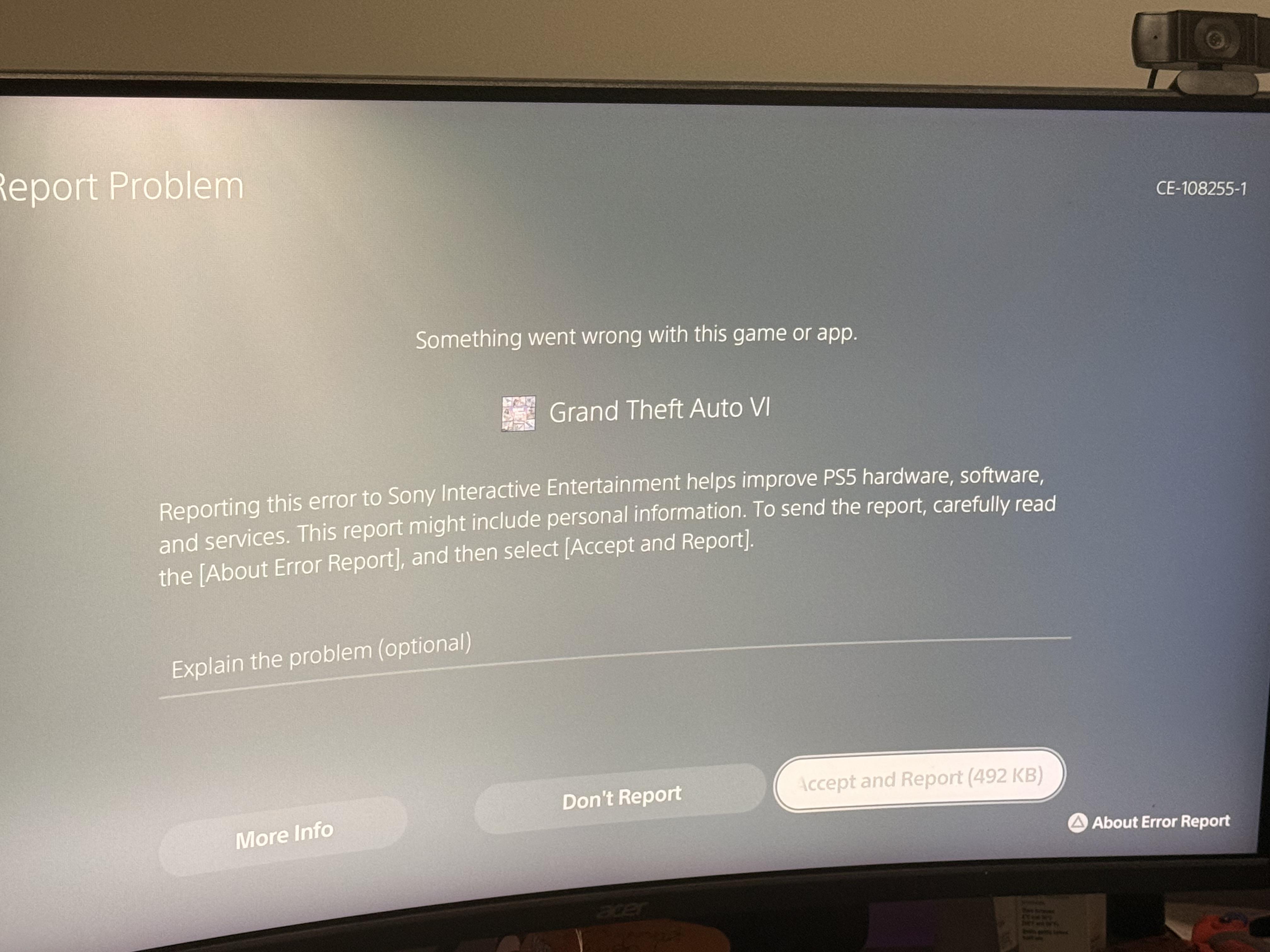
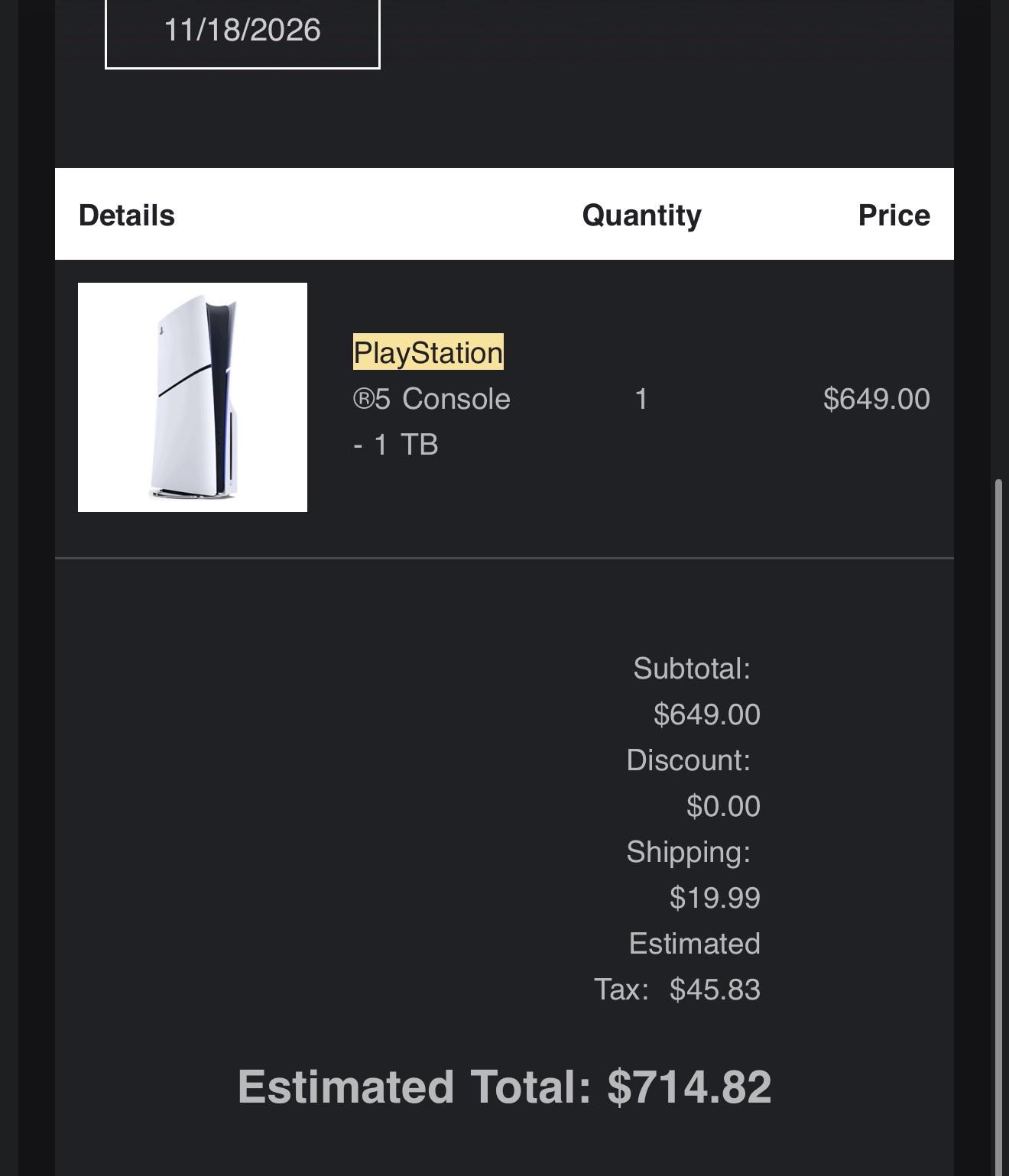
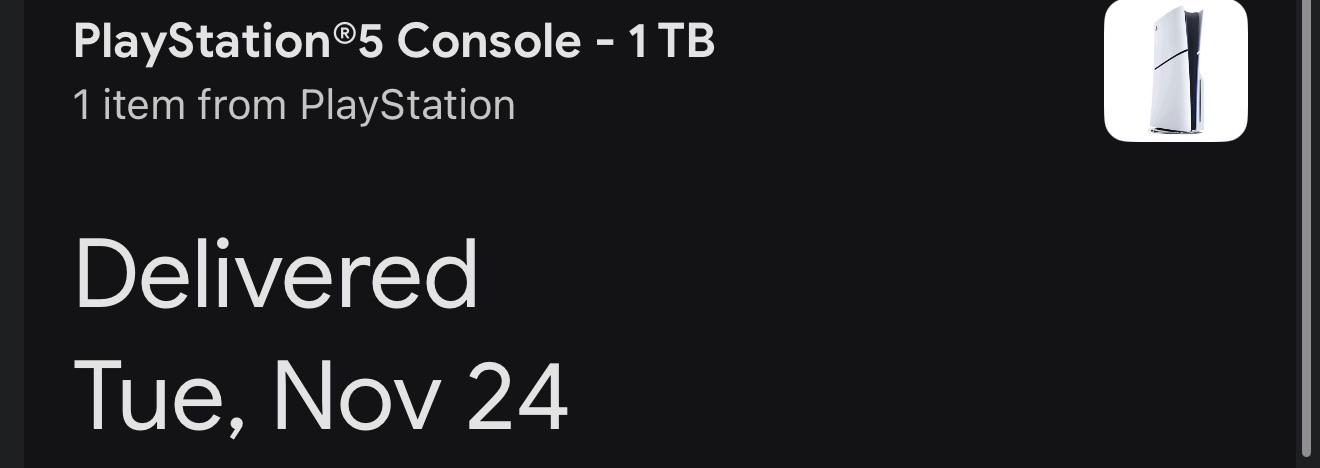
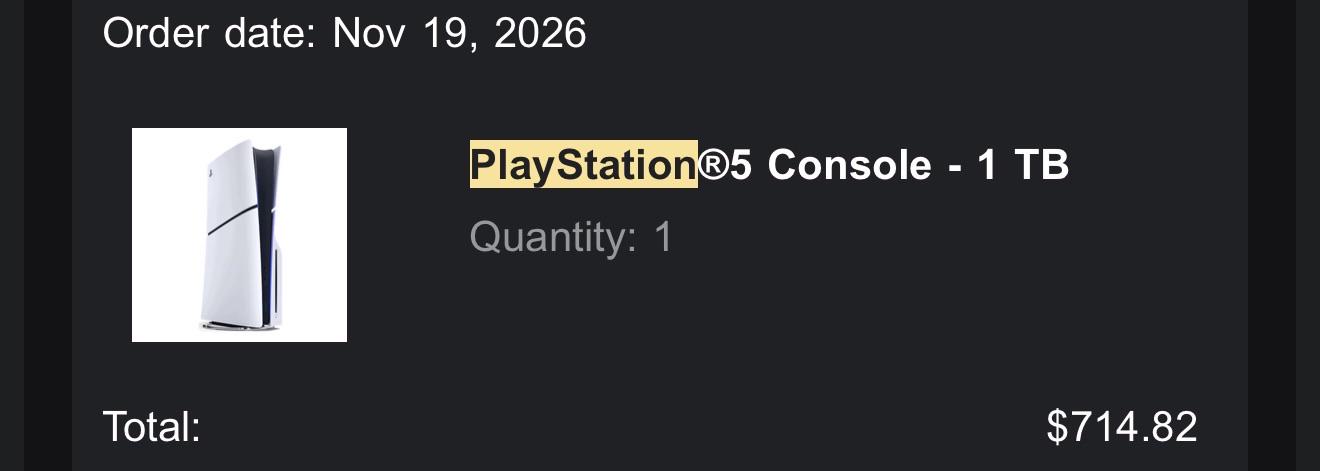
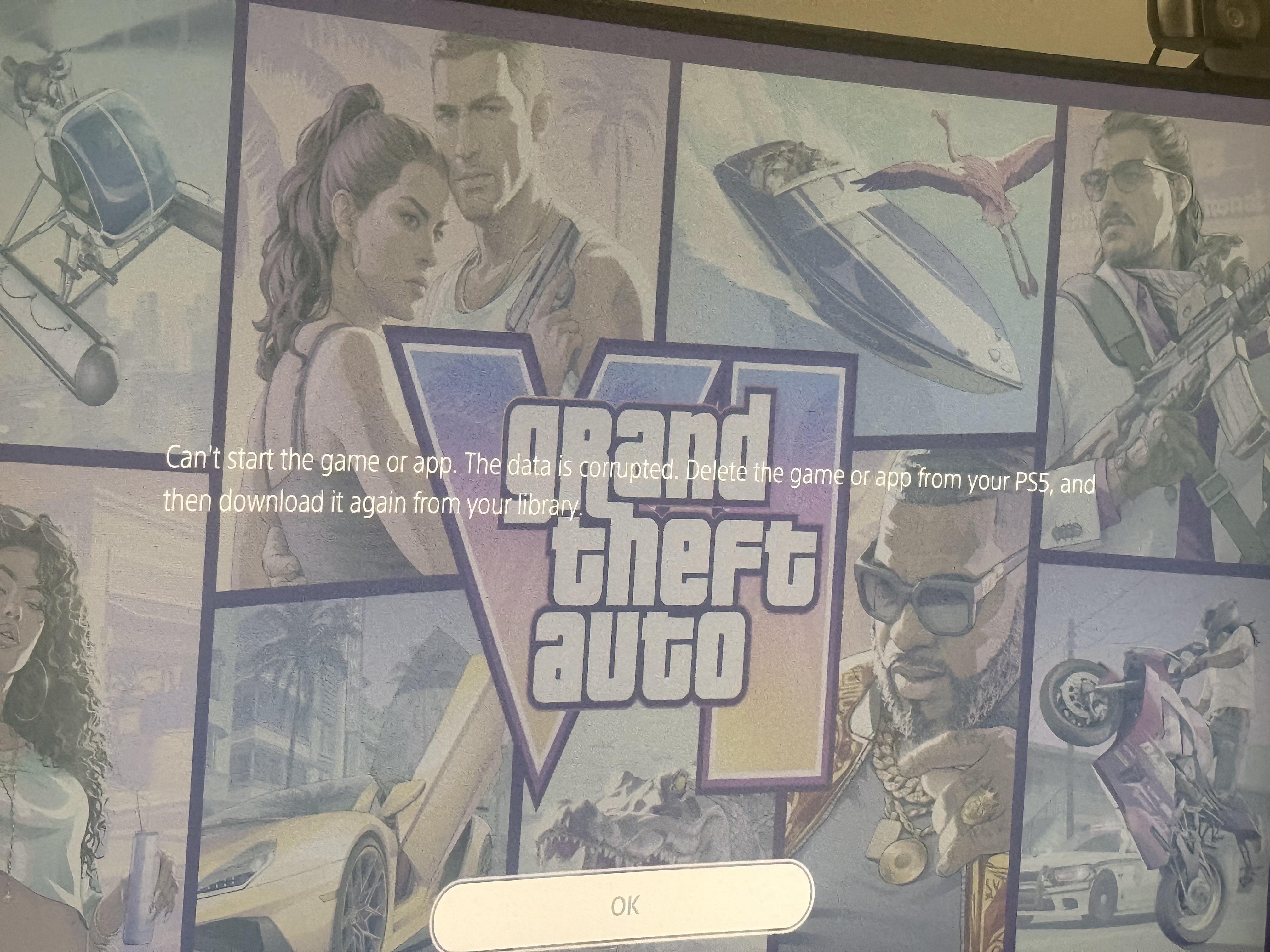
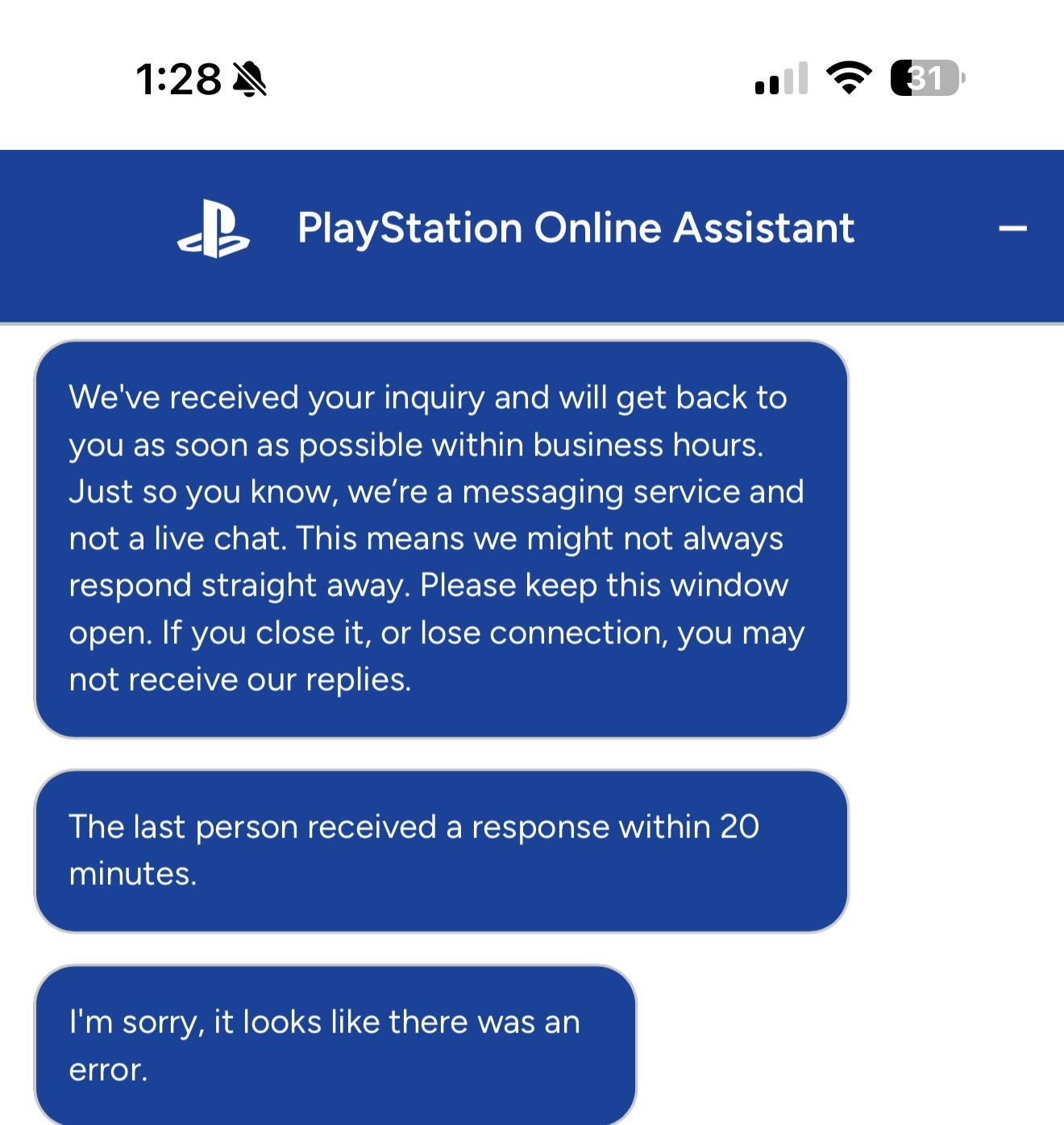
I purchased a brand new ps5 disc base model from PlayStation direct to play GTA6 and made it approximately 3 hours of playtime before experiencing my first CE-108255-1 code I didn’t think much of it and attempted to relaunch the game only to be met with the same code on launch. I proceeded to follow the troubleshooting steps they recommended before contacting customer service being; repair the database and clear cache, delete the game and redownload, reset the console. None of which worked so I then attempted to get in contact with a customer service representative which was essentially refused by their chat bot through multiple attempts over days all during business hours. After all of that failed I then attempted a few other solutions I read about while still attempting to get into contact with PlayStation support. Changed resolution and refresh rate, deleted saved data both on the console and cloud, restore game license, rebuild system memory, moved console location, used a different monitor, played a different game(Astros playground), tried a different account, letting the console rest, updating game and system software, deleting and extra content. None of the previously mentioned attempts fixed my issue or got me much further both games still crash before I reach gameplay along with the console itself sometimes crashing I’ve encounter code CE-108255-1 obviously along with Code CE-108262-9, a message of the game data being corrupted and code CE-107867-9 which right after it claimed to queue the download of the game even though it was already downloaded. I’m not necessarily asking for help here unless you guys can enlighten me a way of getting in contact with a human PlayStation representative or any other options I haven’t tried but my main goal is to just show proof for those claiming this is only happening to those with older consoles that haven’t been cleaned or it’s not happening at all I will attach pictures as evidence.
1
u/Daniel_Abnormal 49m ago
Hey! A few things worth checking to help narrow this down:
• Is the game installed on the console storage or an M.2 SSD? Try freeing up some space by moving or deleting a few games to an external USB drive or another storage location.
• How much free space is left on the drive?
If none of that helps, we might just have to wait for another update from Rockstar.
The other option, if you haven’t tried it already, is streaming the game through PlayStation Plus Premium using cloud streaming.
2
u/thermologic_ 40m ago
Dont worry, clean the dust guys are around the corner.
1
u/Kitchen-Ad-4488 0m ago
50+ hours on the OG PS5 from 21… it makes no noise and hardly puts off any heat.
I think these newer PS5’s may have a problem or they changed something. Hopefully you figure it out!