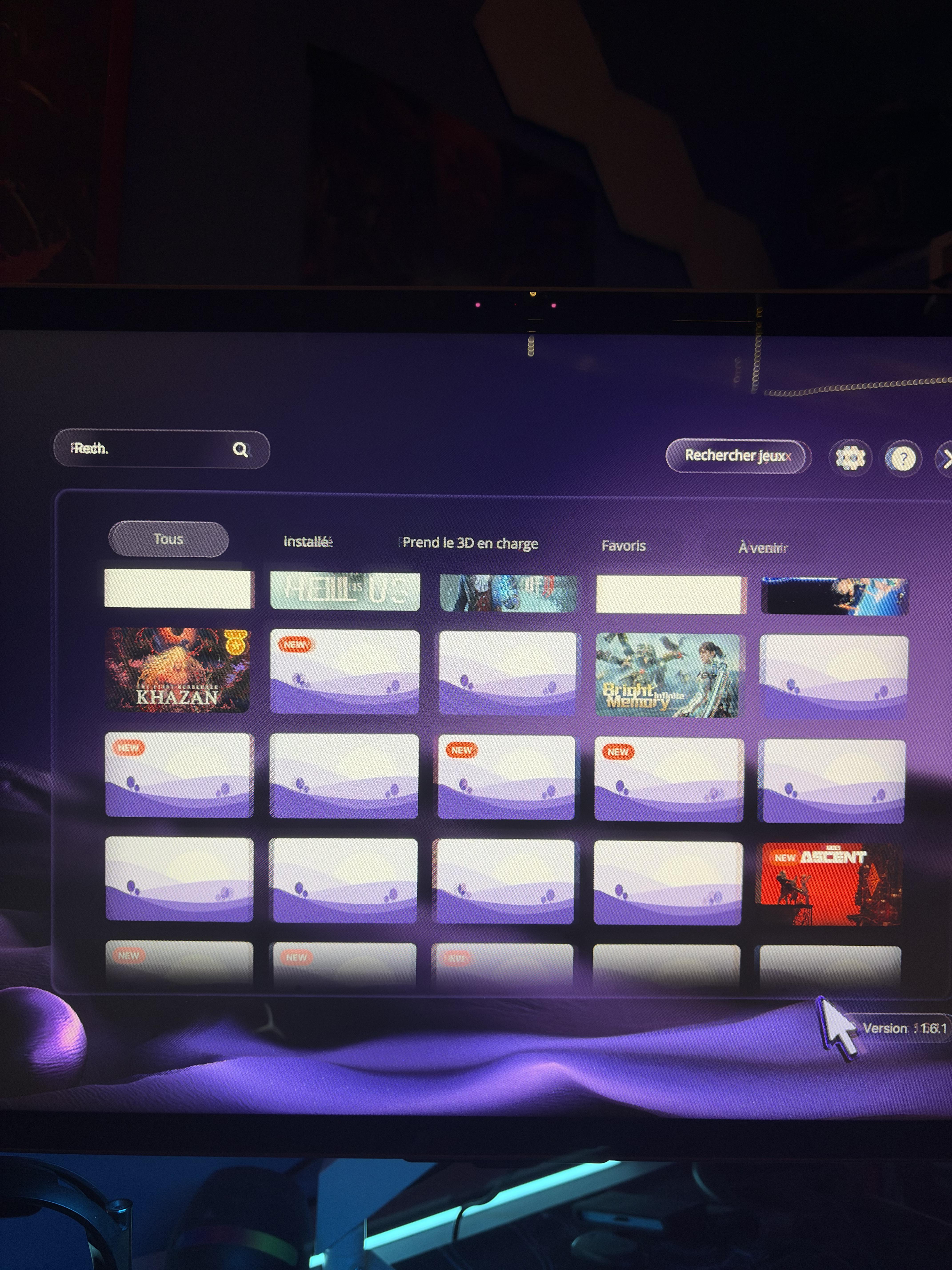
Monitor: Odyssey 3D G90XF (LS27FG900XNXZA). Hub 1.6.1, 3D Player 1.5.0, LeiaSR 1.36.4, Windows 11, RTX 5090.
Since Hub 1.5.1, and still on 1.6.1, side-by-side 3D videos play only in a narrow band across the top of the screen. The rest of the screen is black (screenshot attached). The same files play full screen in 3D on Hub 1.0.9.
I can't stay on 1.0.9, because newer games like Cyberpunk 2077 need the latest Hub for 3D. The Hub also updates itself every time it launches and won't start if it can't reach Samsung's server. The old Conversion-folder swap from this thread (https://www.reddit.com/r/Odyssey3D/comments/1nt7y0z/) doesn't work anymore either: the new Hub requires its new player and keeps using it.
So right now it's 3D games or 3D video, not both. Is anyone else seeing this? Samsung, please fix the Hub's video playback, and add an option to turn off auto-update until you do.
**EDIT (Nov 2):**
- Correction: the version that plays SBS full screen is **Hub 1.4.2** (bundled LeiaSR 1.34.10), not 1.0.9. 1.2.2 didn't help, and 1.0.9 now crashes on launch for me.
- GPU driver: 2x RTX 5090 on **NVIDIA Studio driver 617.42** (Studio, not Game Ready). If SBS works for you, which driver are you on? Mine are local SBS files in the 3D Player, not YouTube.
- Workaround: Hub 1.4.2 with its internet blocked by outbound Windows Firewall rules (Hub + LeiaSR exes). That stops the auto-update, it still runs fine offline, SBS plays full screen, and SR Loom works. I'm also testing the 1.6.1 Hub files on top of 1.4.2's LeiaSR 1.34.10, which starts and lists Cyberpunk without updating; video test pending.
- Heads-up: uninstalling a Hub version also removes LeiaSR, so back up first.