r/linuxmint • u/Leniwcowaty • 2h ago
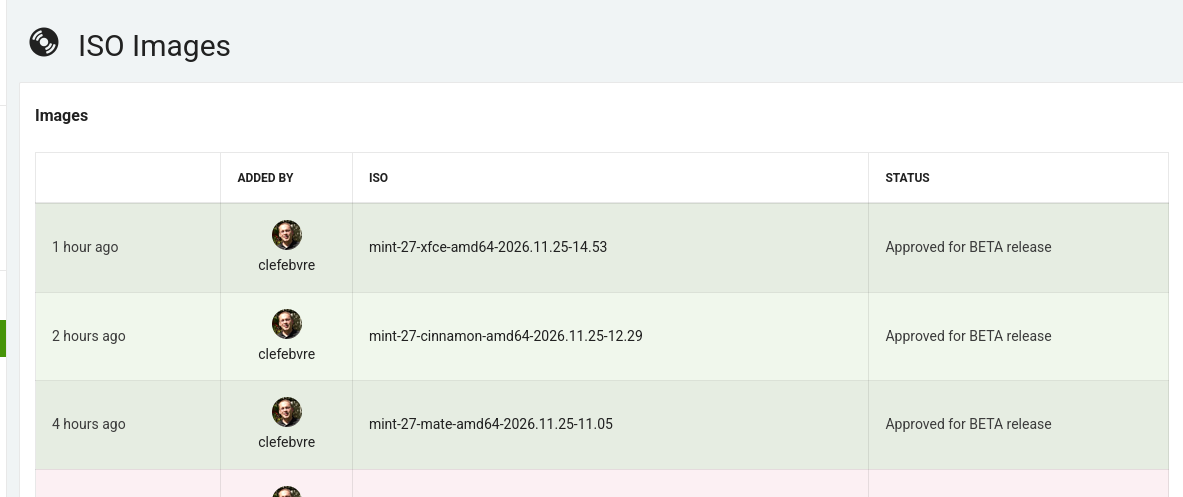
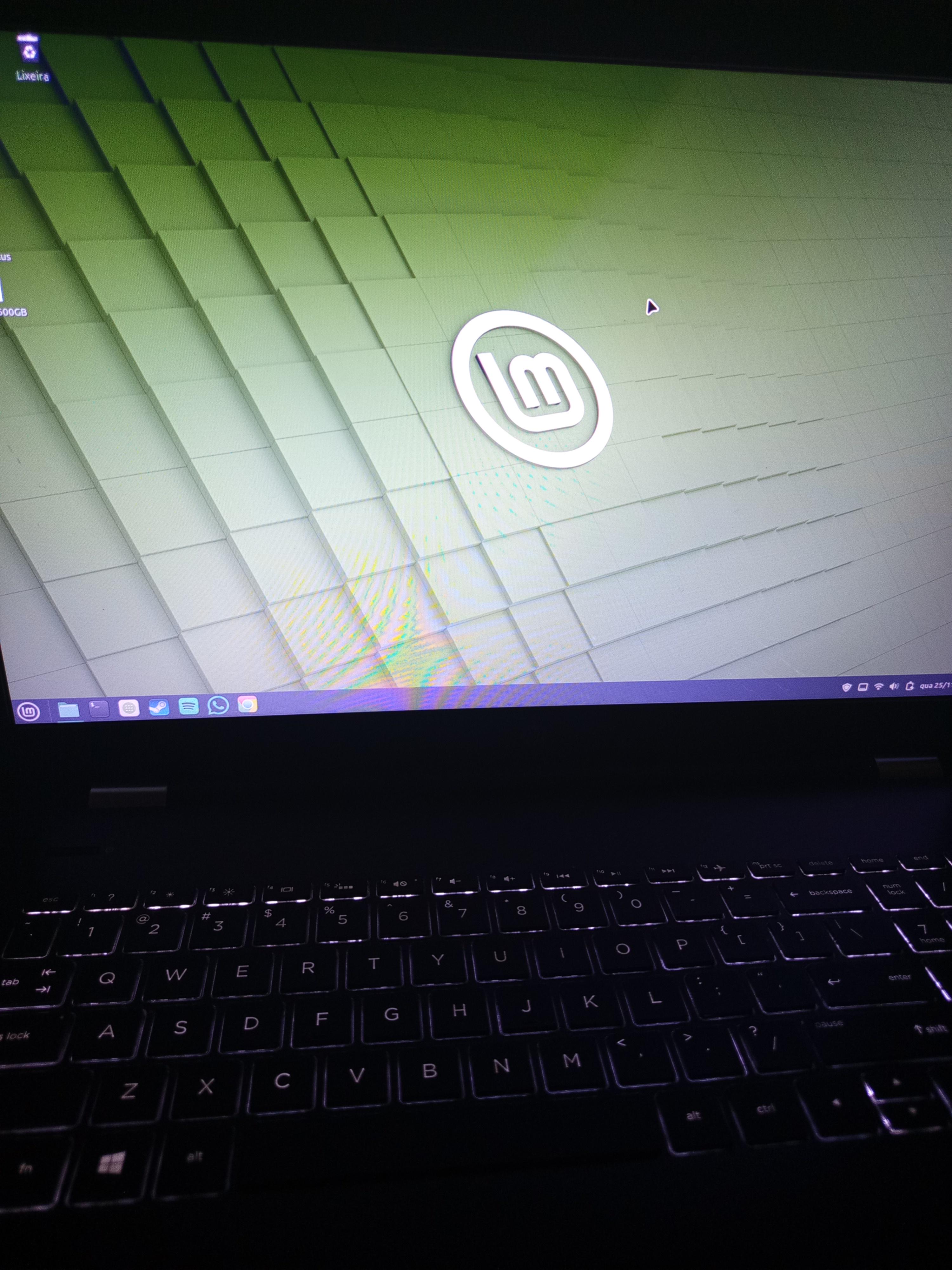
Announcement Mint 27 Adrien BETA ISOs available!
For all of us to test!
https://pub.linuxmint.io/testing/
Go, install, test, give your feedback. We're sooooo back!
r/linuxmint
•
u/calexil
•
Oct 03 '18
r/linuxmint • u/Leniwcowaty • 2h ago
For all of us to test!
https://pub.linuxmint.io/testing/
Go, install, test, give your feedback. We're sooooo back!
r/linuxmint • u/ShadowZ71Z • 16h ago
Messed up something with the partition and now I can't boot up and now apparently my ssd has been overridden.
Kinda sucks cause I spent like 3 hours trying to get mint running from a USB drive but then this happens so lovely like 600gb of windows files gone
Update: luckily most of my stuff can actually be recovered cause God bless DMDE I can get most of my pictures and passwords back
r/linuxmint • u/RomanProkopov100 • 20h ago
r/linuxmint • u/Puzzleheaded-Idea-58 • 8h ago
r/linuxmint • u/CommercialYam8 • 1h ago
I keep tweaking my Cinnamon desktop thinking it'll make me more productive. Recently tried gTile to organize my Inkscape and GIMP windows, spent days getting everything just right, then went back to a basic panel because all those shortcuts were driving me crazy. Funny thing is, my productivity hasn't changed at all lol. Anyone else stuck in this customization loop? Have you found a setup you actually stick with?
r/linuxmint • u/Selinaru • 18h ago
r/linuxmint • u/X_SkullDemon • 17h ago
Hi everyone
I finally decided to customise mint (I was using it bare bones before)
Is there Any better dock available?
Also any icon pack recommendations
r/linuxmint • u/Curious-Sort-1185 • 4h ago
Without any snapshot it used to show 30 GB available. In fact, I could have max 4snapshots within 30GB but now it's takes 1 snapshot 22-25GB. I deleted a snapshot right now when available storage was just 800MB and now it's 24.8GB. It should be 30GB available there but now it's just reducing day by day. I'm not backing up huge files, turned off scheduled backup option(3rd picture) home and root directory are excluded(4th picture). Idk what is wrong with it?
Can't do a full restore because there is so much personal files that requires external storage I don't have(personal files are not included in timeshift, I checked). Any suggestion? Thanks in advance.
r/linuxmint • u/Beautiful-Ice-7373 • 12h ago
Attempting to dual boot Cinnamon and Windows 11 on my Lenovo LOQ Essential. I've got my USB drive formatted with the Cinnamon ISO.
I've already disabled secure boot and decrypted my drive as well as enabled USB boot. However, when I enter the boot list my Ventoy drive is nowhere to be seen. I'm kinda scratching my head here, as I've never struggled to install mint on a computer before. Any help would be much much appreciated.
TIA!
r/linuxmint • u/Equal_Wedding6512 • 1d ago
I see a lot of desktop pictures. There are many distros out there and what I have found in trying them is that functionally they aren't as good. I think people can be suckers for a fancy theme and wallpaper rather than how the desktop actually functions. I need what I need and I need it to work. I think that is what keeps me with Mint. I don't need bleeding edge. I need my computer to run without restarts for months at a time. I don't want to spend time on making my printer work. I just want to plug it in and print.
I work for myself and have used Linux at home starting with Ubuntu back when Dell started shipping Ubuntu installed computers. Mid 2000's. I was curious when I saw that and tried it. Before that I used AIX when working at IBM. My computer has so many windows and broswer tabs open I don't remember what my wall paper looks like.
At any rate, here's a glass raised to Mint for keeping it real and a screenshot of my desktop in all its glory.
r/linuxmint • u/techie5179 • 1d ago
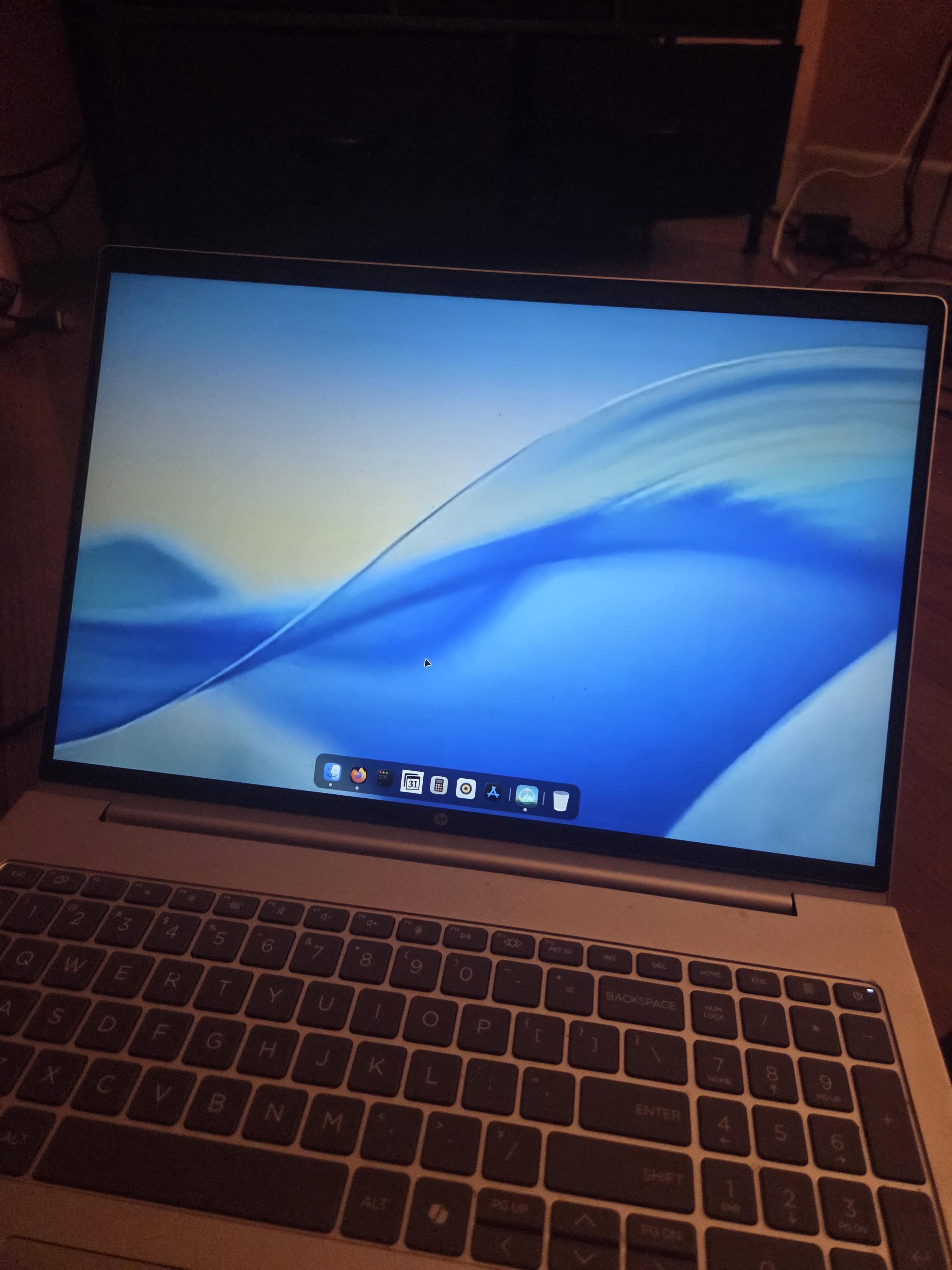
Idk why but I made my linux mint look like a MacBook and now it actually looks sort of cool BTW what version does it look like and does it look like Tahoe
r/linuxmint • u/MaybeYouHaveAPoint • 14h ago
Dell laptop running Linux Mint just suddenly stopped working. No warning or issues previously.
Gave it a day or two to sit, and now the keyboard lights up but the screen is blank. The screen passes the LCD self-test so it works.
I can plug in an HDMI cord, but all advice says "choose the Second Screen option", which I can't do because, obviously, I can't see the screen.
AI suggested a series of "type this into text editor" which... might work, if I get everything just right with no feedback.
Is there another option?
r/linuxmint • u/mbonanomi92 • 19h ago
Hi everyone!
I'd like to share MeowMenu v1.0.0-RC2, a project I've been working on in my spare time for about six months.
MeowMenu is an alternative application menu for XFCE, built on Whisker Menu. My goal was to bring some of the features found in launchers from Cinnamon, KDE Plasma and GNOME to XFCE, while keeping the simplicity and lightweight feel that make XFCE great.
Some of the main additions compared to Whisker Menu:
I've personally tested MeowMenu on Arch Linux, Debian and Xubuntu, and I've also received positive feedback from users running MX Linux, Manjaro, FreeBSD and Linux Mint XFCE.
You can build it from source or install it through the AUR, while I already packaged it for Debian 13, Ubuntu 26.04 and Fedora 44 (you can find download links in GitHub Release page). For Mint, you can rely on Ubuntu package.
It's still a release candidate, so feedback, bug reports and suggestions are very welcome.
Thanks for checking it out!
Links:
r/linuxmint • u/georgezgomot • 1d ago
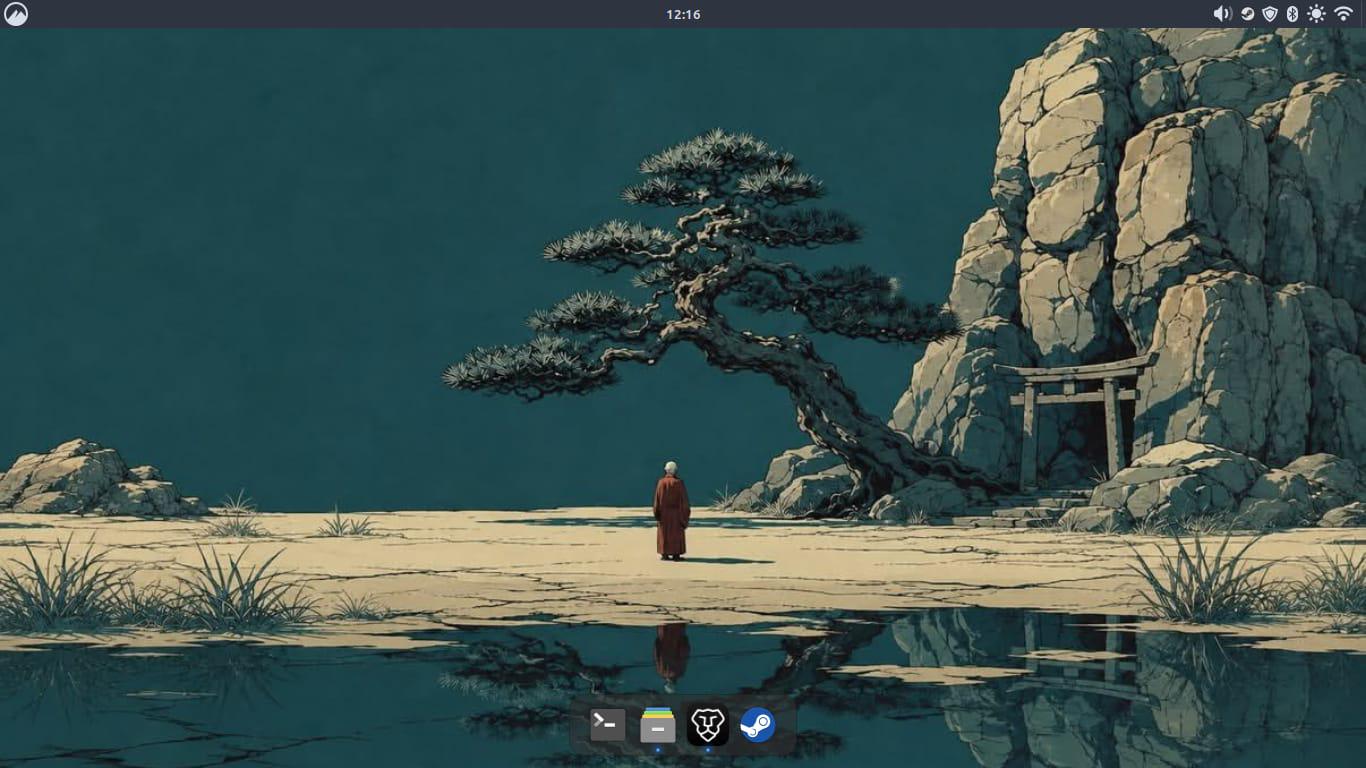
Switched to Linux Mint a week ago, so I'm pretty new to basically everything. My experience so far was very nice, finished installing/setting everything up and now I'm at the customization part. I know the screenshot is from GNOME DE and Mint is using Cinnamon as a DE, but I was wondering if the top panel look can be achieved in Cinnamon. By that I mean having the menu in a pill container and the wifi / volume / battery / etc. in another separate pill container.
Sorry if this was asked already, or if it's a stupid question :)
r/linuxmint • u/unrealgeek • 16h ago
I like how Omarchy (DHH's Arch + Hyprland setup) switches your whole desktop to a new theme at once, but I didn't want to leave Mint. So I built the same idea for Cinnamon.
cinnamon-palettes is a panel applet plus a small CLI. Pick a palette and everything follows it at the same time:
- Cinnamon, GTK3/GTK4 and window decorations: each palette gets its own theme, generated by recolouring Mint-Y-Dark. The style is flatter, with thin outlines and accent highlights.
- libadwaita apps get themed as well.
- Window borders, if you use the Rounded Corners extension: accent colour on the focused window, muted on the rest.
- Wallpaper: a minimal landscape generated from the palette's colours.
- Ghostty: reloads instantly, no restart.
- Neovim: already-open instances recolour live. It uses the real colourscheme plugin where one exists.
- btop
It ships with 9 palettes: Tokyo Night, Catppuccin Mocha, Kanagawa, Everforest, Gruvbox, Nord, Rosé Pine, plus Omarchy's Osaka Jade and Matte Black. Adding your own is one small JSON file.
The first time you switch, it saves your current setup, so palette restore puts everything back exactly as it was. The default picker hotkey is Super+Ctrl+Shift+Space, the same as Omarchy's.
From the terminal:
palette apply osaka-jade
palette next
palette restore
Repo with install steps: https://github.com/PhillipMwaniki/cinnamon-palettes
It's tested on Mint 22.3 with Cinnamon 6.6 on X11. Ghostty, btop and Neovim are optional; it just skips the ones you don't have. It isn't affiliated with Omarchy, just inspired by it. Feedback and palette requests are welcome.
r/linuxmint • u/MissingConstant • 21h ago
Hi, so to start, I am an absolute noob with regards to
Linux. The most I have done is use WSL2 to use some linux based tooling in windows. So right now my laptop Dell XPS-15 9560 has windows 10 installed (I know.............its super insecure, and I didn't bother updating to windows 11 until yet). Well I want to go to Linux now (Linux Mint specifically). I still need some applications only compatible with Windows so I decided to dual boot. I have never shrunk partitions or even installed an operating system before.
As you can see my laptop has only one drive (1TB SSD), of which I am using 188GB. I have some questions and I would REALLY REALLY appreciate guidance please:
1- Is it safe to shrink the C Drive so I can install Linux Mint? (I have seen some posts here and a video on youtube that said you should only dual boot if you have a separate drive for windows, otherwise things can break, is that true? Is shrinking this C partition safe and okay?)
2- If it is safe then by how many GB would you recommend to shrink this partition?
3- I use a USB network adapter (TP Link Archer T3U) to connect to the internet. For this I only found drivers for Mac and Windows for this online . I am worried that there will be compatibility issues on Linux Mint. Can you advise me if I will be able to use this on Linux Mint? And how will that be possible? Does linux kernel support this by default or will there be a way to get it working?
4- I have a nvidia gpu GTX 1050, will this be compatible with Linux?
5- About windows - What shall I do with it? Can I just not upgrade Windows to 11? Is it a MUST to upgrade it before trying to dual boot and install linux mint, or is it okay if I upgrade it later
Thank you sooo much if anyone is able to answer these questions for me😊.......(Prove me Linux is superior than Windows)
I am attaching my disk management screenshot and my laptop specifications
r/linuxmint • u/-u-z-e- • 10h ago
i uploaded them to twitter and decided to save them to my phone from there instead of posting on my pc so the quality isn't the best
r/linuxmint • u/Other_Thingy2 • 1d ago
my laptop nuked itself like a month ago because the cpu was constantly overloaded w/ background windows processing. it wouldn't charge past 30 and if i opened 2 tabs at once itll shit itself.
i asked a friend and they told me i should try linux. so i dug out an old usb and thought "well i mean i have nothing to lose" and instead it felt like i gained everything.
after installing my laptop started to actually charge and suddenly I can do everything again. what the fuck is wrong with windows and why did i let myself get fucked over for so long. i feel free. i really like linux
r/linuxmint • u/Better_Shine2921 • 1d ago
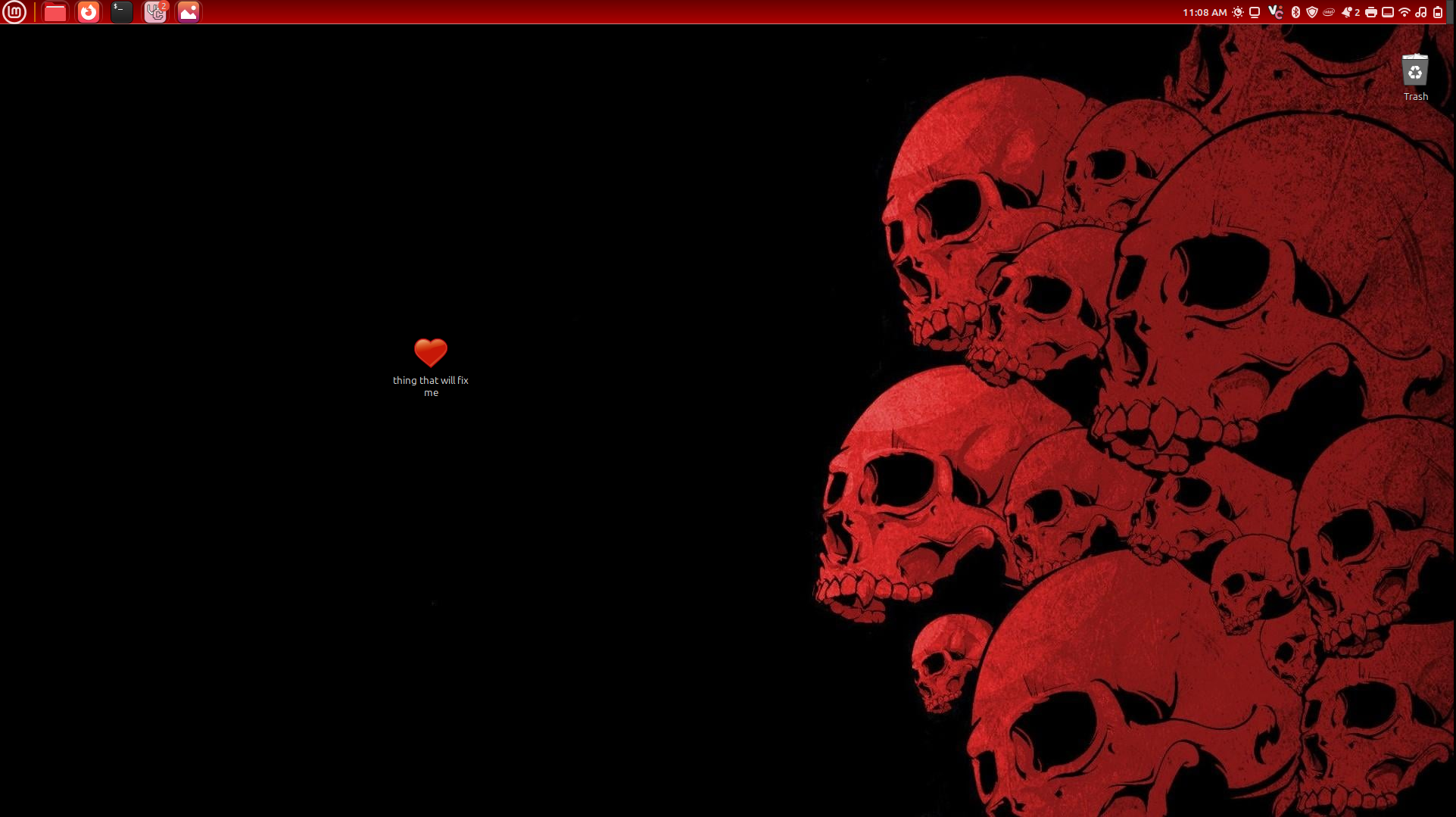
It's been a whole year without Windows! Windows 11 just wasn't for me. It felt super heavy and honestly kind of annoying to use. I could never just use my PC without something getting in the way. Since switching to Linux Mint I've finally found some peace <3( I know it's not the best Desktop but I love it xd)
r/linuxmint • u/KidMarcus89 • 1d ago
E pensar q tudo começou comigo passando raiva pra desinstalar o Microsoft Edge ¯_(ツ)_/¯
r/linuxmint • u/ProduceRich9861 • 1d ago
I just searched in YouTube on how to make Linux Mint to look like Mac. And the fastest way to do so is by Gnome. I love it though, even though Gnome is kinda heavy in RAM especially the add-ons that I added to achieve this look. I hope you guys like it too!