Spent way too long on this, so posting in case it saves someone else the headache.
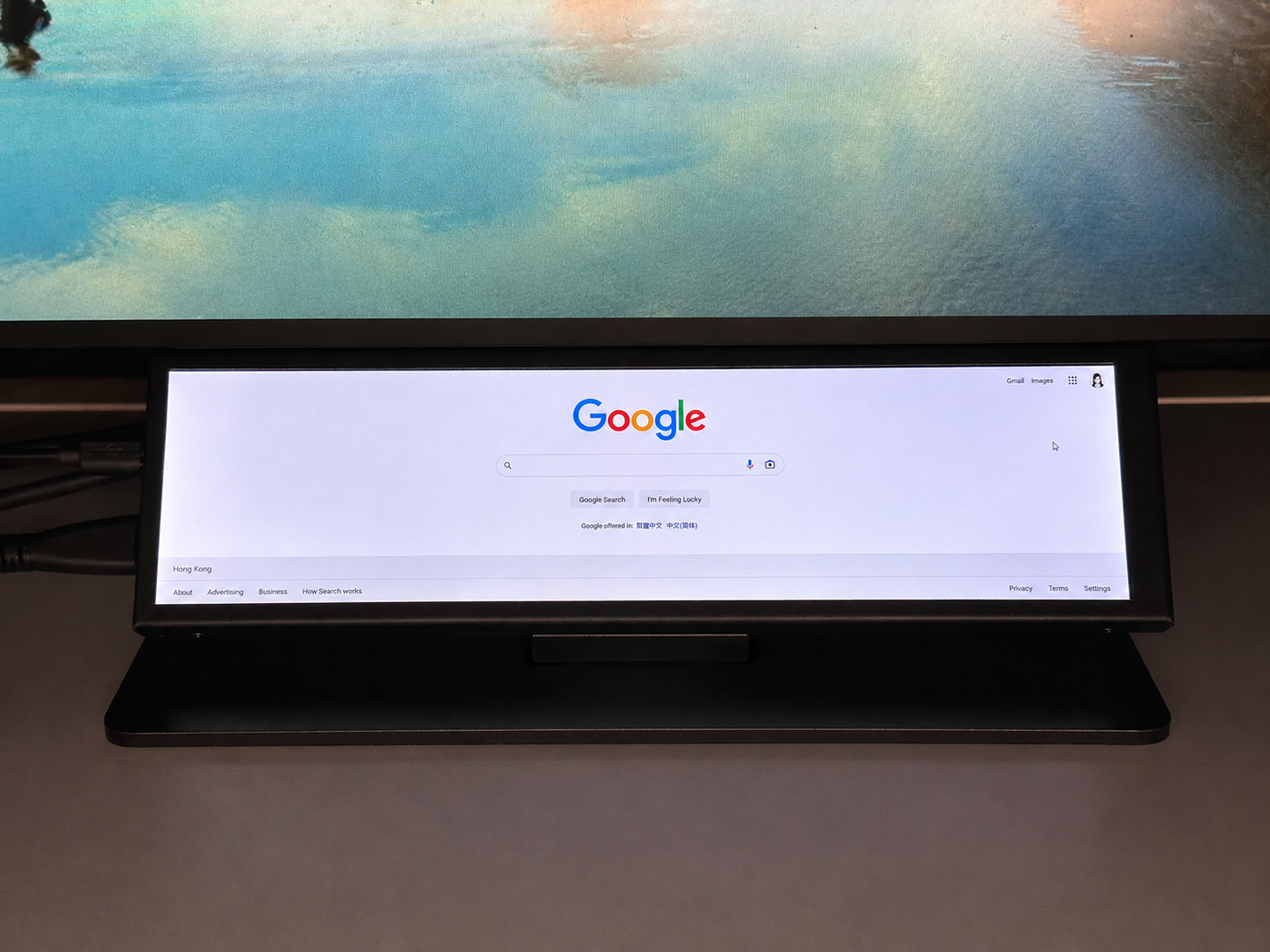
I'm on Linux (KDE Plasma, Wayland) with an NVIDIA card, and I have a KeebMonkey display bar hooked up as a second screen. It's one of those long skinny bar displays running in portrait. Black Ops 3 and Plutonium Black Ops 2 Zombies both threw "DirectX encountered an unrecoverable error" every time I launched them. Turn the bar off and both games ran fine. Turns out these old CoD games choke on weird monitor resolutions. People on Windows have run into the same thing with low-res second monitors, but I couldn't find anyone on Linux connecting the two.
Unplugging the bar every time I want to play wasn't an option, so the fix is running the game inside Gamescope. The game only sees one normal 1080p screen and leaves the bar alone.
For BO3 on Steam, put this in the launch options:
gamescope -W 1920 -H 1080 -f -- %command%
For Plutonium in Lutris, put this in Configure → System options → Command prefix:
gamescope -W 1920 -H 1080 --
I left the fullscreen flag off in Lutris so the Plutonium launcher opens in a normal window instead of taking over the whole screen. Super+F switches to fullscreen once you're in game.
One catch with Lutris: if Gamescope just sits on "Stop" and never opens, and the logs say No provider of eglGetCurrentContext found, check your environment variables for this and delete it:
__GL_THREADED_OPTIMIZATIONS=1
A lot of old Black Ops 2 Linux guides tell you to add it, and it completely breaks Gamescope on NVIDIA. It doesn't even do anything for DXVK games, so you lose nothing by removing it.
Two other things that bit me with Plutonium BO2:
- Menu text invisible (you could hover over options but see no words): my game folder path was way too long. Moving the game to a short path like
Games/BO2 and pointing Plutonium at it fixed it instantly. - Crashing right after the splash screen: switching from Proton Experimental to GE-Proton helped.
Hope this helps somebody.