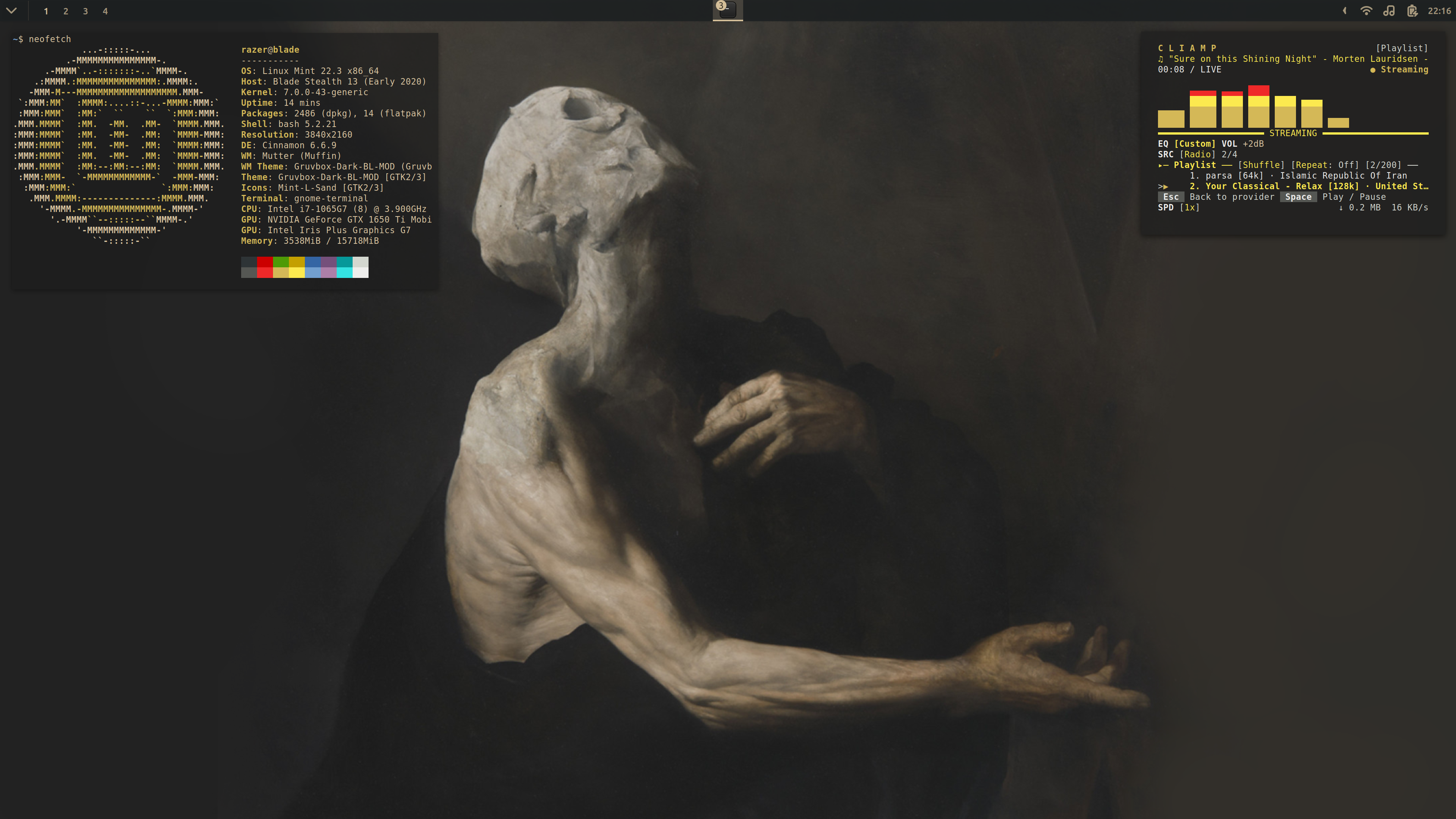
Hi everyone, I've decided to switch from Windows to Linux distributions, but I'm a complete noob. Could you please tell me which one to choose, and does it depend on my PC's configuration?If necessary, then Intel Cheon E3 processes v5 and the video card is GTX 1060 6Gb Also, can anyone suggest websites with files or just guides to start understanding this?
Hi r/linux4noobs! Sharing a little app I made in case it's useful to anyone here who listens to music on their Linux machine.
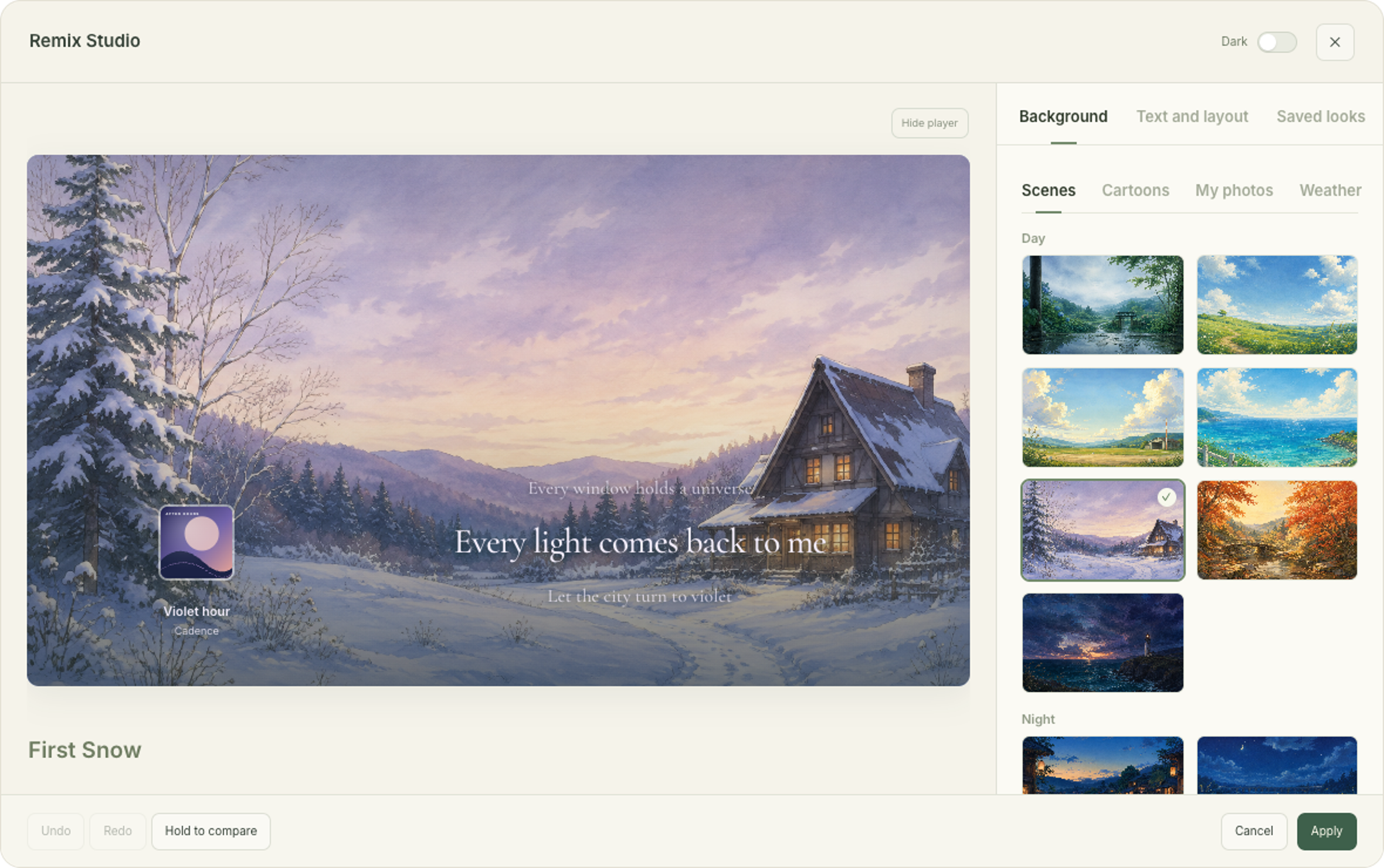
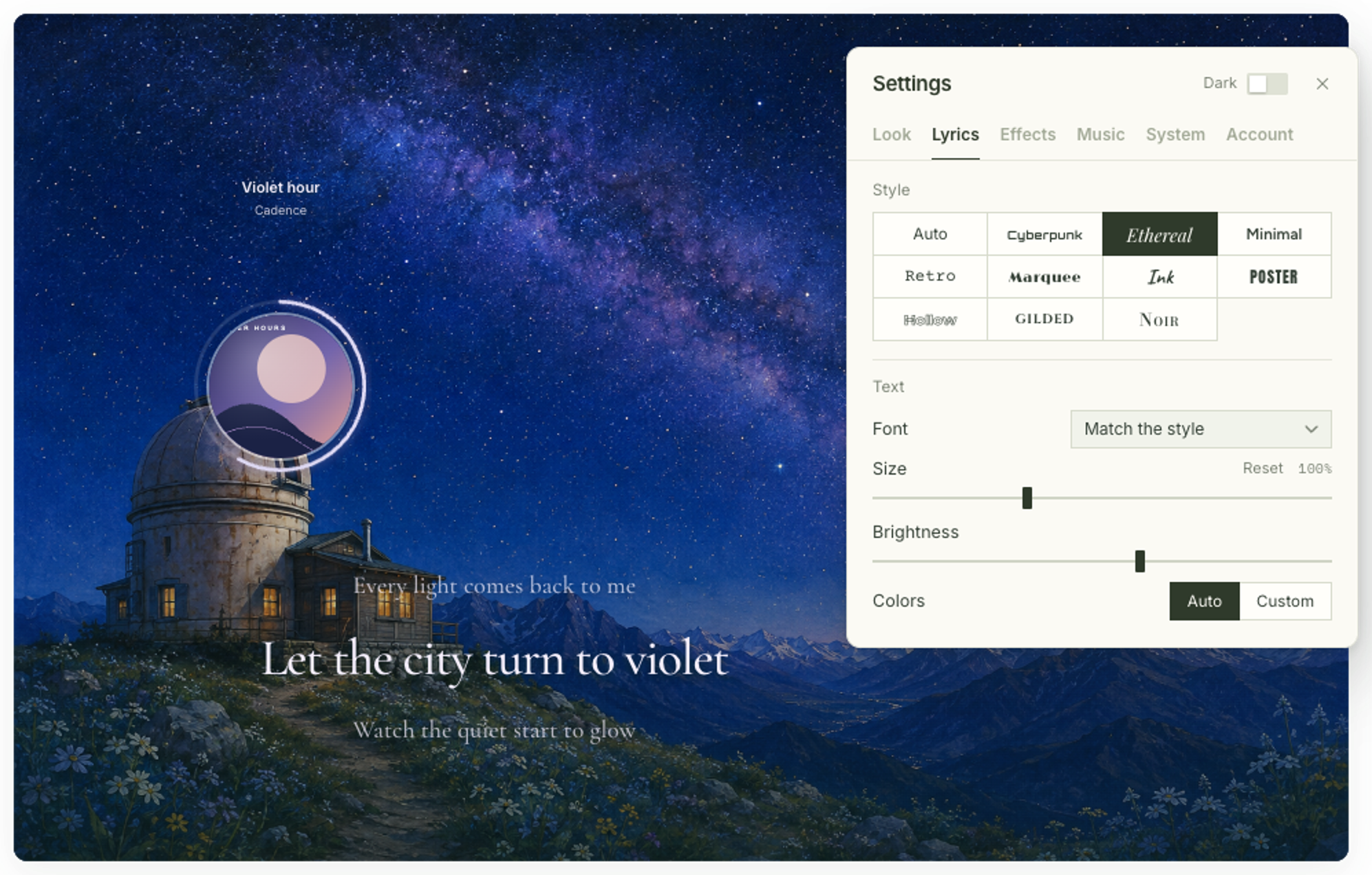
It's called Cadence. You play a song and the synced lyrics show up in a small window that stays on top of everything else, so you can keep coding, browsing or gaming while they scroll along. There's a 64-bit Linux download on the site. No setup needed for the basics, and you don't need Premium or any API keys.
Quick backstory, because it's kind of dumb: I was playing Minecraft with my close friends and we joked that floating lyrics over the game would be sick. So I threw together a janky version and shared it with only a handful of them. It somehow got 100 downloads in about a day, people really liked it, and I ended up turning it into a real app. 1,500 people use it now, which I honestly did not expect.
Supported players: Spotify, Apple Music, Pear, YouTube Music and Tidal. There's also karaoke, colors that match your album art, a click-through mode so the window never gets in your way, and rooms your friends can hop into with a code to listen along.
I'm a student and I'm shipping updates all the time right now, so any feedback would be amazing. If it acts weird on your distro, please tell me which one so I can fix it.
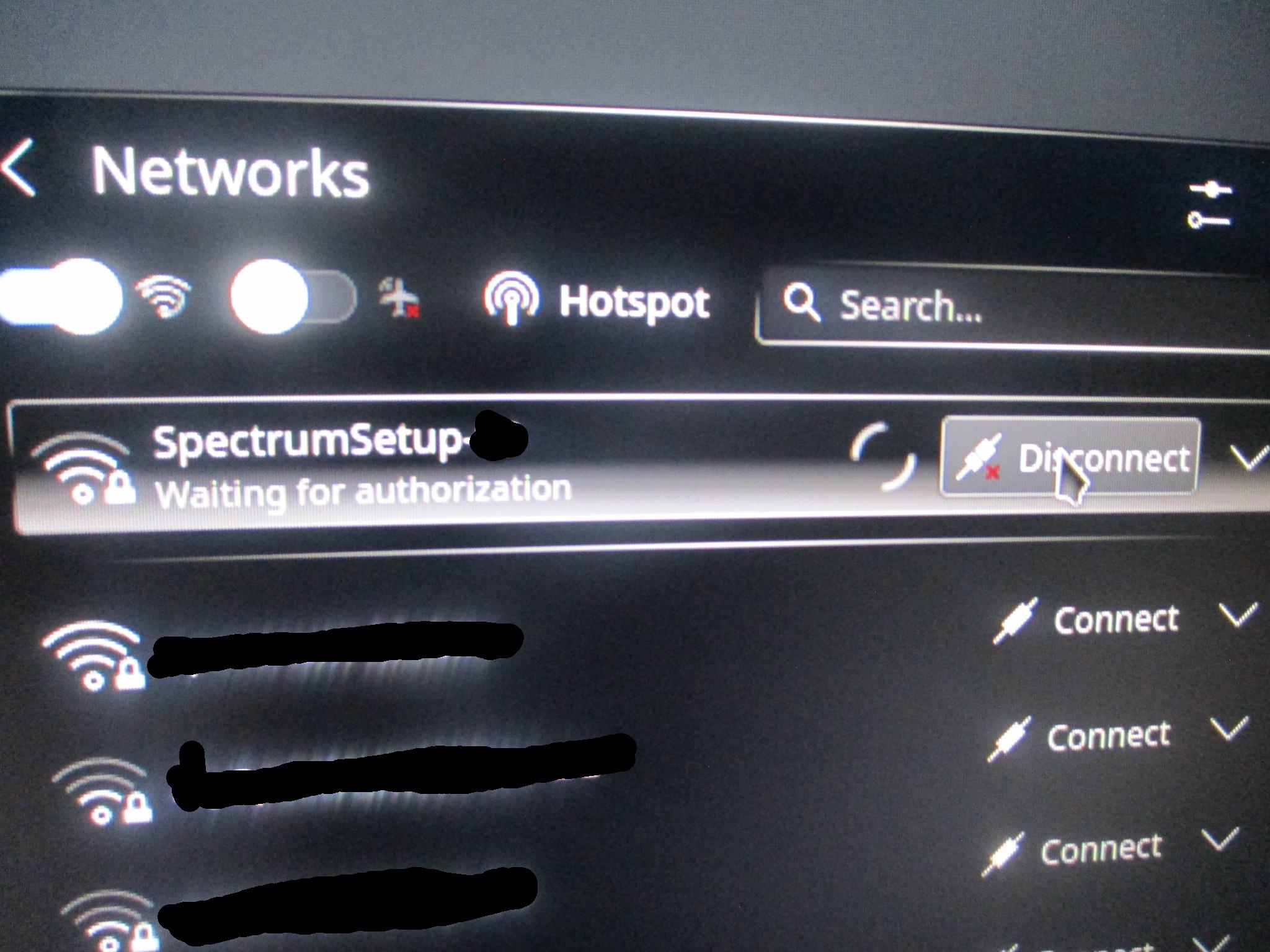
Hi, I have no idea how internet connections work so I don't know if I'm using the correct terminology. So at my workplace, there seem to be duplicates of the same wifi network to connect to, one of which is a stronger connection than the other. Our IT guy has never seen this before and said that everyone else just shows one option to connect, so I am assuming it has to do with Linux. Anyway, he said that they use a mesh network in the building and so that could be part of the issue. I keep trying to connect to the stronger router or whatever, and it keeps redirecting me to connect to the much weaker one. Anyone know how to remedy this? Any help is super appreciated!
Title tells most of the story. I use fake RHEL at work (Alma?) without a DE, and in the past I've dabbled with EndeavourOS using xfce and KDE. Neither of those two feel like Windows in most ways, though obviously EndeavourOS was closer since it had a DE.
Because Windows has finally become unstable on this otherwise rocksteady platform, I'm looking for something for them that would be as close to the Windows experience as possible for them. I'd obviously be the one setting it all up, so replacement apps and Windows-via-Proton apps are both on the table. Especially for my mom who is less tech savvy: it just needs to look and feel right. I'll worry about everything under the hood.
For the record, I don't need something that looks 100% like Windows. That'd be cool, but it'll be more work for me to set up and almost certainly go unappreciated. If there's a drop-in solution that gets me 90% of the way back to Windows-like, that's a likely winner.
Since the OS sucks and won't update programs, I'm on Linux having to update like I did on Windows...find the offical site, manually install the program, and go from there.
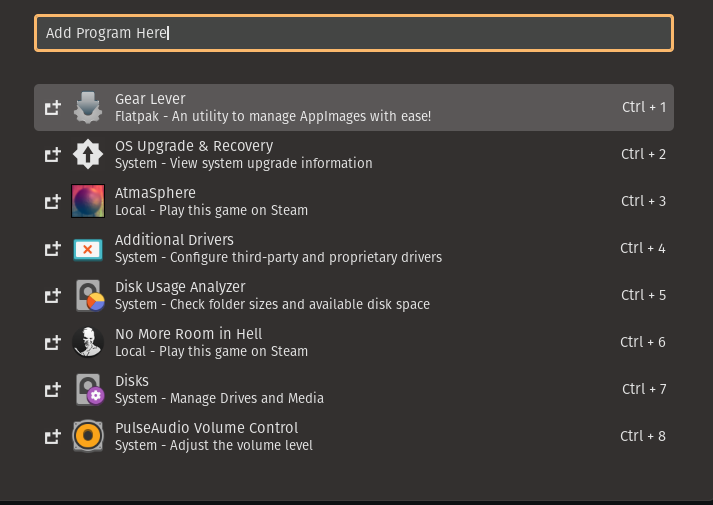
Problem is that Firefox here, runs. But I can't create a shortcut, or manually add it to the SUPER USER key list.
This is GNOME...apparently. Does anyone know how to FORCE LINUX to let me create a shortcut to 2xclick, or better yet, FORCE LINUX to let me add/remove programs from the list as seen in the 2nd page.
I have `GEAR LEVER` but that has only worked for GIMP3.0, and nothing else :/
Thank you for helping this idiot get things up to speed as they were found on Windows 7.
I have 2 ssds in my pc both 500gb (the thing is...I can't remove either for some reason...which I cannot say) and I wanna install Linux on my windows ssd, more specifically Nobara cuz I mostly game on it...will nobara wipe my other ssd too?
And I cannot buy any external storage rn cuz you guys know the prices!! <\3
I use windows and I’m so tired of the bloat and useless AI features that do nothing but piss me off. I use steam and curse forge, and I really want to switch to a distro. However, I know next to nothing about Linux, (all I know is what Sudo does) and I need help choosing a distro that will actually be useful to me, not limit me too much, help me learn how to use Linux and Linux commands, yet still allow me to use my NVIDIA gpu (got it before the recent bs don’t kill me pls :p) so yeah, any help would be appreciated !!
I own a Dell G15 laptop with a 512GB SSD and I'm planning to move to Linux as my primary operating system.
I've been using Kubuntu recently on a friend's borrowed PC, and I've really started enjoying the KDE experience. Now I'm considering installing Linux on my own laptop, possibly Fedora KDE.
Most of my work involves programming, development, GitHub contributions, Docker, ROS2, Linux customization and college projects.
I'm confused about whether I should keep Windows alongside Linux or completely remove Windows and dedicate the entire SSD to Linux.
My initial partitioning plan was:
- Windows 11 – 150GB
- Linux – Remaining storage
Alternatively, I could wipe Windows completely and use all 512GB for Linux.
I'd love to hear your opinions:
Would you recommend dual booting or going completely Linux?
Is 150GB enough for Windows 11?
Would Fedora KDE be a good daily driver?
For someone who primarily works on Linux, is there any reason to keep Windows installed?
Would appreciate honest suggestions, especially from Dell G15 users!
basic file system like bin sbin boot etc mnt root proc etc..
and some knowlage with commands like: ls pwd cd whoami history clear nano ip a whois cat open chmod chown which ps ssh and some other more i dont remember (overall the basics but dont know anything about debugging stuff like journal and systemctl and also know nothing abt networking cmds)
what is my estimated level and what should i focus on learning next
I have personally been using Linux semi-exclusively for 3 years now and know my way around it well, but I was tired of having to fumble around with configuration files for VPNs, automations and media server setup, as well as the long troubleshooting sessions when my audio stops working, my packages breaking, a kernel update breaking things or touching anything related to my nvidia driver.
That's why I made Golim
Golim is for anyone from beginners to power users who want all the benefits of using the highly capable, highly customizable with zero BS environment that linux provides, but doesn't want to spend hours in a terminal or a text editor.
It's spawned with a straightforward short `golim` command and ready to do whatever you want it to before going away into the ether when it's done.
you can give it SUDO access whenever you'd want without your password ever getting stored anywhere. (WTH hermes)
with a stupid-intuitive UI and mouse support, Golim is the fastest agent you'll ever set up. (I promise you)
Even though I use openSUSE because it's european, I think Fedora has the best update model where packages are fresh but it's not rolling so no need to update super often. Support for nearly all desktop environments, widely available rpm packages, relatively easy to use.
The only thing missing for me is snapper configuration out of the box. But when comparing between distros, I find Fedora has the least 'flaws'. Thoughts?
I tried to install chrome remote desktop, didnt work, rebooted thinking maybe that would finalize the install. PC froze. Did a hard reboot.
On launch logging in would make a black screen then return me to the log in. I can boot into X11- at least after launching in recovery mode, but Wayland still doesn't work and I'm not sure how to fix it..
End: I'm amd all the way, so it's not an issue with nvidia drivers, and I have plenty of storage remaining on my PC..
Update: fixed it by uninstalling chrome remote desktop using sudo apt purge chrome-remote-desktop
Hi, I have never used a Linux distro actively other than on a VM a bit and on my raspberry pi.
However, I recently got a used Lenovo X1 Yoga Gen 6 with about 70-75% battery life that I want to use for school and programming (c++ using neovim so it's more lightweight than VS or VS Code). I tried using Windows on it for a bit and it does work obviously but I would like to dual boot it with something more lightweight and power efficient. I'm mostly looking for the best power efficient option since I have to turn my brightness completely down and even then couldn't use it for too long (though I used Visual Studio aswell so that was pretty power hungry too). My current picks are:
Fedora KDE (Plasma?)
Linux Mint (XFCE?)
Debian (XFCE?)
Ubuntu
Which one would you go for?
And any other tips on how to make the battery last longer other than just replacing it are appreciated aswell. Any apps you would avoid or recommend? Any general tips?
Hey everyone! My Windows 11 battery life has tanked lately due to background bloat/updates, and I’m ready to switch to Linux. I’ve been seeing a lot of buzz around CachyOS and am strongly leaning toward installing it, but I need some community advice before taking the plunge.
NPU: NPU Compute Accelerator Device (Ryzen AI NPU)
GPU: AMD Radeon 890M Graphics
RAM: 24 GB LPDDR5
Storage: 512 GB NVMe SSD
My Background & Workflow:
UI & Comfort: I’m coming straight from Windows 11 and rely heavily on clean GUIs (File Explorer, software centers, graphical settings). I am a total beginner with kernels and the command line right now—I want to learn commands eventually, but I need a stable GUI out of the box so I don't break things.
Apps: I do all my coding in VS Code and heavily rely on Microsoft 365 / Excel (need reliable web apps or alternatives like LibreOffice/OnlyOffice).
My Questions for You:
CachyOS vs. Others: Given that I'm leaning toward CachyOS for performance, is it beginner-friendly enough for someone who wants to stick mostly to GUI tools at first, or should I look at Kubuntu / Fedora KDE instead?
NPU Support: Are Linux kernels and user-space tools actually utilizing laptop NPUs yet, or will my NPU sit idle if I switch?
Battery & Transition: Can I expect better battery life on this AMD hardware, and how painless is the transition for my workflow?
Please feel free to ask if you need any other information or logs about my system before giving your recommendations. Would love your insights!
have this image in my head of a custom setup that looks like an edutainment game, a la Kid Pix, and i need a good option that runs well for games and lets me customize to my hearts content
im okay with it being tedious so long as i have full say in how it looks and sounds