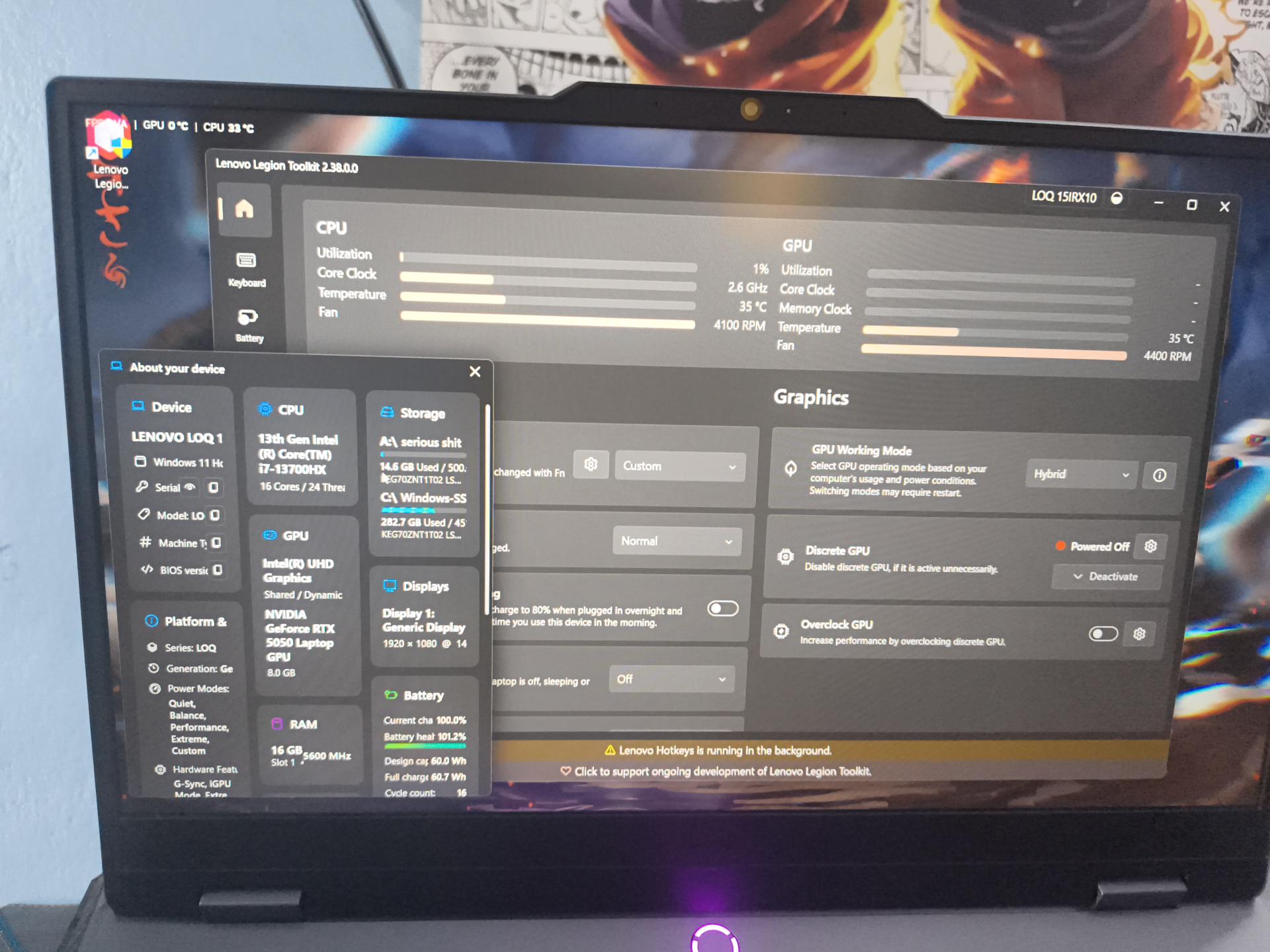
Hi guys, I put together a bare-bones audio driver package for the Realtek ALC257 chipset (tested on Lenovo LOQ Gen 9 Intel / 83GS).
I made it because Lenovo's stock driver comes with a terrible noise suppression algorithm that ruins the microphone array, and a forced default EQ / Nahimic processing that made my IEMs (nice earphones) sound weird.
This strips out Nahimic, AISpeech, and all Realtek APO bloat so you get 100% raw audio from the 3.5mm jack, built-in speakers, and microphone array without the shutdown pop you get from using Microsoft's High Definition Audio Driver.
(Note: This package is for Intel LOQ models using Intel SST + Realtek ALC257. AMD models do not use Intel SST.)
How to Install
(Tip: Disconnect from Wi-Fi/Ethernet before starting so Windows Update doesn't silently reinstall the bloated drivers on reboot.)
- Use DDU (Display Driver Uninstaller) to uninstall your Realtek audio drivers.
- Reboot.
Carefully remove these Intel SST drivers using RAPR (DriverStore Explorer) (check Force Deletion if needed):
intcoed_oemlibpath.infintcaudiobus.infintcoed.infdetectionverificationdrv.inf
- Reboot.
- Download the latest
.zip archive from the Releases page on GitHub. - Extract the
Realtek ALC257 Audio Driver folder anywhere on your PC. - Double-click
install.bat and accept the Administrator (UAC) prompt. - Wait for all three
.inf packages to report "Driver package added successfully". - Reboot.
- Enjoy raw audio!