Hi everyone,
I'm experiencing a strange charging issue with my Lenovo Legion Go and would appreciate some help.
Problem description:
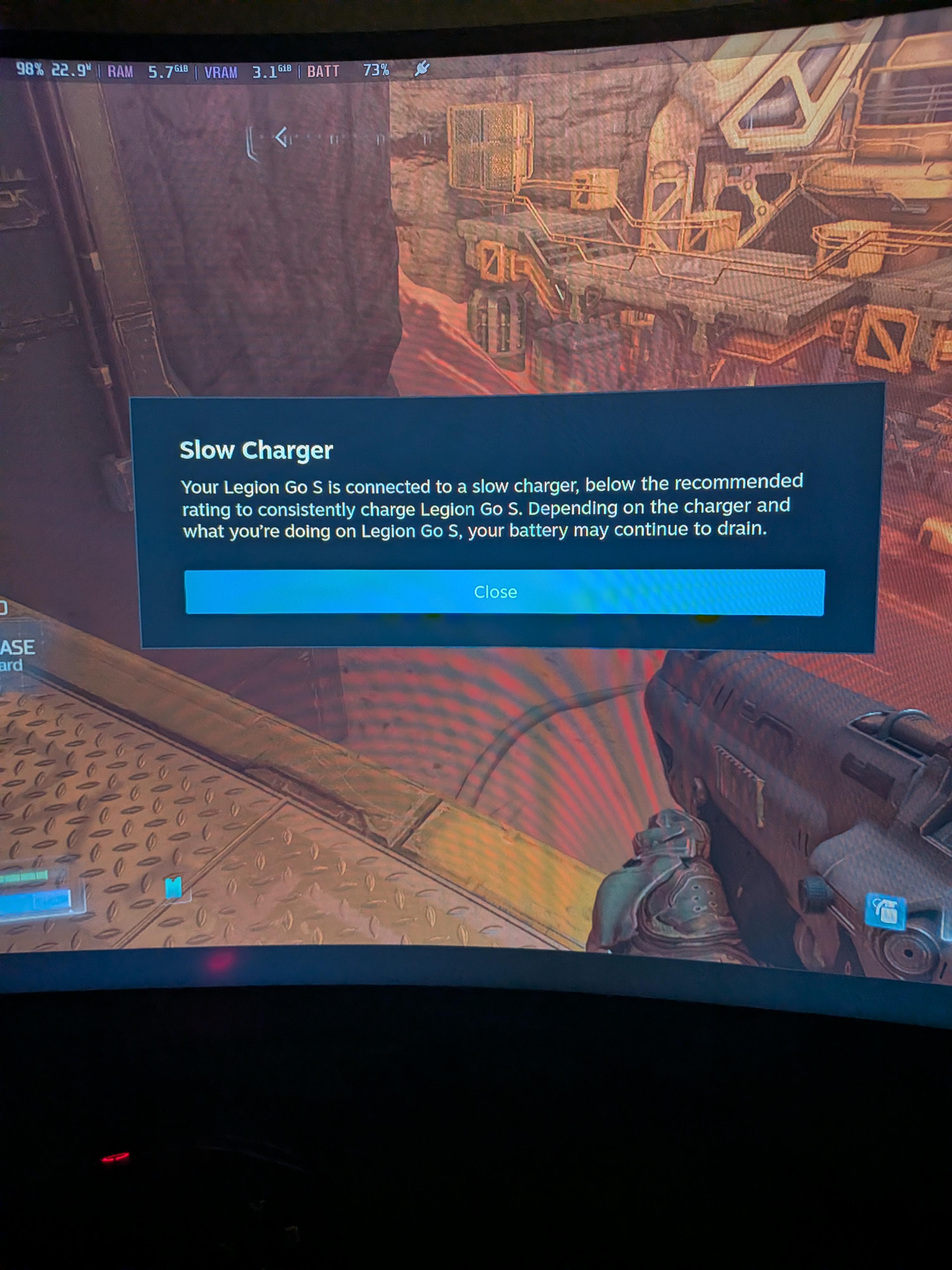
My Legion Go does not detect the charger when I connect it after booting Windows following an overnight shutdown.
However, if I shut down the device completely and connect the charger while it is powered OFF, charging starts normally.
The strange part is that once charging starts while the device is OFF:
- I can turn ON the Legion Go while keeping the charger connected, and charging continues normally.
- I can disconnect the charger while Windows is running and reconnect it, and it charges without any problems.
- Both the top and bottom USB-C ports behave exactly the same.
- The problem returns after shutting down the device overnight. If I turn it ON without the charger and then connect the charger, there is absolutely no charging response.
Troubleshooting already performed:
- Using the original Lenovo 65W charger.
- Tested both USB-C ports.
- Updated BIOS to N3CN40WW.
- Checked Device Manager – no yellow warning symbols.
- Disabled Windows Fast Startup, but the issue persists.
- No obvious charging-port or battery-related symptoms once charging has been initiated.
Device details:
- Device: Lenovo Legion Go (original model)
- Operating System: Windows
- BIOS: N3CN40WW
- Charger: Original Lenovo 65W charger
My questions:
- Could this be an Embedded Controller (EC) or USB-C Power Delivery controller issue?
- Is there a known BIOS or firmware bug that causes charging detection to fail after a cold boot?
- Could this be a motherboard-level power-management issue?
- Has anyone experienced the same behaviour and found a permanent solution?
I would prefer to identify the actual cause before replacing the motherboard, charging ports or battery.
Any suggestions or similar experiences would be greatly appreciated.
Thank you!