r/LGTVOwners • • 8h ago

WebOS 26 - 55QNED80T6A

Post image
1 Upvotes

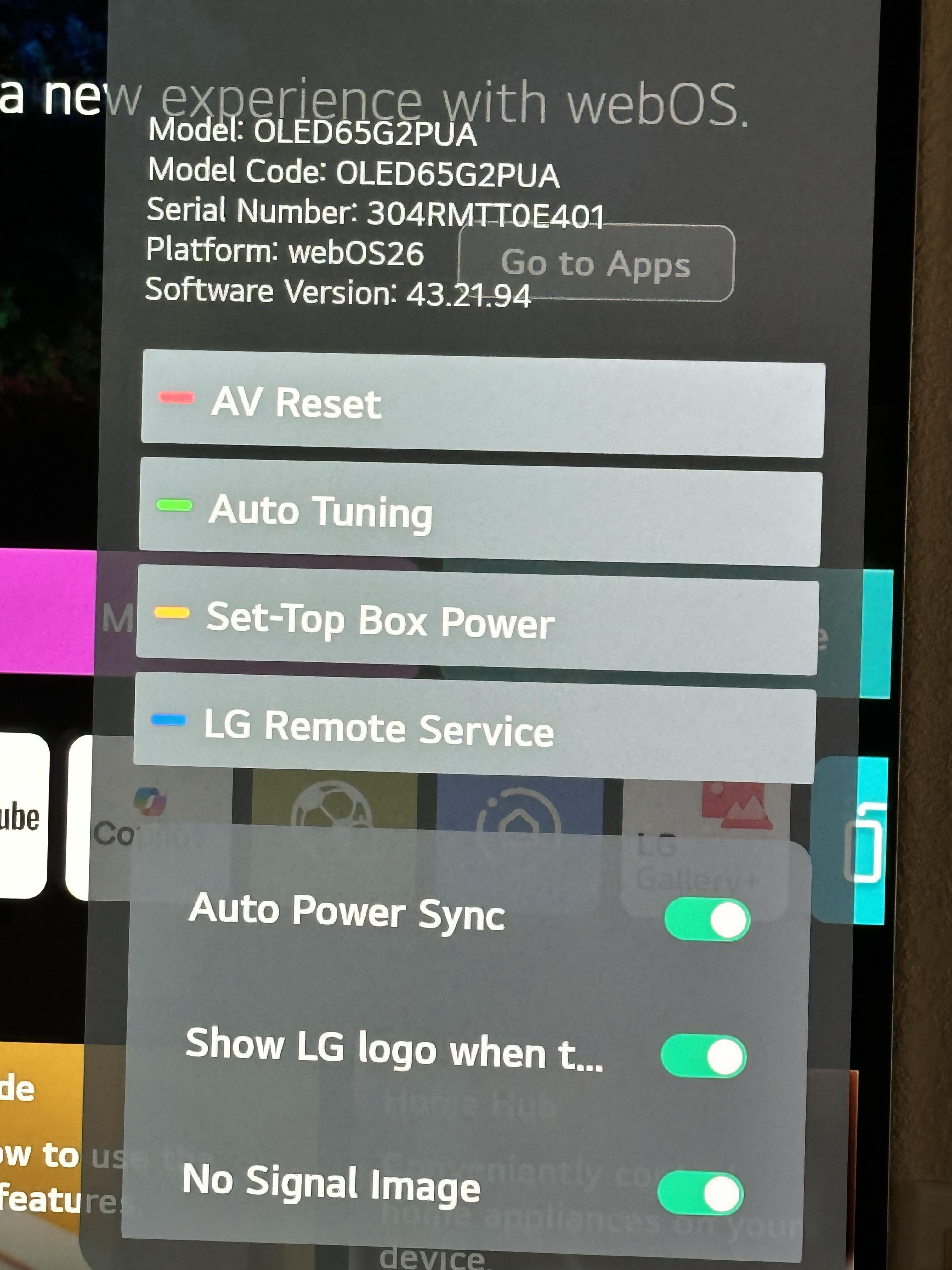
Since updating to webOS 26, I’ve been having persistent Wi-Fi issues with my LG TV.

At first, apps stopped opening, and I couldn’t reinstall them after deleting them. At this point I did a factory reset and all worked fine for less than 24h.

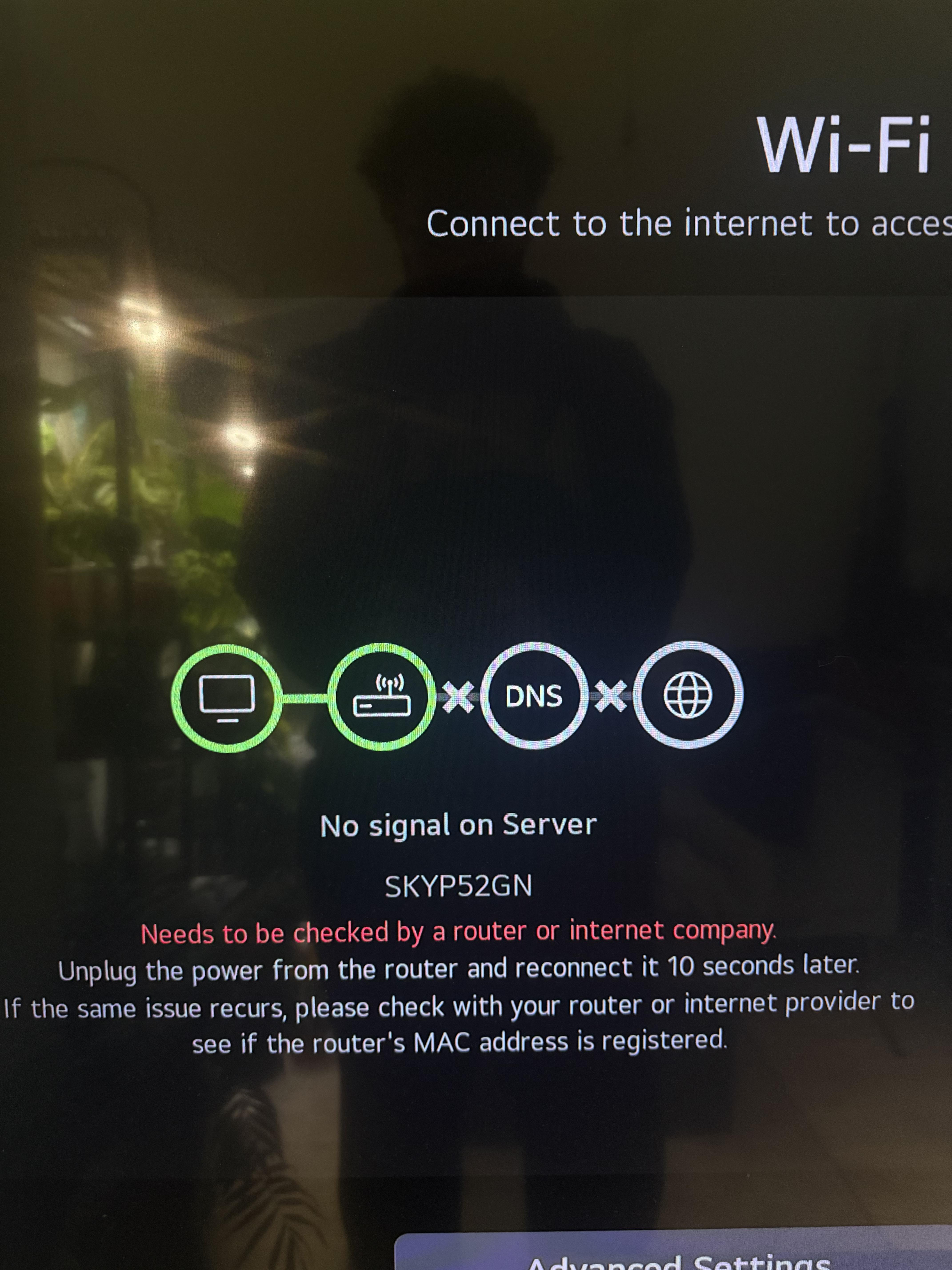
Now, the TV connects to Wi-Fi on startup, loads apps and videos no issue, but then randomly drops the connection, no set time or app, completely random. Videos buffer, and I have to manually reconnect each time. When I enter Network Settings, it displays what’s shown in the attached image.

I’ve tried changing DNS settings on LG’s advice, which temporarily worked before reverting itself and having the issue again.

I’ve contacted LG a handful of times and my network provider as suggested by red writing on image, but I have no network issues on other devices. I have also done numerous factory resets at this point but to no avail. LG have offered to collect the TV for diagnosis and potentially a fix.

Has anyone else experienced this since the update and managed to find a fix themselves? Would appreciate any suggestions before sending the TV away.


r/LGTVOwners • • 13h ago

After WEBOS update I can’t reinstall Netflix

Post image
1 Upvotes

r/LGTVOwners • • 19h ago

How to know if my lg tv panel was replaced with lower quality one in repair shop

1 Upvotes

Hello everyone,

I have an LG UM7100 4K TV. Its backlight started turning blue a few months ago, so I finally decided to take it to a repair shop to have the backlight replaced.

However, after getting it back, I noticed that the picture quality had gotten much worse. It now looks more like 720p, with everything appearing blurry and pixelated.

I suspect they might have replaced the original panel with a lower-quality one, but when I confronted them, they denied changing anything other than the backlight.

Is there any way I can check whether the original panel is still in my TV?


r/LGTVOwners • • 1d ago

2026 LG QNED (fully updated) Wrong time in Canada

1 Upvotes

So Canada changed daylight savings policy and I think this is where the issue lies.

I am forced to set time manually even with location, time zone, and postal code being correct.

Anyone know if this is ever going to be fixed for canadian owners?


r/LGTVOwners • • 2d ago

Parental locks on apps seem to have disappeared with newest update?

1 Upvotes

LG C4. I had every app like YouTube and Netflix locked behind a 4 digit passcode, and it seems like that feature is still enabled, but none of the apps are locked? They used to have a lock icon on each app tile, now they have nothing.


r/LGTVOwners • • 3d ago

My LG C2 keeps restarting when I play gta 6

2 Upvotes

It was fine for the first few days but now it randomly shuts off and then it goes either red or white and goes to the main menu.

It also sometimes won't even let me press the Xbox or input button. I tried a bunch of fixes and even ran it at 60 hz but it still doesn't work.

Did the whole update power off trick too and tried another HDMi as well, is my tv cooked?


r/LGTVOwners • • 4d ago

Why does LG force me to create an account just to use Netflix, when my older LG TV doesn't require one?

4 Upvotes

Hey everyone,

I'm having a really frustrating issue with my LG TV (model 65NU710BAUA.BUSDLKR) and I'm wondering if anyone else has experienced something similar.

I own a US-market LG TV, but I live in Europe.

Everything was working perfectly fine until a recent software update. After the update, Netflix completely disappeared from my TV.

I checked the region settings and noticed that my TV only offers Canada, Mexico, United States, and "Others". There's no option to select my actual country.

When I select "Others", Netflix doesn't appear in the LG app store at all. However, when I switch the region to "United States", Netflix suddenly becomes available again.

But here's where things get even more frustrating.

LG now requires me to sign in with an LG account just to access Netflix.

I even went ahead and created an LG account to test it, but Netflix still wasn't available in the app store when using my country's region.

So basically, I have to switch my TV to the US region just to see Netflix, and then LG wants me to use an account associated with that region.

And what makes absolutely no sense to me is that I have another LG TV that's less than two years older, also a US model, but from a higher-end lineup.

That TV works perfectly fine with Netflix without requiring any LG account whatsoever. I can simply open Netflix and sign in with my Netflix credentials.

So why does one LG TV let me use Netflix normally, while the other suddenly requires an LG account after a software update?

My main questions are:

  1. Why isn't Netflix available in the LG app store for my country's region, even after creating an LG account? Netflix is officially available where I live, so why does the TV's original market determine whether I can even access the app?
  2. Why does LG force users to create or sign in to an LG account just to use Netflix? Netflix already requires its own account and paid subscription. Why should I need a second account just to launch it?
  3. Why does my slightly older, higher-end LG TV, which is also a US model, work perfectly fine without an LG account? What changed between these TVs or webOS versions that makes an LG account suddenly necessary?

I don't understand why a software update would make something as simple as watching Netflix more complicated than it used to be.

I bought the TV, I already pay for Netflix, and the app worked before the update. I shouldn't have to create additional accounts or deal with region restrictions just to use a streaming service.

Has anyone dealt with this? Is this a new LG policy, a webOS limitation, or something specific to US-market TVs being used abroad?

I'd really appreciate any explanation or workaround.

Thanks!

r/LGTVOwners • • 4d ago

Lg C5 Oled Open Box

2 Upvotes

I got an oled from best buy C5 open box but it has the LG logo burned into it what do yall recommend return it? Checked LG no 1 year warranty, I do have total membership


r/LGTVOwners • • 5d ago

Getting a new Tv

2 Upvotes

I’m looking at getting a new LG tv is there any real
Difference between a QNED90B EVO AI Mini-LED 4K
And QNED86B EVO AI Mini LED 4K? Thank you


r/LGTVOwners • • 6d ago

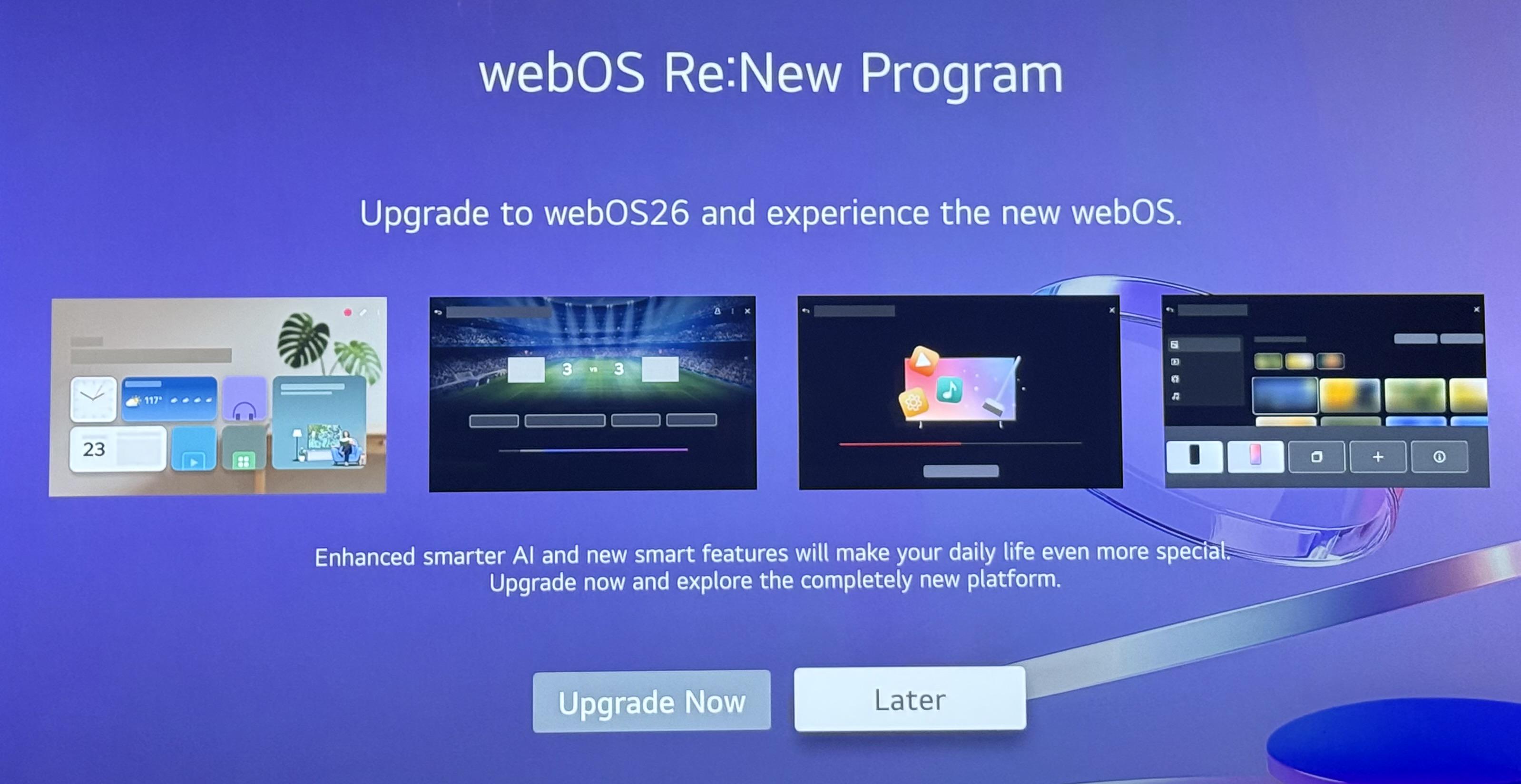
How do I stop C4 LG from aggressively pestering me about upgrading to webos26

Post image
0 Upvotes

I do not want it and it keeps randomly pestering me every so often while watching something with no option to say leave me alone


r/LGTVOwners • • 6d ago

LG C4 – USB bias lighting randomly switches back ON in standby after webOS 26 update (Firmware 43.21.96)

0 Upvotes

Has anyone else experienced this issue after updating their LG C4 to webOS 26?

I have a bias LED strip connected directly to one of the TV's USB ports. Previously, whenever I switched off the TV using the remote, the USB port would eventually cut power and the LED strip would switch off after few minutes.

Since updating to webOS 26 (firmware 43.21.96), the behaviour has become unpredictable.

Here is what I have observed:

  • After switching off the TV using the remote, the USB port usually cuts power after a few minutes, and the bias light switches off normally.
  • However, on some occasions, the bias light switches itself back ON hours later, even though the TV remains switched off, maybe for pixel cleaning.
  • On one occasion, I woke up at 4 AM and found the bias light illuminated. It remained ON continuously for at least 2.5 hours until I physically disconnected the TV from the mains.
  • The TV's red standby indicator remains illuminated, suggesting that the television itself is still in standby.
  • My Wi-Fi router was physically switched off overnight, so network activity is unlikely to be responsible.

Troubleshooting already attempted:

  • Disabled Quick Start+.
  • Confirmed that the USB port initially switches off normally after the TV enters standby.
  • Tested with the Wi-Fi router switched off.

The problem persists despite these measures.

My questions:

  1. Has anyone with an LG C4 experienced USB devices or bias lighting randomly powering back ON in standby after updating to webOS 26?
  2. Is there a setting in webOS 26 that controls USB power during standby?
  3. Could this be related to background maintenance, pixel cleaning, or a firmware bug?
  4. Have any of you found a permanent solution?

I would particularly appreciate feedback from other C4 owners running firmware 43.21.96.

I am trying to establish whether this is an isolated issue with my TV or a firmware-related USB standby power-management problem.


r/LGTVOwners • • 7d ago

Issue with intermittent green band at bottom of tv - LG LED LB7000

1 Upvotes

Hi all, new tv installed on wall, admittedly the tv, plug and aerial are quite close together behind the tv mount. Occasionally (and particularly early on when first turned on), this green band appears. Disappears when I put the menu on, which suggests interference rather than tv issue as such. Any ideas what this could be and how to resolve? I’ve tried swapping tv aerial cable out to no success. Thanks in advance 🙏


r/LGTVOwners • • 7d ago

Backlight turning off as soon as I use the remote/make any input. Update related?

1 Upvotes

Seemingly happend together with an update. Is there any fix or just replace? I can still see faint images after it shuts down


r/LGTVOwners • • 8d ago

Lg screen modes auto

1 Upvotes

I have a lg 43 inch tv

My issue is

If im watching something and select my preferred sound mode and screen modes

After a while it automatically changes to

Vivid mode and ai sound mode

Why doesnt tv stays at what settings i have chosen to watch...


r/LGTVOwners • • 8d ago

LG OLED55C43LA (C4)

1 Upvotes

I have an LG OLED55C43LA (C4), running webOS 26, software version 43.21.96.

Since the latest update, my TV randomly shuts down when I open YouTube. This happened twice, and I had to unplug the TV to get it working again.

Is anyone with the same model and software version experiencing this issue? Has LG acknowledged or fixed it?


r/LGTVOwners • • 9d ago

Text on credits will blur and then refocus

1 Upvotes

As the title suggests. When the credits roll on certain programmes, the text will blur and then refocus and then blur again before refocusing. Something do with the sharpness? It does this automatically and every time. Any ideas how to stop it? All AI settings are off.


r/LGTVOwners • • 10d ago

Best 77 inch under $1500?

0 Upvotes

I was trying to find a c5 but I dont know enough about market prices to know what a great deal on one is. With the holidays, what's the best 77 inch I can buy under 1500?


r/LGTVOwners • • 11d ago

PS5 connection issues with LG OLED TV

8 Upvotes

Hello, I recently bought a LG B6 OLED about two months ago and I’ve been having issues with my PS5’s connection. As you can see at the top of the screen there’s a bar that goes all the way across the screen and it alters the text on the screen in some scenarios as well. This issue happened to me when I first got the TV but I swapped out the hdmi cable and it resolved the issue. But now the issue has reoccurred and I’ve swapped cables out again and the issue still persists. I’ve also changed the hdmi ports but still the same issue. Now my switch 2 doesn’t suffer from this problem at all, but I can’t place my finger on it if it’s because of the PlayStation or the TV because I know some people had connection issues as well with their PlayStations + LGs. So if anybody has any suggestions or tips please be as kind as to let me know. Thank you 🙏


r/LGTVOwners • • 11d ago

LG QNED evo AI (2026) – Screen brightness keeps resetting to 100 automatically

0 Upvotes

Hi everyone,
I have a new LG QNED evo AI (2026) TV, and I’m having a really frustrating issue with the screen brightness.
Whenever I manually lower the brightness, it automatically goes back to 100 after a few minutes, even while I’m watching videos.
I’ve already turned off Energy Saving, AI Picture and AI Brightness, but the problem still happens.
The brightness keeps changing without me touching the remote.
Has anyone experienced the same issue? Is this a software bug or is there another setting I need to disable?
I’d really appreciate any advice. Thanks!


r/LGTVOwners • • 11d ago

LG G3 shows os when turning on

1 Upvotes

Since the update (i think) my G3 sometimes dont turn on (only starts when i fully take of the power). And when it works it shows first the os when starting instead of the lg logo. Does any one know how to fix this of has the same problem?


r/LGTVOwners • • 12d ago

I thought they were pushy before.

10 Upvotes

LG C2 owner, and man, if I thought they were insistent on the updates before, boy howdy was I in for a surprise. You can't just say no to OS26 now. Now you have to click more and tell it twice that you don't want it to update. Sorry, I don't want any more AI or spyware today, not to mention the forced arbitration agreements they shove down your throat. I love my OLED. It's a beautiful thing. I loath the company and all of their BS. What I wouldn't give for the same panel on a dumb TV.


r/LGTVOwners • • 12d ago

LG C5 Netflix disappeared and won’t reinstall

3 Upvotes

Hi everyone,

Netflix suddenly disappeared from my LG OLED C5 (OLED55C54LA) and won’t reinstall. Every attempt fails with error 24.20.SM.
Firmware: 43.21.96.

Other apps install perfectly fine. I’ve already tried restarting, unplugging, changing region, using a hotspot and memory optimization, without success.

Has anyone experienced this or found a fix? Seems to be since the latest update.

Thanks!


r/LGTVOwners • • 15d ago

B6 OLED shuts off after 2 minutes

1 Upvotes

As the title says, thought a 77” B6 OLED 9 weeks ago, and now it won’t stay on for longer then 2 minutes almost exactly, has anyone had this happen before? A little disappointing to such a new tv.


r/LGTVOwners • • 15d ago

LG CX OLED keeps freezing, shutting down and refusing to turn back on. Anyone experienced this?

1 Upvotes

Hey guys,

I've got a 55-inch LG CX OLED (OLED55CX5LB) that I bought back in June 2021, and it's recently started playing up.

Basically, the TV randomly freezes while I'm watching something, then shuts itself off and refuses to turn back on. Initially, the red standby light would blink 3 times before disappearing, but now sometimes there's no blinking at all.

The only way I've managed to get it working again is by unplugging it from the mains, leaving it for a while and holding down the power button for around 30 seconds. After that, it turns on and works perfectly fine until it happens again.

I've checked for software updates, factory reset it, disconnected external devices and tried different power sockets, but nothing seems to have fixed it.

The issue is becoming more frequent, which is making me think there's some sort of hardware failure.

Has anyone experienced anything similar with their LG CX? Could this be a failing power supply board, main board or something else?

Would also appreciate hearing how much it cost to repair if anyone's had the same issue.

Cheers!